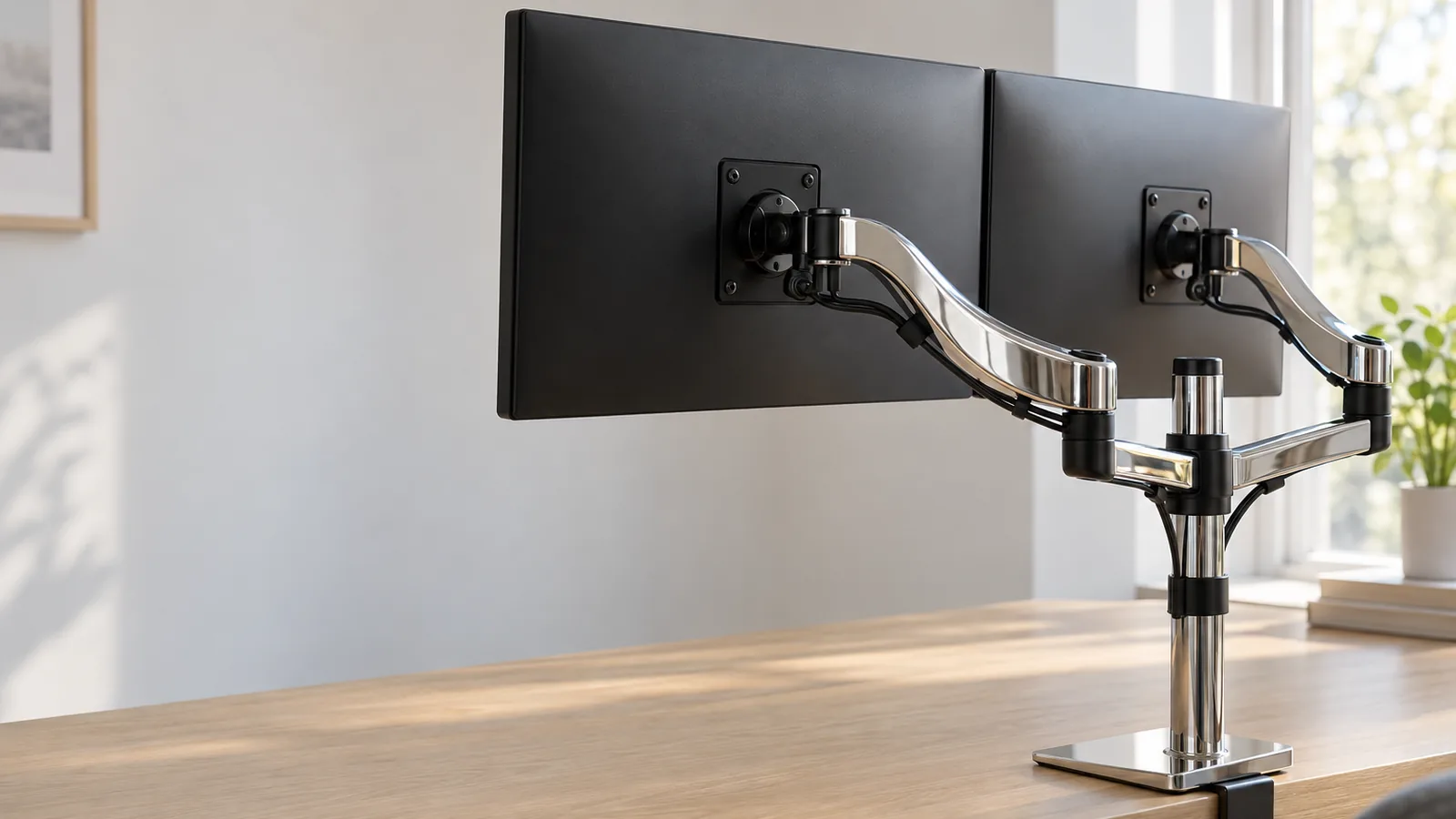
Three checks decide whether a dual monitor stand will work for you: each monitor's weight against the arm's range, the mounting holes on the back of the monitor, and the thickness of your desk edge. The table below puts those limits side by side. The picks:
- Ergotron LX Dual Side-by-Side Arm for two monitors up to 27 inches, with a 10-year warranty.
- BenQ Dual Ergo Arm BDH01 for heavier or larger monitors, up to 35 inches and 44 pounds each.
- ClearSpace UNI-2 for hidden cables, sliding monitor plates and USB ports in the base.
- HUANUO HNDS6 for a tight budget, if your desk is wood and your monitors are light.
This guide is AI-generated from the makers' specifications and from hands-on reviews by PCWorld, WIRED and Wirecutter. GearExplained did not test these arms. The product cards at the end link to Amazon, and GearExplained may earn a commission. That does not decide which arms appear here.
Weigh, look and measure before you buy
Weigh each monitor without its stand. An arm holds a range, not just a maximum. Ergotron's LX Dual needs at least 7 pounds on each arm, while the other three start at 4.4 pounds or lower. PCWorld points out that the weight on a monitor's spec sheet can exclude its stand, so use the figure for the panel alone.
Look at the back of the monitor. All four arms take 75 x 75 or 100 x 100 mm VESA hole patterns. PCWorld says it is rare for a monitor to lack a VESA mount, but worth checking.
Measure the desk edge. Each clamp has a thickness range, and HUANUO also rules out plastic and glass desks. If the edge is too thick, PCWorld suggests a grommet mount through a hole in the desk instead.
| Stand | Screen size | Weight per monitor | Desk thickness | Mechanism | Warranty |
|---|---|---|---|---|---|
| Ergotron LX Dual | Up to 27 inches | 7 to 20 lb | Clamp up to 2.6 in, grommet included | Constant Force | 10 years |
| BenQ BDH01 | 17 to 35 inches | 4.4 to 44 lb | 17 to 50 mm, 12 to 45 mm with plates | Gas spring | 3 years, per WIRED |
| ClearSpace UNI-2 | 17 to 35 inches | 4.4 to 24.2 lb flat, 3.3 to 18.2 lb curved | Not stated | Lever height adjustment | 10 years |
| HUANUO HNDS6 | 13 to 32 inches | 4.4 to 19.8 lb | 0.59 to 3.54 in, wood only | Gas spring | Up to 5 years |
1. Ergotron LX Dual Side-by-Side Arm: the proven pick for 24- to 27-inch screens
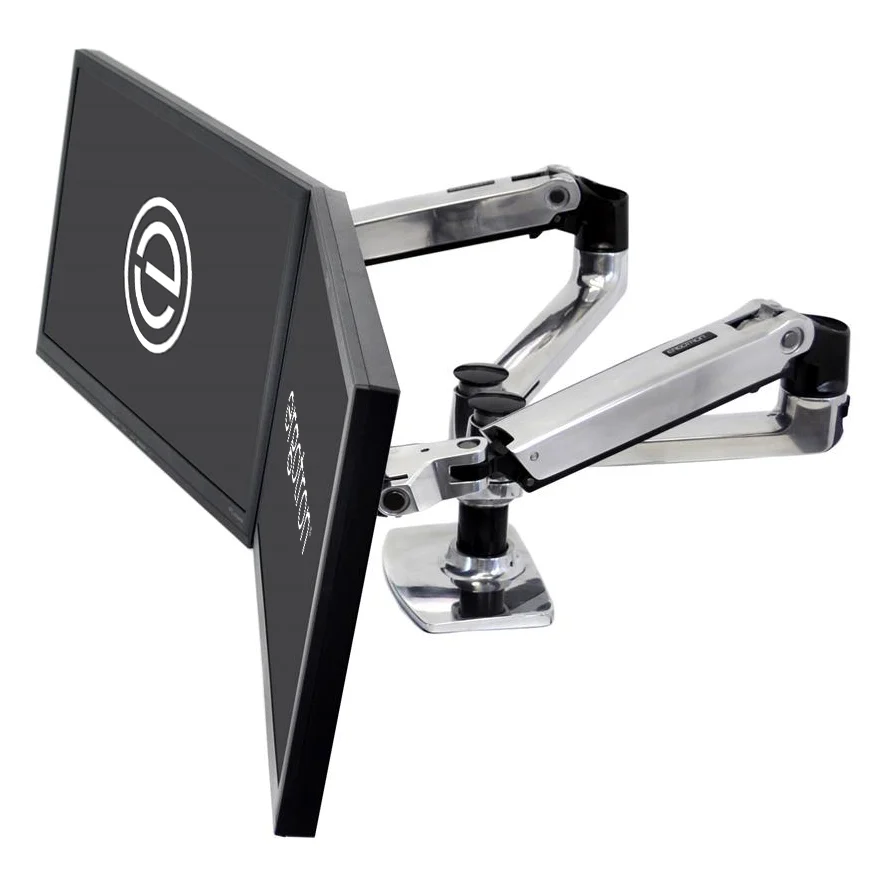
PCWorld names the LX Dual its best dual-monitor arm. It puts two LX arms on one pole, and PCWorld says each arm keeps the look, feel and smooth movement of Ergotron's single LX, with the same 10-year warranty.
Ergotron's product sheet rates each arm for 7 to 20 pounds and screens of about 27 inches. Its dimension drawing shows a clamp for desk edges up to 2.6 inches thick and warns that monitors deeper than 2.5 inches may reduce capacity. Part 45-245-026, the polished aluminum version, includes a grommet mount. Ergotron's sheet lists only the clamp for the white and matte black versions.
The limit is size. PCWorld says the arms are not long enough for two 32- or 34-inch monitors side by side.
2. BenQ Dual Ergo Arm BDH01: for larger, heavier monitors
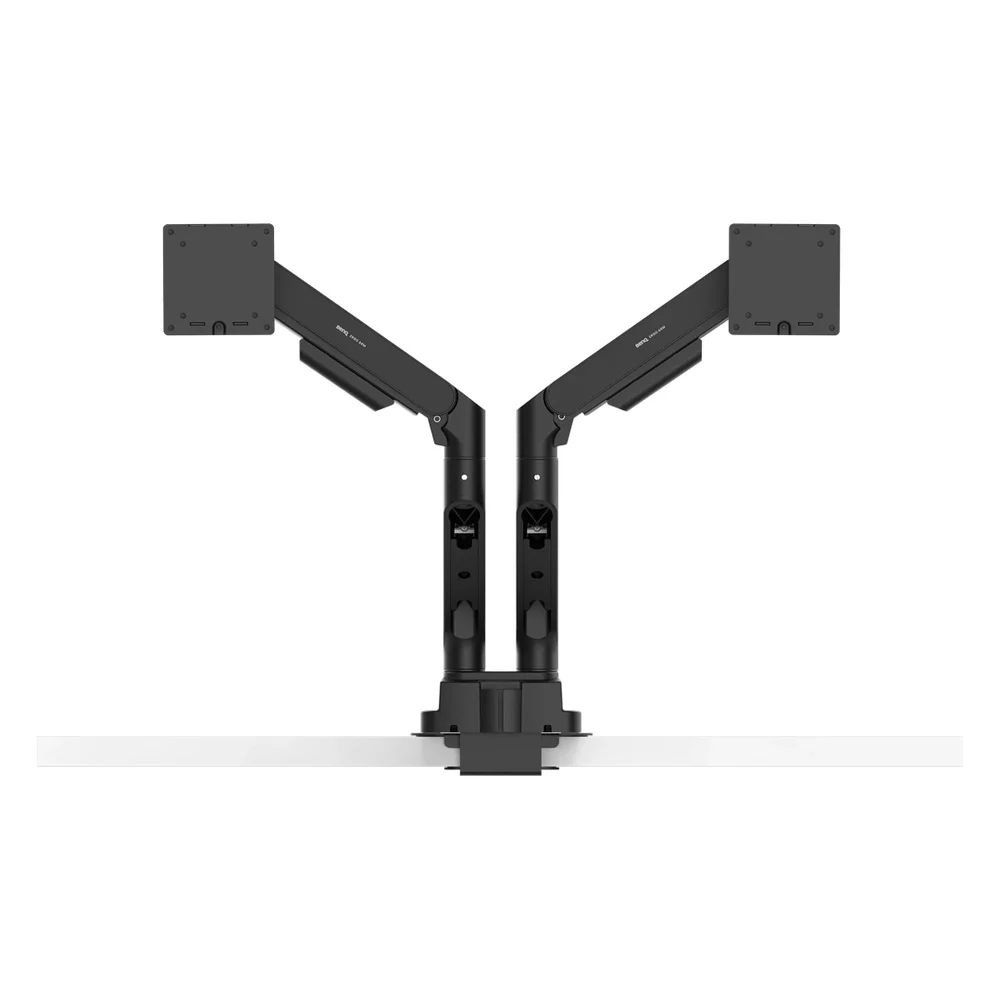
BenQ's BDH01 specs list 17- to 35-inch screens and 2 to 20 kg, or 4.4 to 44 pounds, on each arm. That is the widest weight range here. BenQ says larger monitors may limit the adjustment range, so leave room for two big screens to swing without touching.
WIRED rates the Ergo Arm its best overall monitor arm and prefers the dual version to other dual arms it has tried. There is no pole: both arms fit into the clamp itself, which makes a symmetrical two-screen layout easier. BenQ includes reinforcement plates that spread the load across the desk surface, and with them the clamp fits desks 12 to 45 mm thick.
WIRED's complaint is the three-year warranty, which it calls short for the price.
3. ClearSpace UNI-2: hidden cables and USB ports in the base
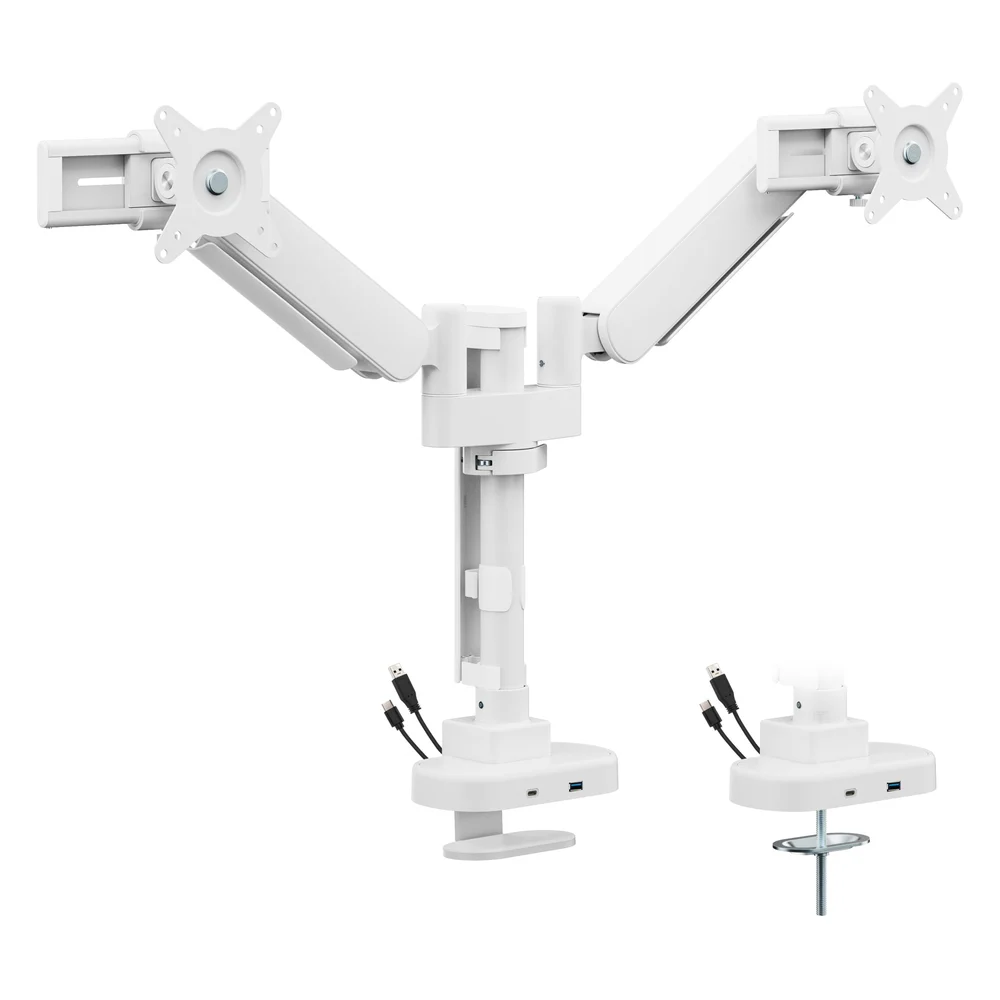
PCWorld's best premium dual arm is the UNI-2. Each monitor rides on a slider that moves left or right, and PCWorld found it easier to adjust than Humanscale's M8.1. The base hub has one USB-A and one USB-C port. PCWorld did not recommend the optional SmartDock.
ClearSpace's product page lists 17- to 35-inch monitors, a top-down clamp or grommet mount, fully concealed cables and a 10-year warranty. Its weight figures disagree: the spec table says 4.4 to 24.2 pounds for flat monitors and 3.3 to 18.2 pounds for curved ones, while the feature list says 22 pounds per arm. If your monitors are near the top of that range, ask ClearSpace before buying. We also did not find a desk thickness range on the page.
4. HUANUO HNDS6: the budget gas-spring arm
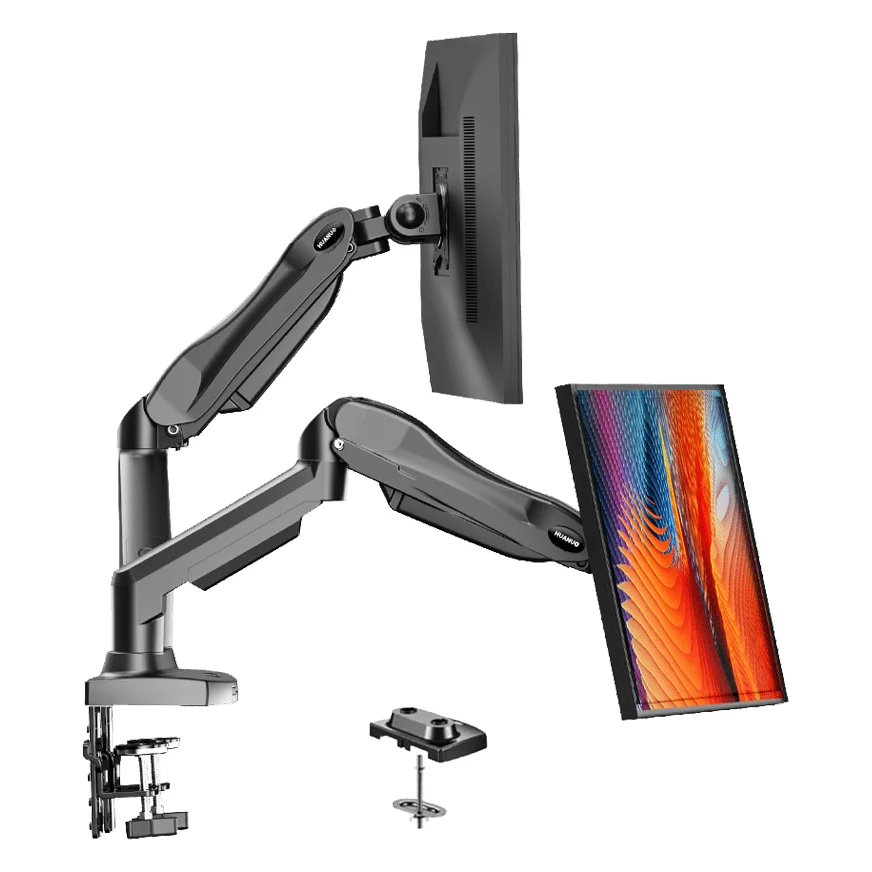
HUANUO's current page for the 13- to 32-inch HNDS6 lists 4.4 to 19.8 pounds per arm. PCWorld reported a lower rating, 4.4 to 14.3 pounds, on the HNDS6 it tested. HUANUO's Amazon listing also sells 13-27 and 13-30 inch sizes, so check the size version and its weight range before you buy.
The desk rules are strict. HUANUO's listing asks for a wooden desk 0.59 to 3.54 inches thick with no cross beam under the clamp, and rules out plastic and glass.
PCWorld found the metal construction rigid and the lift ample. Setup was the weak spot: two separate clamps, about a dozen screws and cable routing that is hard to tighten once full.
Two single arms or a cheaper stand instead?
Wirecutter does not recommend dual arms at all. It suggests two single-monitor arms, which cost more and take two bases but let you position each screen more precisely. That matters most when your monitors differ in size or VESA pattern. Wirecutter also notes that on a desk pushed against a wall, side-by-side monitors have to come forward about 12 inches.
Be wary of the cheapest pole stands. PCWorld called the Vivo STAND-V002 the worst arm it has tested: its monitors adjust height only together, each change needs a tool, and an arm Vivo rates for 22 pounds deflected slightly under a 10-pound monitor.
Which dual monitor stand to buy
For two 24- or 27-inch monitors that each weigh at least 7 pounds, the Ergotron LX Dual is PCWorld's top dual pick. For 32-inch or heavier screens, the BenQ BDH01 covers the widest range. Choose the ClearSpace UNI-2 if hidden cables and USB ports in the base are worth the price, and the HUANUO HNDS6 if budget matters most and your desk is solid wood within its thickness range.
Sources
- PCWorld, Best monitor arms 2026
- WIRED, The Best Monitor Arms
- Wirecutter, The Best Monitor Arms
- Ergotron, LX Dual Side-by-Side Arm, product sheet and dimension drawing
- BenQ, Dual Ergo Arm BDH01 specifications and Ergo Arm overview
- ClearSpace Design, UNI-2
- HUANUO, DS6 Essential Dual Monitor Arm and its Amazon listing description
All sources were checked on October 12, 2026.