Docking stationsBuying guide
The best docking stations for laptops, matched to the screens you want
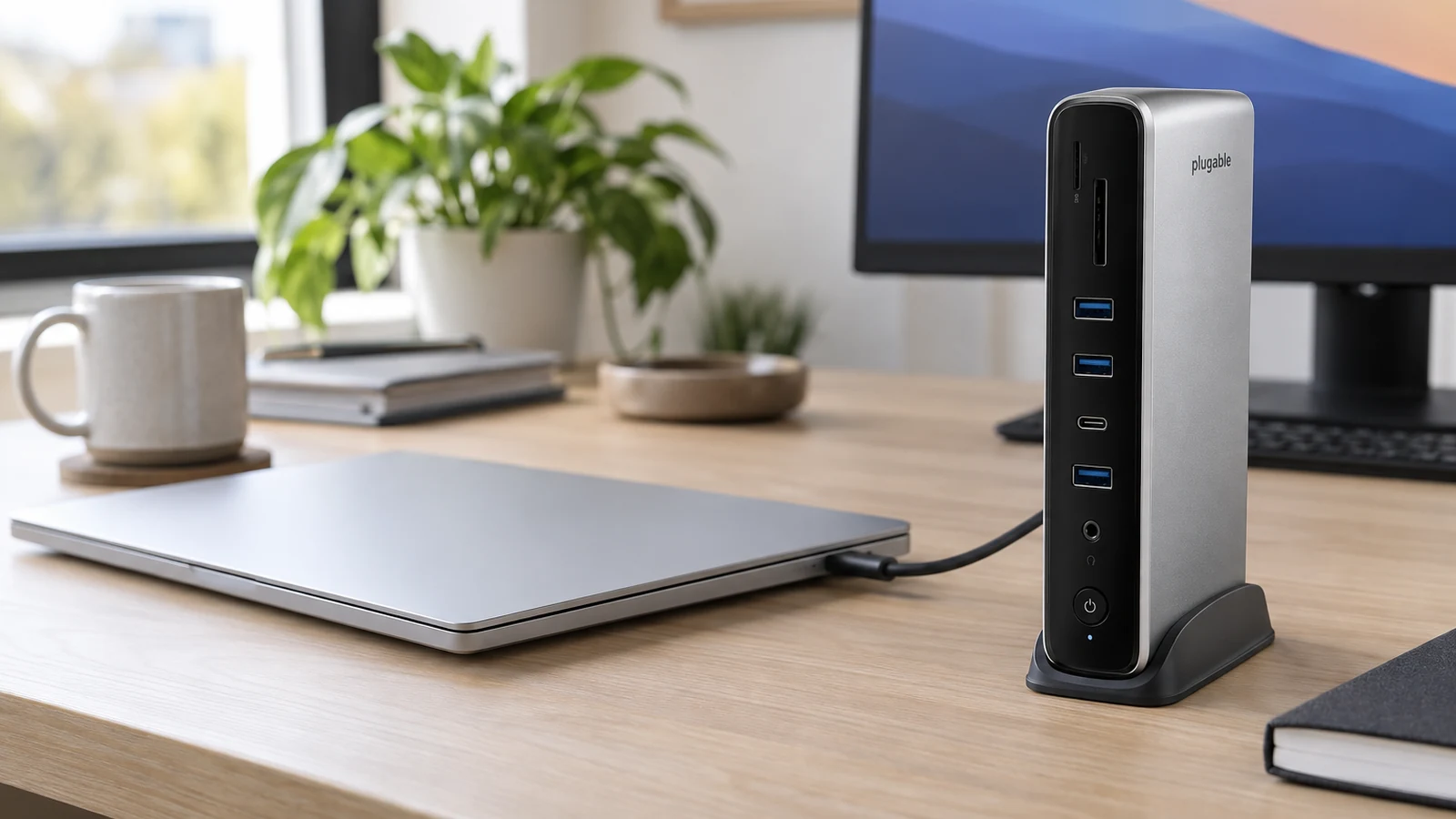
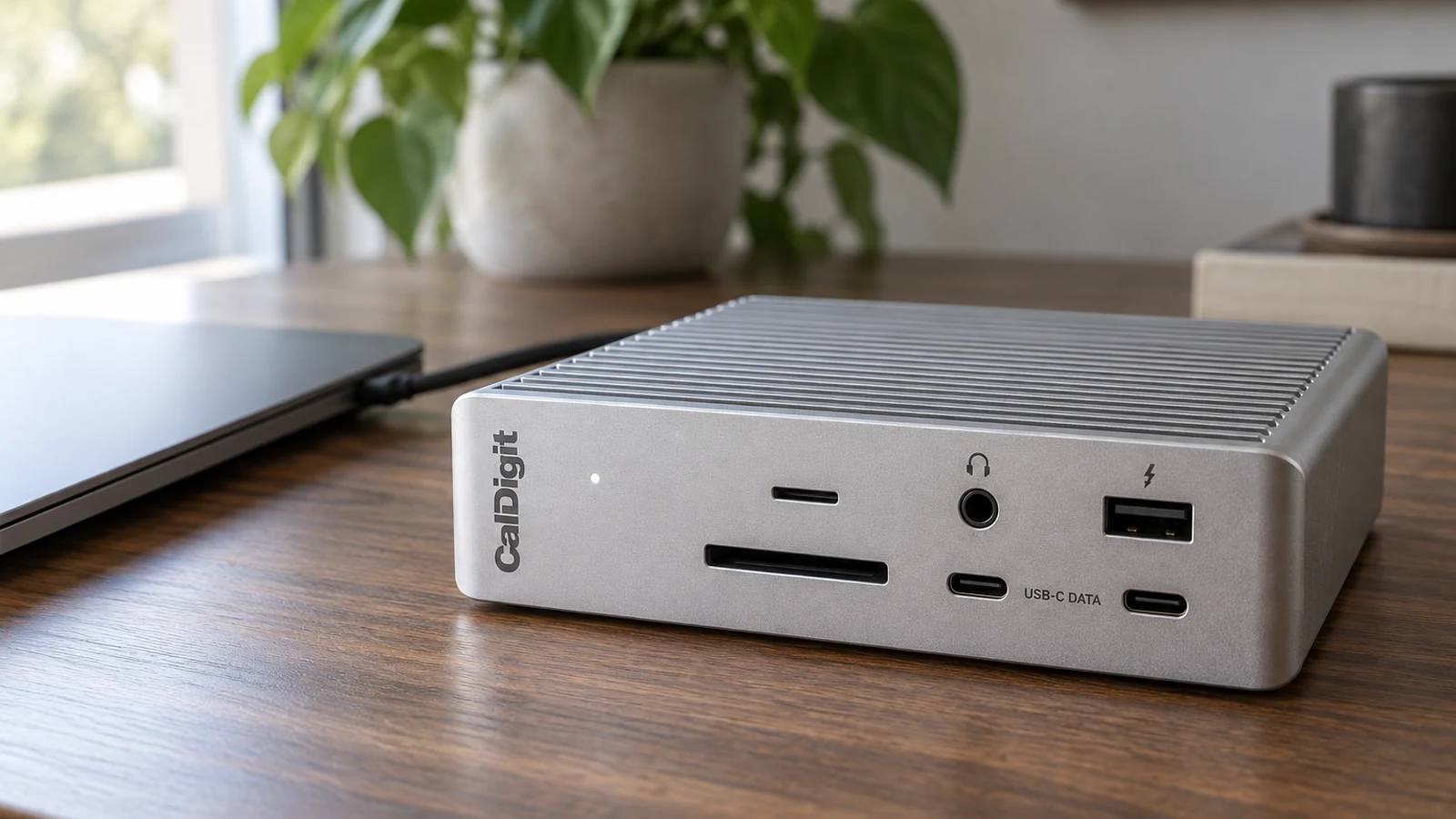
Four laptop docks for Mac and Windows, chosen by the thing that decides most setups, how many external screens your laptop can drive.
Cables, docks, displays, and the small details that make a desk work.
Four laptop docks for Mac and Windows, chosen by the thing that decides most setups, how many external screens your laptop can drive.
Base M1 and M2 MacBooks drive one external screen, M3 can drive two with the lid closed, and newer Macs do more. Pick a dock that matches your Mac.
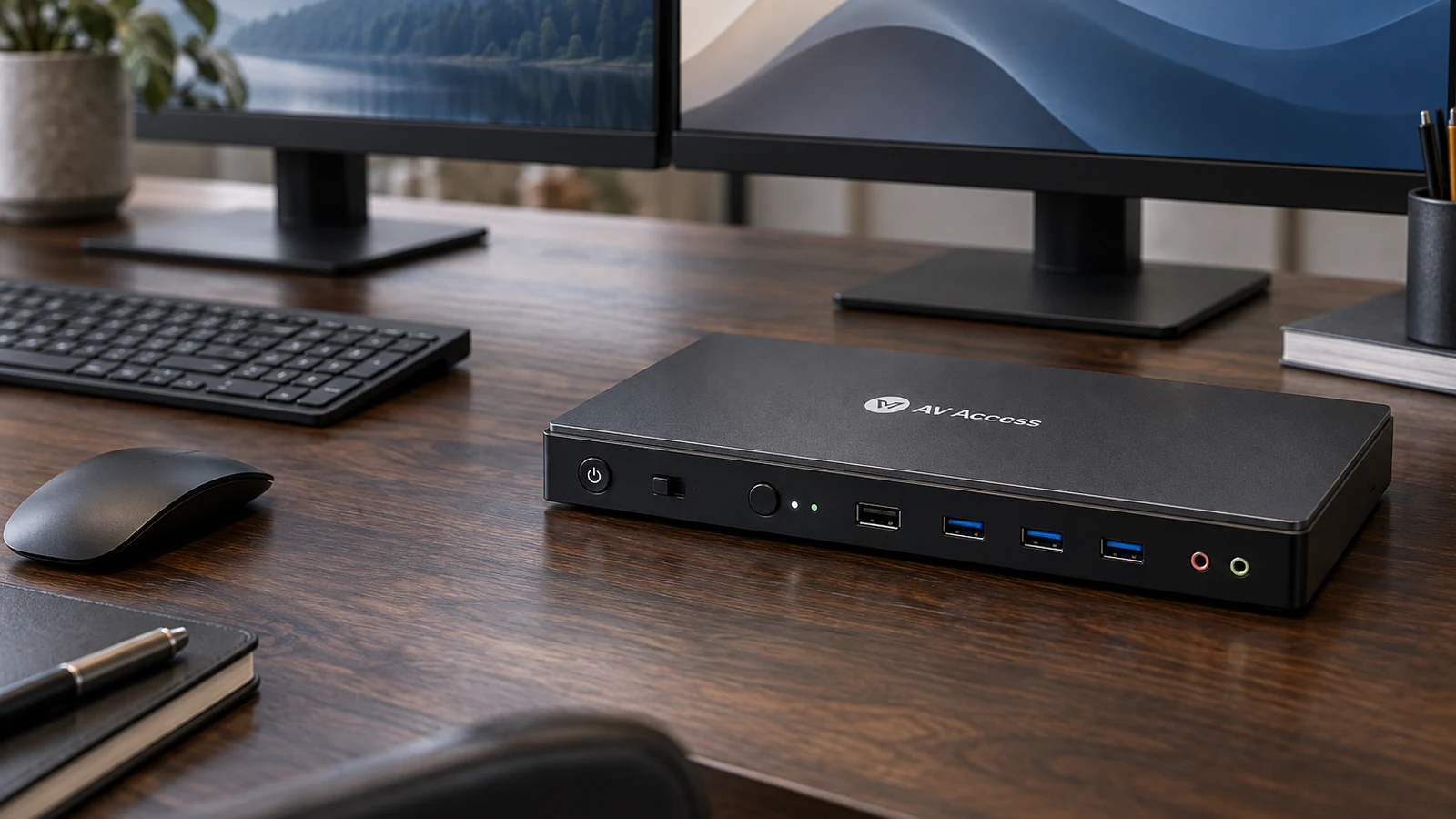
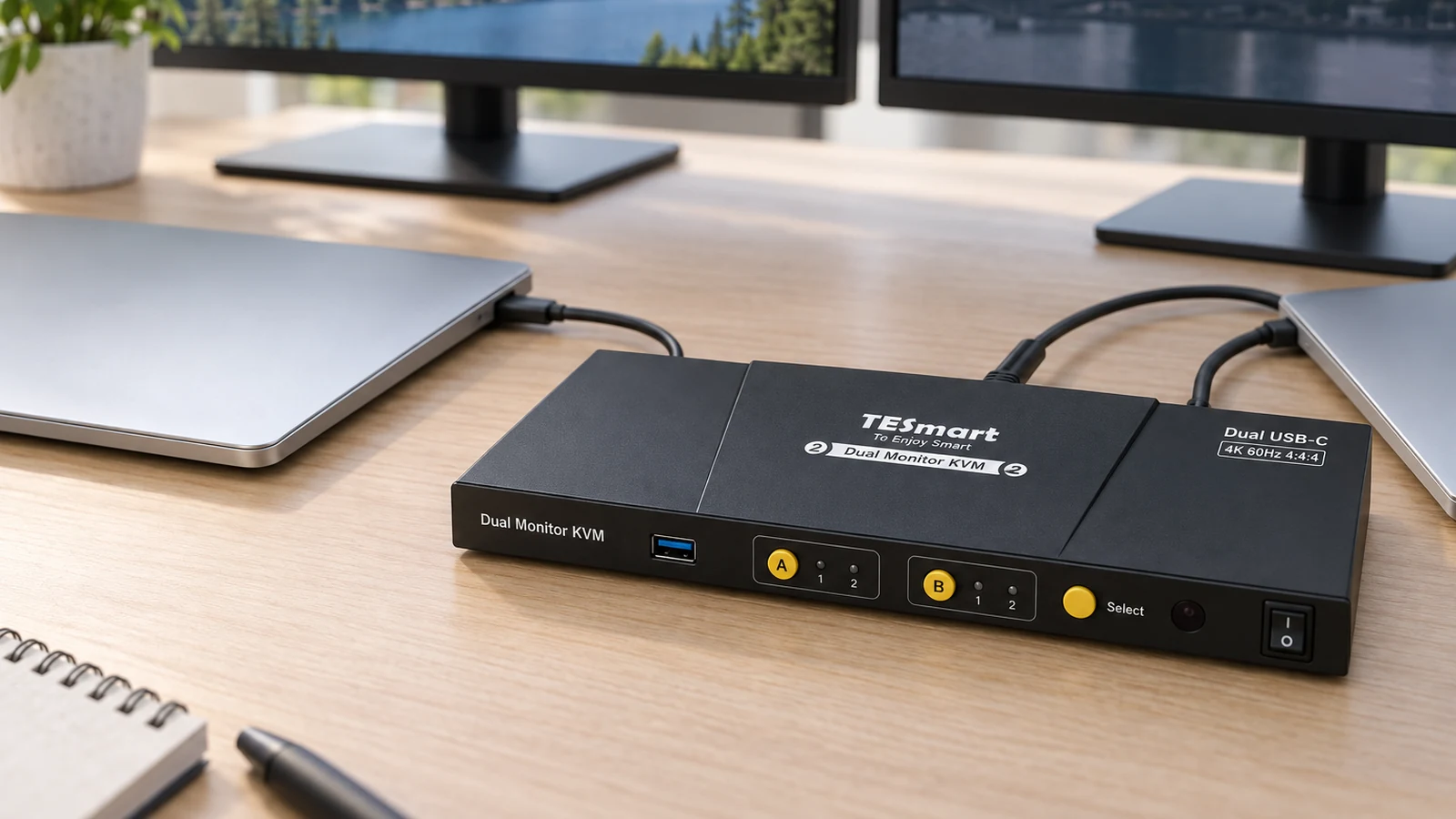
Four dual-monitor KVM switches for HDMI, DisplayPort and USB-C, and the cabling each one needs from both computers.
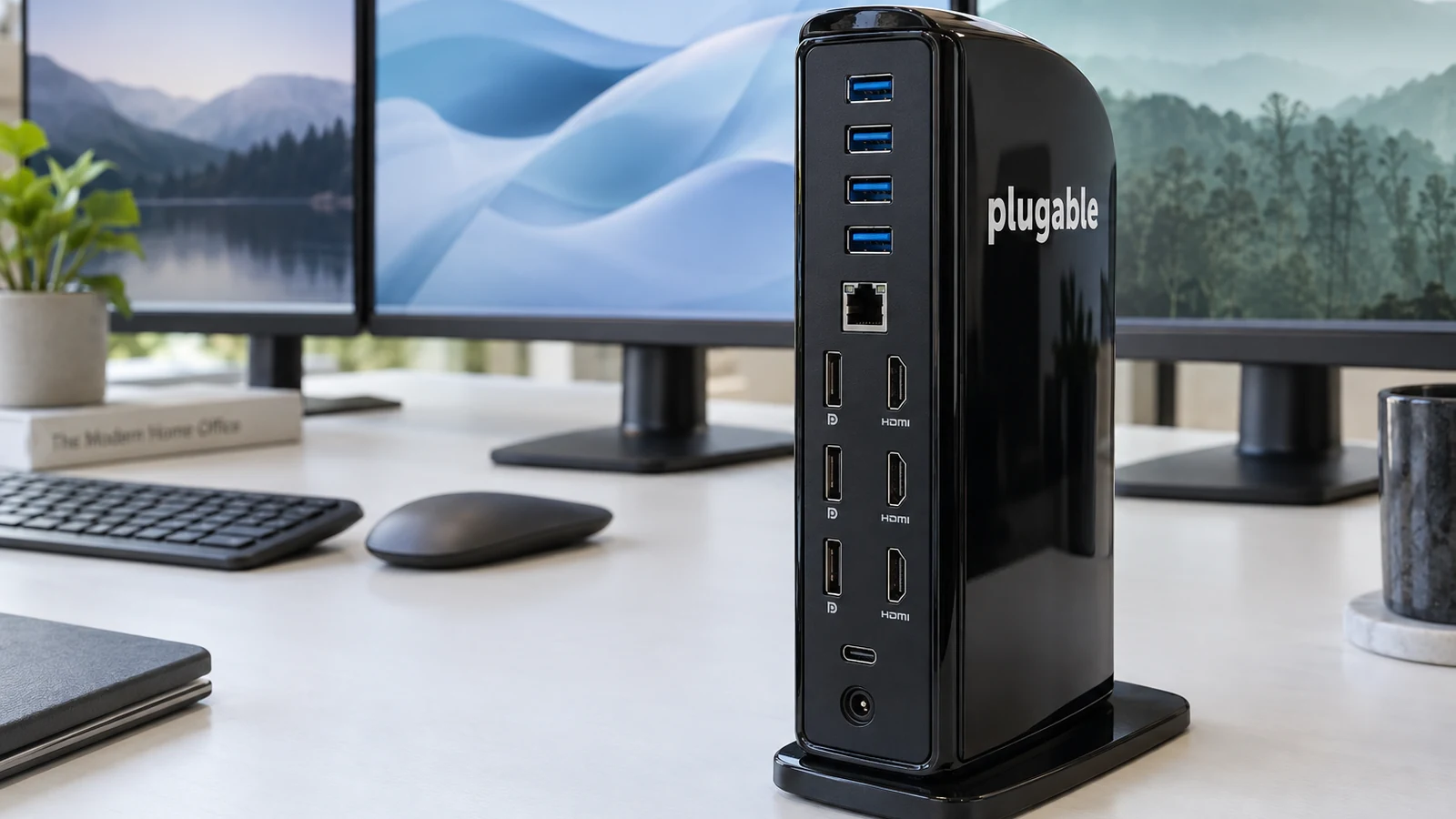
How Thunderbolt, MST and DisplayLink docks reach three or four screens, and four docks that do it on Windows and Mac.
6 stories
Guides for the way you use your gearFour laptop docks for Mac and Windows, chosen by the thing that decides most setups, how many external screens your laptop can drive.
Base M1 and M2 MacBooks drive one external screen, M3 can drive two with the lid closed, and newer Macs do more. Pick a dock that matches your Mac.
Four dual-monitor KVM switches for HDMI, DisplayPort and USB-C, and the cabling each one needs from both computers.
How Thunderbolt, MST and DisplayLink docks reach three or four screens, and four docks that do it on Windows and Mac.
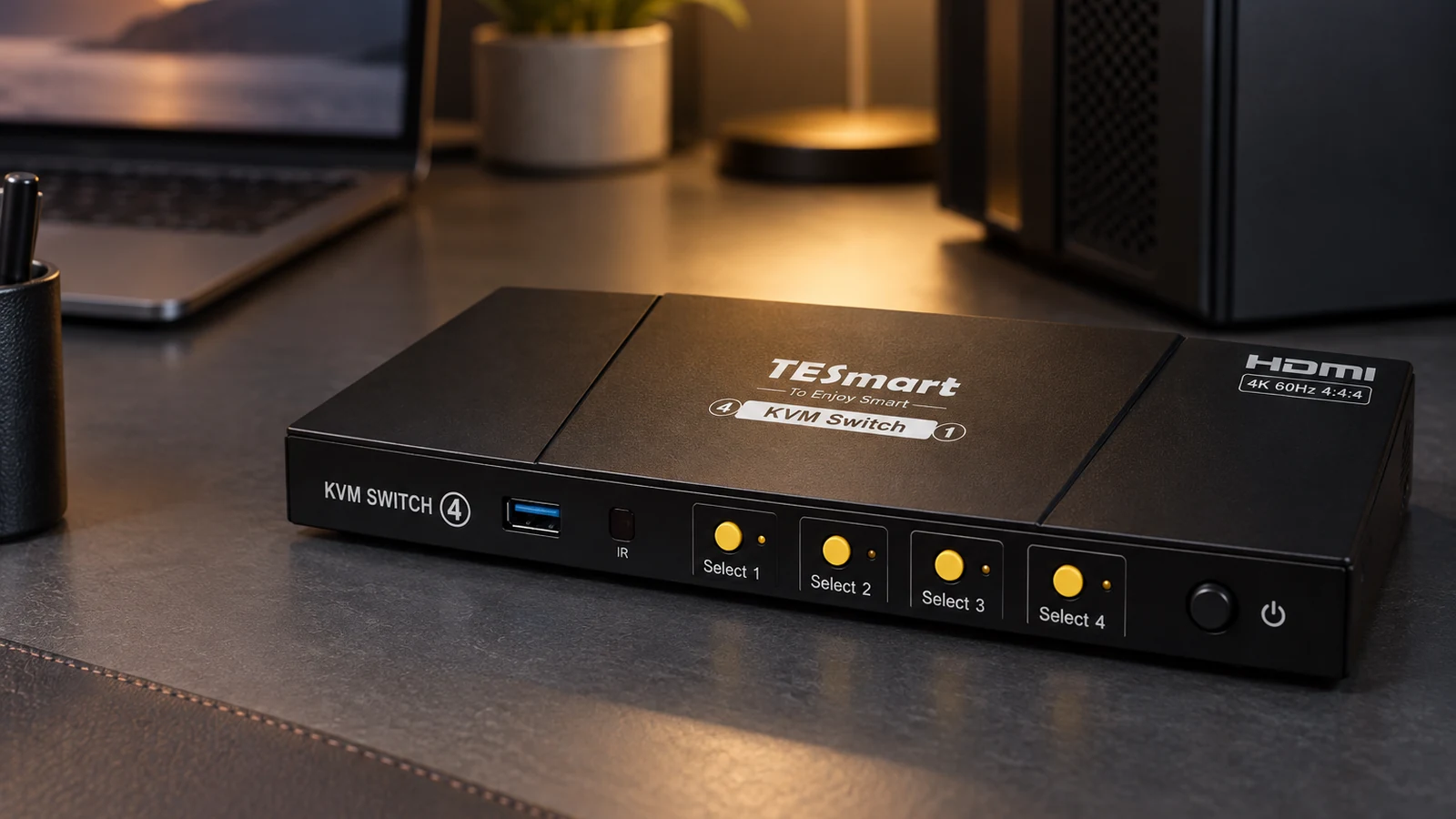
Five KVM switches for two to four computers, chosen by how many monitors you use and how each computer connects.
A KVM switch lets two or more computers share one keyboard, mouse and set of monitors. Here is what it does, what it does not, and what to check.
Try a broader search or reset the filters.
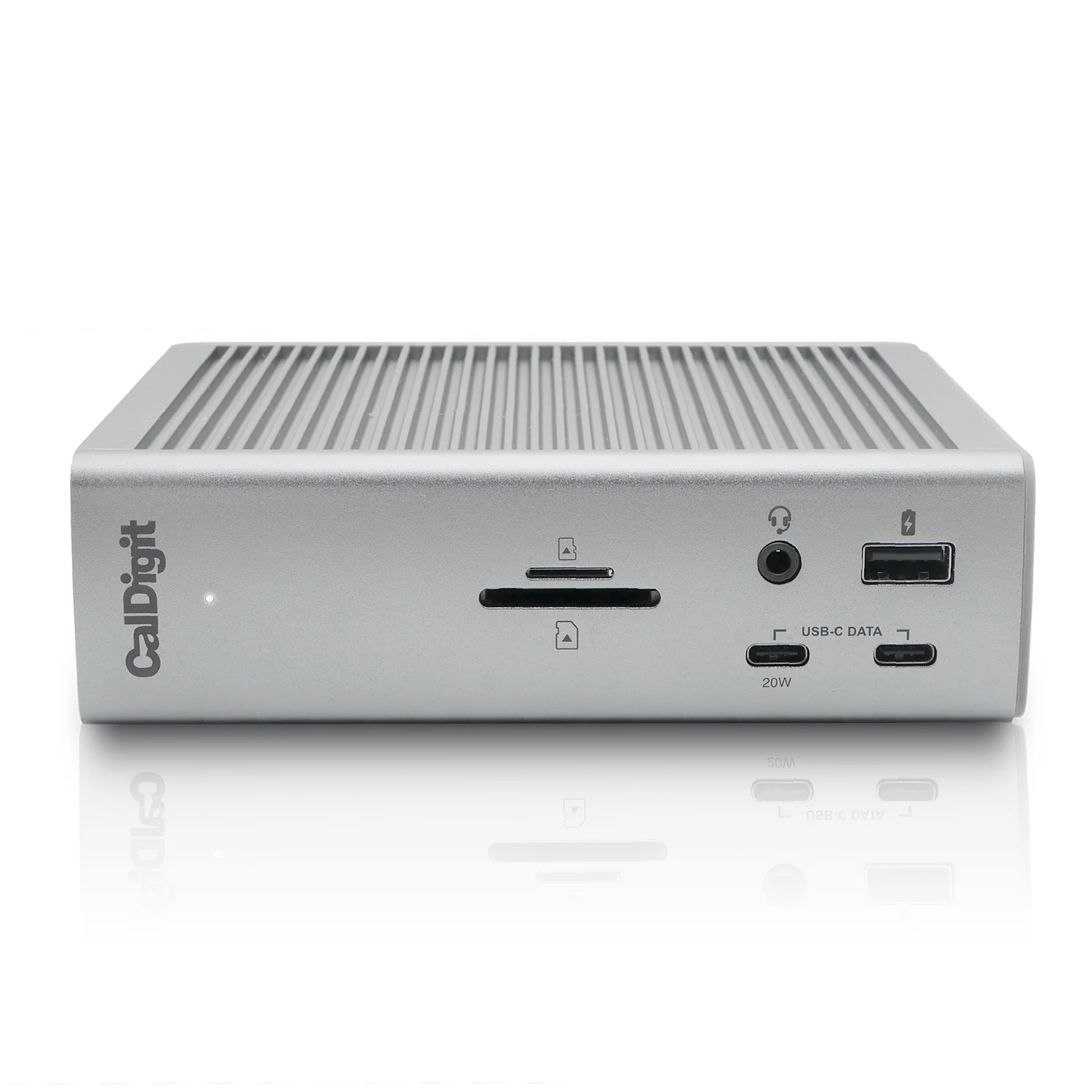
TS4 with 0.8m Thunderbolt 4 cable and 230W power supply
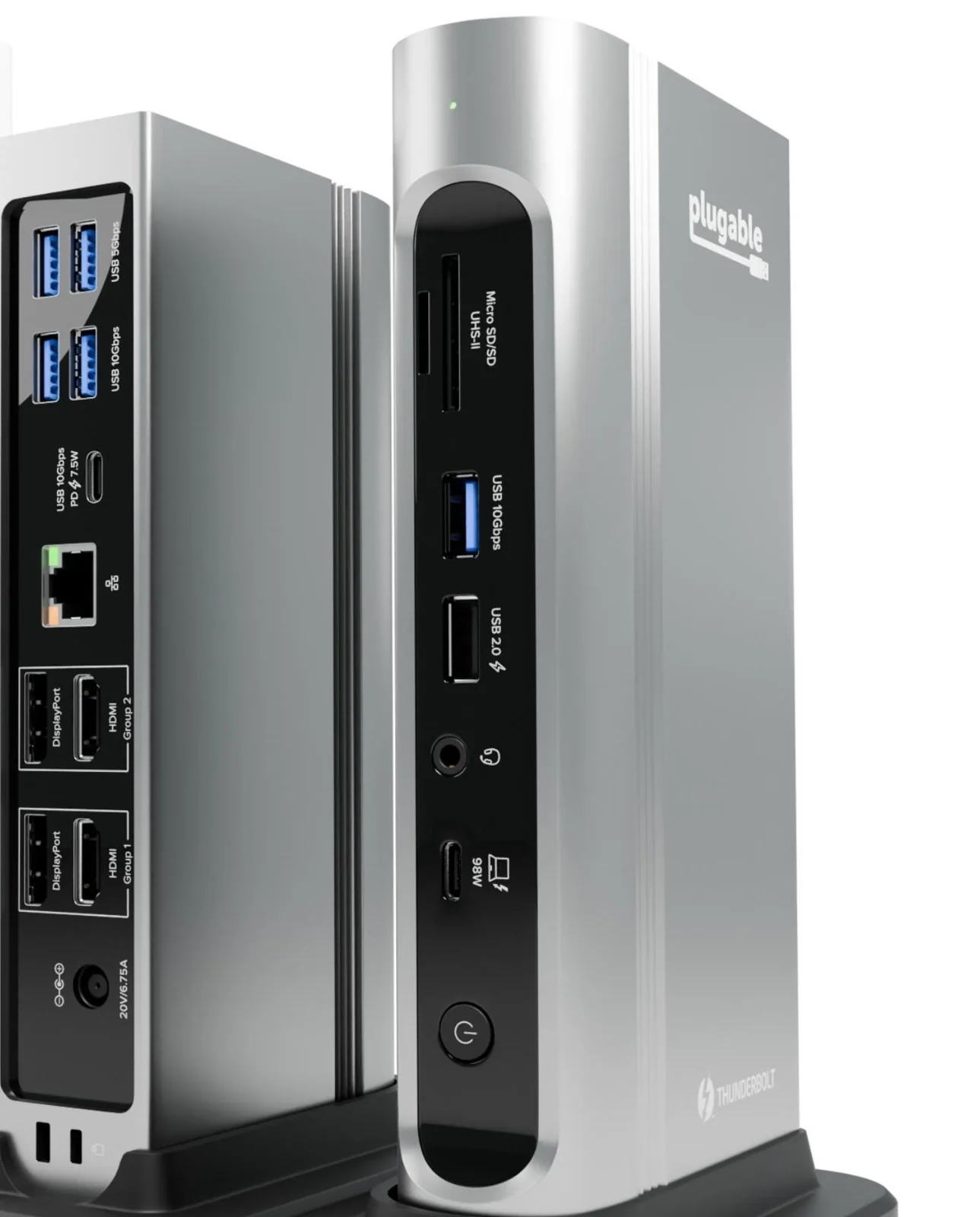
Search Amazon We may earn a commission.TBT4-UDZ with 1m Thunderbolt 4 cable
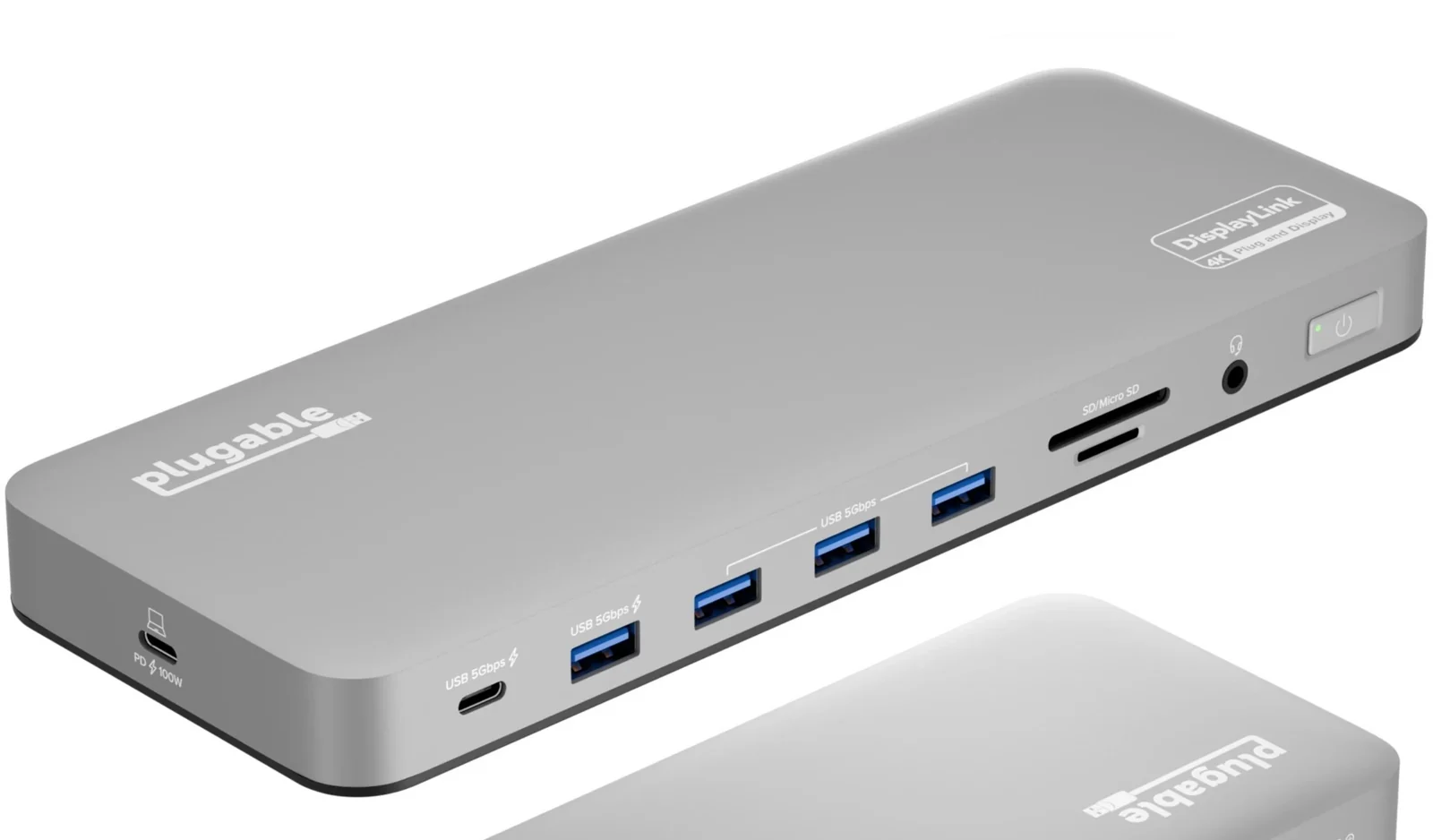
Search Amazon We may earn a commission.UD-6950PDH 14-in-1 USB-C dock
Search Amazon We may earn a commission.