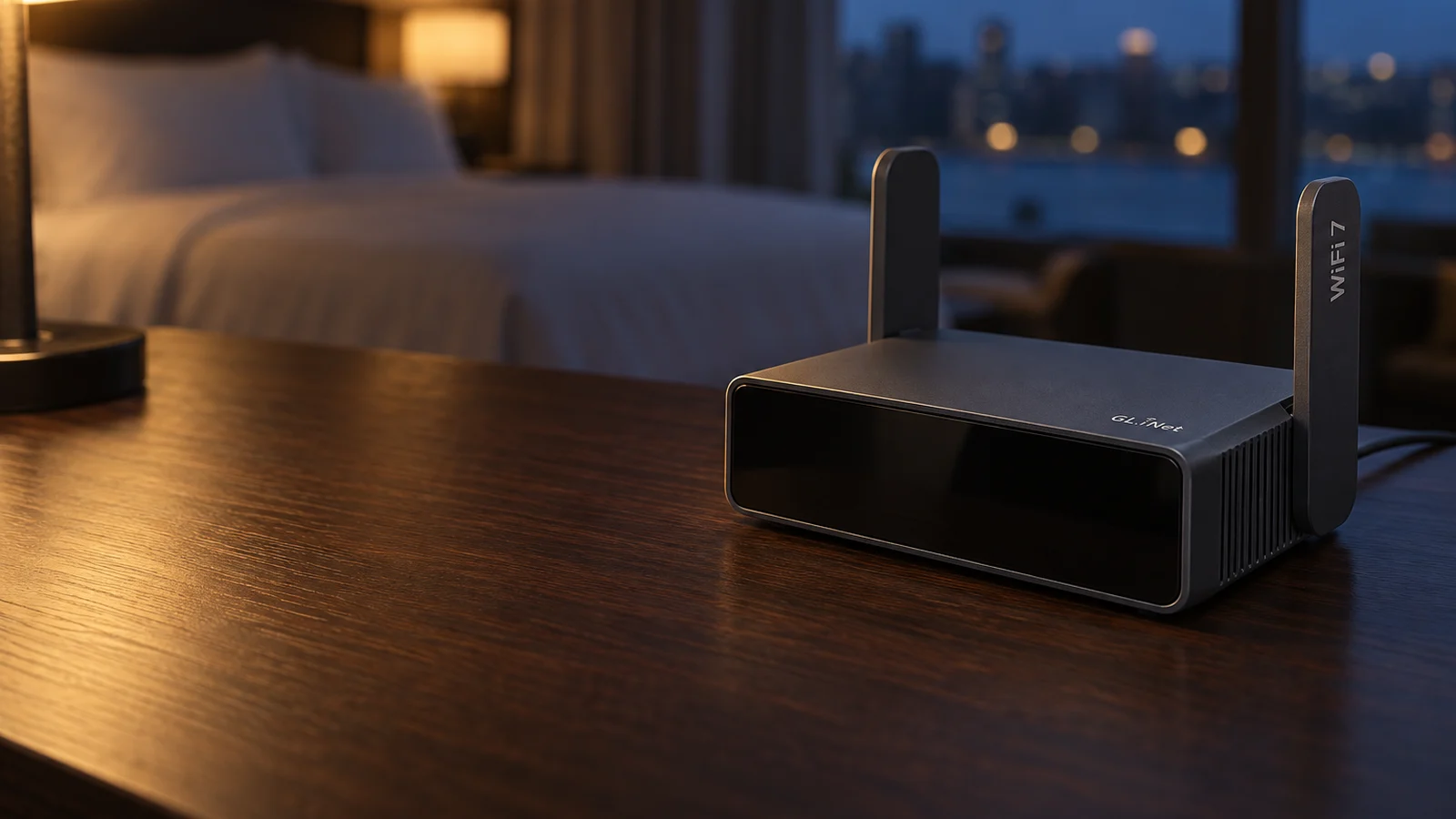
For most travelers, buy the GL.iNet Slate 7 or, to spend less, the GL.iNet Beryl AX. RTINGS, which buys and lab-tests its routers, named the Slate 7 the best travel router it has tested and called the Beryl AX a better all-around option than the ASUS RT-BE58 Go for less money. Both run software you can configure deeply, both handle hotel sign-in pages, and both run on USB-C power.
- GL.iNet Slate 7 for RTINGS' top pick, with two 2.5Gbps ports and Wi-Fi 7.
- GL.iNet Beryl AX for most of the Slate 7's range on Wi-Fi 6.
- ASUS RT-BE58 Go if you already use ASUS routers or want ASUS's simpler software.
- UniFi Travel Router if you run UniFi at home and want the smallest, lightest router.
- TP-Link TL-WR1502X for a basic router with a one-step hotel sign-in in TP-Link's app.
This guide is AI-generated from manufacturer documentation and the RTINGS and Dong Knows Tech reviews credited below. GearExplained did not test these routers. The product cards at the end link to Amazon, and GearExplained may earn a commission. That does not decide which routers appear here.
What a travel router does in a hotel
A travel router joins the hotel's Wi-Fi or plugs into its Ethernet jack, then broadcasts your own private network. Your phone, laptop and streaming stick connect to that network instead of the hotel's.
The hotel sign-in page is the part that trips people up. With a travel router, you sign in once, and every device behind the router shares that connection. GL.iNet's captive portal guide describes this and suggests it for hotel networks that limit access to, for example, two devices. When the page does not appear, GL.iNet suggests its Public Hotspot Login Mode, changing router settings or MAC cloning. ASUS calls its version Public WiFi mode and says it bypasses the captive portal. TP-Link puts the sign-in inside the Tether app's setup.
Power is the second thing to check. All five routers take USB-C, but not every USB-C source works. The UniFi draws no more than 5W, so a phone charger runs it. To run from a power bank, the ASUS needs a 9V or 12V USB-C PD bank, and the TP-Link a 9V or 12V PD or QC bank.
1. GL.iNet Slate 7 (GL-BE3600): the best RTINGS has tested
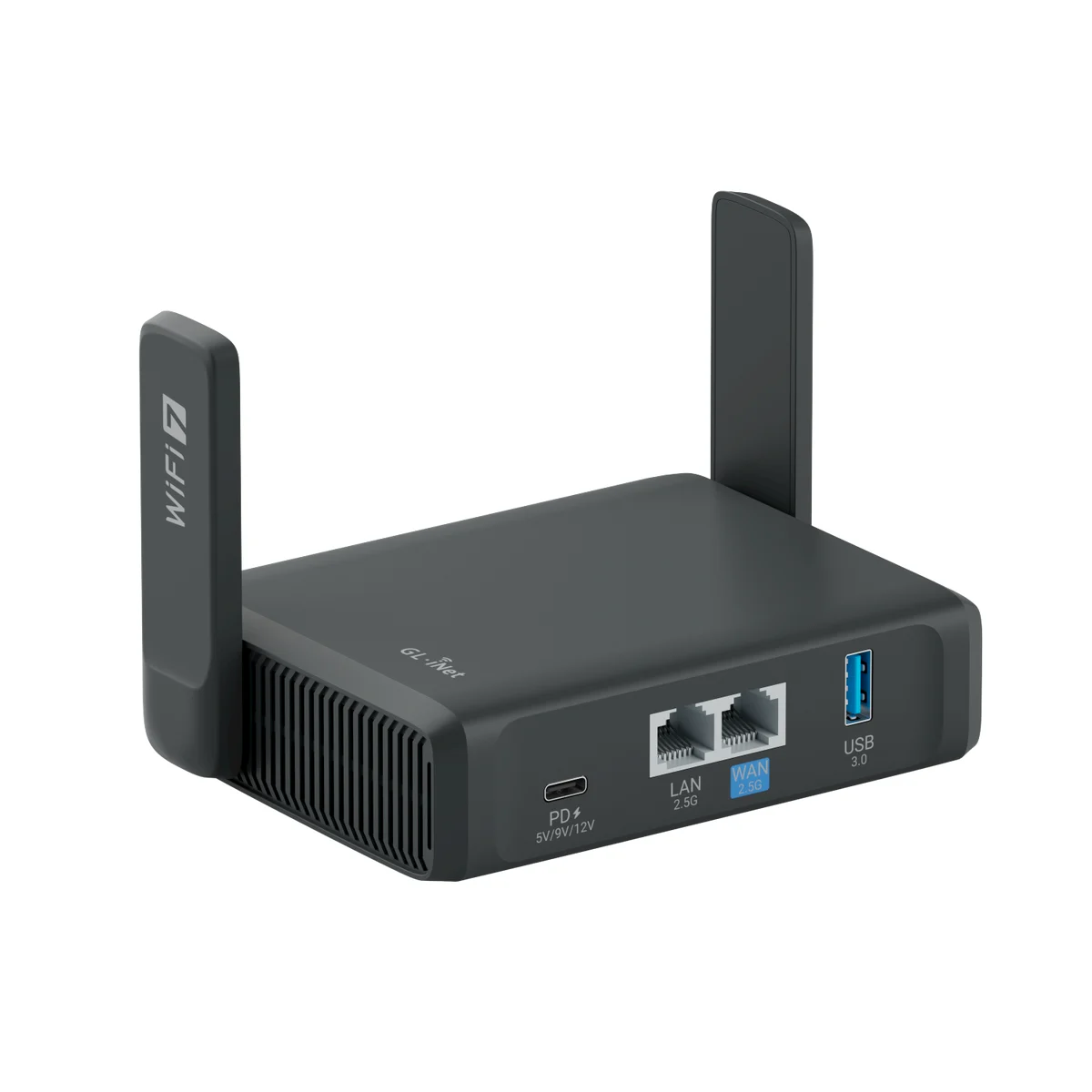
The Slate 7 is a dual-band Wi-Fi 7 router with one 2.5Gbps WAN port, one 2.5Gbps LAN port and a USB 3.0 port for phone tethering or storage. A touchscreen on the front shows connection status and switches VPNs on and off. GL.iNet lists WireGuard speeds up to 490Mbps in its own tests.
RTINGS says it has strong enough range for a hotel room or vacation rental, runs from a standard USB-C PD battery bank, and ships with a compact 30W adapter and EU, UK and AU plug converters. Its full review rated the OpenWrt-based software highly configurable.
It has no 6GHz band, so Wi-Fi 7 laptops and phones cannot reach the standard's top speeds.
2. GL.iNet Beryl AX (GL-MT3000): nearly the same range on Wi-Fi 6
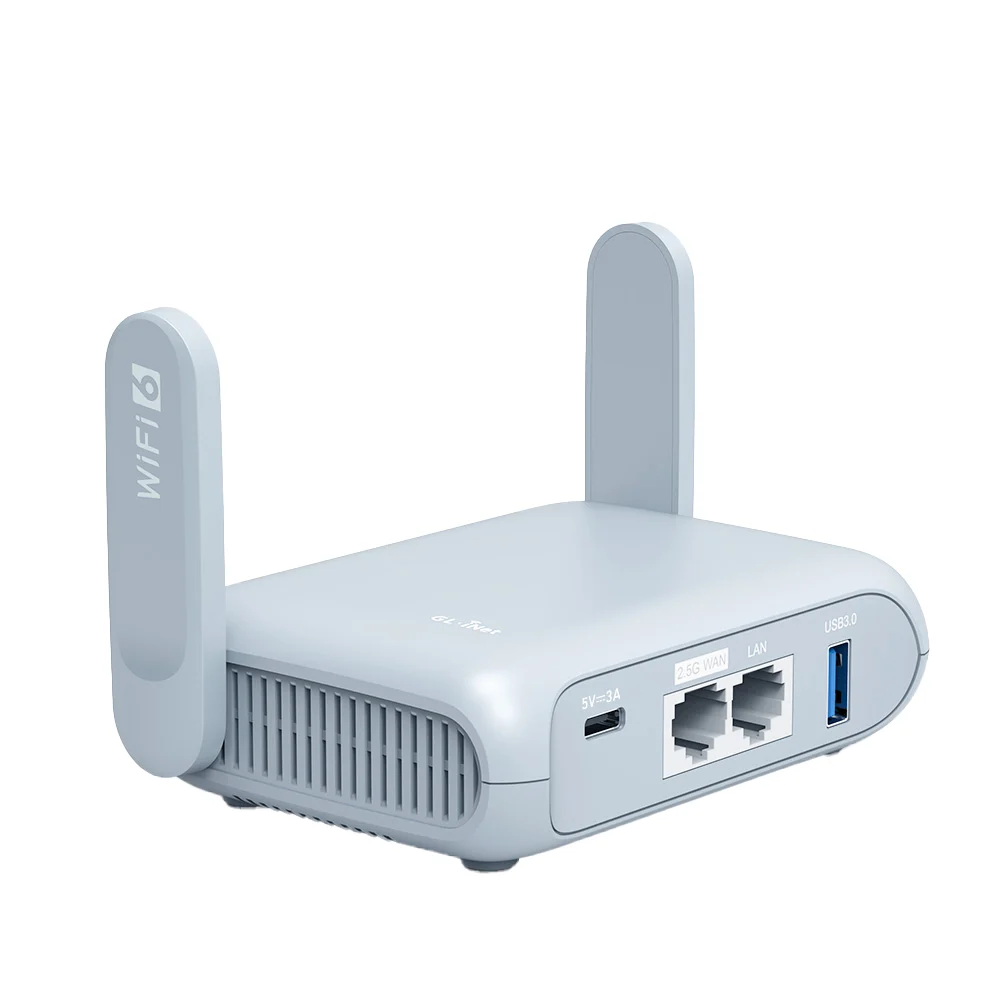
The Beryl AX uses Wi-Fi 6 with a 2.5Gbps WAN port, a 1Gbps LAN port and USB 3.0. It runs on 5V 3A USB-C power and draws under 8W, according to GL.iNet. GL.iNet lists WireGuard up to 300Mbps in its own tests.
RTINGS found its range a rival to the Slate 7's and says the main things you give up are the Slate's higher speed ceiling and Wi-Fi 7 extras such as MLO. It runs the same OpenWrt-based software, and RTINGS lists EU and UK plug adapters in the box.
Pick it over the Slate 7 if you do not need the second 2.5Gbps port, the touchscreen or Wi-Fi 7.
3. ASUS RT-BE58 Go: ASUS software and AiMesh, short range
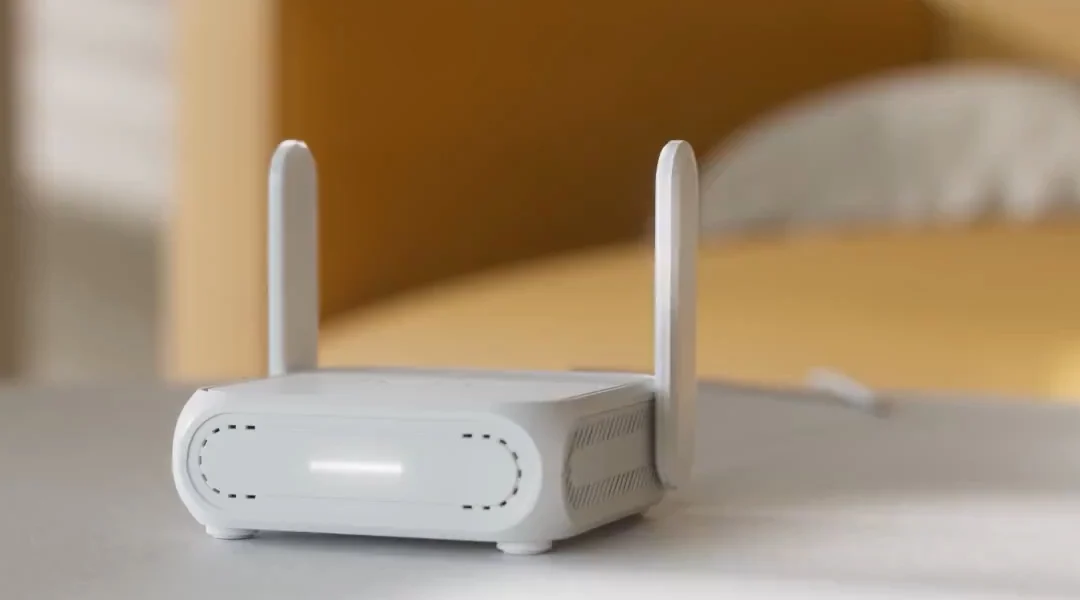
The RT-BE58 Go is a dual-band Wi-Fi 7 router with a 2.5Gbps WAN port, a 1Gbps LAN port and a USB-A port for phone tethering. It runs ASUSWRT, supports WireGuard and OpenVPN, and can join an ASUS AiMesh network at home.
RTINGS' review found great speeds at close range but disappointing range, best suited to a hotel room or a cafe table. Its USB-C port is power-only and runs from a 9V or 12V PD power bank. RTINGS' roundup says a 24W adapter with interchangeable plugs comes in the box.
RTINGS says it makes the most sense if you already own a compatible ASUS router or want the simpler interface. Otherwise the Beryl AX is the better all-around buy.
4. UniFi Travel Router: the smallest, for UniFi homes
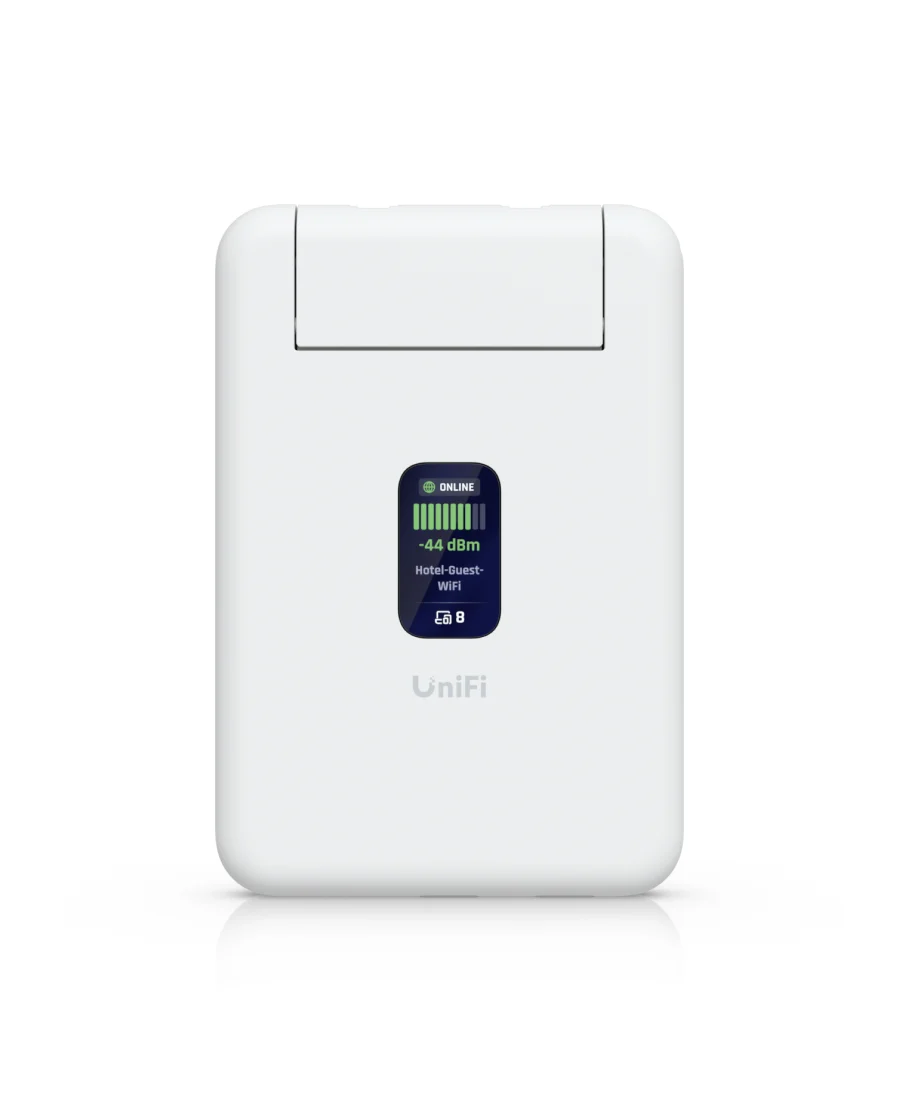
The UniFi Travel Router weighs 89 grams and draws no more than 5W over USB-C. It has two Gigabit Ethernet ports, Wi-Fi 5 and a small status screen, and it can share a phone's connection over USB. No power adapter comes in the box, according to RTINGS.
RTINGS measured a peak of 286Mbps and found the connection unstable past 50 feet. It works without a UniFi account. RTINGS says it makes the most sense if you already run UniFi at home, where its Teleport feature gives one-click access to your home network.
Ubiquiti says the router resolves hotel sign-in pages in the background. One owner reported on Reddit that on a family trip they had to sign in to the hotel portal through the UniFi app, and only they could do it.
5. TP-Link TL-WR1502X: a basic router with app sign-in
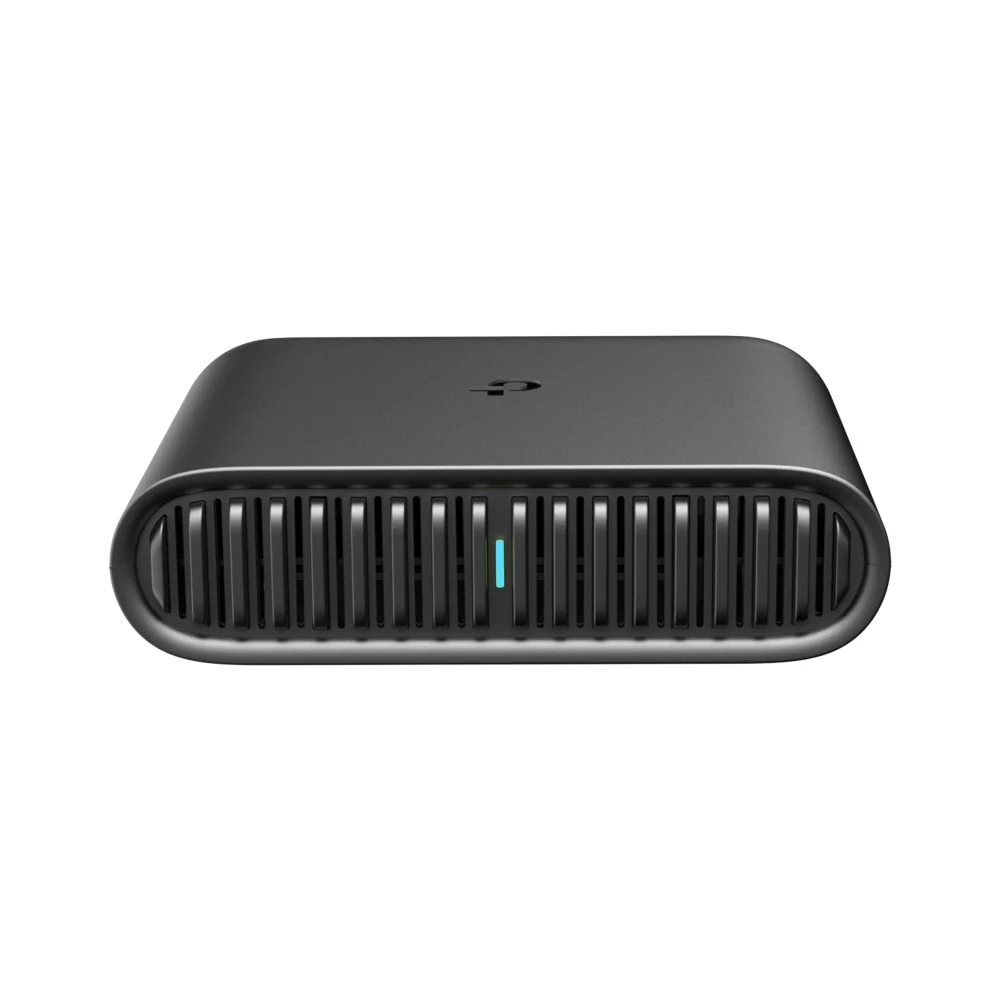
The TL-WR1502X is an AX1500 router with Wi-Fi 6 on 5GHz and Wi-Fi 4 on 2.4GHz, Gigabit WAN and LAN ports and a USB 2.0 port. TP-Link builds the hotel sign-in into setup in its Tether app. It can run from a 9V or 12V PD or QC power bank, but TP-Link recommends the included adapter and warns that other adapters risk damaging the router.
Skip it if you plan to share your phone's data. Dong Knows Tech never got more than 70Mbps from a 5G phone over its USB 2.0 port, from a phone that reached a few hundred Mbps on its own. That review is from June 2024.
How they compare
| Router | Wi-Fi | Ethernet | USB-C power | Hotel sign-in | Range, per review |
|---|---|---|---|---|---|
| GL.iNet Slate 7 | Wi-Fi 7, no 6GHz | 2.5Gbps WAN, 2.5Gbps LAN | PD 5V, 9V or 12V | Repeater mode, sign in once | Hotel room or rental, RTINGS |
| GL.iNet Beryl AX | Wi-Fi 6 | 2.5Gbps WAN, 1Gbps LAN | 5V 3A | Repeater mode, sign in once | Close to Slate 7, RTINGS |
| ASUS RT-BE58 Go | Wi-Fi 7, no 6GHz | 2.5Gbps WAN, 1Gbps LAN | 9V or 12V PD | Public WiFi mode | Disappointing, RTINGS |
| UniFi Travel Router | Wi-Fi 5 | Two 1Gbps | 5W max, no adapter | Handled in background, per Ubiquiti | Unstable past 50 ft, RTINGS |
| TP-Link TL-WR1502X | Wi-Fi 6 on 5GHz only | 1Gbps WAN, 1Gbps LAN | 9V or 12V PD or QC | One step in Tether app | About a 1,000 sq ft room, Dong Knows Tech |
Which travel router to buy
Start with the GL.iNet Slate 7 or the Beryl AX. They had the best range among RTINGS' travel picks, they run on USB-C power, and GL.iNet documents several fallbacks for a stubborn hotel sign-in page. Choose the Slate 7 if you want two 2.5Gbps ports and the touchscreen, and the Beryl AX if you do not.
Choose the ASUS or UniFi only for what they connect to at home. ASUS fits an AiMesh network, and UniFi's Teleport links back to a UniFi gateway. Both gave up range in RTINGS' tests.
The TP-Link is the fallback for a simple setup in an app, as long as you do not need fast phone tethering.
Sources
- RTINGS, The 4 Best Travel Routers of 2026 and reviews of the Slate 7, Beryl AX, RT-BE58 Go and UniFi Travel Router
- GL.iNet, Slate 7, Beryl AX and captive portal guide
- ASUS, RT-BE58 Go tech specs and Public WiFi mode FAQ
- Ubiquiti, UniFi Travel Router tech specs and product page
- TP-Link, TL-WR1502X
- Dong Knows Tech, TP-Link TL-WR1502X review
- Reddit r/Ubiquiti, owner report on hotel sign-in
All sources were checked on October 8, 2026.