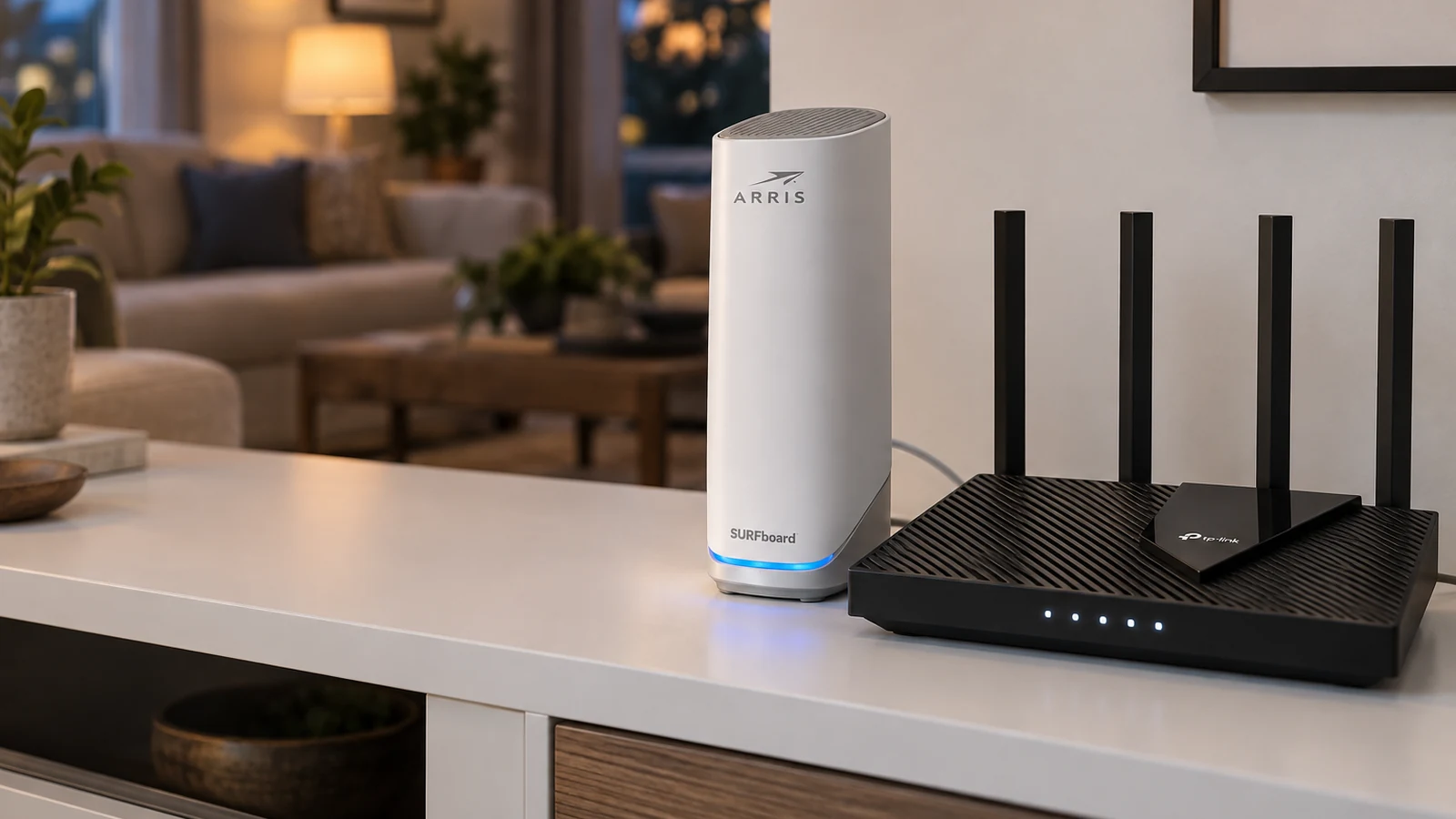
Get a range extender if one room has weak Wi-Fi and your router is otherwise fine. Get a mesh system if several rooms struggle, the home is large, or you want to replace an old router anyway. Extenders cost less and plug into a wall; mesh replaces your router with several units that act as one network.
This guide is AI-generated from manufacturer documentation. GearExplained did not test these products. The product cards at the end link to Amazon, and GearExplained may earn a commission. That does not decide which products appear here.
How an extender works
An extender receives your router's signal and rebroadcasts it. That has two common costs. eero's support article says extenders can cut bandwidth by up to half because they often use a single radio to both listen and broadcast. It also says some extenders broadcast a separate network name, so your phone has to switch networks as you move around. NETGEAR's comparison describes the same tradeoffs for basic dual-band extenders.
Placement matters too. An extender can only repeat the signal it receives, so it has to sit where the router's signal is still decent, not inside the dead zone.
How mesh works
A mesh system uses several units, often called nodes, that share one network name. NETGEAR says devices hand off between them automatically. Many systems also link units over a dedicated connection or an Ethernet cable, which preserves more speed than a single-radio extender.
The middle ground
Some extenders now join the router's network instead of creating their own. TP-Link's OneMesh pairs compatible routers and extenders under a single network name, and TP-Link advises against chaining more than two repeaters. If your router supports OneMesh or EasyMesh, a matching extender gets you part of the mesh experience for less.
An extender for one weak room
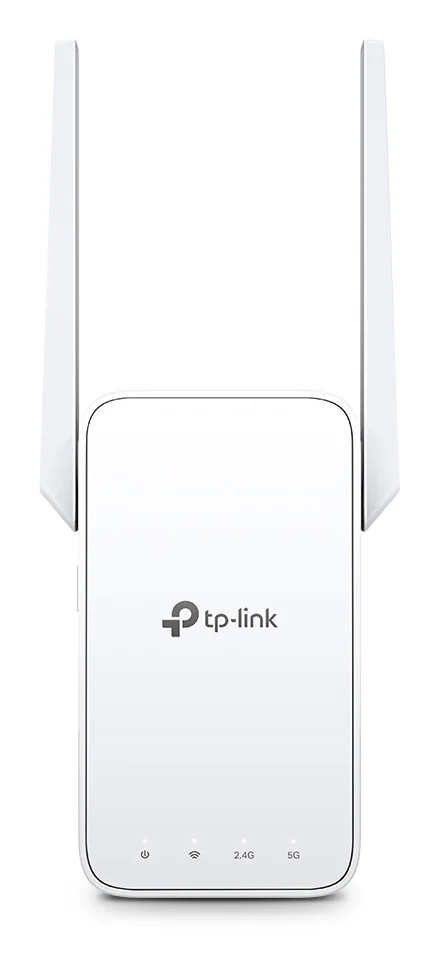
The TP-Link RE315 is a dual-band AC1200 extender that works with any router and joins EasyMesh networks. Its Ethernet port is 10/100Mbps, so a wired device plugged into it tops out at 100Mbps.
A mesh system for the whole home
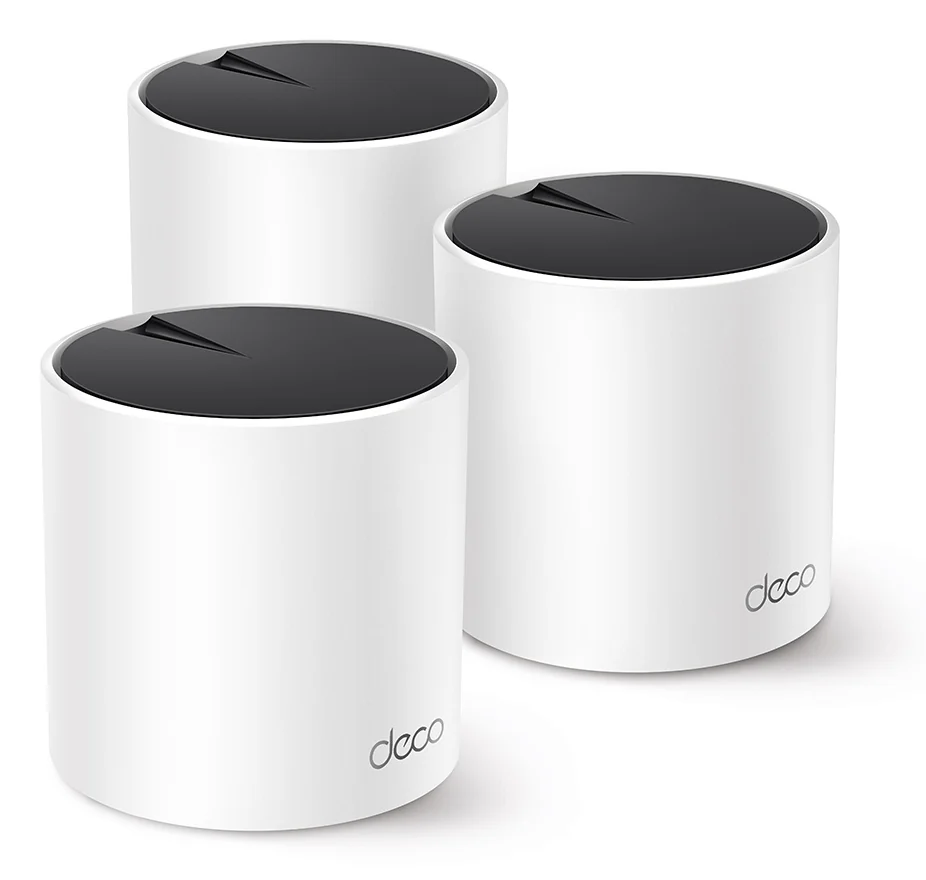
The Deco X55 3-pack is a Wi-Fi 6 mesh system that TP-Link rates for up to 6,500 square feet. Each unit has three Gigabit ports, and units can link over Ethernet if your home is wired.
Side by side
| Range extender | Mesh system | |
|---|---|---|
| Replaces your router | No | Yes |
| Network name | Sometimes separate; one name with OneMesh or EasyMesh | One name |
| Speed through the add-on unit | Can drop by up to half on single-radio models | Better preserved, best with Ethernet backhaul |
| Best for | One or two weak rooms | Large homes or several weak areas |
Which to choose
If one bedroom or the garage is the problem, try an extender first, ideally one that matches your router's mesh standard. If you are already adding a second extender, NETGEAR's advice is to consider mesh instead, and we agree: that is the point where a mesh system is simpler. If your router is also old, our modem vs router guide explains what to replace.
Sources
- eero, How is eero different from a range extender?
- NETGEAR, WiFi Extender vs Mesh WiFi: Which Is Right for You?
- TP-Link, OneMesh: Flexibly Create a Whole-Home Wi-Fi
- TP-Link, Deco X55 AX3000 Whole Home Mesh WiFi 6 System
- TP-Link, RE315 AC1200 Mesh Wi-Fi Range Extender
All sources were checked on October 5, 2026.