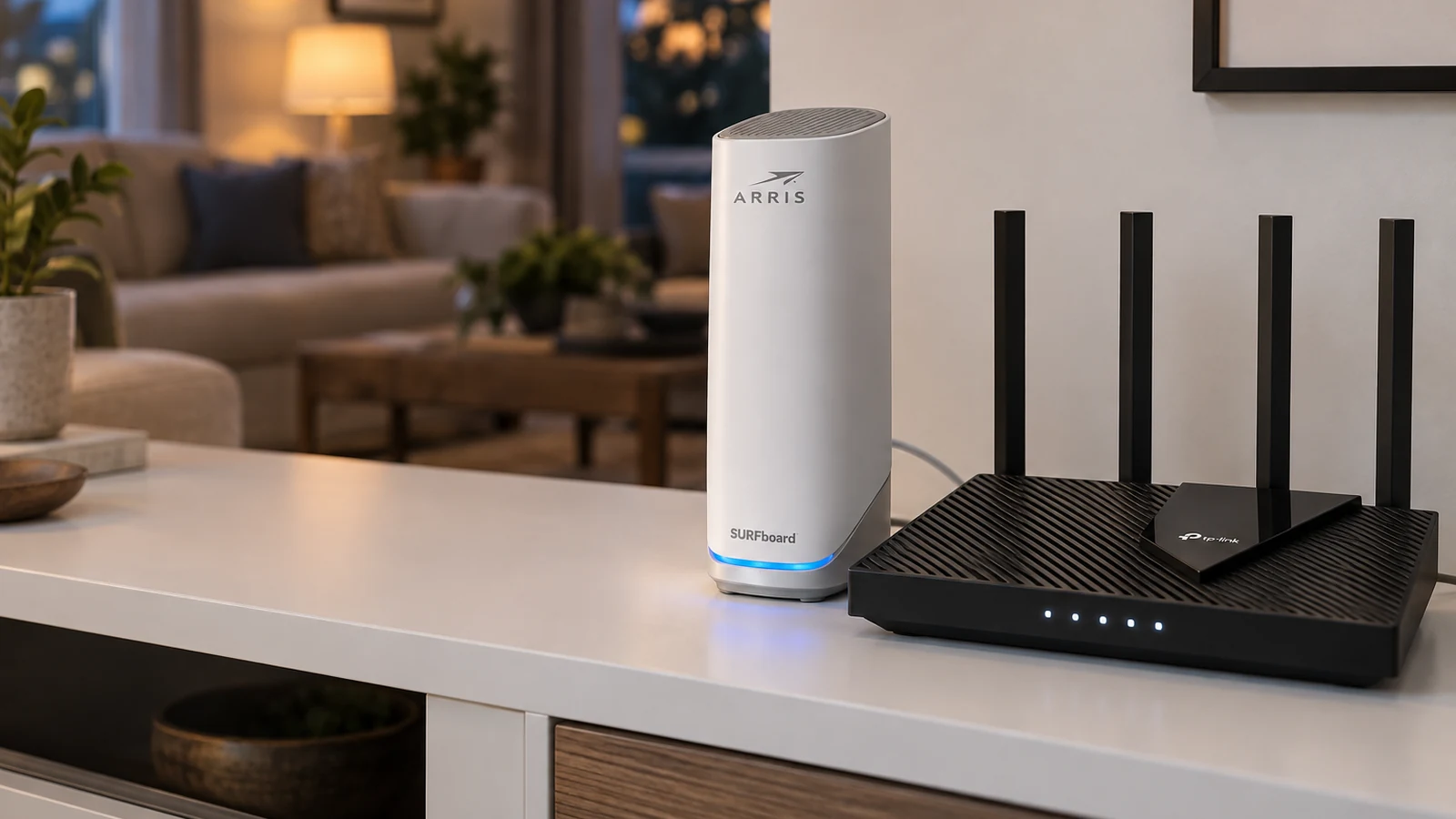
A modem connects your home to your internet provider. A router takes that connection and shares it with your devices, over Wi-Fi and Ethernet. Xfinity's explainer puts it simply: the modem brings internet to your home, the router brings it to your devices. You need both, though they can live in one box.
This guide is AI-generated from manufacturer documentation. GearExplained did not test these products. The product cards at the end link to Amazon, and GearExplained may earn a commission. That does not decide which products appear here.
What the modem does
The modem translates your provider's signal, usually over a coax cable for cable internet, into something your network can use. Xfinity notes it holds the public IP address that identifies your home on the internet. On cable service, modems follow the DOCSIS standard, and your provider has to support the model.
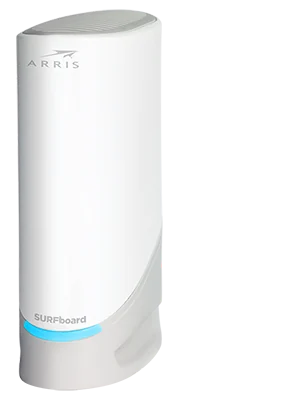
The ARRIS SURFboard S33 is an example of a modem only. It is DOCSIS 3.1, rated for plans up to 2.5Gbps, with one 2.5Gb and one 1Gb Ethernet port and no Wi-Fi. ARRIS says SURFboard modems are tested by Cox, Comcast Xfinity and Charter Spectrum, and to confirm support with your provider.
What the router does
The router builds your local network. Xfinity lists its jobs: it assigns local IP addresses, runs a firewall, manages traffic and handles parental controls. Wi-Fi coverage and speed in your rooms come from the router, not the modem.
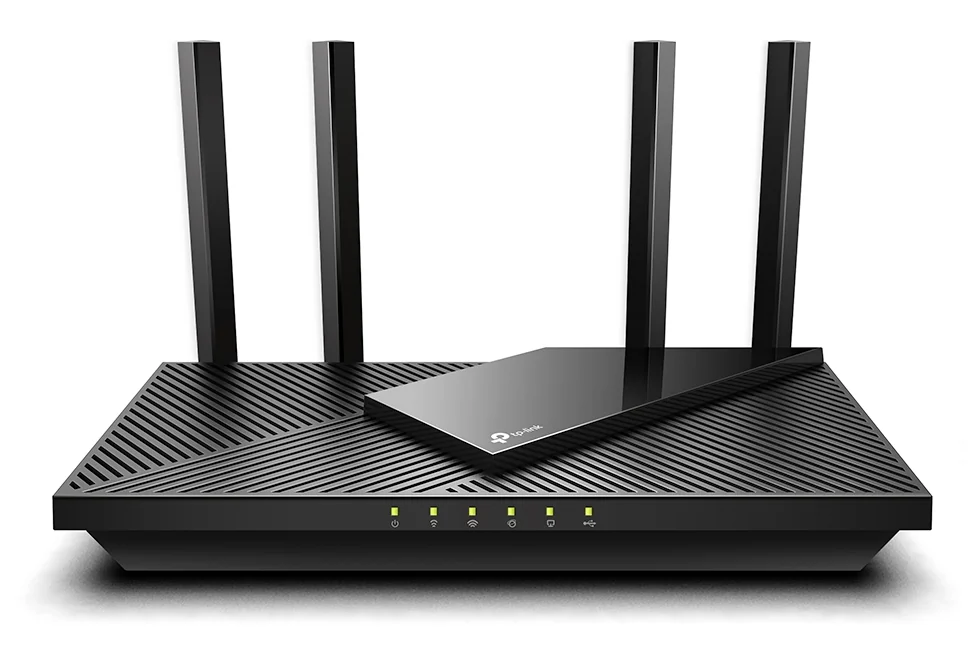
The TP-Link Archer AX55 is a router only: dual-band Wi-Fi 6 with four Gigabit LAN ports. TP-Link's system requirements list a cable or DSL modem.
Gateways: both in one box
Many providers supply a gateway that combines a modem and a router. Xfinity offers one, and retail combos exist too, such as NETGEAR's C6230, which NETGEAR pitches as a way to stop paying rental fees. A combo saves space; separate boxes let you upgrade Wi-Fi without touching the modem.
Which one to replace
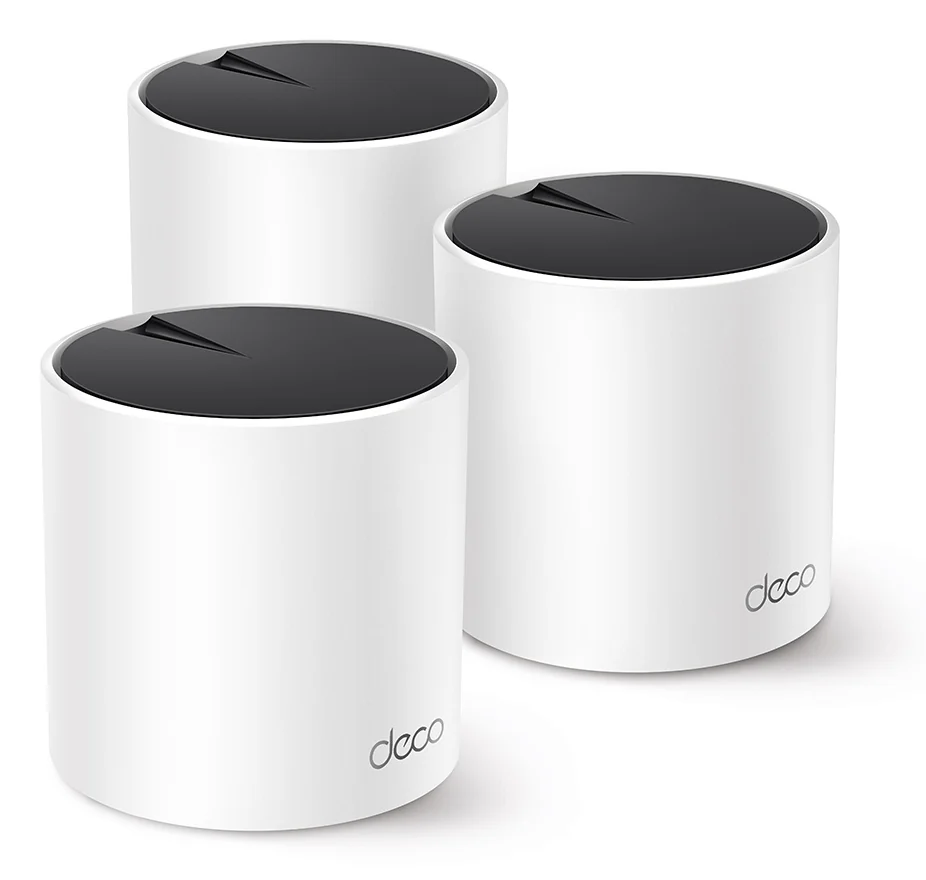
If your plan's speed is not reaching the modem, look at the modem and your provider. If speed is fine near the router but falls off in far rooms, the router or its coverage is the problem. A newer router helps, and for a large home a mesh system such as the Deco X55 replaces the router entirely. Our mesh vs extender guide explains that choice.
| Modem | Router | |
|---|---|---|
| Connects to | Your provider | Your modem and devices |
| IP address | Public | Assigns local addresses |
| Creates Wi-Fi | Only in combo gateways | Yes |
| What to check before buying | Provider support and plan speed | Wi-Fi standard, coverage and ports |
Sources
- Xfinity, Modem vs Router: What's the Difference?
- ARRIS SURFboard, S33 SURFboard DOCSIS 3.1 Cable Modem
- TP-Link, Archer AX55 AX3000 Dual Band Gigabit Wi-Fi 6 Router
- TP-Link, Deco X55 AX3000 Whole Home Mesh WiFi 6 System
- NETGEAR, NETGEAR C6230 Cable Modem + WiFi Router
All sources were checked on October 5, 2026.