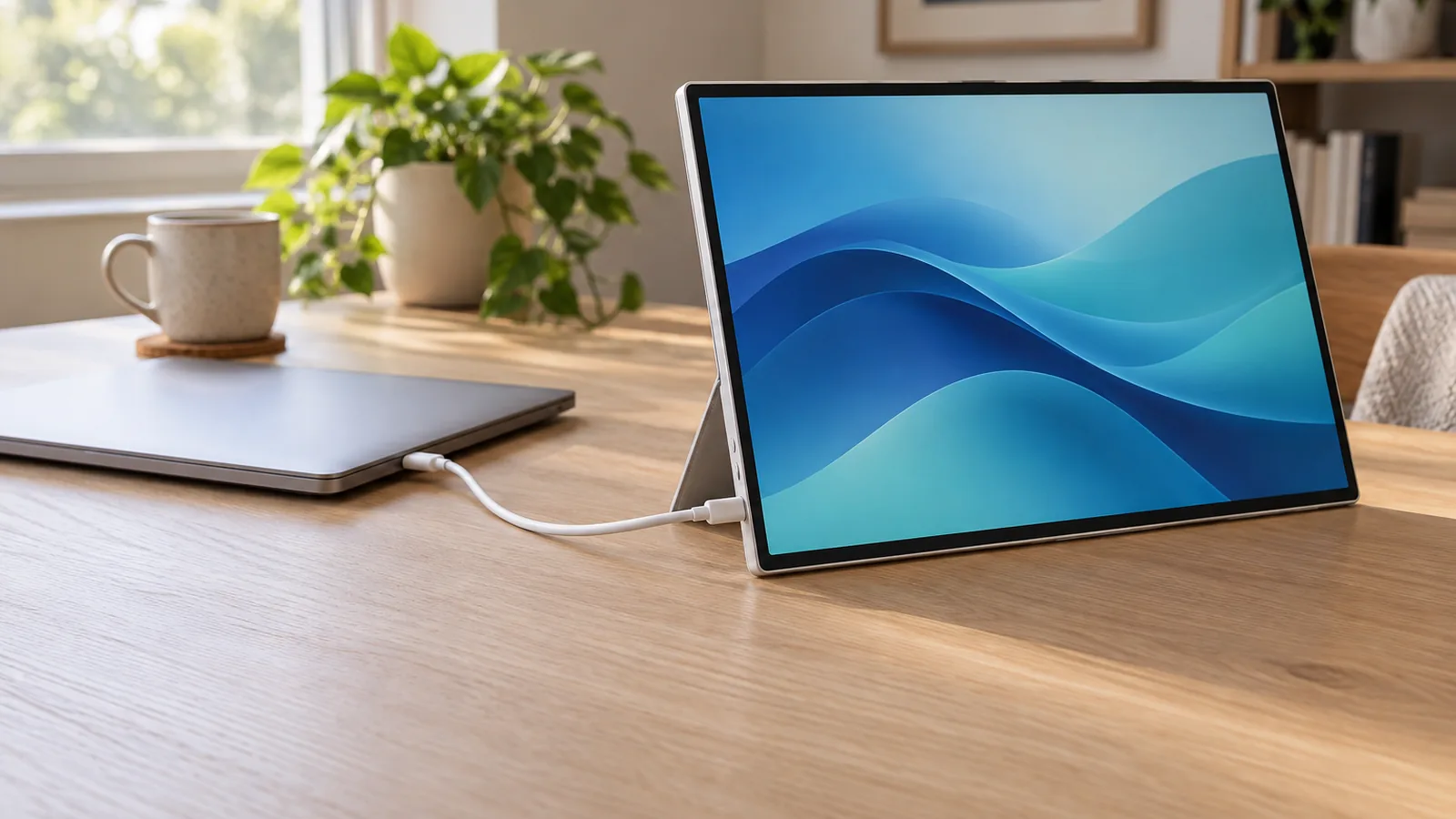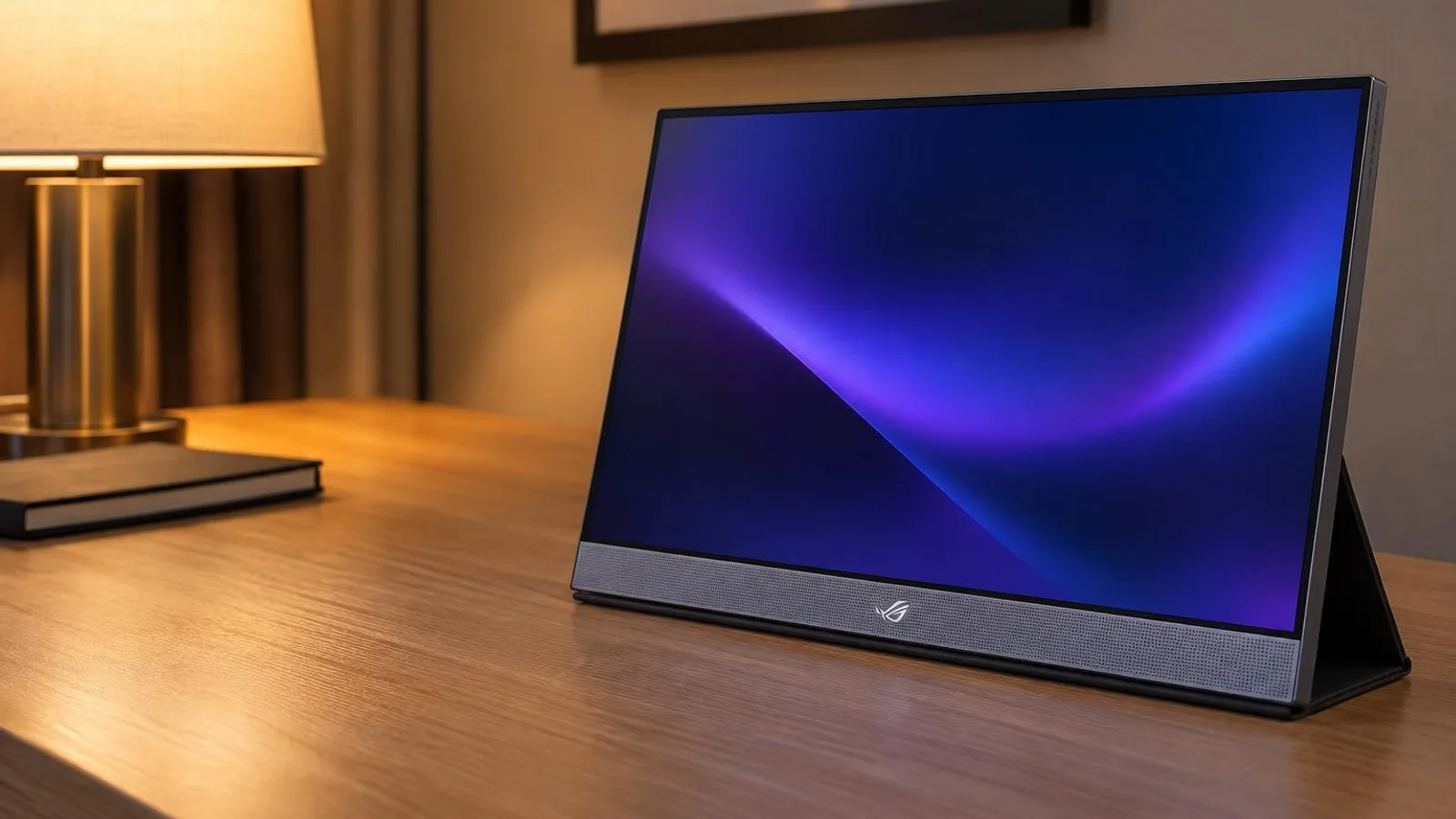
A PS5 sends its picture out of one port, the HDMI OUT on the back. Sony's PS5 support page lists it alongside the USB ports, and its USB ports guide covers storage, controllers, cameras and PS VR2, not displays. So the first rule for a portable monitor is simple. It needs an HDMI input. Four of the five picks in our guide to portable monitors for laptops have none.
The next question is what the monitor does with the signal. Here are three picks, each with a micro- or mini-HDMI port:
- ASUS ROG Strix XG17AHPE if you play games with 120Hz modes. ASUS lists 1080p at 120Hz from a PS5, and it has a battery.
- ASUS ROG Strix XG16AHPE for a smaller 144Hz screen with a battery and a built-in kickstand. ASUS lists the PS5 as compatible but names no refresh rate.
- ViewSonic VX1655-4K-OLED for the sharpest, brightest picture, at 60Hz, if you can plug it into power.
This guide is AI-generated from Sony's support pages, the makers' specifications and lab reviews by PCMag, RTINGS and Tom's Hardware. GearExplained did not test these monitors, and none of the reviews cited tested them with a PS5. The product cards at the end link to Amazon, and GearExplained may earn a commission. That does not decide which monitors appear here.
What a PS5 asks of the screen
Three parts of the PS5's video output matter on a small screen. Sony describes them in its video output guide.
120Hz. The PS5 has a 120 Hz Output setting for games that support that frame rate. Sony adds that if a game has video problems on a monitor at 120Hz, you should turn the setting off. On a 1080p portable monitor, the useful question is whether the monitor accepts 1080p at 120Hz from the console. Of the three picks, only ASUS's XG17AHPE page says so in plain words.
1440p and 4K. Sony's features page says 1440p output needs a monitor that supports 1440p at 60Hz. The two ASUS picks are 1080p screens. The ViewSonic is a 4K panel, so the PS5 can aim higher there, within the limits of its HDMI port.
VRR. Sony says the PS5 syncs a display's refresh rate to the game on "HDMI 2.1 VRR-compatible TVs and PC monitors." ASUS lists Adaptive-Sync on both ROG monitors, and PCMag notes the ViewSonic lacks adaptive sync. None of the three makers lists HDMI 2.1 VRR, so expect a fixed refresh rate from a PS5. The ASUS monitors' variable refresh still matters for a PC.
Power is the other practical question. Both ASUS monitors have a 7,800mAh battery and can run from it while the console feeds them over HDMI. The ViewSonic has no battery and draws power through USB-C.
| Monitor | Screen | Fastest refresh | What the maker says about PS5 | Video input from a PS5 | Power during play | Weight |
|---|---|---|---|---|---|---|
| ASUS XG17AHPE | 17.3-inch IPS, 1920 x 1080 | 240Hz | 1080p at 120Hz | Micro-HDMI | Battery or USB-C | 1.06 kg without stand |
| ASUS XG16AHPE | 15.6-inch IPS, 1920 x 1080 | 144Hz | Compatible, no refresh rate stated | Micro-HDMI | Battery or USB-C | 0.9 kg |
| ViewSonic VX1655-4K-OLED | 15.6-inch OLED, 3840 x 2160 | 60Hz | Mentions consoles in general, not the PS5 | Mini-HDMI, version unclear | USB-C only | 0.68 kg |
1. ASUS ROG Strix XG17AHPE: 120Hz from a PS5, by ASUS's own listing
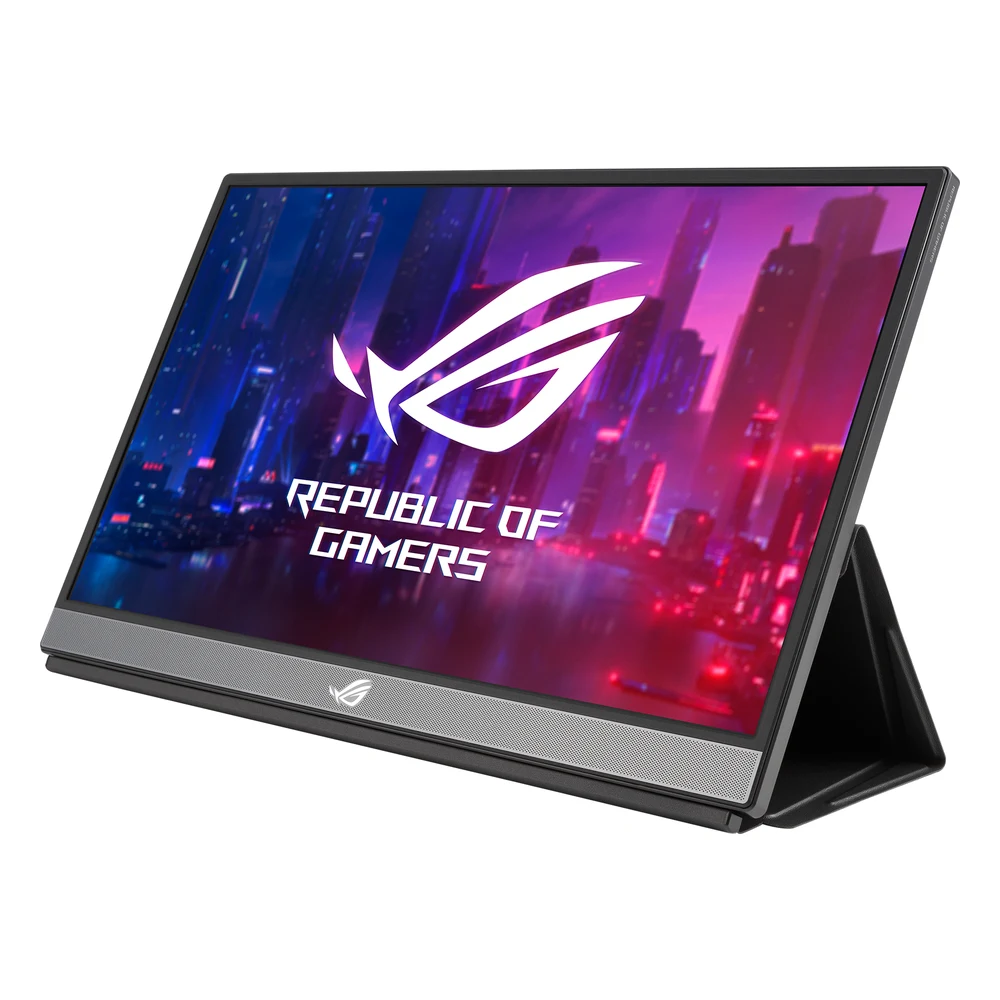
The XG17AHPE is a 17.3-inch, 1080p IPS screen that refreshes at up to 240Hz. Its ASUS page is the only one of the three that names a PS5 refresh rate: "Full HD (1920 X 1080)@120Hz output on PS5 & Xbox Series X/S." The spec sheet lists one micro-HDMI port, two USB-C ports and an HDMI range of 48 to 240Hz.
RTINGS called it "by far the best portable monitor we've tested," with excellent response times and low input lag. Its complaints are about the panel. It may not be bright enough to overcome glare, and blacks look gray in a dark room.
The battery is the reason to choose it for travel. Tom's Hardware measured about 2 hours at 240Hz with the speakers at full volume and 80% brightness, and about 3 hours at 60Hz with brightness maxed. Over HDMI it runs on that battery, or you can feed it power through USB-C at the same time.
The tradeoff is the stand. The XG17AHPE props itself up on a folding cover, and Tom's found it a debatable stand and a poor protector, since it leaves the sides and back exposed. It is also the heaviest pick, at 1.06 kg without its stand by ASUS's figure. The XG17AHP variant adds a tripod.
2. ASUS ROG Strix XG16AHPE: a smaller 144Hz screen with a kickstand
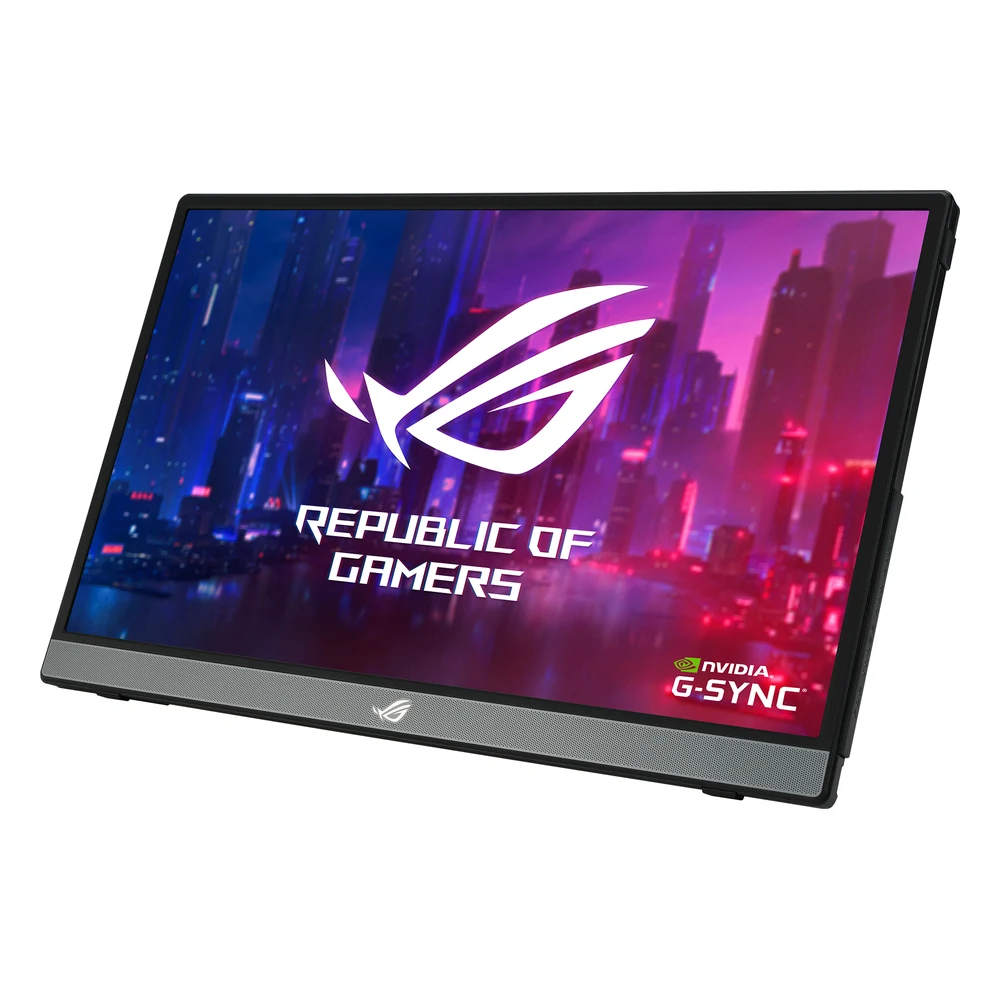
The XG16AHPE is a 15.6-inch, 1080p IPS screen at up to 144Hz, with the same 7,800mAh battery and a kickstand built into the back. ASUS lists Xbox, PS3, PS4 and PS5 as compatible. Unlike the XG17AHPE page, it does not say which refresh rate a PS5 gets. Its spec sheet gives an HDMI range of 60 to 144Hz, which includes 120Hz, but that is not the same as a PS5 listing.
Tom's Hardware used it with an Xbox Series X and a Nintendo Switch OLED, not a PS5. It measured about 3 hours of battery at 144Hz and full brightness, and about 3.5 hours at 60Hz. PCMag measured 272 nits and a 1,170:1 contrast ratio and noted low input lag.
The kickstand runs diagonally across the back. Tom's found that limits how far the screen tilts, though it also lets the monitor stand in portrait. At 0.9 kg it is lighter than the XG17AHPE, and ASUS includes a sleeve.
Choose it over the XG17AHPE if you want a smaller screen and a stand that is part of the monitor, and you are willing to confirm 120Hz yourself in the PS5's video output settings.
3. ViewSonic VX1655-4K-OLED: the best picture, at 60Hz
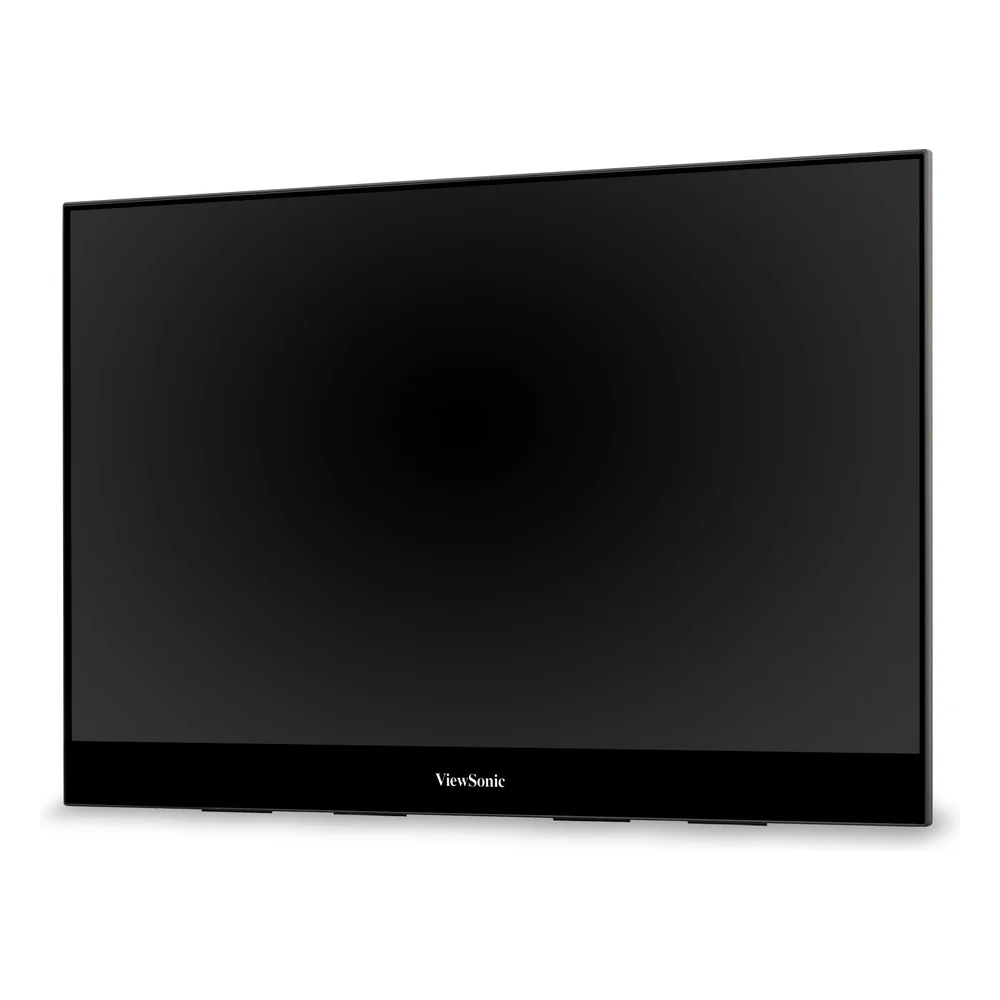
The VX1655-4K-OLED is a 15.6-inch, 3840 x 2160 OLED. PCMag measured 558 nits and 98.9% of DCI-P3 and gave it an Editors' Choice. It also points out the gaming limits, a 60Hz refresh rate and no adaptive sync. PCMag says that, along with the demands of its 4K resolution, it doesn't seem a good candidate for high-impact gaming, though its picture suits exploring immersive worlds.
Its HDMI port is the open question for a PS5. ViewSonic's US product page lists mini HDMI 2.0, its global spec sheet says v2.1, and its online manual says HDMI 1.4. The spec sheet lists the bundled mini-HDMI cable as v1.4. ViewSonic's product page mentions gaming consoles in general but does not name the PS5, and no review we found connected it to a PS5, so whether the console will send it 4K at 60Hz is unconfirmed.
It also needs power. There is no battery, and ViewSonic rates it at 23W typical, supplied through USB-C from the included adapter. Tom's Hardware praised the kickstand, which holds all the ports, and called the speakers some of the worst in the segment. Use headphones.
Which portable monitor to buy for a PS5
If you play games with 120Hz modes, buy the XG17AHPE. ASUS lists 1080p at 120Hz from a PS5, the battery means one cable from the console, and RTINGS rates its gaming performance highly. Accept the folding cover or look for the tripod version.
If you want something smaller with a proper kickstand, the XG16AHPE is the alternative, with the caveat that ASUS does not state a PS5 refresh rate.
If picture quality matters more than frame rate and you will sit near an outlet, the VX1655-4K-OLED is the sharpest and brightest screen here. Check the PS5's video output information after you connect it, since ViewSonic's documents leave the HDMI version unclear.
Sources
- Sony Interactive Entertainment, PS5 support, video output guide, PS5 features and USB ports guide
- ASUS, ROG Strix XG17AHPE and tech specs, ROG Strix XG16AHPE and tech specs
- ViewSonic, VX1655-4K-OLED product page, spec sheet and manual specifications
- RTINGS.com, ASUS ROG Strix XG17AHPE review
- Tom's Hardware, XG17AHPE review, XG16AHPE review and VX1655-4K-OLED review
- PCMag, XG16AHPE review and VX1655-4K-OLED review
All sources were checked on October 15, 2026.