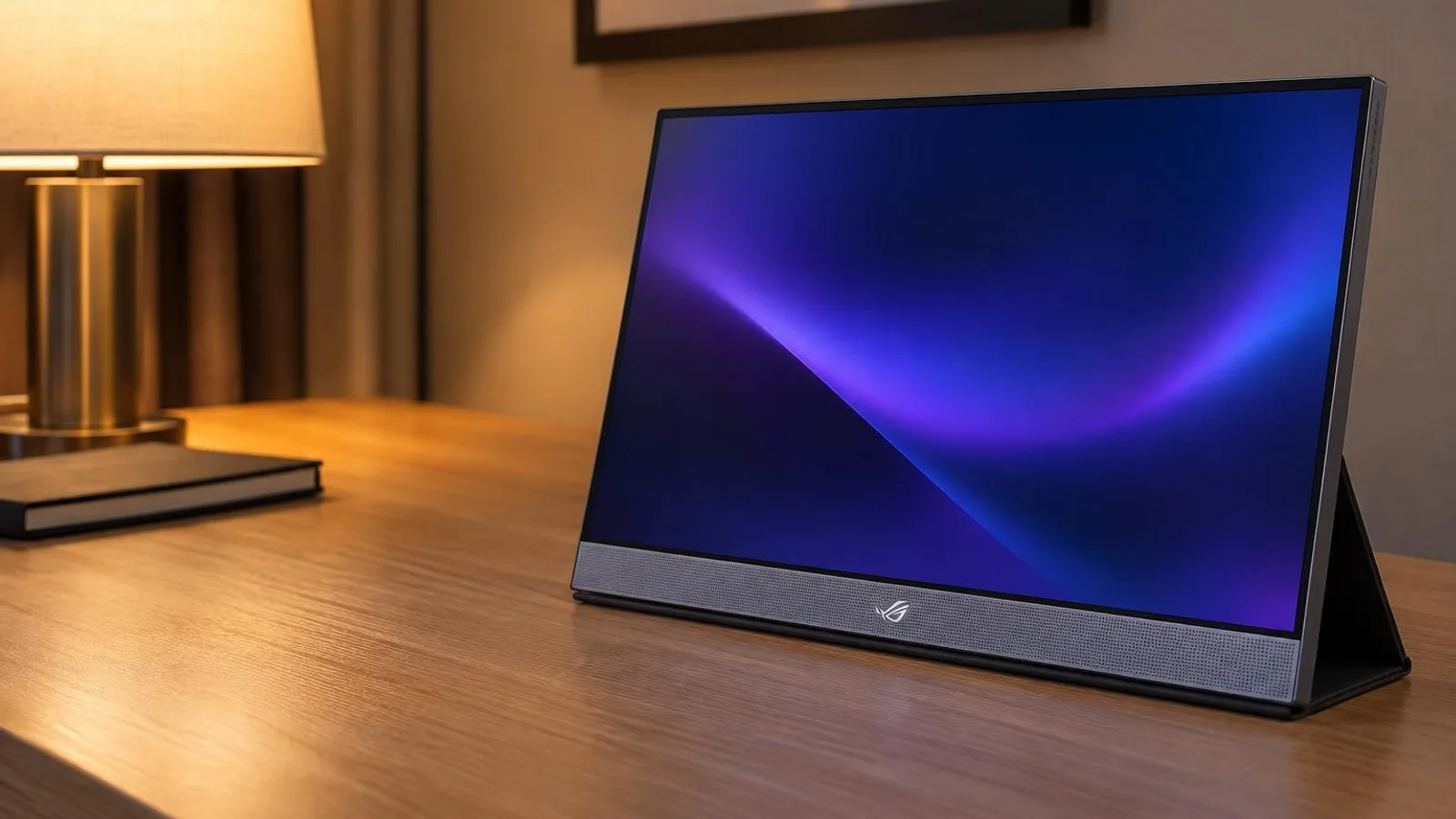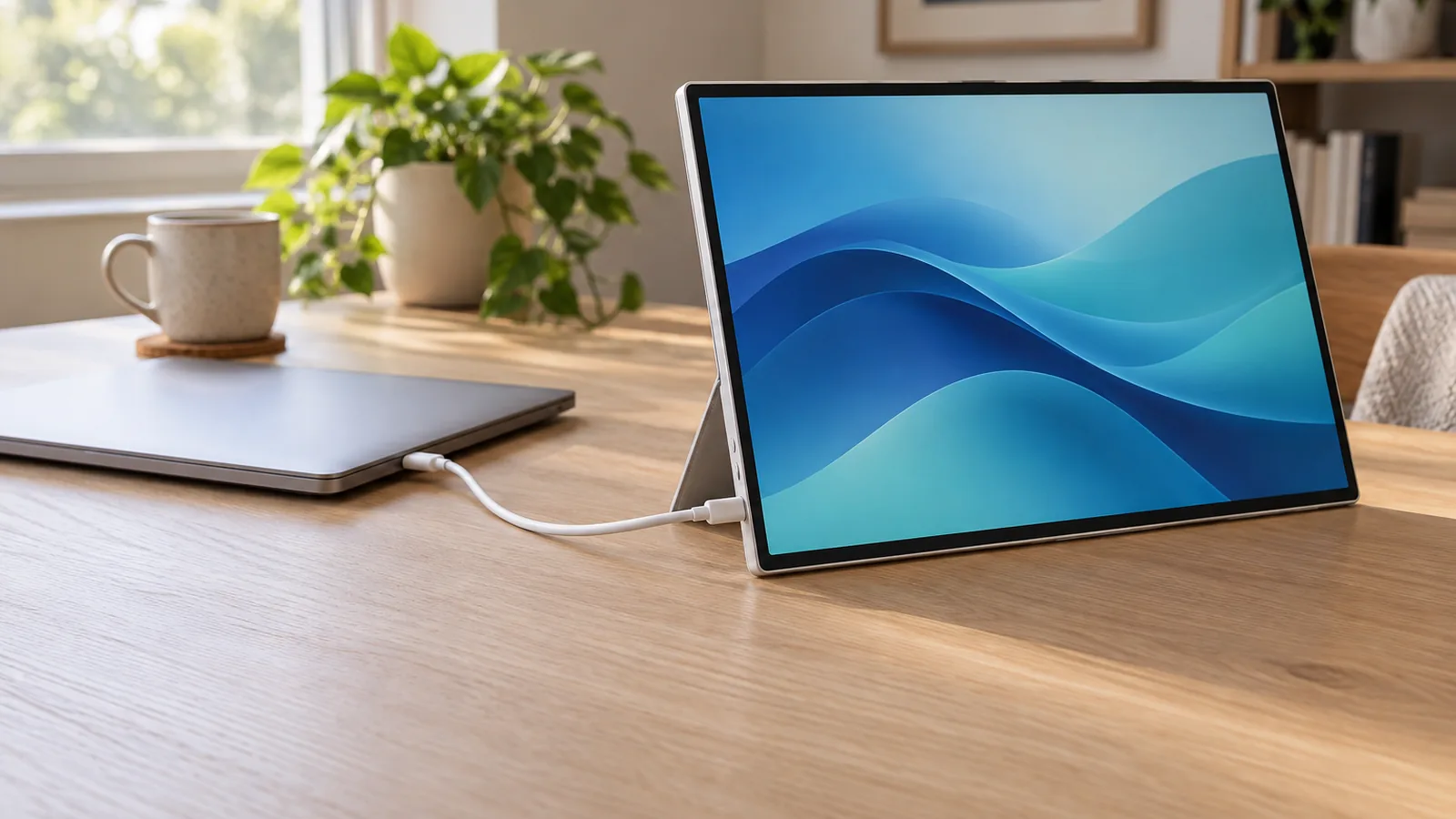
A portable monitor is only as easy as your laptop's USB-C port. If that port carries DisplayPort video, every monitor below runs from one cable that supplies both picture and power. If it does not, the ASUS below is the only pick that will work, through HDMI with a separate power source. Pick by your laptop and how you work:
- HP Series 5 Pro 514pn for a bright, high-contrast 2560 x 1600 screen with full Adobe RGB coverage.
- Dell Pro 14 Plus P1425 for a bright, matte 14-inch screen with a built-in stand.
- Lenovo ThinkVision M14t Gen 2 for touch and a pen on a Windows laptop.
- ASUS ZenScreen OLED MQ16FC if your laptop's USB-C port does not carry video, since it is the only pick with HDMI.
- espresso Pro 15 for a 4K touchscreen on a Mac and a stand that lifts it above the laptop.
This guide is AI-generated from the makers' specifications and from lab reviews by PCMag, RTINGS and Tom's Hardware. GearExplained did not test these monitors. The product cards at the end link to Amazon, and GearExplained may earn a commission. That does not decide which monitors appear here.
Check your laptop's USB-C port first
All five picks expect DisplayPort Alt Mode, the USB-C feature that sends video down the cable. Not every USB-C port has it. ASUS's MQ16FC support notes put it simply: ports marked with the Thunderbolt or DP symbol carry video, ports marked only USB or SS are data-only, and an unmarked port needs a look at your laptop's spec sheet.
Power matters too. On a single cable, the monitor draws its power from the laptop. ASUS says an external adapter can improve brightness and stability, and espresso says the Pro 15 reaches full brightness on one cable only when the laptop can supply it. Every pick here has a second USB-C port, so you can plug a charger into the monitor and pass power back to the laptop instead.
On a Mac, check the chip. Apple's M2 MacBook Air specs list one external display, so a portable monitor uses that laptop's one native display output. Our MacBook dock guide covers which other Macs share the limit and which can drive more.
| Monitor | Video inputs | Maker's power figure | Charge laptop through it | Software |
|---|---|---|---|---|
| HP 514pn | 2 USB-C with DP Alt Mode | 7W typical, 13W max | Up to 65W | None needed. HP Display Center optional. |
| Dell P1425 | 2 USB-C with DP Alt Mode | 5.4W operating, 7W max | Up to 65W | None needed |
| Lenovo M14t Gen 2 | 2 USB-C with DP 1.2 | 8W typical, 9.5W max | Up to 65W, adapter not included | None for video. Lenovo lists Windows 10 and 11. |
| ASUS MQ16FC | 2 USB-C with DP Alt Mode, 1 mini-HDMI | 4.7W | Up to 65W with a 90W adapter | None needed. DisplayWidget Center for auto-rotate. |
| espresso Pro 15 | 2 USB-C | Not published | Yes, wattage not published | espresso Flow for touch on a Mac |
1. HP Series 5 Pro 514pn: a bright, high-contrast screen
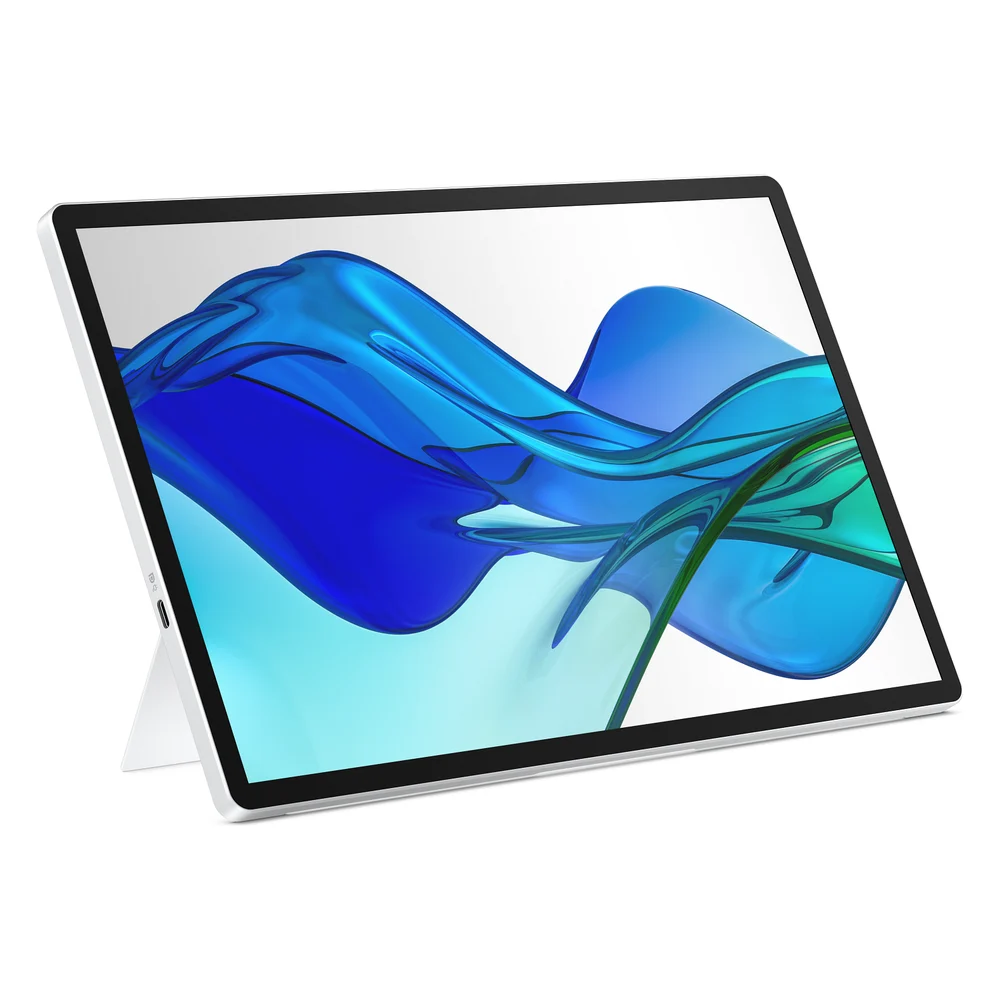
The 514pn packs 2560 x 1600 pixels into a 14-inch, 16:10 screen and refreshes at up to 75Hz. HP says it works with Mac or PC.
PCMag gave it an Editors' Choice and measured 409 nits, a 1,687:1 contrast ratio and full sRGB and Adobe RGB coverage. PCMag ran its tests with the monitor powered from the laptop over one USB-C cable.
The tradeoffs are about extras. There is no touchscreen and no HDMI port, and PCMag wished the magnetic screen cover were a full travel sleeve.
2. Dell Pro 14 Plus P1425: bright and matte, with a stand built in
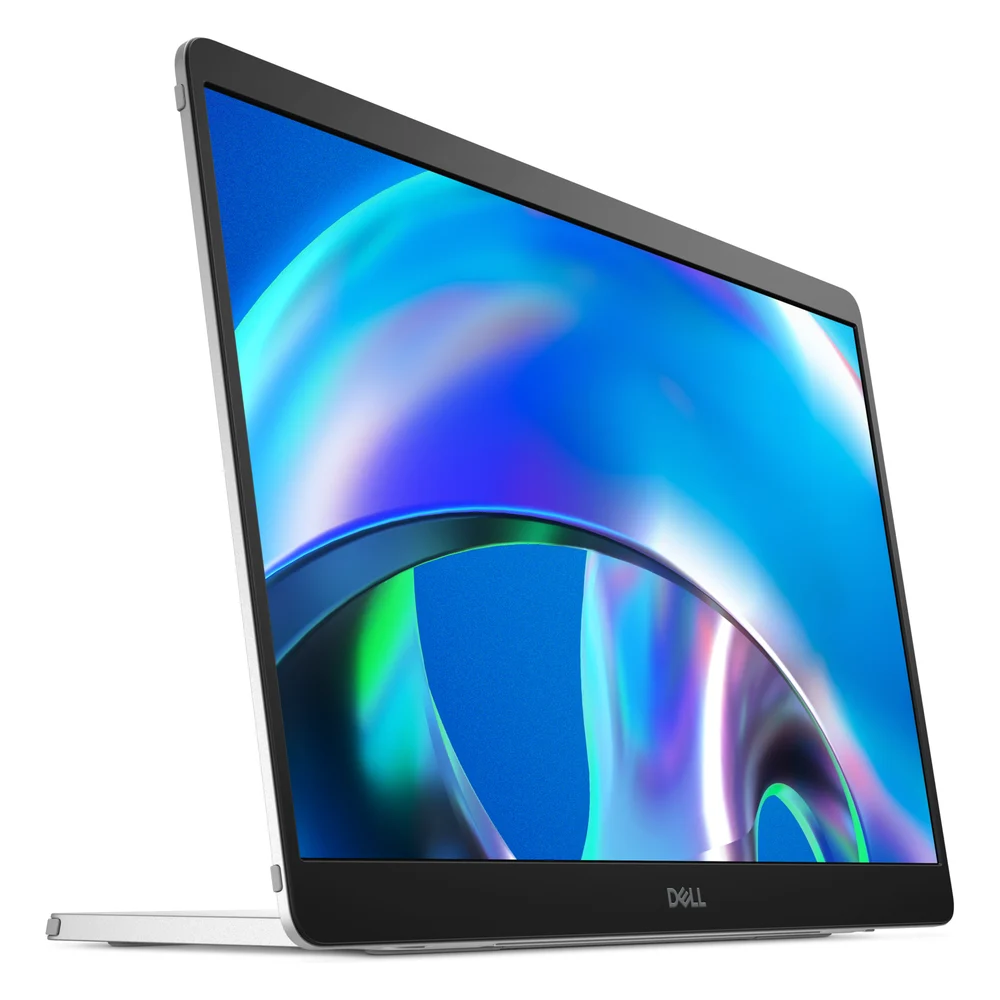
RTINGS picks the P1425 as its best budget portable monitor. It says the Dell gets brighter than the Lenovo below and its matte coating handles reflections better, though text is less sharp at 1920 x 1200. PCMag's HP review notes it measured the P1425 at 442 nits.
Dell lists two USB-C ports with DisplayPort Alt Mode and 65W pass-through, a built-in stand, an auto-rotation sensor and a 100 x 100 VESA mount. Its rated draw is 5.4W in use. There is no touchscreen.
3. Lenovo ThinkVision M14t Gen 2: touch and a pen for Windows
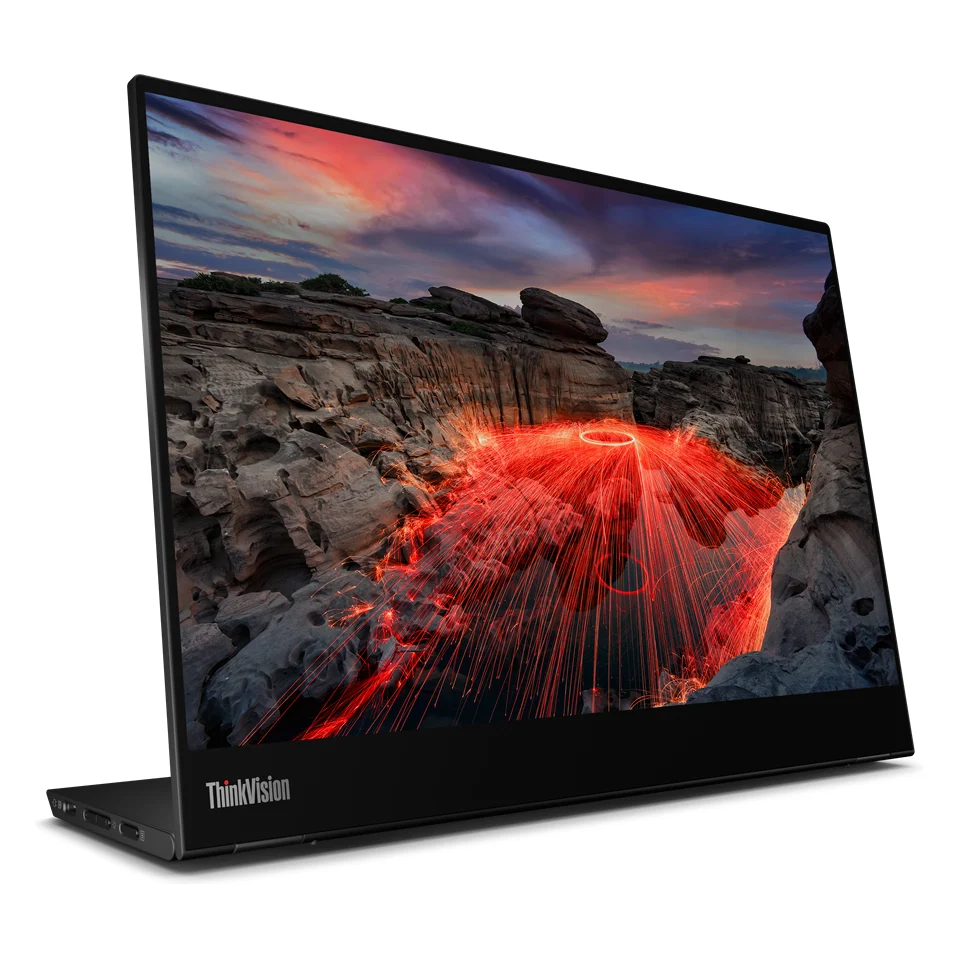
The M14t Gen 2 is a 2240 x 1400 touchscreen with a pen in the box. PCMag found it responsive to both fingers and the pen and measured 99.9% sRGB coverage. Its hinged base tilts and props the screen up in portrait.
Lenovo's spec sheet lists Windows 10 and 11 support, and PCMag says its menu switches touch between Windows and Android or Chrome. Lenovo does not document touch on a Mac, so treat it as a Windows pick.
It is dim for a bright room. PCMag measured 245 nits, and RTINGS says its glossy coating handles reflections terribly. Lenovo also includes no power adapter, so charging a laptop through it needs your own USB-C charger.
4. ASUS ZenScreen OLED MQ16FC: the one with HDMI
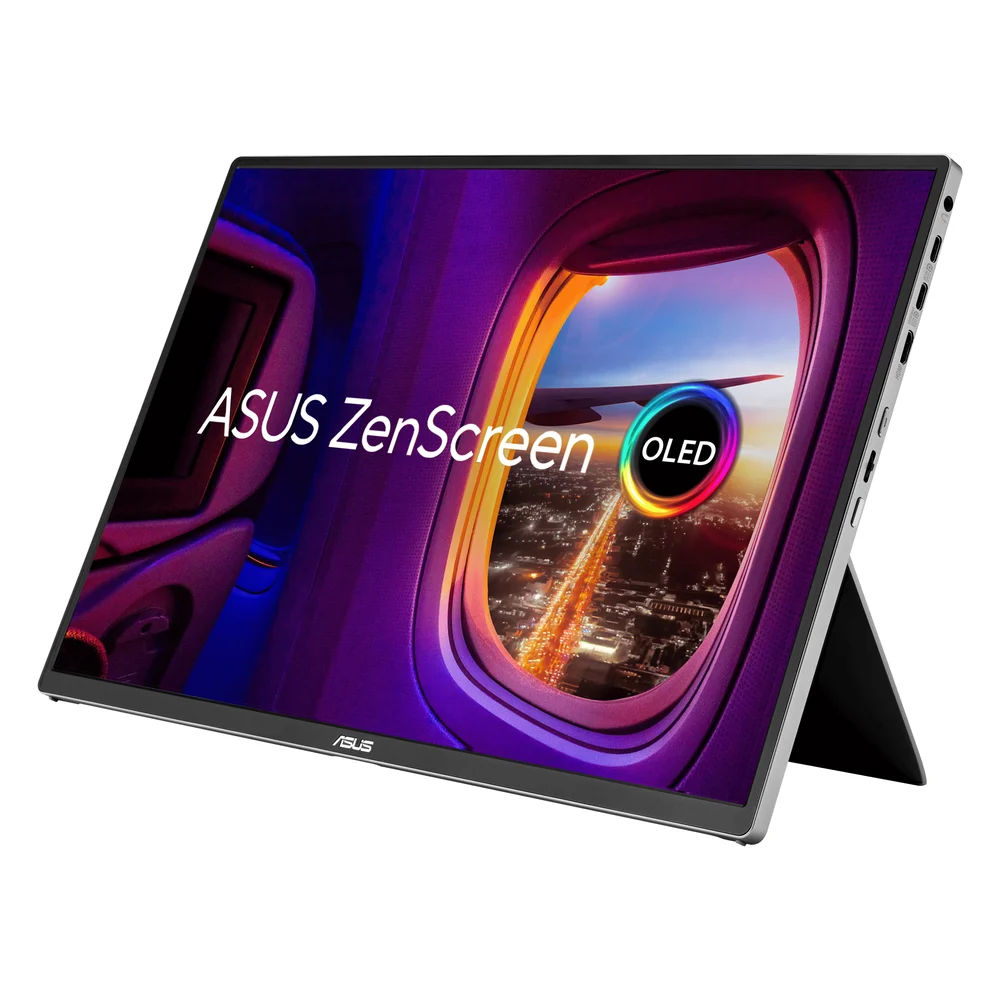
The MQ16FC is a 16-inch, 1920 x 1200 OLED with two USB-C ports and a mini-HDMI port. If your laptop's USB-C port carries no video, ASUS says to run HDMI for video and power the monitor through USB-C. ASUS includes the power adapter and an HDMI cable, and its spec page rates it at 4.7W.
Tom's Hardware connected it to a Mac mini, a MacBook Air and an MSI Claw 8 EX AI+ handheld, each over one USB-C cable. It praised the color and the stiff kickstand, and noted a tripod socket.
Brightness is the catch. Tom's measured 140 nits in the default Standard mode and 271 nits in User Mode, below the 300-nit rating.
5. espresso Pro 15: a 4K touchscreen for a Mac
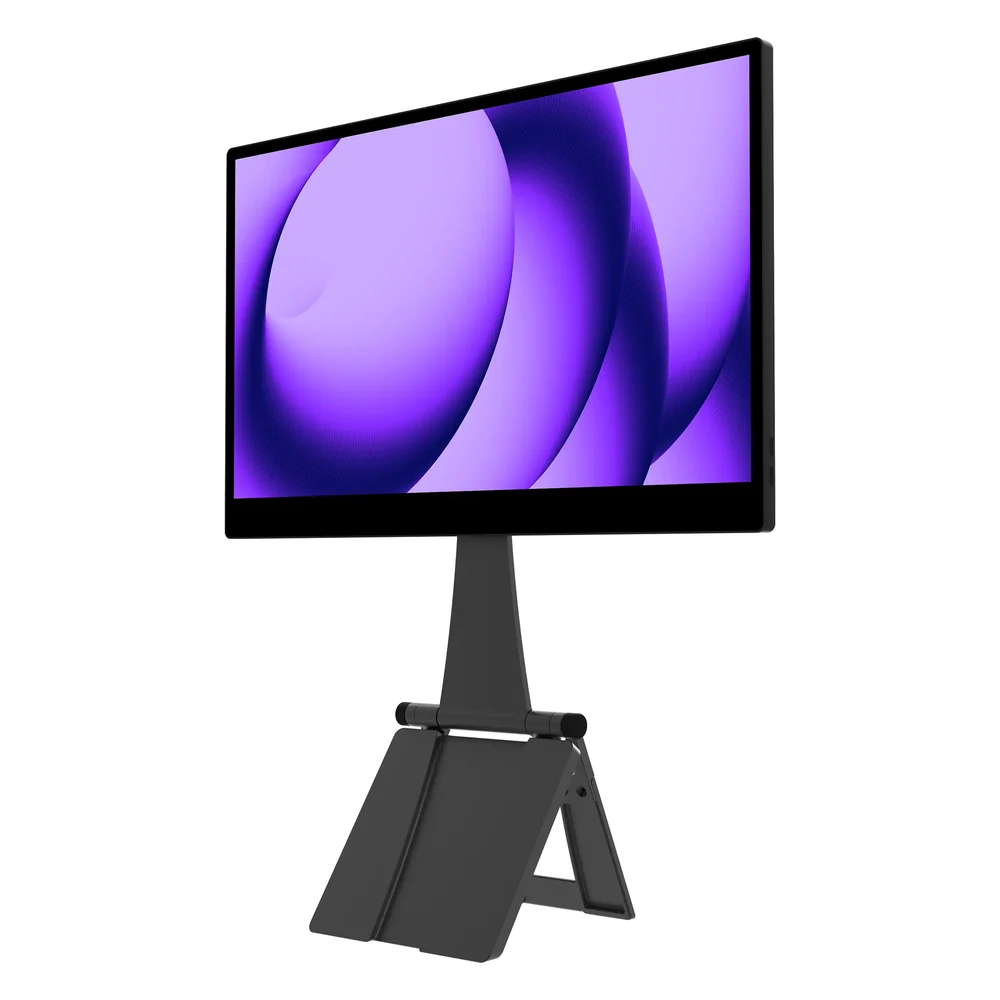
RTINGS calls the espresso Pro 15 the best portable monitor it has tested. Its 15.6-inch, 3840 x 2160 screen makes text very sharp, and it gets very bright. The included magnetic stand can hold it beside or above your laptop screen.
It is the one pick here with documented touch on a Mac. espresso's product FAQ says touch gestures on macOS come from its free espresso Flow app, while basic use needs no software.
The tradeoffs: RTINGS found strong mirror-like reflections and oversaturated colors in sRGB. espresso does not publish a power draw, and it has no HDMI input.
How they compare
| Monitor | Screen | Resolution | Touch | Weight | Stand |
|---|---|---|---|---|---|
| HP 514pn | 14-inch IPS | 2560 x 1600, 75Hz | No | 0.63 kg | Kickstand |
| Dell P1425 | 14-inch IPS | 1920 x 1200 | No | 0.57 kg | Built-in stand |
| Lenovo M14t Gen 2 | 14-inch IPS | 2240 x 1400 | Yes, pen included | 0.7 kg | Hinged base |
| ASUS MQ16FC | 16-inch OLED | 1920 x 1200 | No | 0.68 kg | Kickstand |
| espresso Pro 15 | 15.6-inch IPS | 3840 x 2160 | Yes | 0.8 kg without stand | Magnetic Stand+ |
Which portable monitor to buy
Start with your laptop's port. If it lacks a DP or Thunderbolt mark and the spec sheet does not list video over USB-C, the ASUS MQ16FC is the only pick here that will work, through your laptop's HDMI port.
If your port carries video, start with the HP 514pn, PCMag's Editors' Choice and the sharpest of the three 14-inch picks. Choose the Dell P1425 if you work in a well-lit room and want a matte screen, the Lenovo M14t Gen 2 if you want to draw or tap on Windows, and the espresso Pro 15 if you want touch on a Mac.
Sources
- PCMag, HP Series 5 Pro 14-Inch (514pn) review and Lenovo ThinkVision M14t Gen2 review
- RTINGS.com, The 3 Best Portable Monitors of 2026 and espresso Pro 15 review
- Tom's Hardware, Asus ZenScreen OLED (MQ16FC) review
- HP, 514pn product page and 514pn tech specs
- Dell, Pro 14 Plus Portable Monitor P1425
- Lenovo, ThinkVision M14t Gen 2 specifications
- ASUS, ZenScreen OLED MQ16FC FAQ and tech specs
- espresso Displays, espresso Pro
- Apple, MacBook Air (M2, 2022) tech specs
All sources were checked on October 12, 2026.