Most iPads need nothing more than the charger Apple puts in the box. Apple's US spec pages for the current iPad Pro, iPad Air, iPad and iPad mini all list a 20W USB-C Power Adapter and a 1-meter USB-C cable. The question is whether a bigger one is worth buying, and the answer depends on the model. Only one iPad, the iPad Pro (M5), has an Apple fast-charge figure. The others that have been tested draw a little more than 20W, and the iPad mini appears to stop at 20W.
Four chargers matched to those numbers:
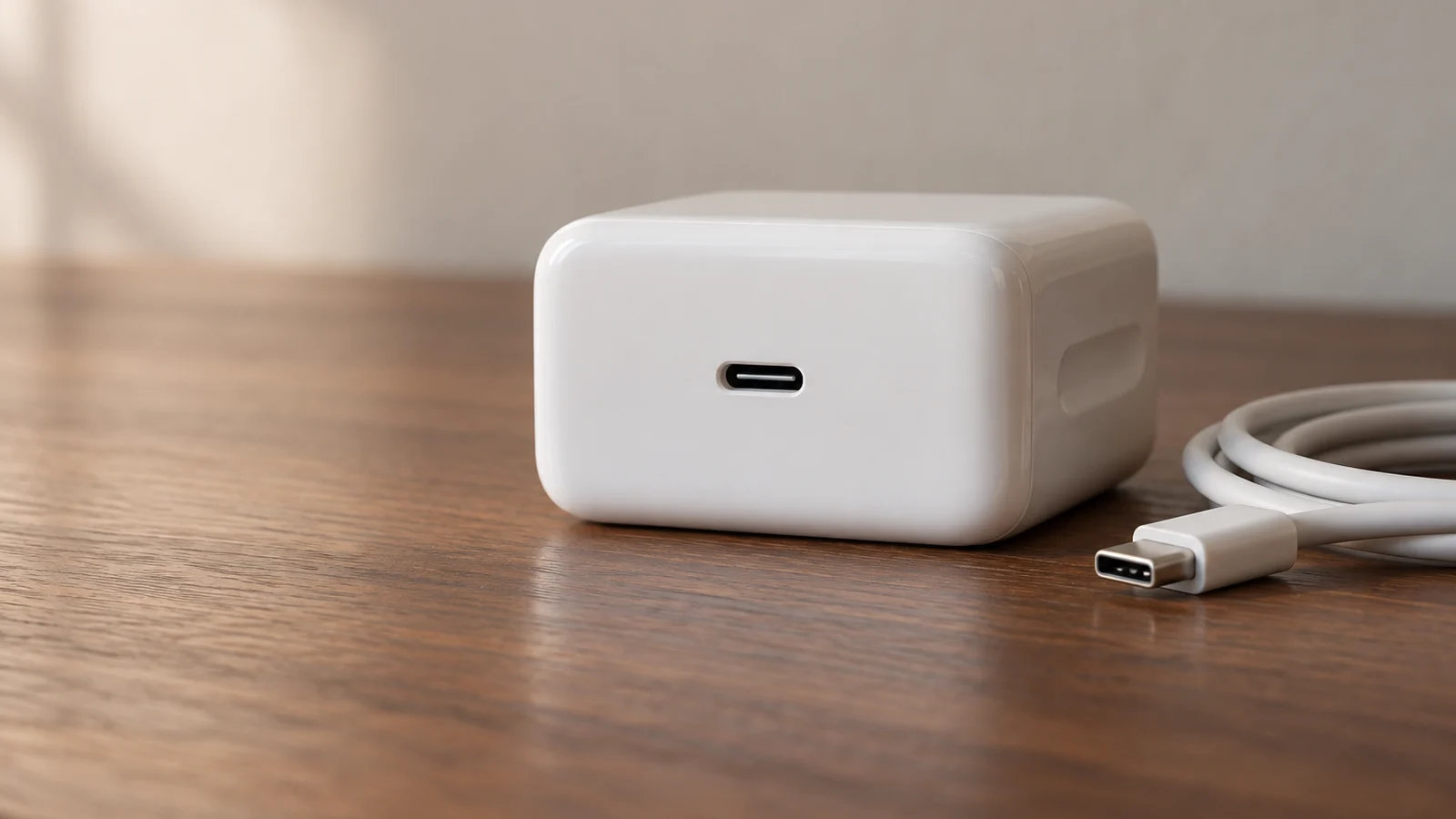
- Apple 20W USB-C Power Adapter to replace a lost one, or for an iPad mini.
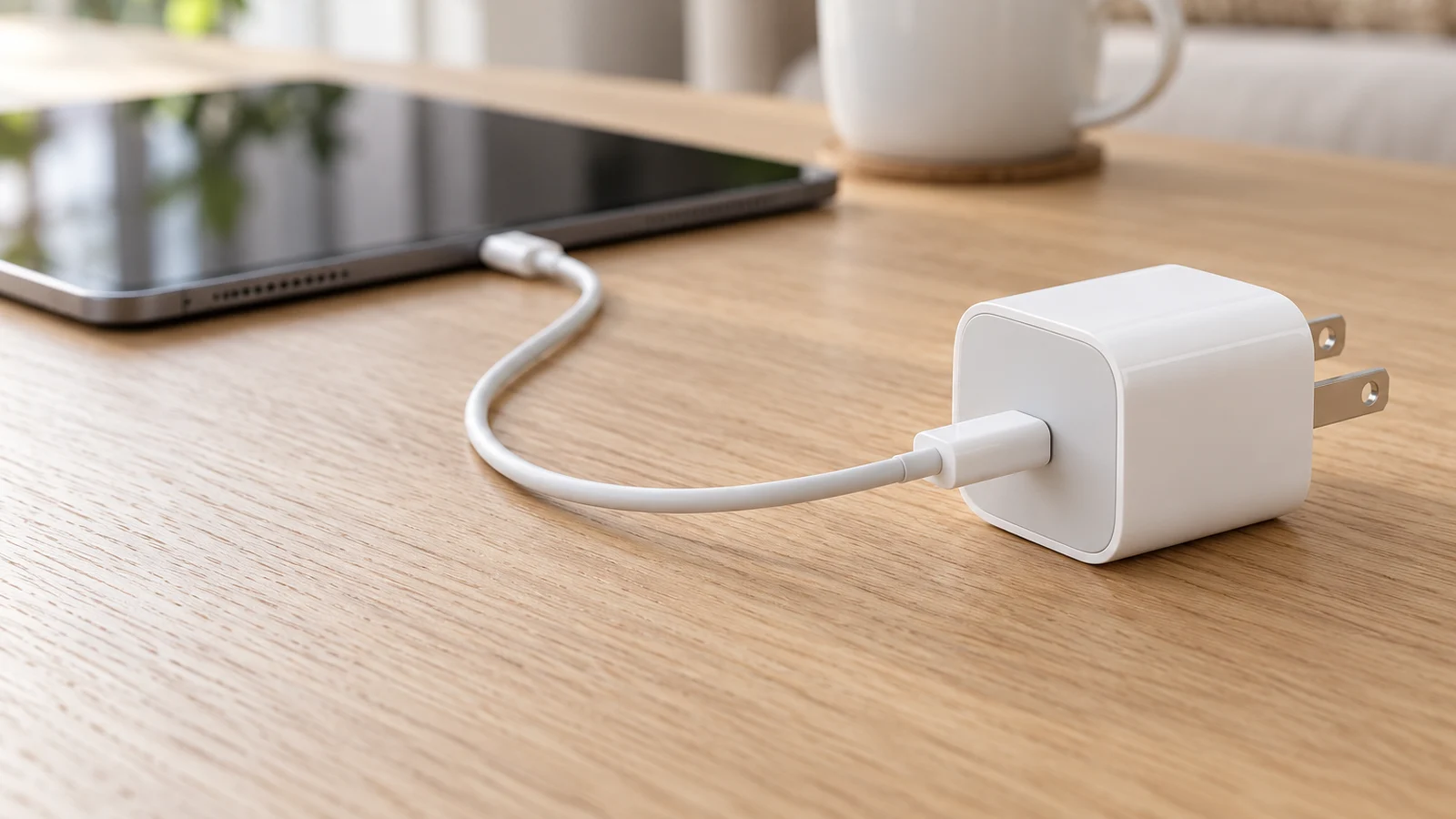
- Anker Nano Charger (30W) for a smaller plug that comes close to what the iPad Air and the A16 iPad drew in tests.
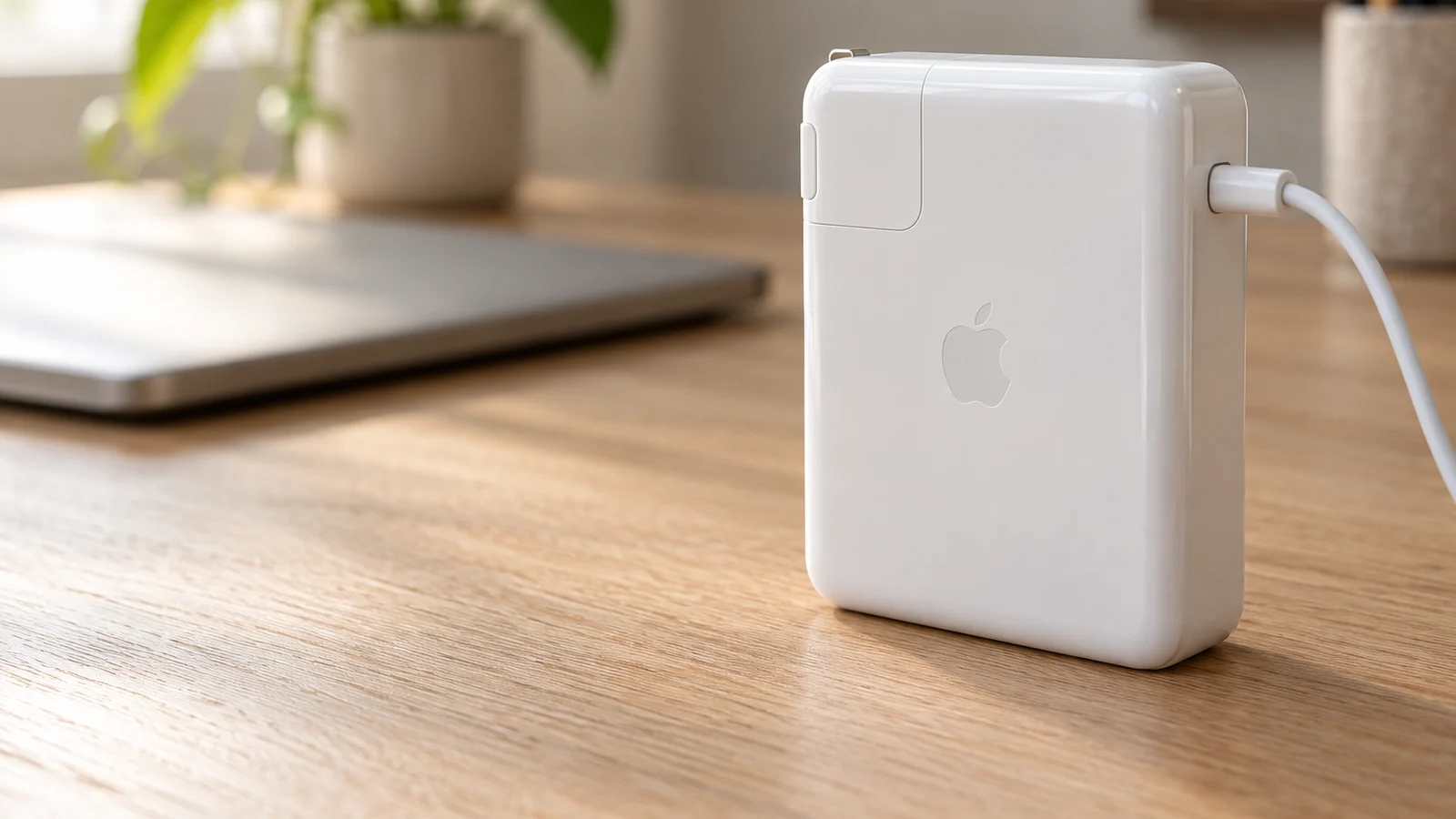
- Apple 40W Dynamic Power Adapter with 60W Max for the iPad Pro (M5), and the adapter Apple used for its fast-charge figure.
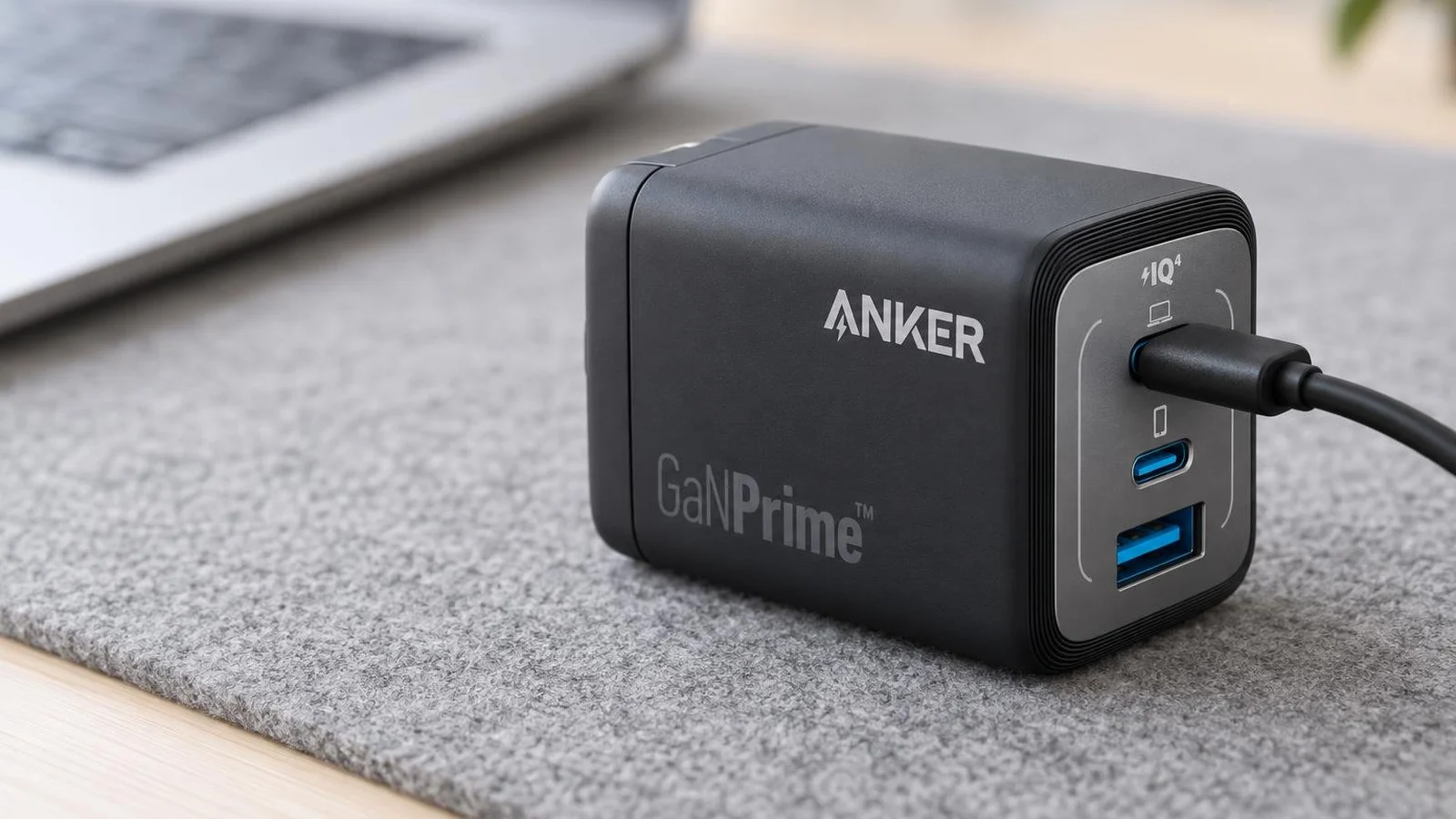
- Anker Prime 67W GaN Wall Charger for an iPad Pro (M5) and a phone from one plug.
This guide is AI-generated from Apple and Anker documentation and from measurements published by ChargerLAB, GSMArena and Engadget. GearExplained did not test these chargers. The product cards at the end link to Amazon, and GearExplained may earn a commission. That does not decide which chargers appear here.
What each iPad asks for
Apple's list of iPads with USB-C covers every model it sells now: iPad Pro (M4 and M5), iPad Air (M2, M3 and M4), iPad mini (A17 Pro) and iPad (A16), plus older generations. Apple says any compatible USB-C adapter charges them, and that a higher-wattage one, "such as the one that came with your Mac laptop", can charge them faster. For third-party adapters, the iPad User Guide recommends 5 to 15V at 3A, at least 15W, from a USB-C port.
| iPad | In the US box | Apple fast-charge figure | Highest power measured |
|---|---|---|---|
| iPad Pro (M5) | 20W adapter, USB-C cable | 50% in about 30 minutes with the 40W Dynamic adapter or a 60W or higher adapter | ChargerLAB gives a 60W maximum; Engadget went from 23% to 70% in 35 minutes on the 40W Dynamic adapter |
| iPad Pro (M4) | 20W adapter on Apple's list, not in some countries | None | 34.27W, ChargerLAB |
| iPad Air (M4) | 20W adapter, USB-C cable | None | No published test found |
| iPad Air (M3) | 20W adapter, per ChargerLAB's unboxing | None | 31.32W, ChargerLAB |
| iPad (A16) | 20W adapter, USB-C cable | None | 28W for most of the charge after negotiating 35W, GSMArena |
| iPad mini (A17 Pro) | 20W adapter, USB-C cable | None | 20W limit in a certification filing, per MacRumors |
Sources: Apple's spec pages for the iPad Pro, iPad Air, iPad and iPad mini, Apple's fast-charge page and power adapter list, and the tests linked below, checked October 23, 2026.
A few things in that table need explaining.
Only the iPad Pro (M5) has a fast-charge rule. Apple's fast-charge page says it reaches 50% in around 30 minutes with a USB-C cable like the one in the box and a USB-C compliant adapter of 60W or higher. Apple's testing note names its 40W Dynamic Power Adapter with 60W Max and its 70W adapter. Apple says fast charging might not work when the iPad is too hot or too cold. ChargerLAB's M5 test describes the M5 iPad Pro's charging limit as 20V 3A, 60W, up from the M4. Engadget's review took a 13-inch model from 23% to 70% in 35 minutes on the 40W Dynamic adapter, which Engadget called a tad slower than Apple's claim but close enough.
Other recent iPads draw more than 20W, but not much more. ChargerLAB measured the M4 iPad Pro at 18.28W on Apple's 20W adapter and 33.27W on Apple's 61W adapter, with an Anker 65W charger close behind at 32.71W and a UGREEN 160W charger highest at 34.27W. Its M3 iPad Air review measured 18.45W on the included 20W adapter, 29.50W on Apple's 70W adapter and 31.32W at most from third-party chargers. On the 70W adapter the Air reached 50% in 45 minutes and full in 2 hours 16 minutes. GSMArena tested the A16 iPad on a 45W USB-PD adapter. GSMArena says it negotiated 35W first, then charged at 28W until about 70%, and reached 34% in 30 minutes and 100% in 2 hours. GearExplained did not find a published charging test of the M4 iPad Air, and Apple gives it no fast-charge figure.
The iPad mini appears to stop at 20W. MacRumors reported that a Chinese 3C certification filing lists the iPad mini (A17 Pro) at 20W, 9V 2.22A. MacRumors' headline calls the 20W limit likely rather than confirmed. Apple publishes no charging figure for the mini.
Check the box outside the US. Apple's adapter list notes that in some countries and regions the M4 iPad Pro and M2 iPad Air come without a charger. GSMArena's review unit of the A16 iPad shipped without one. The US spec pages for the current models list the 20W adapter.
Older iPads with Lightning. The iPad User Guide lists a Lightning to USB-C cable for models that use one. Any of the USB-C chargers below works with that cable.
| Charger | Ports | Most power | Highest USB-C profiles listed | Best match |
|---|---|---|---|---|
| Apple 20W USB-C Power Adapter | 1 USB-C | 20W | Not listed on Apple's store page | iPad mini, or a replacement for the boxed adapter |
| Anker Nano Charger (30W), A2147 | 1 USB-C | 30W | 15V 2A, 20V 1.5A | iPad Air and iPad (A16) |
| Apple 40W Dynamic Power Adapter with 60W Max | 1 USB-C | 40W sustained, 60W peak | AVS 15 to 20V at 2A, AVS 9 to 15V at 2.67A | iPad Pro (M5) and (M4) |
| Anker Prime 67W GaN Wall Charger, A2669 | 2 USB-C, 1 USB-A | 67W from one USB-C port, 65W across two | 15V 3A, 20V 3.35A | iPad Pro (M5) plus a phone |
1. Apple 20W USB-C Power Adapter: the one in the box
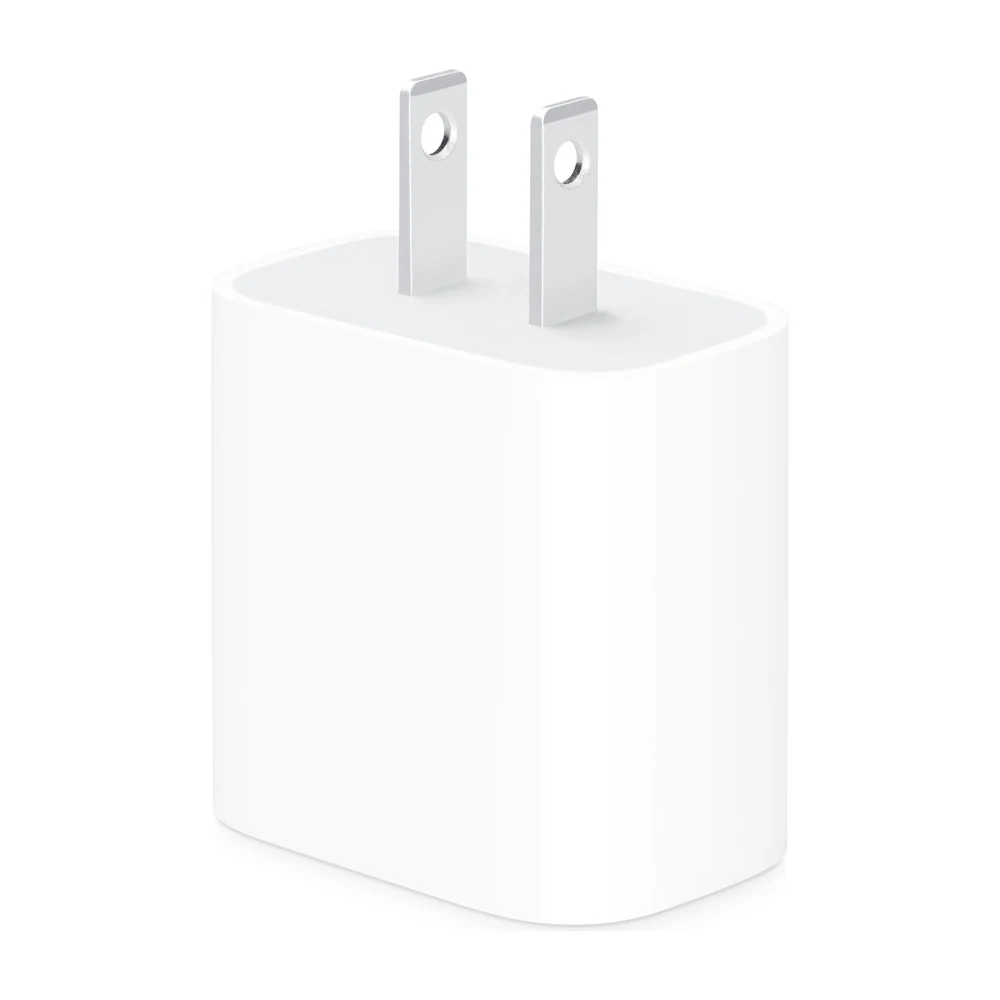
If you lost the adapter that came with your iPad, or your iPad came without one, the 20W USB-C Power Adapter is what Apple's US spec pages list for every current model. For an iPad mini (A17 Pro) there is no reason to buy more if the 20W limit in the filing holds.
On other iPads it works, just more slowly than they can charge. ChargerLAB measured about 18W from Apple's 20W adapter on both the M4 iPad Pro and the M3 iPad Air, against 31W to 33W from bigger chargers. For an overnight charge that difference does not matter much. It has one USB-C port, and the cable is sold separately.
2. Anker Nano Charger (30W): small, and close to what the Air and A16 iPad draw
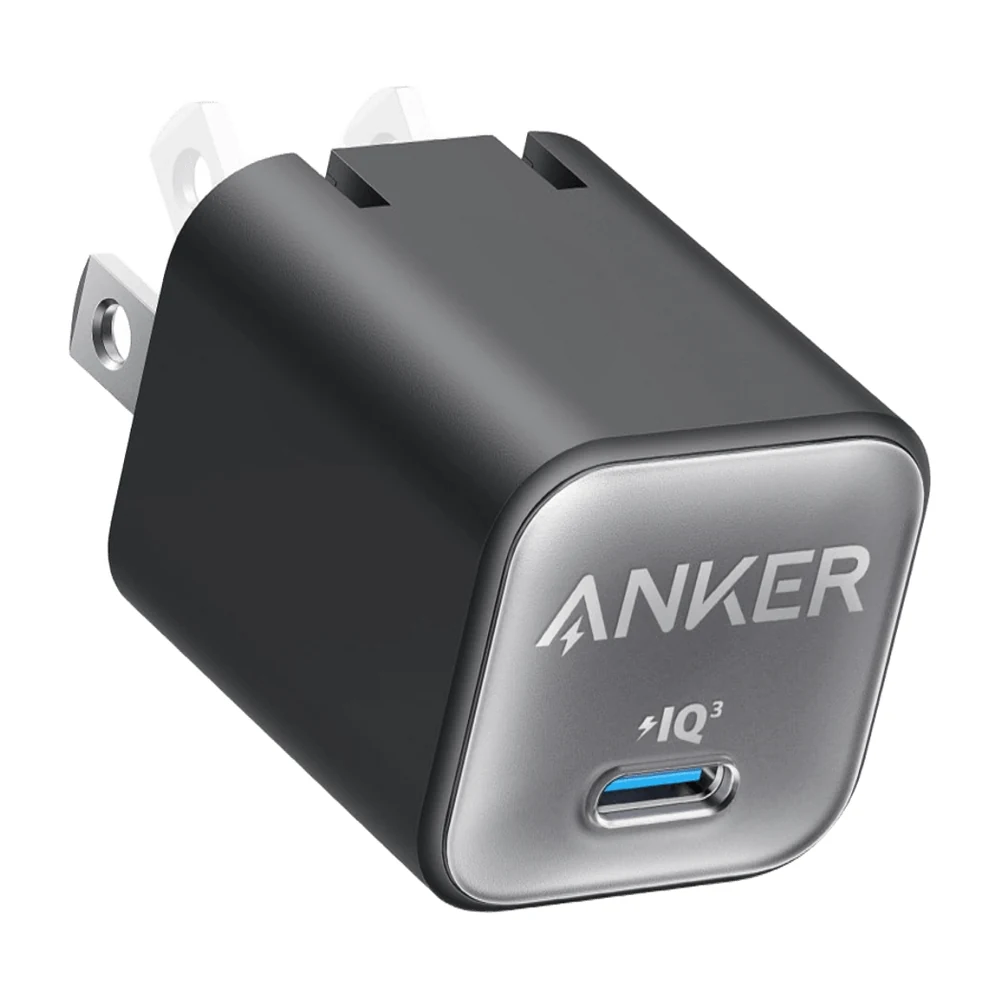
The Anker Nano Charger (30W), model A2147, is a small single-port charger. Anker's model guide says the US A2147 has folding pins. Its product page lists 1.12 by 1.12 by 1.39 inches and USB-C output of 5V 3A, 9V 3A, 15V 2A and 20V 1.5A, up to 30W.
That 15V 2A step matters here. ChargerLAB's M3 iPad Air charged at about 15V and 2A from Apple's 70W adapter, 29.50W in total. GSMArena's A16 iPad settled at 28W for most of its charge. A 30W charger is close to both figures, so it should give most of the gain a bigger charger would on those two models. GearExplained did not find a published test pairing this charger with an iPad, or a published test of the M4 Air, so treat that as an estimate from the numbers.
It is not the charger for an iPad Pro (M5), which Apple rates for fast charging only at 60W or with its 40W Dynamic adapter.
3. Apple 40W Dynamic Power Adapter with 60W Max: the iPad Pro (M5) charger Apple tested
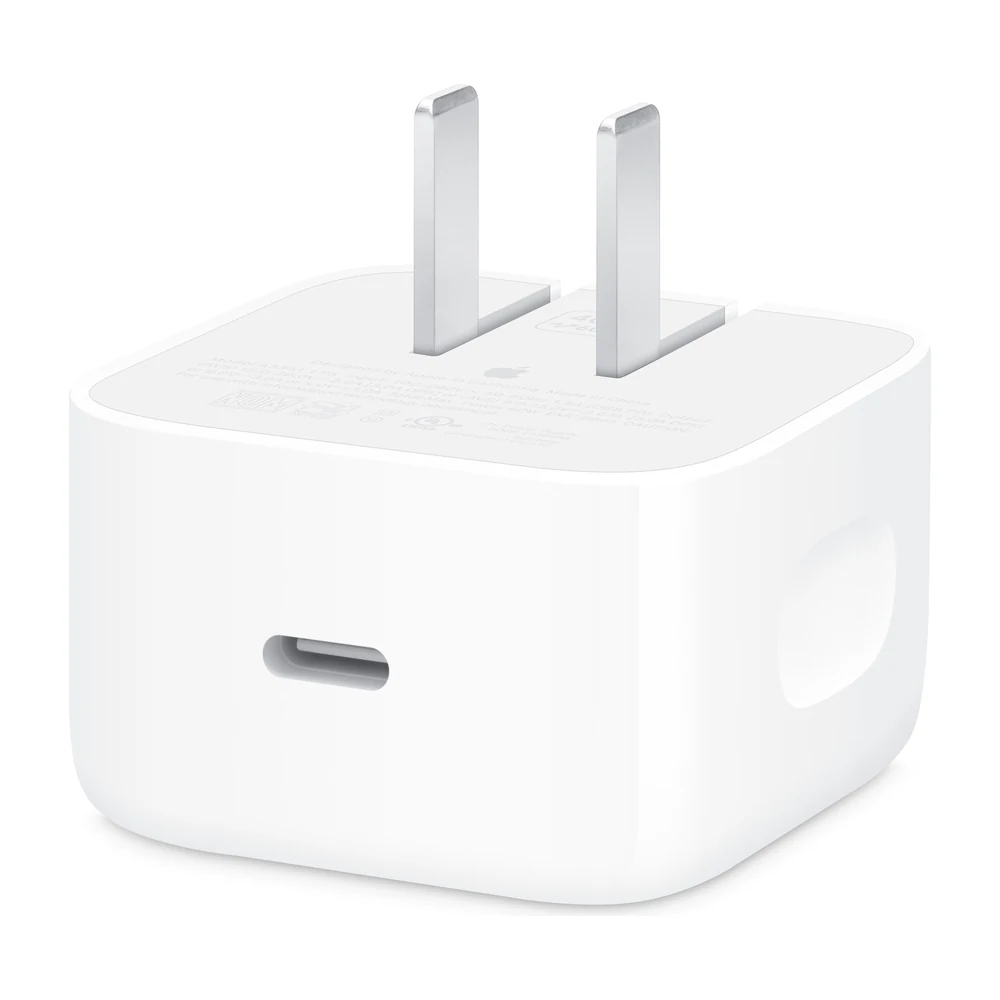
Apple names this adapter on the iPad Pro (M5) spec page as one way to get 50% in around 30 minutes, the other being a USB-C adapter of 60W or higher. Its store page says it can deliver up to 60W. Engadget's 23% to 70% in 35 minutes on a 13-inch M5 iPad Pro was measured with this adapter.
It should also cover the M4 iPad Pro. ChargerLAB's highest reading on that model was 34.27W, and the output profiles in GearExplained's record for this adapter, taken from the label in Apple's product image and Apple's iPhone User Guide, include 9 to 15V at 2.67A, about 40W at 15V. For an M3 or M4 Air or an A16 iPad it works, but the tests above suggest those models would not draw much more from it than from a 30W charger.
It has one port and folding prongs, and the cable is sold separately. Apple's fast-charge page asks for a USB-C cable like the one in the box and links its 60W USB-C Charge Cable.
4. Anker Prime 67W GaN Wall Charger: an iPad Pro (M5) and a phone from one plug
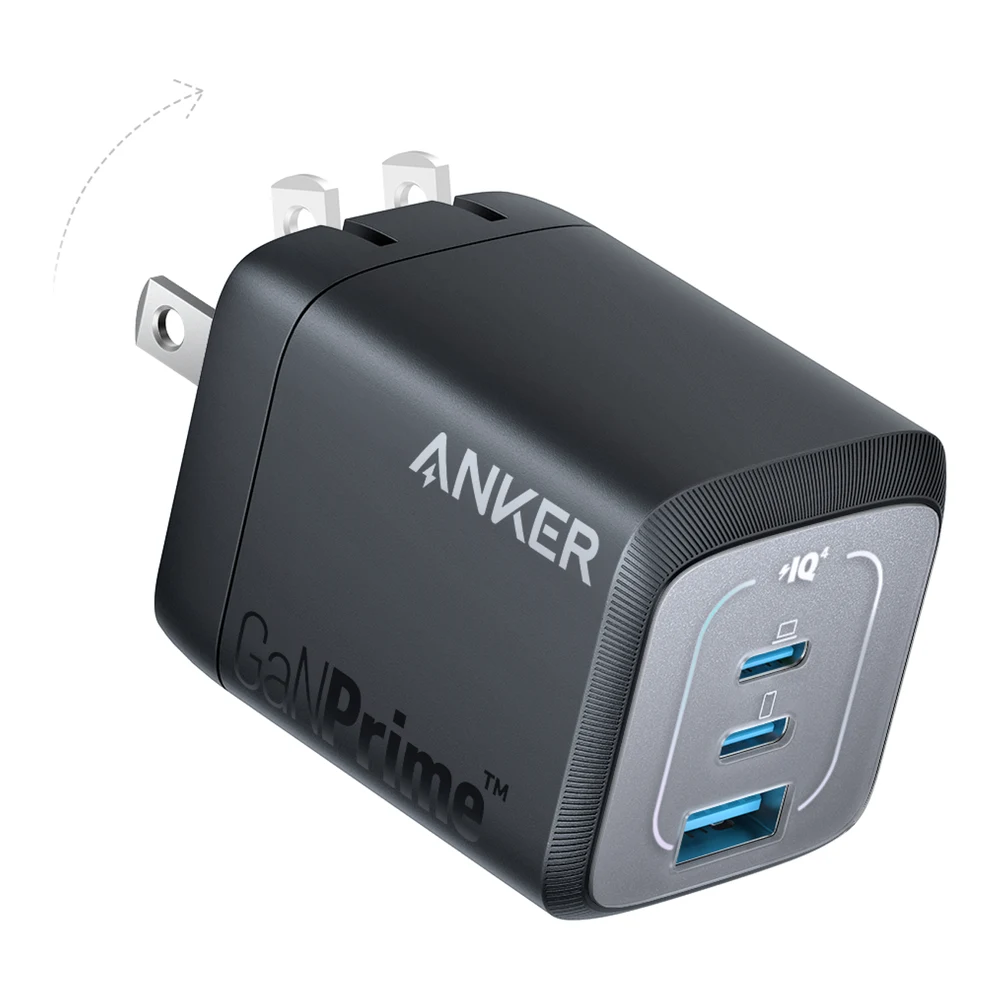
The Anker Prime 67W, model A2669, gives up to 67W from either USB-C port alone, at 20V 3.35A. That meets the 60W or higher Apple asks for to fast charge an iPad Pro (M5) when it is the only thing plugged in. It has two USB-C ports and one USB-A port, folding prongs, and Anker lists 1.57 by 1.52 by 1.98 inches.
The catch is sharing. Anker lists 65W in total with two ports in use and 64.5W with all three. It does not say how that splits between ports, so with a phone on the second port the iPad may get less than 60W and lose Apple's fast-charge figure. Charge the iPad alone when speed matters. Anker's own compatibility list names older iPads such as the M2 iPad Pro, not the M5 model, and GearExplained did not find a published test of this charger with an M5 iPad Pro.
Which USB-C charger to buy for an iPad
If you have an iPad mini, or you lost the adapter from any iPad's box, buy the Apple 20W adapter.
If you have an iPad Air or an A16 iPad and want it to charge a bit faster, buy a 30W charger such as the Anker Nano. The tests above suggest anything much bigger adds little on those models.
If you have an iPad Pro (M5), buy Apple's 40W Dynamic adapter or a charger that gives 60W or more from one port, and use a cable like the one in the box. The Anker Prime 67W does that and can charge a phone too, though not at full speed for both. The charger from a MacBook Air or MacBook Pro also counts, if it is 60W or more.
If you have an M4 iPad Pro, the 40W Dynamic adapter or another charger of about 35W or more should cover the 33W to 34W ChargerLAB measured.
Sources
- Apple, Charge and connect with the USB-C port on your iPad, Fast charge your iPad, Power adapter and charge cable for iPad, About Apple USB power adapters, spec pages for the iPad Pro, iPad Air, iPad and iPad mini, and store pages for the 40W Dynamic Power Adapter with 60W Max and 20W USB-C Power Adapter
- ChargerLAB, iPad Pro M5 charging test, iPad Pro M4 compatibility test and iPad Air M3 charging review
- GSMArena, iPad 11-inch (A16) lab tests
- Engadget, iPad Pro M5 review
- MacRumors, iPad Mini 7 Charging Speed Likely Remains at 20W
- Anker, Anker Nano Charger (30W), its Nano 511 model guide and Anker Prime 67W GaN Wall Charger (3 Ports)
All sources were checked on October 23, 2026.