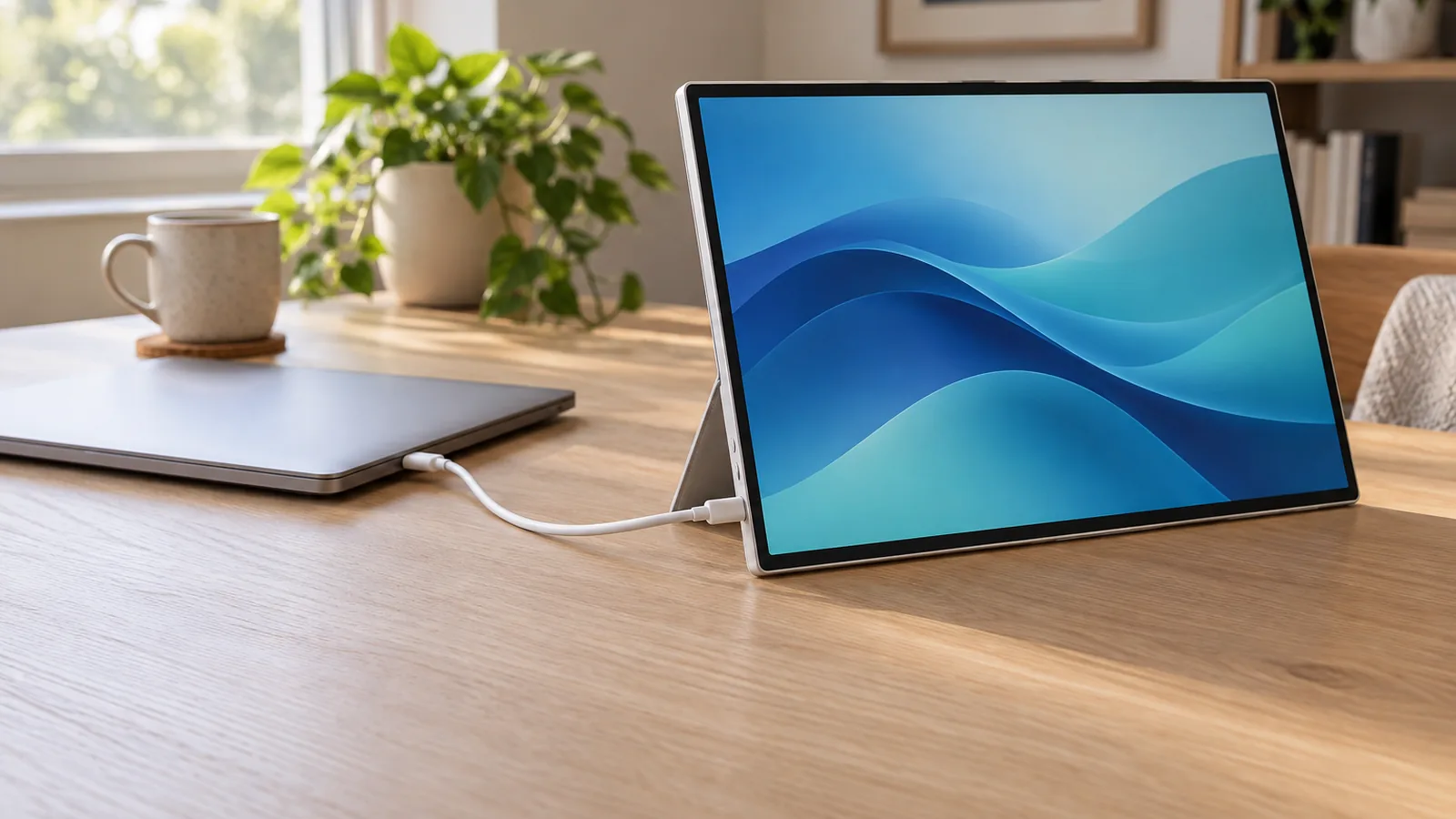
Host compatibility
Tom's Hardware connected it to a Mac mini, a MacBook Air and an MSI Claw 8 EX AI+ handheld, each over one USB-C cable carrying power and video.
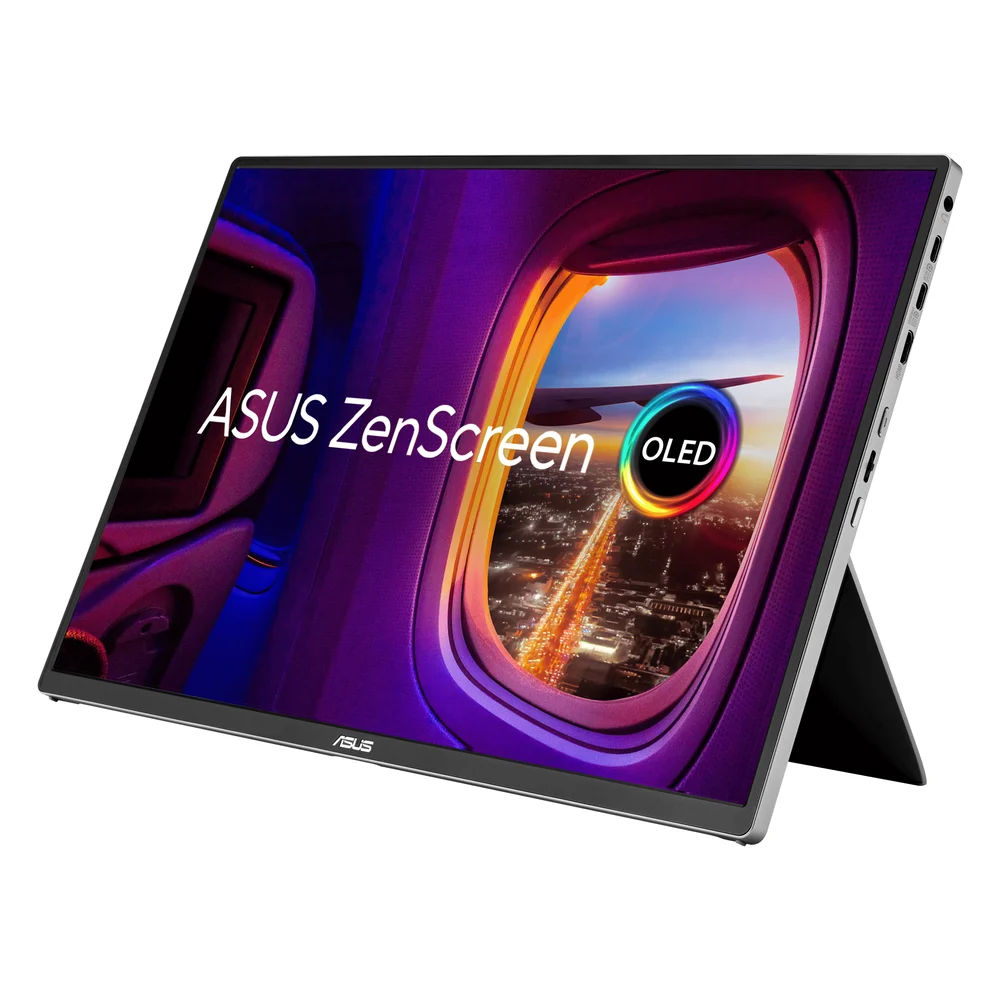
A 16-inch 1920 x 1200 OLED with a mini-HDMI input, so it also works with laptops whose USB-C ports carry no video. Tom's Hardware measured modest brightness.
We may earn a commission.Tom's Hardware connected it to a Mac mini, a MacBook Air and an MSI Claw 8 EX AI+ handheld, each over one USB-C cable carrying power and video.
If the laptop USB-C port lacks DisplayPort Alt Mode, ASUS says to use HDMI for video and power the monitor through its other USB-C port. ASUS says an external adapter can improve brightness and stability. Full 65W pass-through needs a 90W adapter.
Tom's Hardware measured 140 nits in the default Standard mode and 271 nits in User Mode, below the 300-nit rating and dimmer than two rivals it compared.
Tom's Hardware found the kickstand stiff enough to hold its angle. It also has a quarter-inch tripod socket and weighs 1.5 pounds.
ASUS says no drivers are needed on Windows, macOS or Linux. Auto-rotation uses its DisplayWidget Center software.
Five portable monitors that run from one USB-C cable, with each maker's power draw, HDMI fallback and Mac touch support side by side.