Video
Apple says Continuity Camera brings the iPhone's camera features, including Center Stage, Portrait mode, Studio Light and Desk View, to video apps on the Mac. Desk View needs iPhone 11 or later, excluding iPhone 16e and SE models.
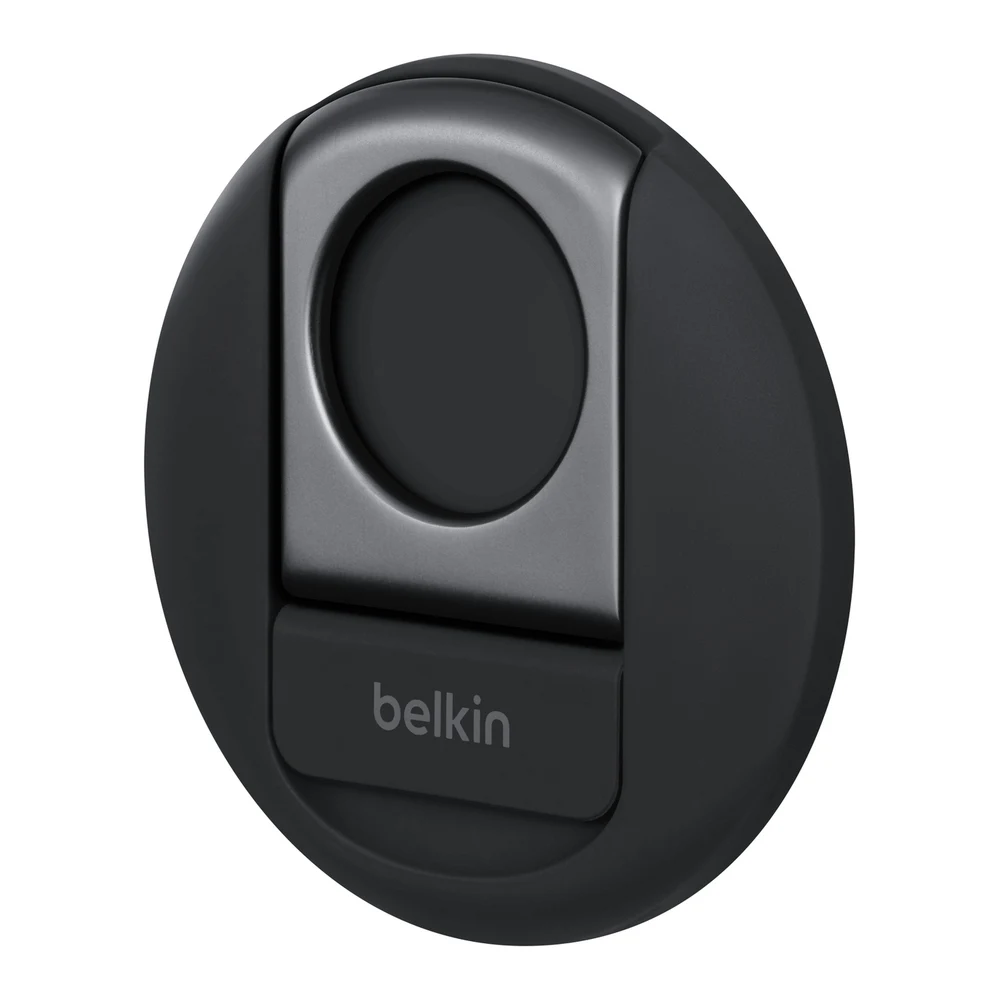
A MagSafe mount that holds an iPhone above a MacBook display so macOS can use it as a webcam through Continuity Camera. That route gets Center Stage, Desk View, Portrait mode and Studio Light on any MacBook Pro that runs macOS Ventura or later.
We may earn a commission.Apple says Continuity Camera brings the iPhone's camera features, including Center Stage, Portrait mode, Studio Light and Desk View, to video apps on the Mac. Desk View needs iPhone 11 or later, excluding iPhone 16e and SE models.
Apple says Continuity Camera works wired or wirelessly and needs iOS 16 or later on an iPhone XR or later, macOS Ventura 13 or later, the same Apple Account on both and Bluetooth and Wi-Fi turned on. The mount itself needs a MagSafe iPhone; Belkin's tested list starts at the iPhone 12.
Apple's compatibility list for the mount names MacBook Pro models from the 16-inch (2019) and 13-inch (2020) through the M5 Pro and M5 Max. Belkin says it fits 2017 and newer MacBooks and does not block the MacBook's own camera.
Belkin says it attaches without adhesive and holds the iPhone in landscape or portrait. Apple says the iPhone must be locked, stable and in landscape for apps to pick it automatically. It needs a MagSafe iPhone or an official MagSafe case.
Which MacBook Pro has a 720p, 1080p or 12MP Center Stage camera, which Apple video effects need it or an iPhone, and three options for each case.