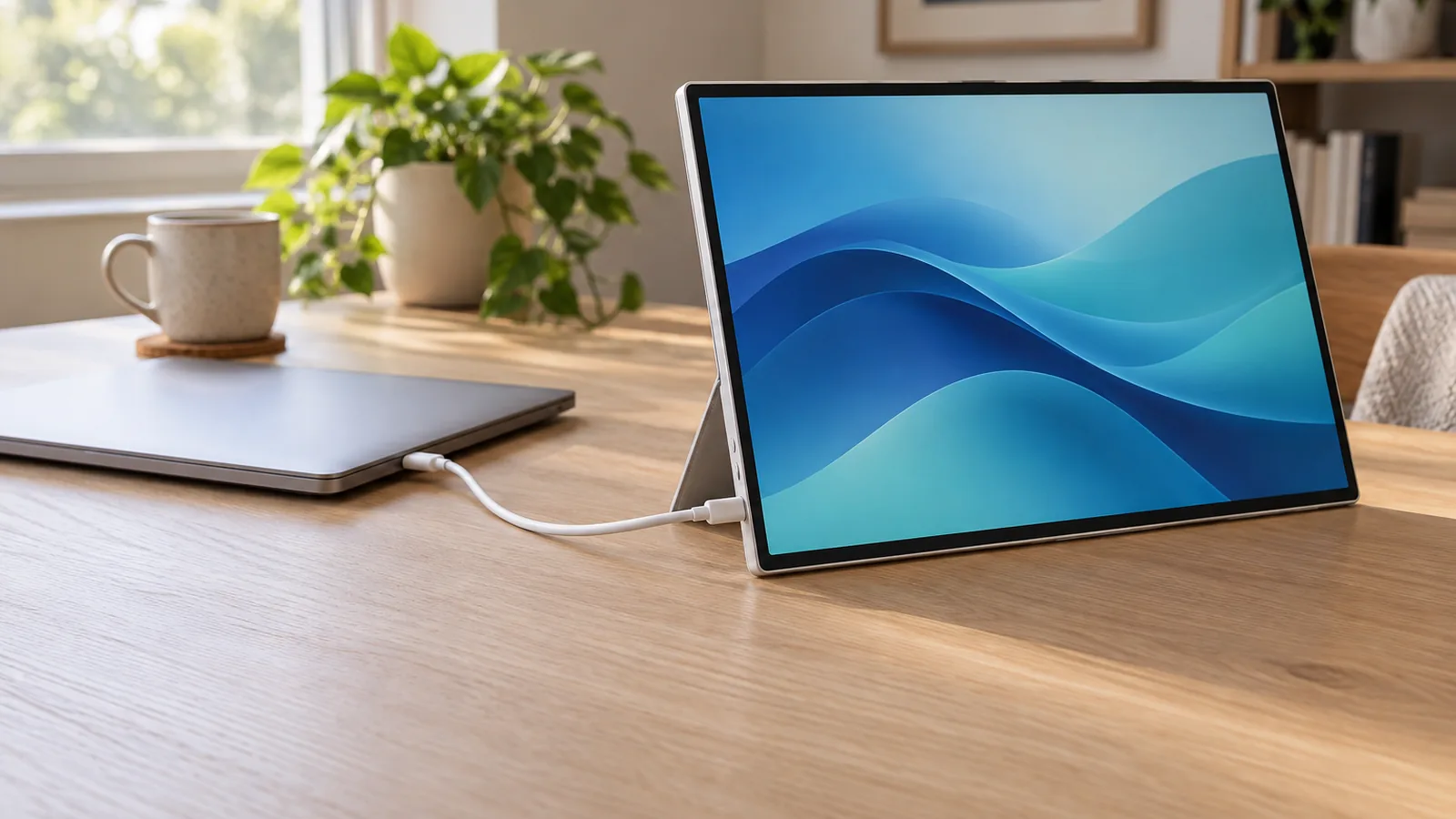
Host compatibility
Lenovo lists Windows 10 and 11 support. Its Accessories and Display Manager app supports macOS with functions that vary by system. Lenovo does not document touch on a Mac.
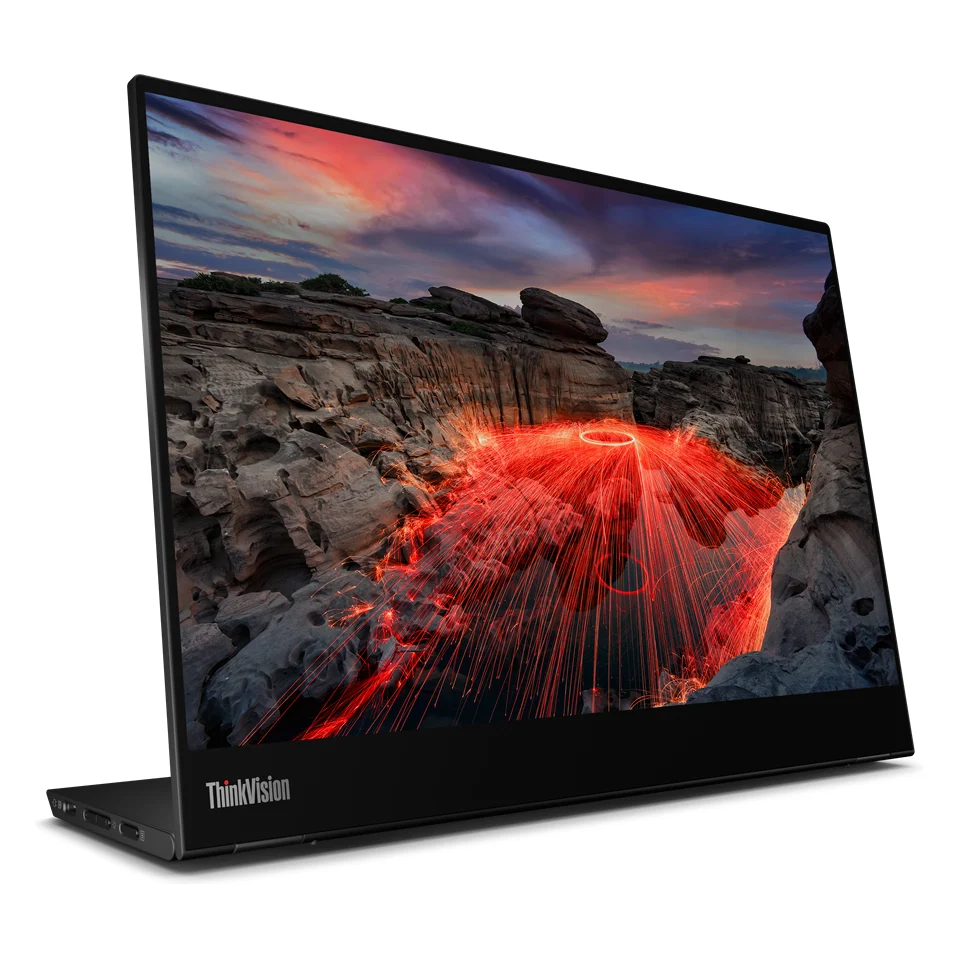
A 14-inch 2240 x 1400 touchscreen with a pen in the box. Lenovo lists Windows support, and its brightness suits dim rooms better than bright ones.
We may earn a commission.Lenovo lists Windows 10 and 11 support. Its Accessories and Display Manager app supports macOS with functions that vary by system. Lenovo does not document touch on a Mac.
PCMag tested it powered from its testbed computer over one USB-C cable. Lenovo does not include a power adapter, so charging a laptop through it needs your own USB-C charger.
RTINGS says it is not bright and its glossy coating handles reflections terribly, so it is best used in a dim space. Its sRGB mode is accurate out of the box.
A hinged base tilts from minus 5 to 90 degrees and props it up in portrait. PCMag found the touchscreen responsive to fingers and the included pen.
PCMag says the on-screen menu switches touch support between Windows and Android or Chrome. Video needs no driver.
Five portable monitors that run from one USB-C cable, with each maker's power draw, HDMI fallback and Mac touch support side by side.