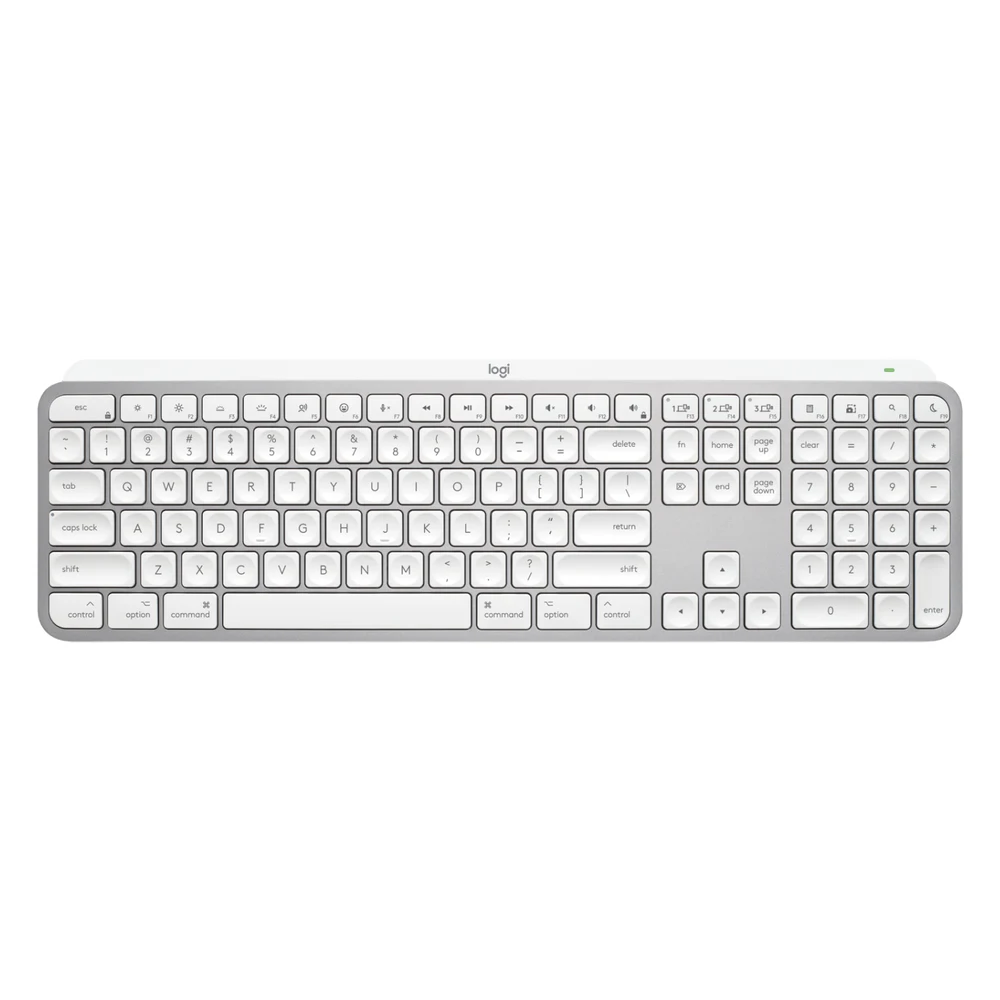
Logitech MX Keys S for Mac in pale grey with white keys and a numeric keypad, seen from above

Logitech MX Keys S for Mac

A full-size, backlit, low-profile keyboard with Mac key legends that pairs with up to three devices over Bluetooth. A Logi Bolt receiver is sold separately.

We may earn a commission.
Compatibility report
Pale Grey, English US, part 920-011622. Space Gray is 920-011621. Includes a USB-C to USB-C charging cable and no USB receiver. The regular MX Keys S, which has Windows and Mac legends, includes a Logi Bolt receiver.

What works. What doesn't.

Working in this setup

Typing

RTINGS tested the regular MX Keys S and found impressive build quality and a low profile that is comfortable without a wrist rest. RTINGS says the Mac version is identical except for its Mac-specific modifier legends, and that only the regular version includes a Bolt receiver.
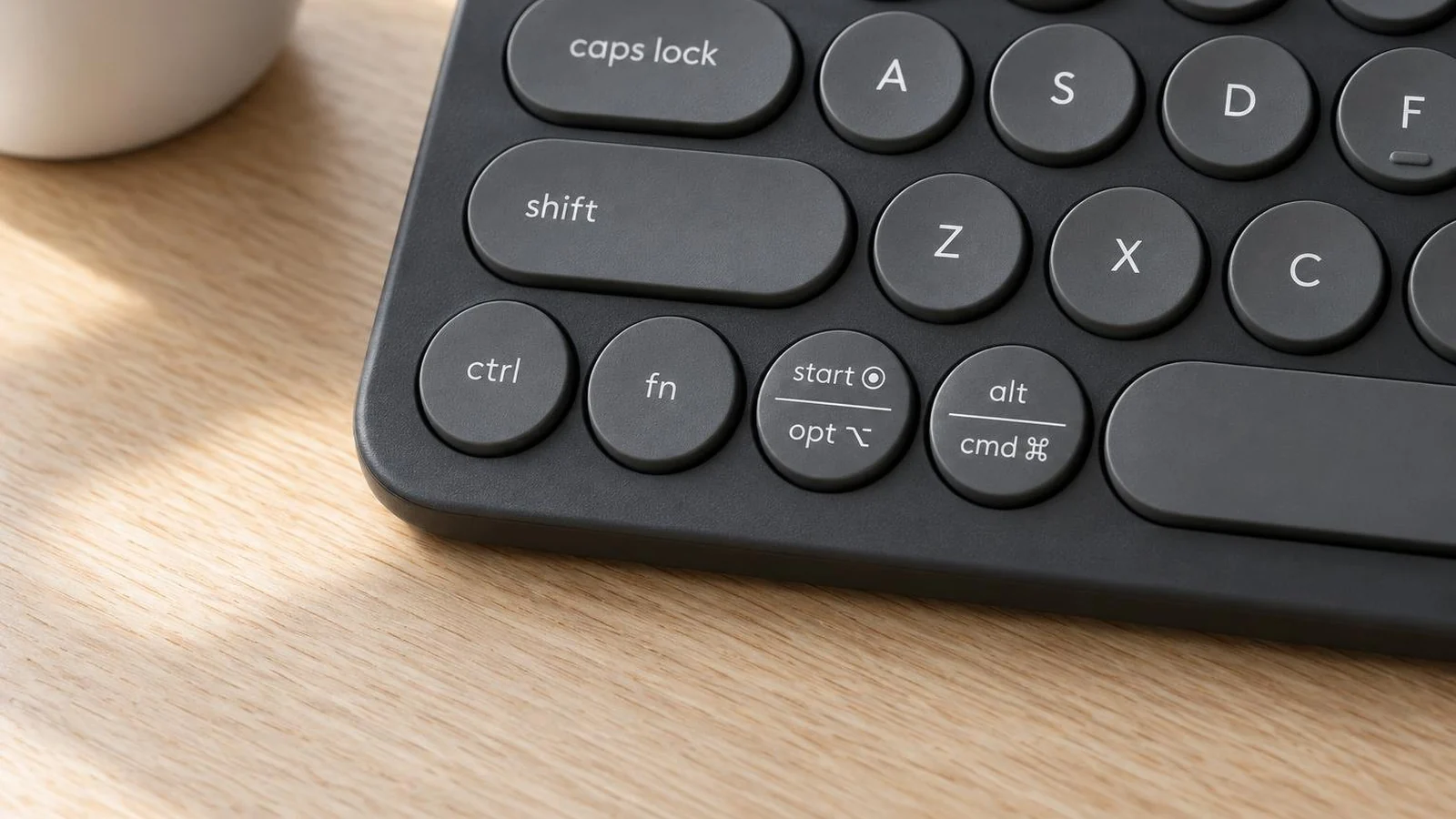
Reviewer / Source checked 2026-10-16
RTINGS.com: Logitech MX Keys S Keyboard Review

With limitations

Connections

Logitech lists Bluetooth Low Energy with Easy-Switch for 3 devices and a Logi Bolt receiver that is not included. Logitech warns that FileVault can stop Bluetooth devices from connecting before you log in, and advises a Bolt receiver if you use FileVault.

Manufacturer documentation / Source checked 2026-10-16
Logitech: MX Keys S for Mac

Working in this setup

Layout

Logitech's US store lists macOS 10.15 or later and iPadOS 14 or later. Its support specification page lists macOS 11 or later. Media keys are the default F-row, and Fn plus Esc swaps them.

Manufacturer documentation / Source checked 2026-10-16
Logitech: Getting Started - MX Keys S for Mac

Working in this setup

Customization

Logi Options+ on macOS adjusts backlighting and lets you set Smart Actions shortcuts. Logitech Flow lets the keyboard follow a Flow-enabled Logitech mouse between computers.

Manufacturer documentation / Source checked 2026-10-16
Logitech: Getting Started - MX Keys S for Mac

Read the bigger picture.