Start with your internet plan, not the coverage number on the box. A mesh system's main unit plugs into your modem through one Ethernet port, and that port's speed caps what reaches your home. TP-Link's own Deco X55 page notes that actual speed may be limited by the rate of the Ethernet WAN or LAN port.
- eero 6+ for plans up to 1Gbps and the simplest setup, if you will not pay for eero Plus features.
- TP-Link Deco X55 for the most Gigabit ports per unit at this level.
- Google Nest Wifi Pro for Wi-Fi 6E and a built-in Google Home and Matter hub.
- ASUS ZenWiFi BT8 for plans above 1Gbps, 2.5G wired links between units, and security features with no subscription.
- NETGEAR Orbi 770 for plans above 1Gbps across a large home, with 2.5G ports on the router and both satellites.
Then answer two more questions. Can you run Ethernet between rooms? And which features do you expect without a monthly fee? Those three answers separate these systems more than their Wi-Fi ratings do.
This guide is AI-generated from manufacturer documentation. GearExplained did not test these systems, and no coverage or speed figure here is a measurement. The product cards at the end link to Amazon, and GearExplained may earn a commission. That does not decide which systems appear here.
Three things to check before you buy
The WAN port speed. eero says the eero 6+ is for plans up to 1Gbps, with wired or wireless speeds up to 940Mbps. The ASUS ZenWiFi BT8 and NETGEAR Orbi 770 have 2.5G WAN ports. If you pay for more than 1Gbps, only those two of the five can take it in through the router port.
Wired backhaul. Mesh units normally talk to each other over Wi-Fi. If your home has Ethernet between rooms, you can link them by cable instead. TP-Link, Google, ASUS and NETGEAR document wired links for the systems here. ASUS supports them at 2.5Gbps on the BT8, and NETGEAR lists a 2.5 Gig wired backhaul option for the Orbi 770. eero's product and support pages for the 6+ do not say whether units can be cabled together.
Subscriptions. eero, Google, ASUS and NETGEAR list automatic updates among their standard features. Extra security and filtering features vary:
- eero Plus costs $9.99 a month or $99.99 a year. It covers active threat protection, ad blocking, content filters, activity history, a VPN and more.
- TP-Link's HomeShield has a free basic plan. IoT protection, web protection, intrusion prevention and advanced parental controls are paid plans with 30-day trials.
- NETGEAR lists Armor as an optional subscription for the Orbi 770.
- ASUS says its AiProtection security, powered by Trend Micro, has no subscription fee, and its parental controls are free.
- Google lists automatic security updates, parental controls and guest networks as standard Nest Wifi Pro features.
1. eero 6+ 3-pack: simple Wi-Fi 6 for plans up to 1Gbps
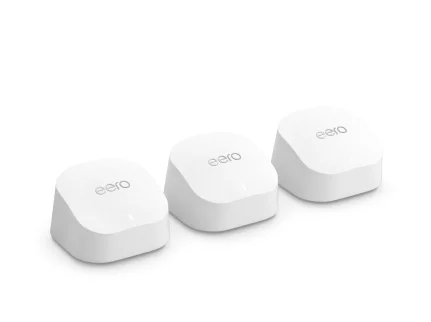
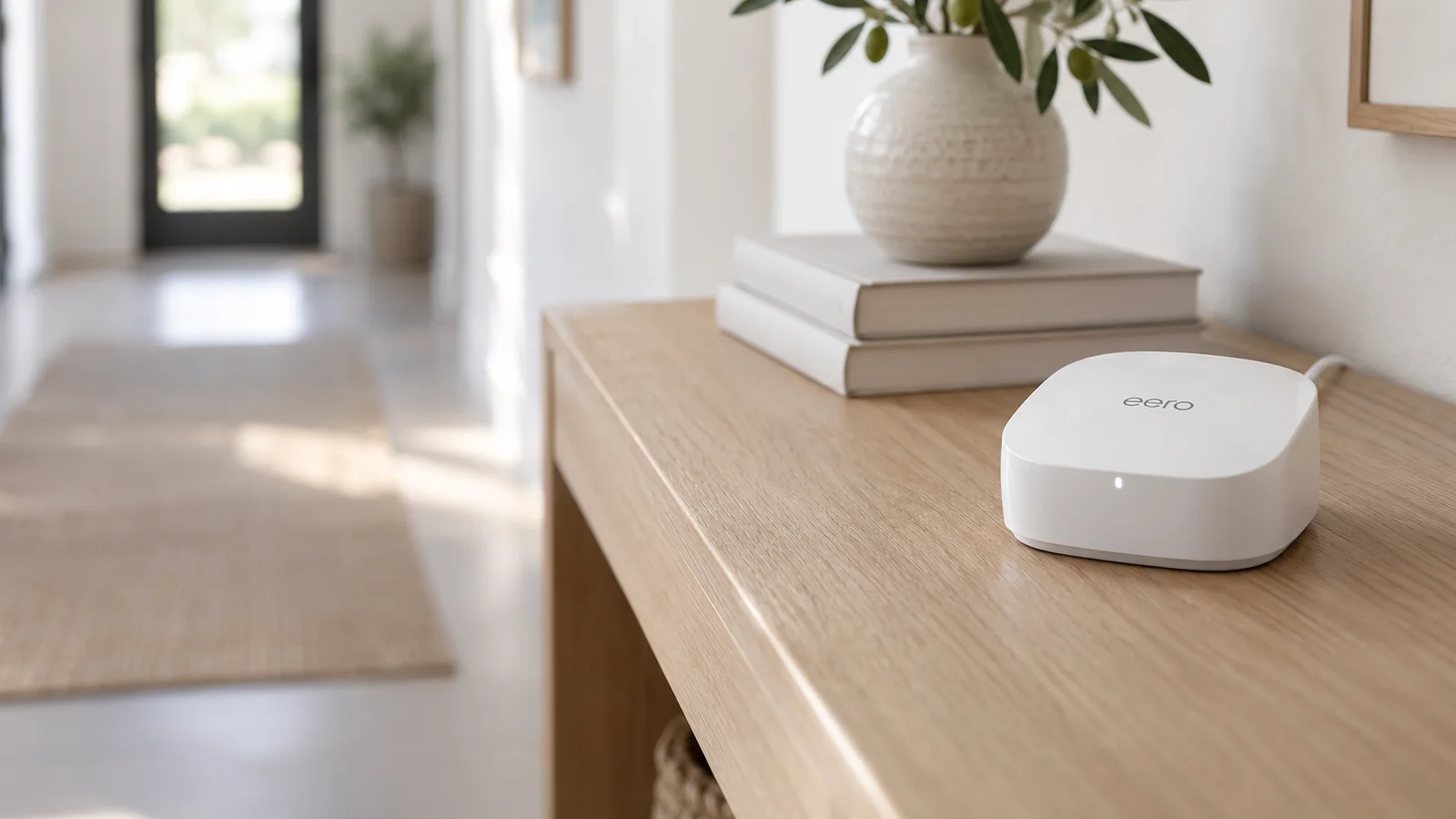
The eero 6+ is a dual-band AX3000 Wi-Fi 6 unit with two auto-sensing Gigabit ports. eero rates each router at 1,500 square feet and the system at 75 or more devices. Any unit can be the main router or a mesh point.
It is a good fit for a plan at or below 1Gbps if the free feature set is enough. The list of eero Plus features is long, so check it first. Also check the pack you buy. eero sells a separate eero 6+ Extender that has no Ethernet ports and cannot connect to your modem.
2. TP-Link Deco X55 3-pack: three Gigabit ports on every unit
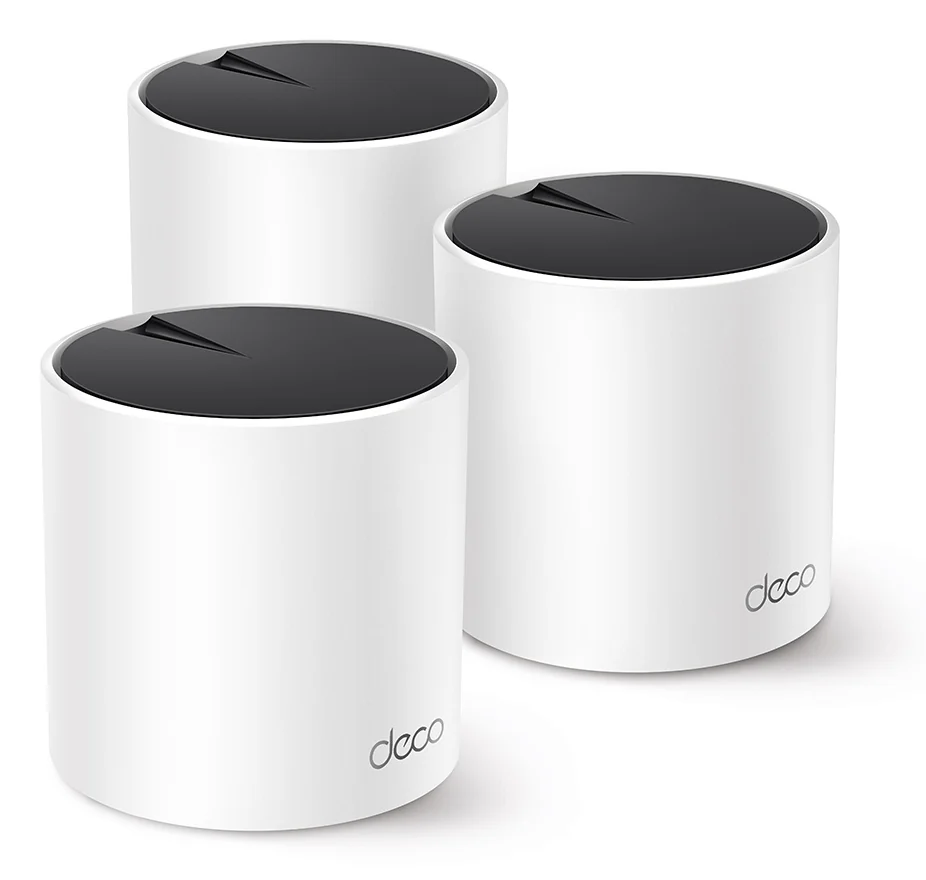
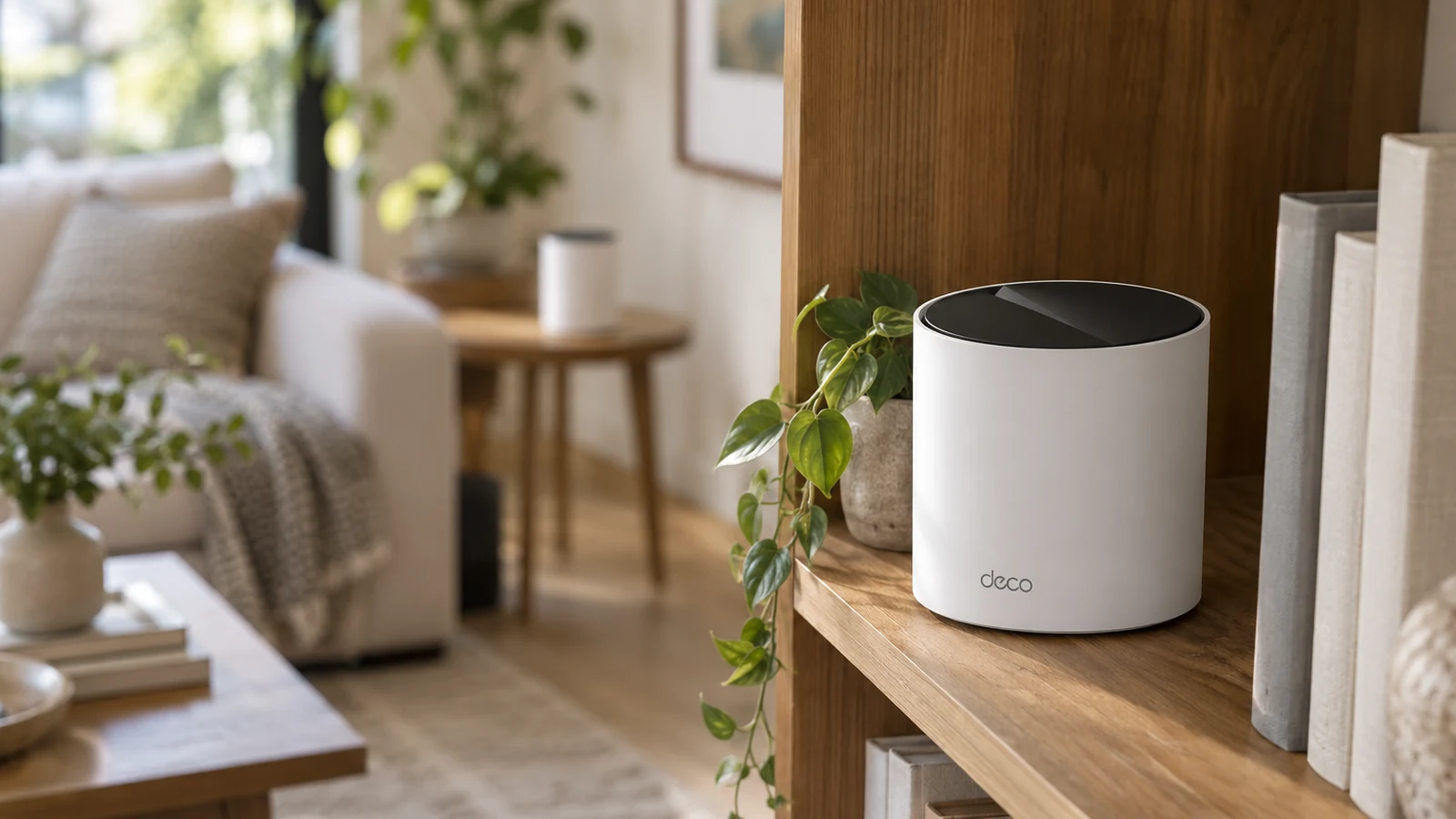
The Deco X55 is also dual-band AX3000 Wi-Fi 6, but each unit has three Gigabit ports that sense WAN or LAN automatically. That leaves two free ports on the router and three on each satellite for a TV, console or desktop. TP-Link rates the 3-pack at up to 6,500 square feet and supports optional Ethernet backhaul.
HomeShield's basic plan is free. The advanced security and parental control plans cost extra.
3. Google Nest Wifi Pro: Wi-Fi 6E and a Google Home hub
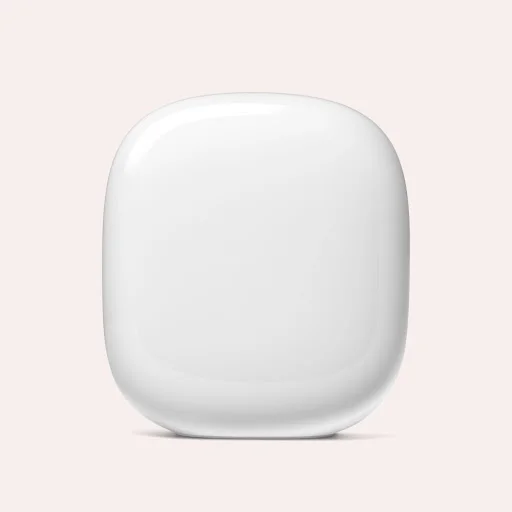
The Nest Wifi Pro is Wi-Fi 6E, so it adds the 6GHz band that the dual-band eero 6+ and Deco X55 lack. Google rates each router at up to 2,200 square feet and a 3-pack at up to 6,600. It works as a Matter hub for Google Home.
Each router has two Gigabit ports, and Google's mesh help page says routers can be wired together. It needs a Google Account and the Google Home app. It cannot join a mesh with older Nest Wifi or Google Wifi units, so an existing Google Wifi set will not extend it.
4. ASUS ZenWiFi BT8 2-pack: 2.5G ports and no security subscription
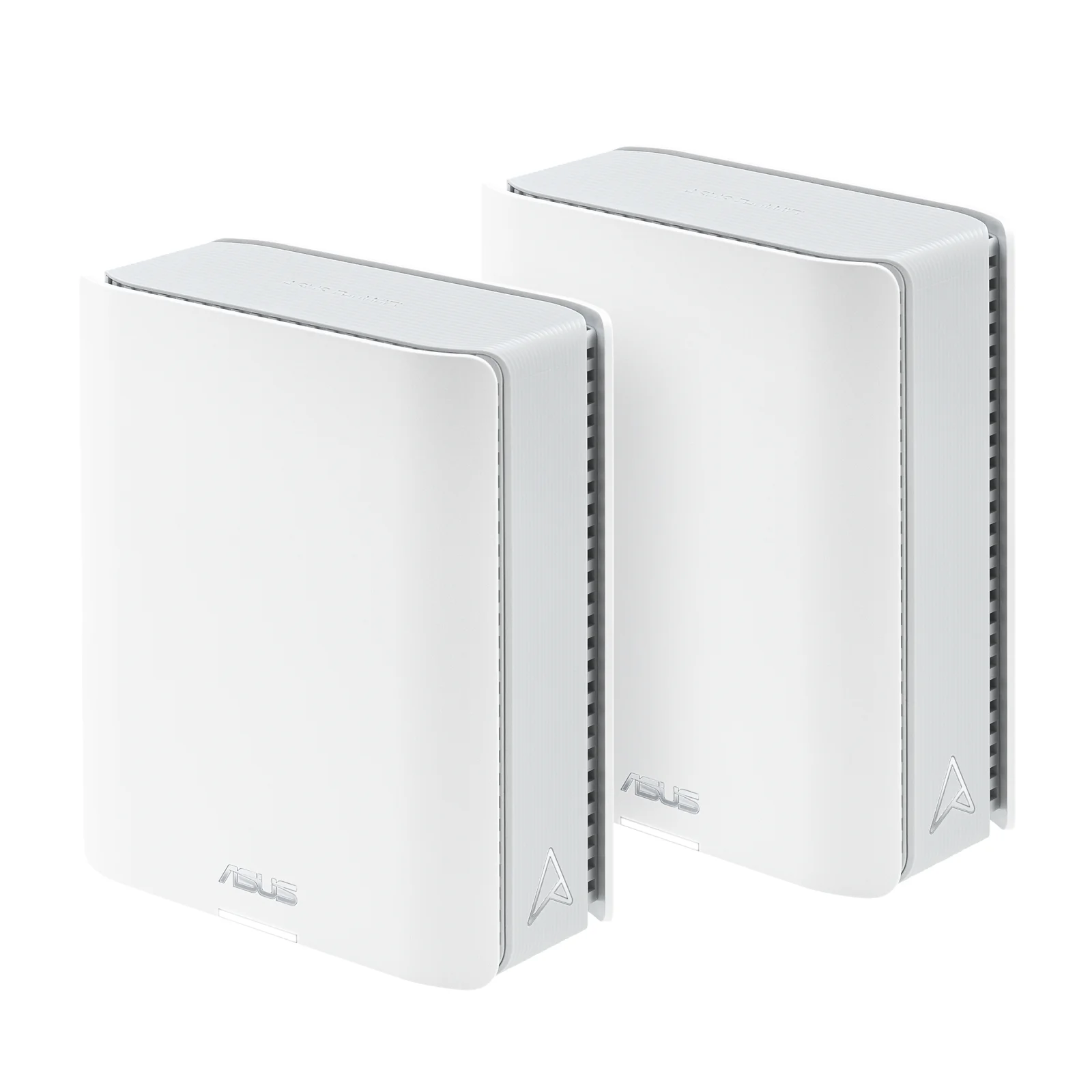
The ZenWiFi BT8 is a tri-band Wi-Fi 7 system. Each unit has a 2.5G WAN port, a 2.5G LAN port, two Gigabit LAN ports and a USB 3.0 port, according to its spec sheet. ASUS supports 2.5G wired backhaul between units and rates the 2-pack at up to 5,900 square feet.
This is the pick for a multi-gig plan if you do not want a security subscription.
5. NETGEAR Orbi 770 3-pack: 2.5G on every satellite
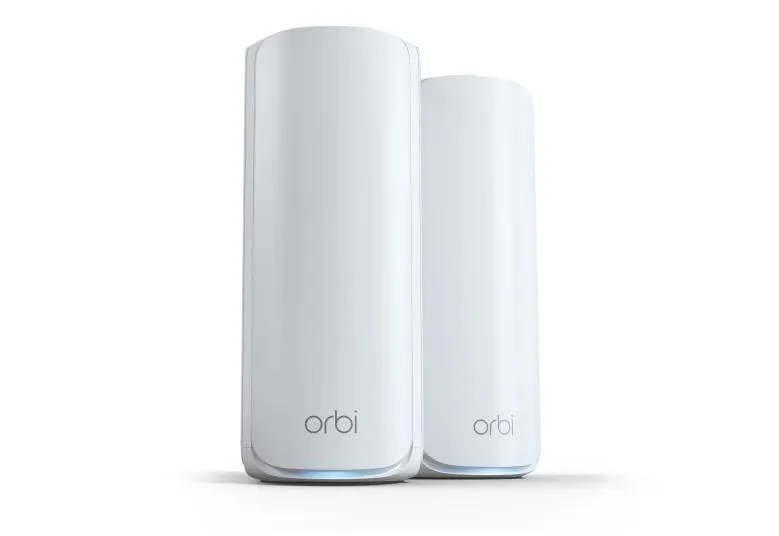
The Orbi 770 3-pack, model RBE773, is one RBE771 router and two RBE770 satellites. The router has a 2.5G WAN port and three 2.5G LAN ports. Each satellite has two 2.5G LAN ports. NETGEAR rates the 3-pack at up to 8,000 square feet and 100 devices.
Choose it for a large home on a plan above 1Gbps, or to plug several multi-gig devices into the router. NETGEAR Armor security is an optional paid subscription.
How they compare
| System | Wi-Fi | Router WAN port | Ports per satellite | Rated coverage | Paid add-on |
|---|---|---|---|---|---|
| eero 6+ 3-pack | Wi-Fi 6, dual-band | 1G | 2 Gigabit | 1,500 sq ft per unit | eero Plus |
| TP-Link Deco X55 3-pack | Wi-Fi 6, dual-band | 1G | 3 Gigabit | 6,500 sq ft | HomeShield advanced plans |
| Google Nest Wifi Pro 3-pack | Wi-Fi 6E | 1G | 2 Gigabit | 6,600 sq ft | None listed |
| ASUS ZenWiFi BT8 2-pack | Wi-Fi 7, tri-band | 2.5G | 2.5G WAN, 2.5G LAN, two 1G LAN | 5,900 sq ft | None for AiProtection |
| NETGEAR Orbi 770 3-pack | Wi-Fi 7, tri-band | 2.5G | 2 at 2.5G | 8,000 sq ft | NETGEAR Armor |
Coverage is each maker's rating for that pack and does not account for your walls or layout. The ASUS figure is for two units, the others for three.
Which system to buy
On a plan at or below 1Gbps, buy the Deco X55 if you want wired ports at every unit, the Nest Wifi Pro if you use Google Home, or the eero 6+ if you want the simplest setup and have checked which features need eero Plus.
On a plan above 1Gbps, buy the ASUS ZenWiFi BT8 or the NETGEAR Orbi 770. Both list 2.5G wired backhaul. Pick the BT8 to avoid a security subscription. Pick the Orbi 770 for a three-unit pack and four 2.5G ports on the router.
If only one room has weak Wi-Fi, you may not need mesh at all. Our mesh vs extender guide explains when a plug-in extender is enough.
Sources
- eero, eero 6+ product page, eero 6+ support article and eero Plus
- TP-Link, Deco X55 and HomeShield
- Google, Nest Wifi Pro tech specs and What is a mesh network?
- ASUS, ZenWiFi BT8, BT8 tech specs and AiProtection
- NETGEAR, Orbi 770 Series RBE773
All sources were checked on October 6, 2026.