Find out which chip your MacBook has before you pick a dock. Apple's spec page for the M2 MacBook Air lists one external display. Plugable's TBT4-UDZ page says base M1 and M2 Macs support one, M3 Macs support two with the lid closed, and M4, M5 and Pro or Max chips support two. A Thunderbolt dock cannot raise that number. A DisplayLink dock can, because it sends video over USB with a driver.
- Plugable TBT4-UDZ for M3 lid closed, M4, M5 or Pro and Max Macs that need two screens.
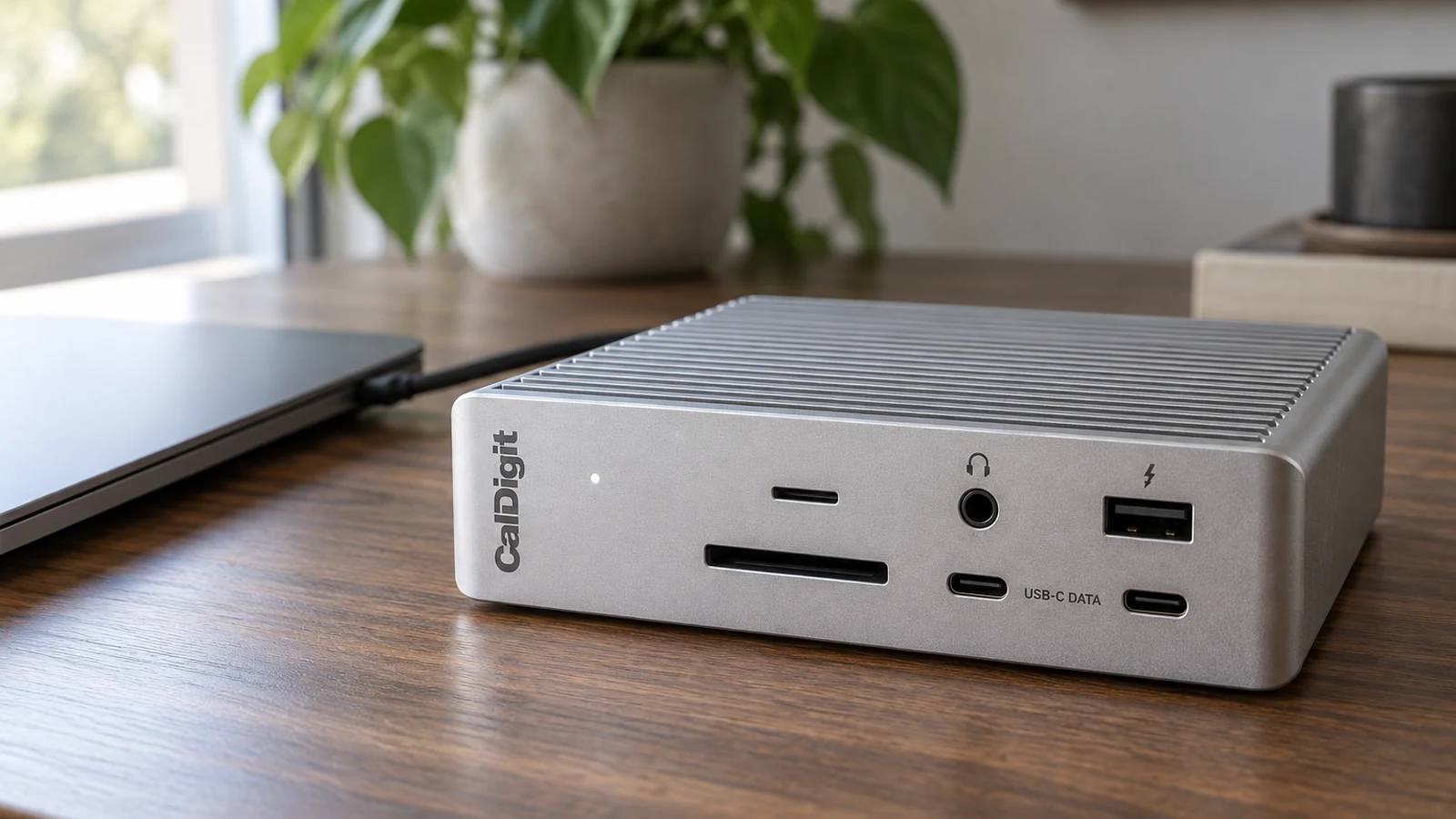
- CalDigit TS4 for one or two screens plus the most ports.
- Plugable UD-6950PDH for two screens on a base M1 or M2.
- Plugable UD-ULTC4K for three screens on any Apple silicon Mac.
To check your chip, open the Apple menu and choose About This Mac.
This guide is AI-generated from manufacturer documentation. GearExplained did not test these products. The product cards at the end link to Amazon, and GearExplained may earn a commission. That does not decide which products appear here.
1. Plugable TBT4-UDZ: two screens on newer Macs, no driver
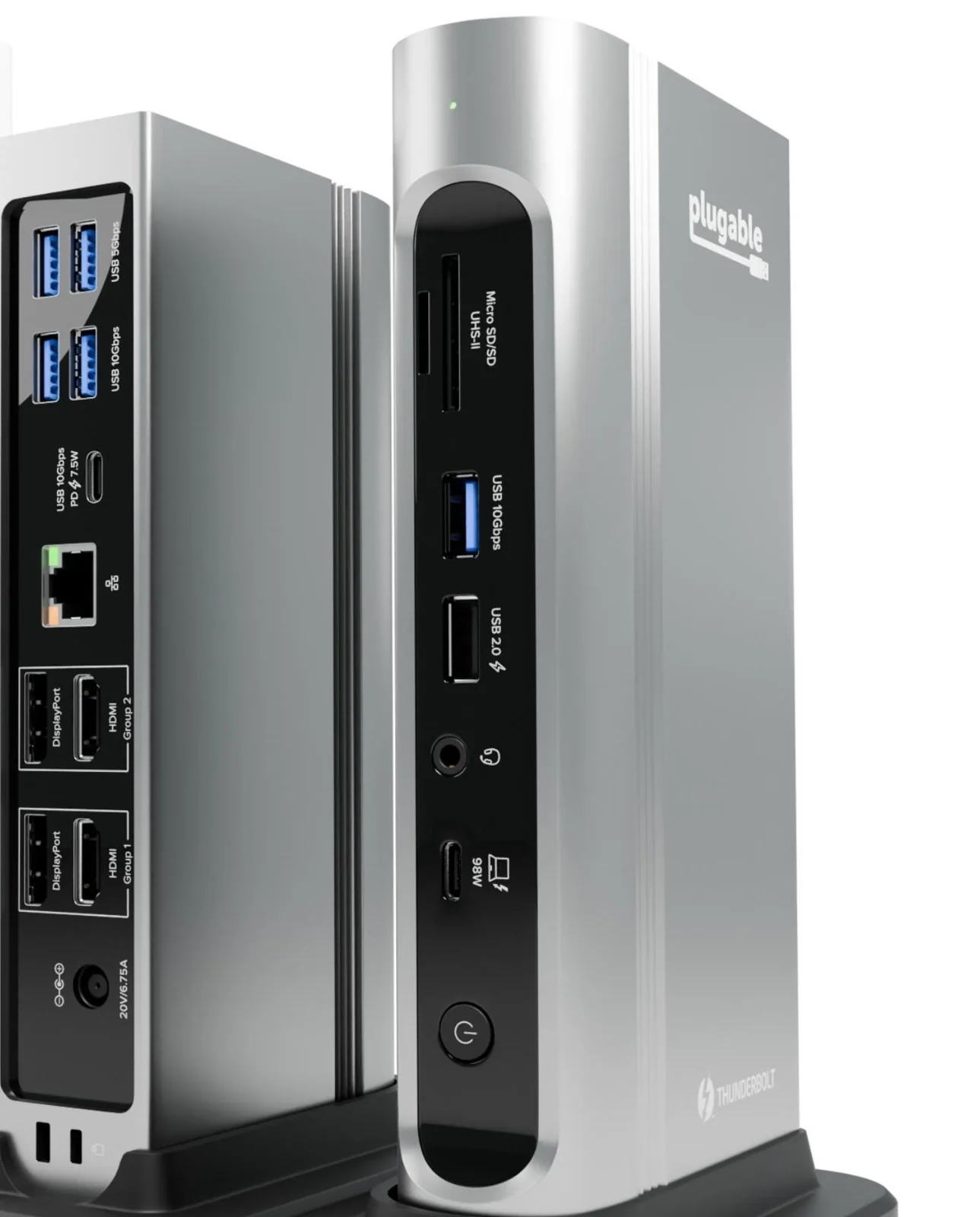
The TBT4-UDZ has two HDMI and two DisplayPort outputs. Plugable says it runs two 4K 60Hz screens on M3 Macs with the lid closed, and on M4, M5 and any Pro or Max chip, with no software to install. On a base M1 or M2 it runs one.
It charges at up to 100W, 98W certified, and adds 10Gbps USB-C, five USB-A ports, SD and microSD slots, audio and 2.5Gb Ethernet. Plugable notes that extra monitors beyond a Mac's limit may mirror instead of extending.
2. CalDigit TS4: the most ports, one cable
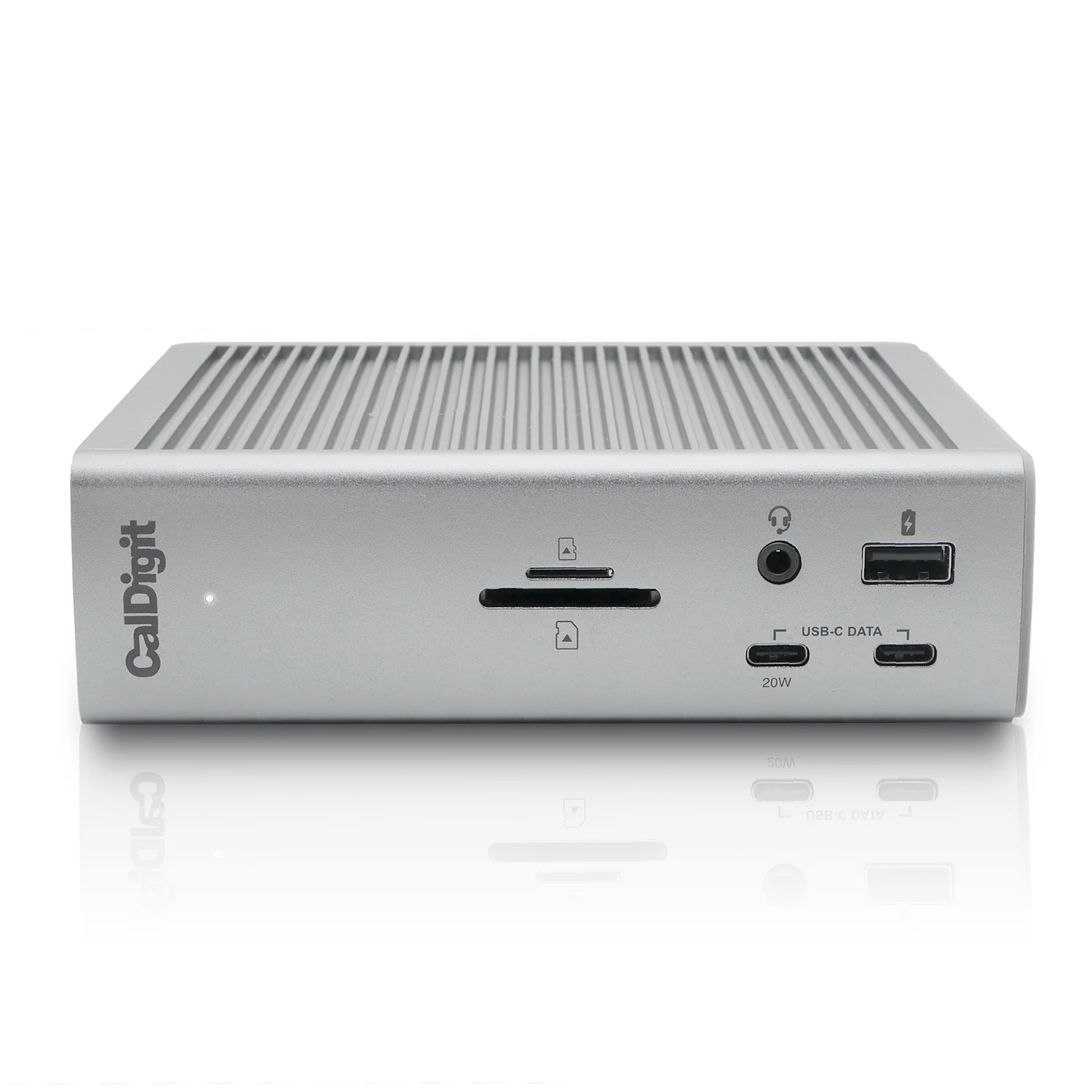
The TS4 is the dock for a Mac that needs a lot plugged in: three Thunderbolt 4 ports, eight USB ports, DisplayPort 1.4, SD and microSD UHS-II readers, 2.5Gb Ethernet and up to 98W of charging.
CalDigit says it runs two 6K screens on M1 Pro and M1 Max Macs and that original M1 Macs do not support dual displays. Buy it for one screen and lots of ports on a base MacBook Air, or for two screens on a Pro or Max chip.
3. Plugable UD-6950PDH: two screens on a base M1 or M2
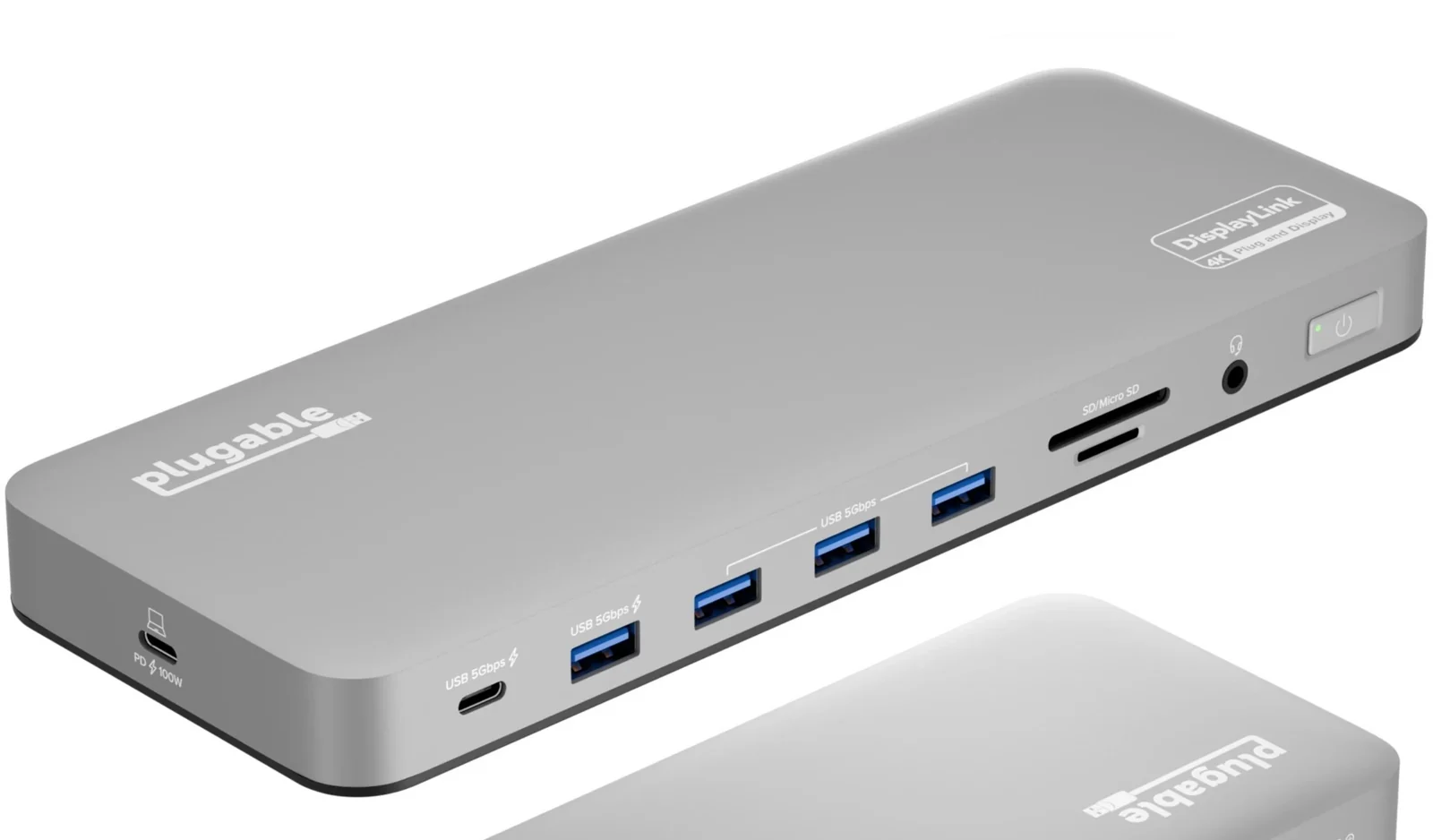
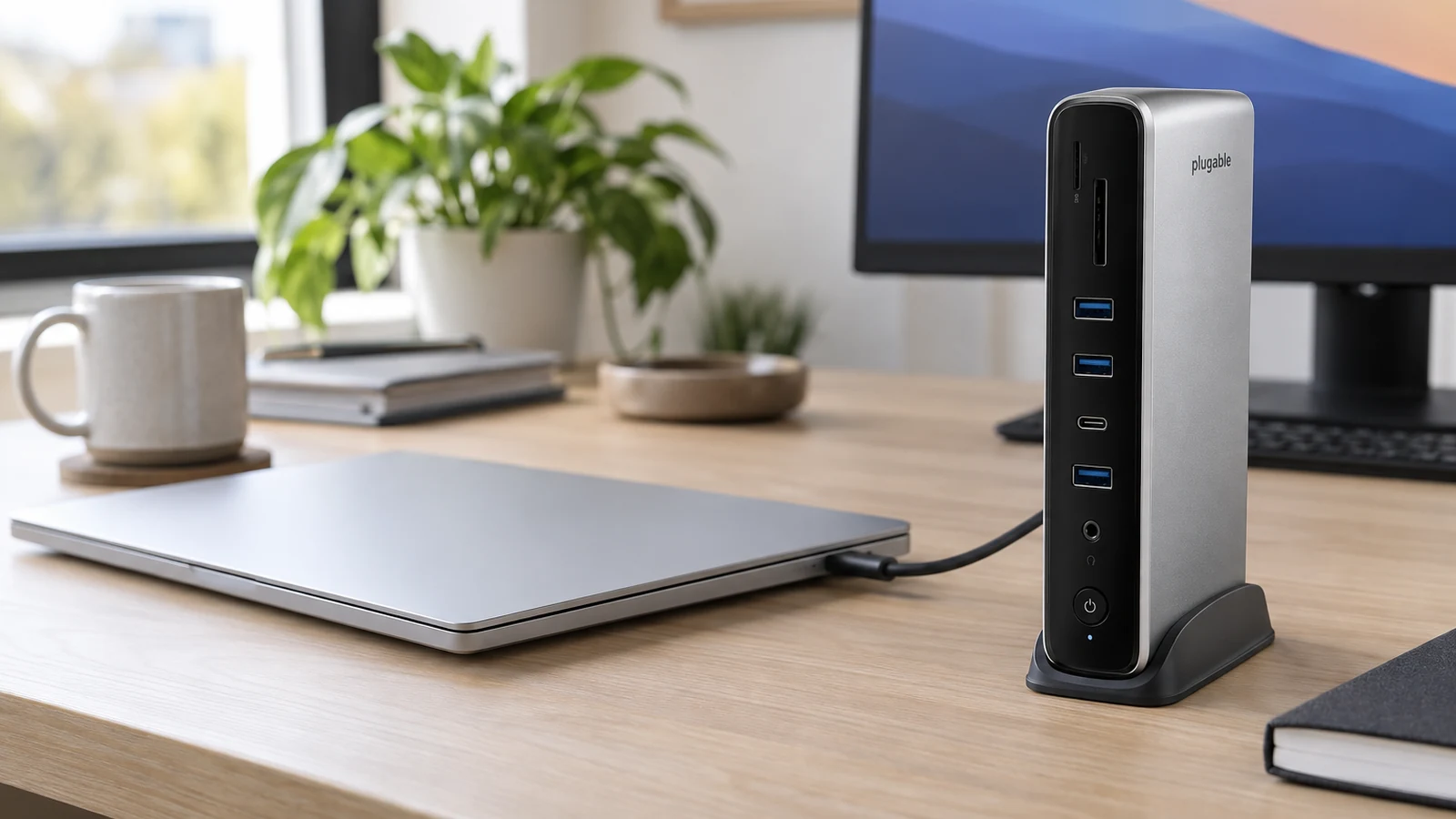
The UD-6950PDH uses DisplayLink to run two 4K 60Hz screens on M1 through M5 Macs, base models included. It charges at up to 100W and adds USB-C and USB-A ports, SD and microSD readers, Ethernet and a headset jack.
Two limits come with DisplayLink. You install a driver and grant it Screen Recording permission in macOS. And Plugable says HDCP is not supported on macOS while the dock is connected, so protected video from streaming services will not play on any screen, including the built-in one.
4. Plugable UD-ULTC4K: three screens on any Apple silicon Mac
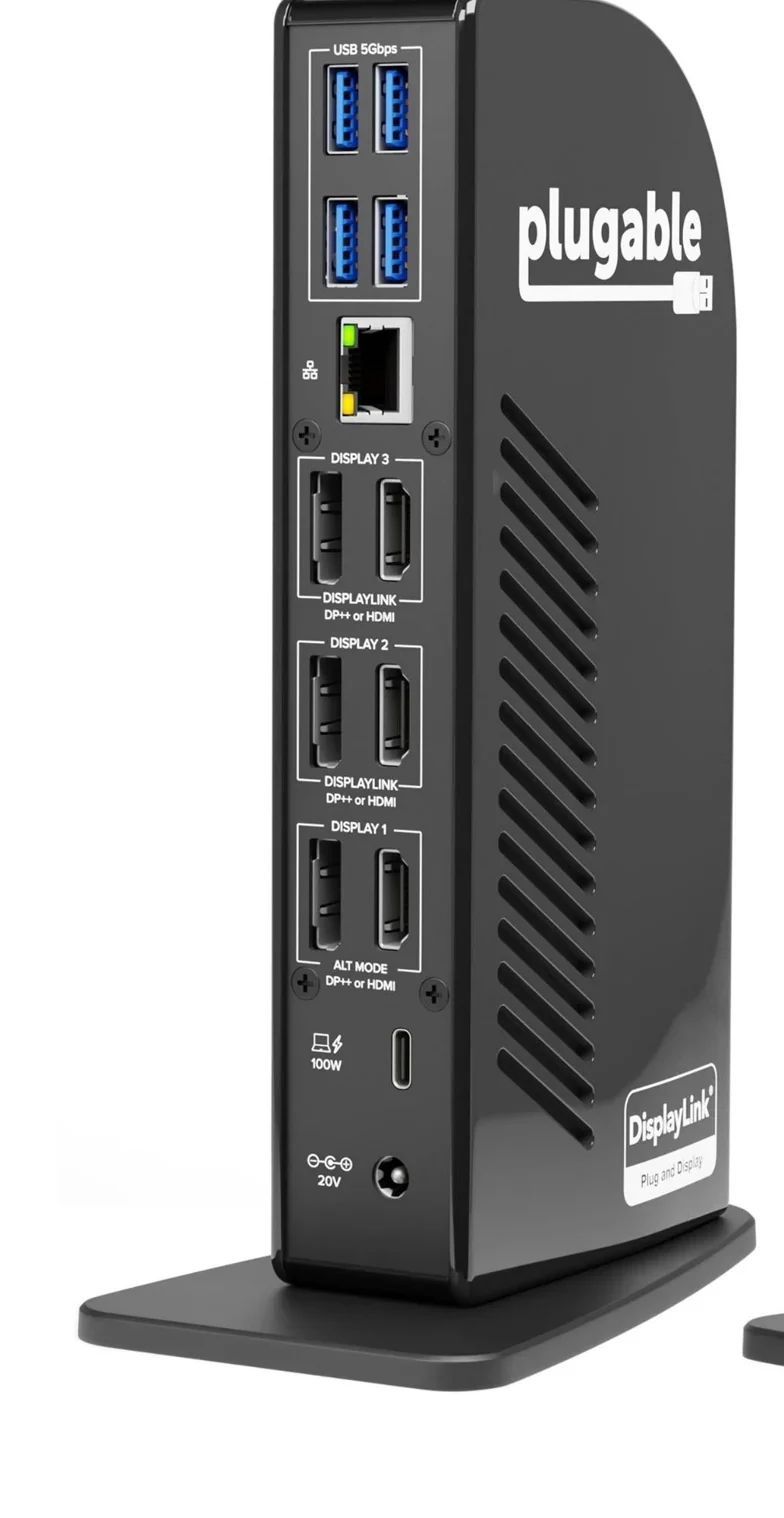
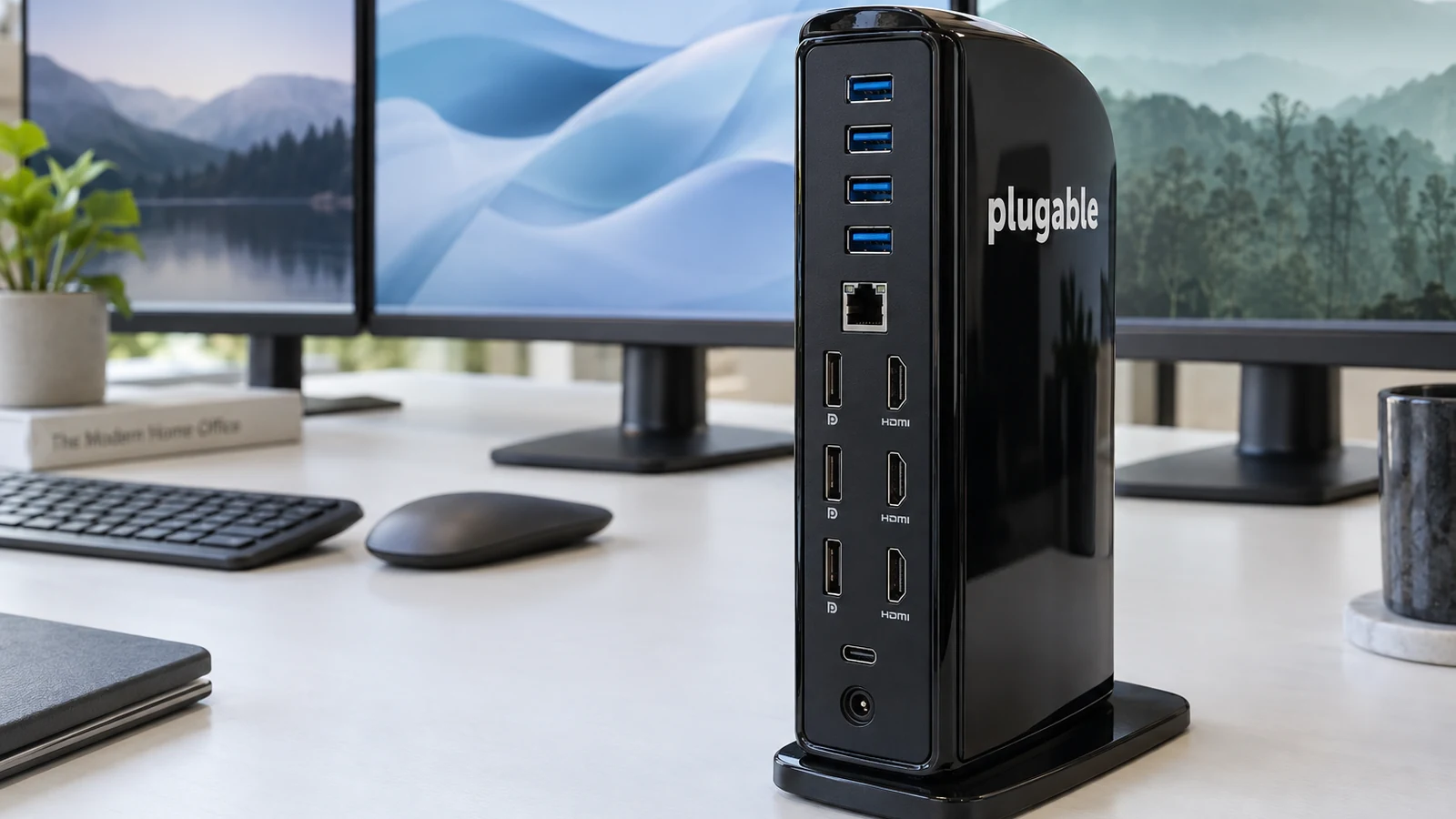
The UD-ULTC4K runs three 4K screens over HDMI or DisplayPort. Plugable lists macOS 11 or later on M1 through M4 and Intel Macs, with the DisplayLink driver required, and says HDCP is not supported.
It charges at up to 100W, 96W certified, and adds four 5Gbps USB-A ports, a 10Gbps USB-C port, an SD slot, audio and Gigabit Ethernet. Its host link runs at 10Gbps, slower than the Thunderbolt docks above.
How they compare
| Dock | Base M1 or M2 | M3 | M4, M5, Pro or Max | Driver |
|---|---|---|---|---|
| Plugable TBT4-UDZ | One screen | Two with lid closed | Two | No |
| CalDigit TS4 | One screen | Check your model | Two on M1 Pro or Max per CalDigit | No |
| Plugable UD-6950PDH | Two | Two | Two | DisplayLink |
| Plugable UD-ULTC4K | Three | Three | Three on M4; M5 not listed | DisplayLink |
Which dock to buy
If your Mac can drive two screens natively, buy the TBT4-UDZ and skip the driver. If it is a base M1 or M2 and you need two screens, the UD-6950PDH is the simplest route, and the UD-ULTC4K adds a third. Choose the TS4 when ports matter more than screen count.
Sources
- Apple, MacBook Air (M2, 2022) tech specs
- Plugable, Plugable Thunderbolt 4 16-in-1 Docking Station
- CalDigit, TS4 Thunderbolt Station 4
- Plugable, Plugable USB-C Docking Station for Mac, Dual 4K Monitors
- Plugable, Plugable USB-C Triple 4K Monitor Docking Station
All sources were checked on October 5, 2026.