A dock reaches three or four monitors in one of three ways, and your laptop decides which will work. Thunderbolt 4 and USB4 laptops can run several screens natively through a Thunderbolt dock. Windows laptops can also use DisplayPort MST over USB-C. Everything else, including adding screens beyond a Mac's limit, needs a DisplayLink dock and its driver.
- Plugable TBT4-UDZ for four screens on a Windows Thunderbolt 4 or USB4 laptop.
- Dell UD22 for four screens across a mix of USB-C laptops.
- Plugable UD-ULTC4K for three screens on Windows or Mac.
- Plugable UD-6950PDH for two screens on Macs limited to one.
This guide is AI-generated from manufacturer documentation. GearExplained did not test these products. The product cards at the end link to Amazon, and GearExplained may earn a commission. That does not decide which products appear here.
Why Macs are different
TESmart's USB-C KVM documentation states it plainly: macOS does not support DisplayPort MST for independent extended displays the way Windows does. A Mac that natively supports one external screen will not gain a second through an MST hub. Plugable's TBT4-UDZ page also warns that screens beyond a Mac's spec may mirror rather than extend. DisplayLink docks get around this with software.
1. Plugable TBT4-UDZ: four screens on Windows
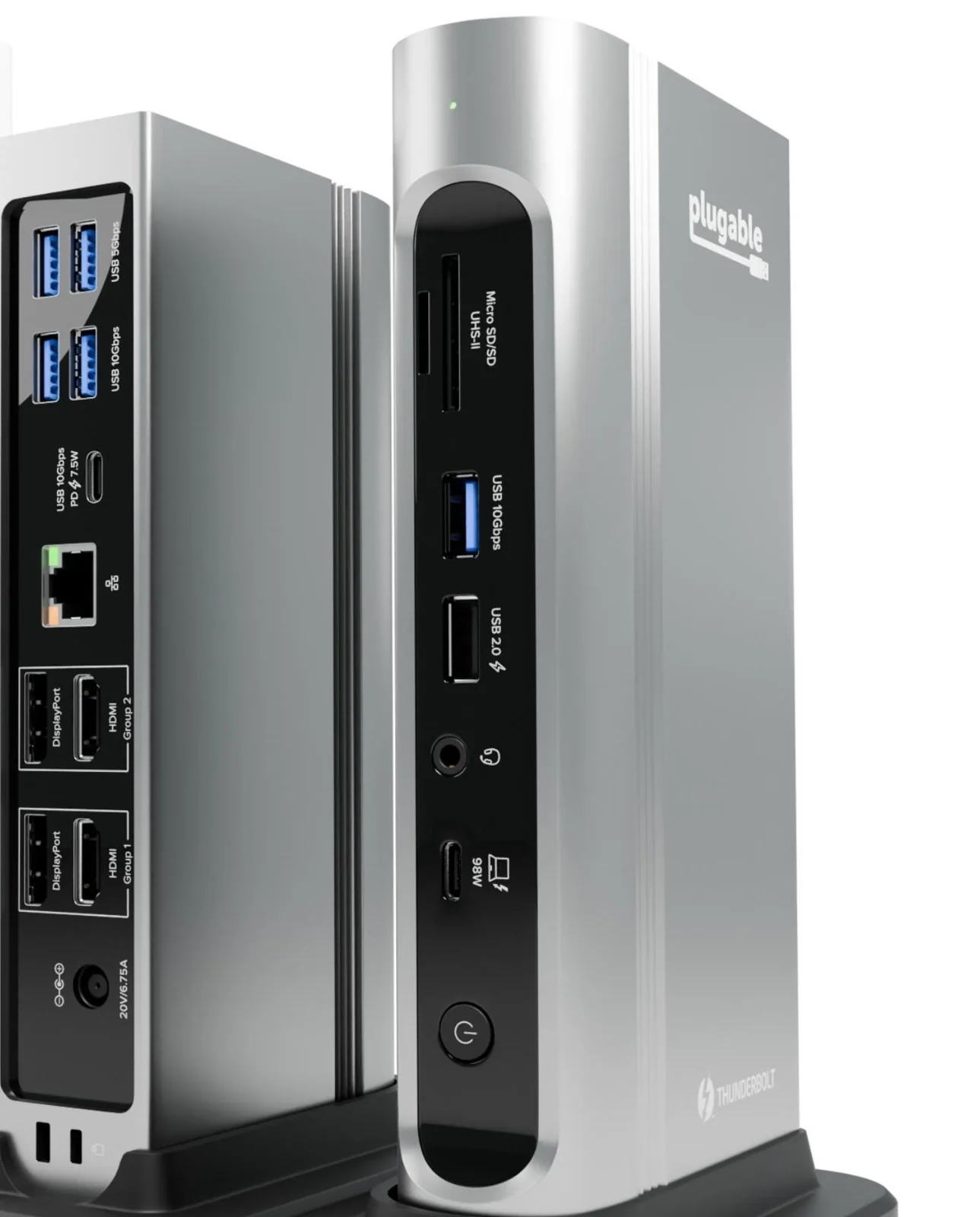
Plugable says the TBT4-UDZ runs up to four 4K 60Hz screens on Windows Thunderbolt 4 and USB4 laptops through its two HDMI and two DisplayPort outputs, with no driver. Windows Thunderbolt 3 and plain USB-C laptops reach two. On some laptops, Plugable notes, using all four may require turning off the built-in screen.
It charges at up to 100W, 98W certified, and adds USB, SD and microSD slots, audio and 2.5Gb Ethernet.
2. Dell UD22: four screens on mixed USB-C laptops
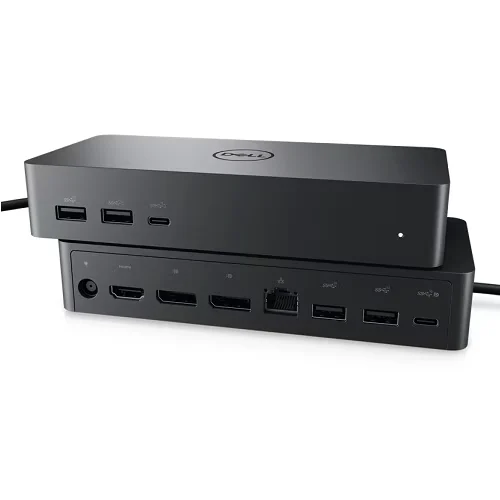
The UD22 has two DisplayPort 1.2 outputs, HDMI 2.0 and a USB-C port with DisplayPort 1.4 Alt Mode. Dell's user guide says it can run four 4K 60Hz screens with the DisplayLink driver installed, when the laptop's DisplayPort Alt Mode supports DP 1.4, HBR3 and DSC. Without the driver, it still works through Alt Mode.
It charges at up to 96W. Wake on LAN and MAC address pass-through work only with select Dell laptops.
3. Plugable UD-ULTC4K: three screens on Windows or Mac
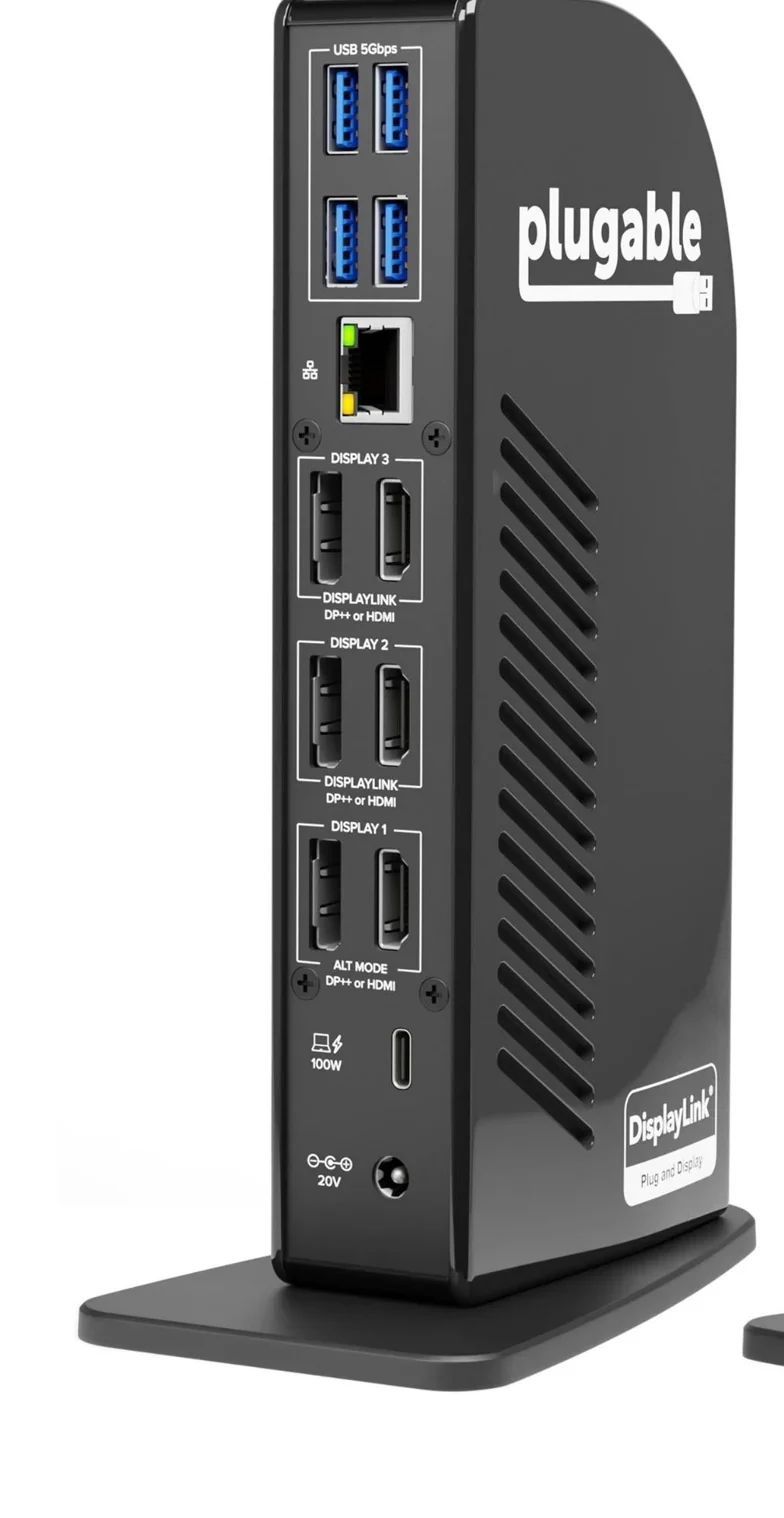
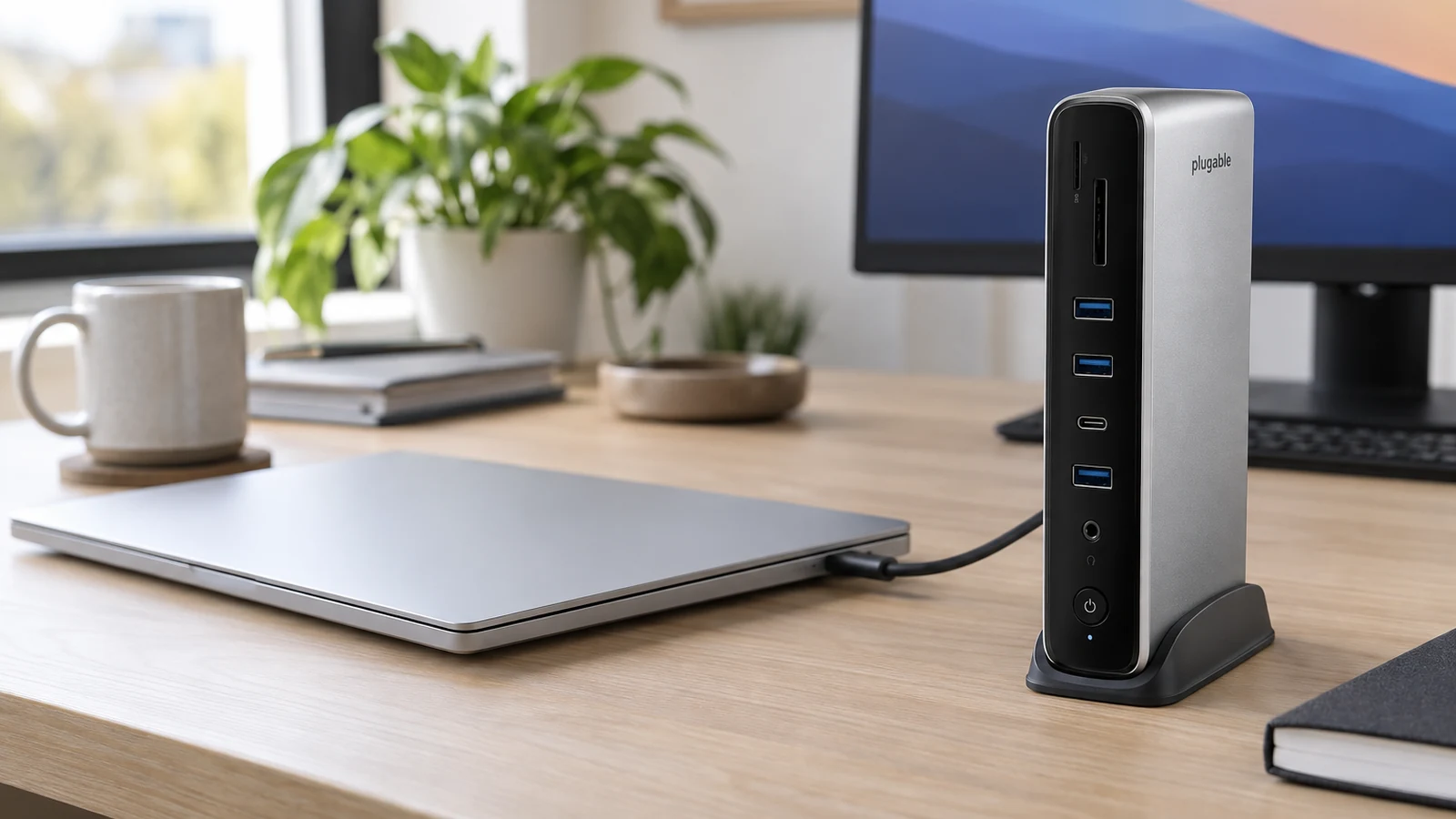
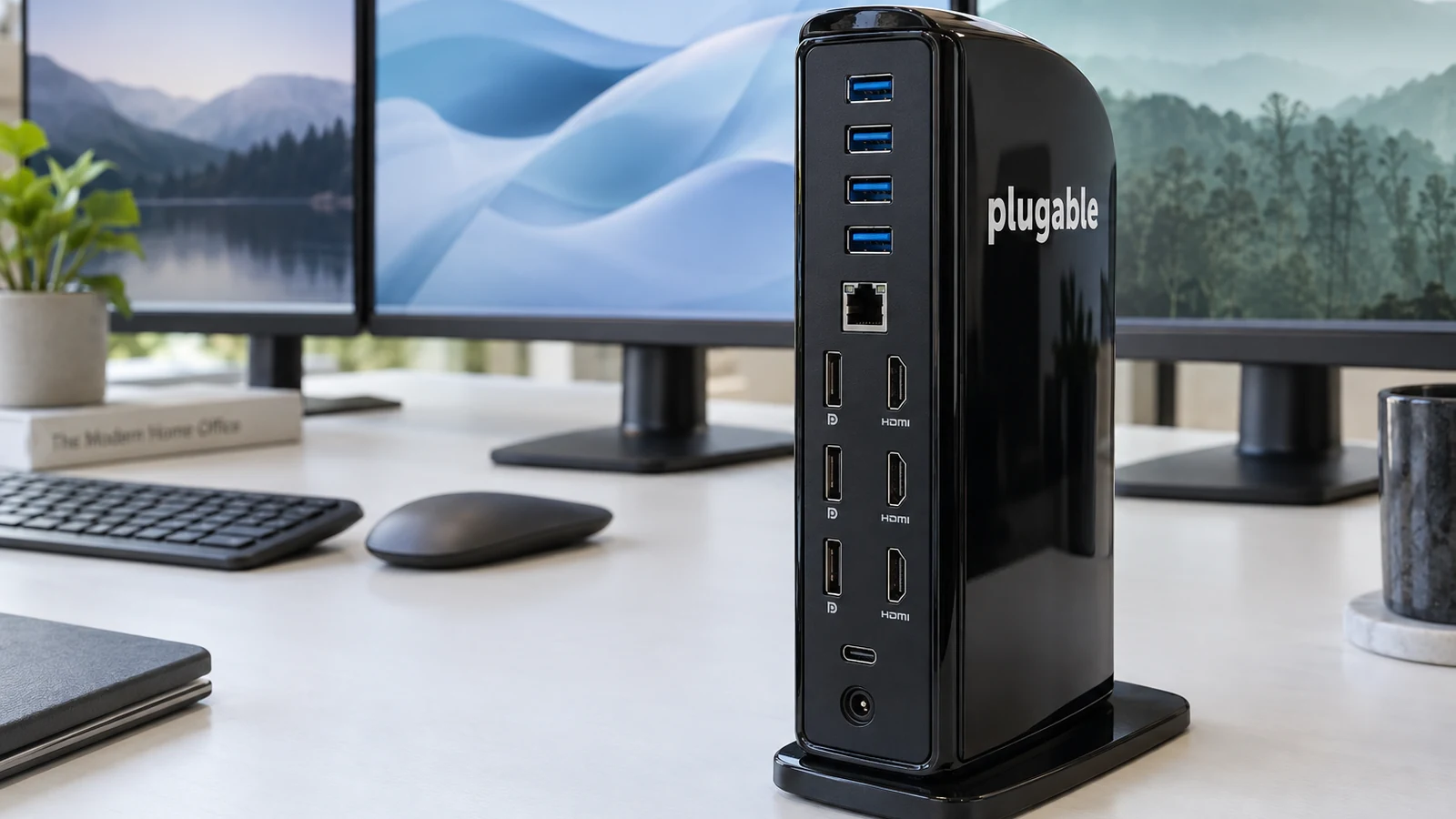
The UD-ULTC4K runs three 4K screens using any mix of its HDMI and DisplayPort outputs on Windows, macOS and ChromeOS. Macs need the DisplayLink driver, and Plugable says HDCP is not supported, so protected streaming video will not play while it is in use.
It charges at up to 100W, 96W certified, with four 5Gbps USB-A ports, a 10Gbps USB-C port, SD, audio and Gigabit Ethernet.
4. Plugable UD-6950PDH: two screens on base Macs
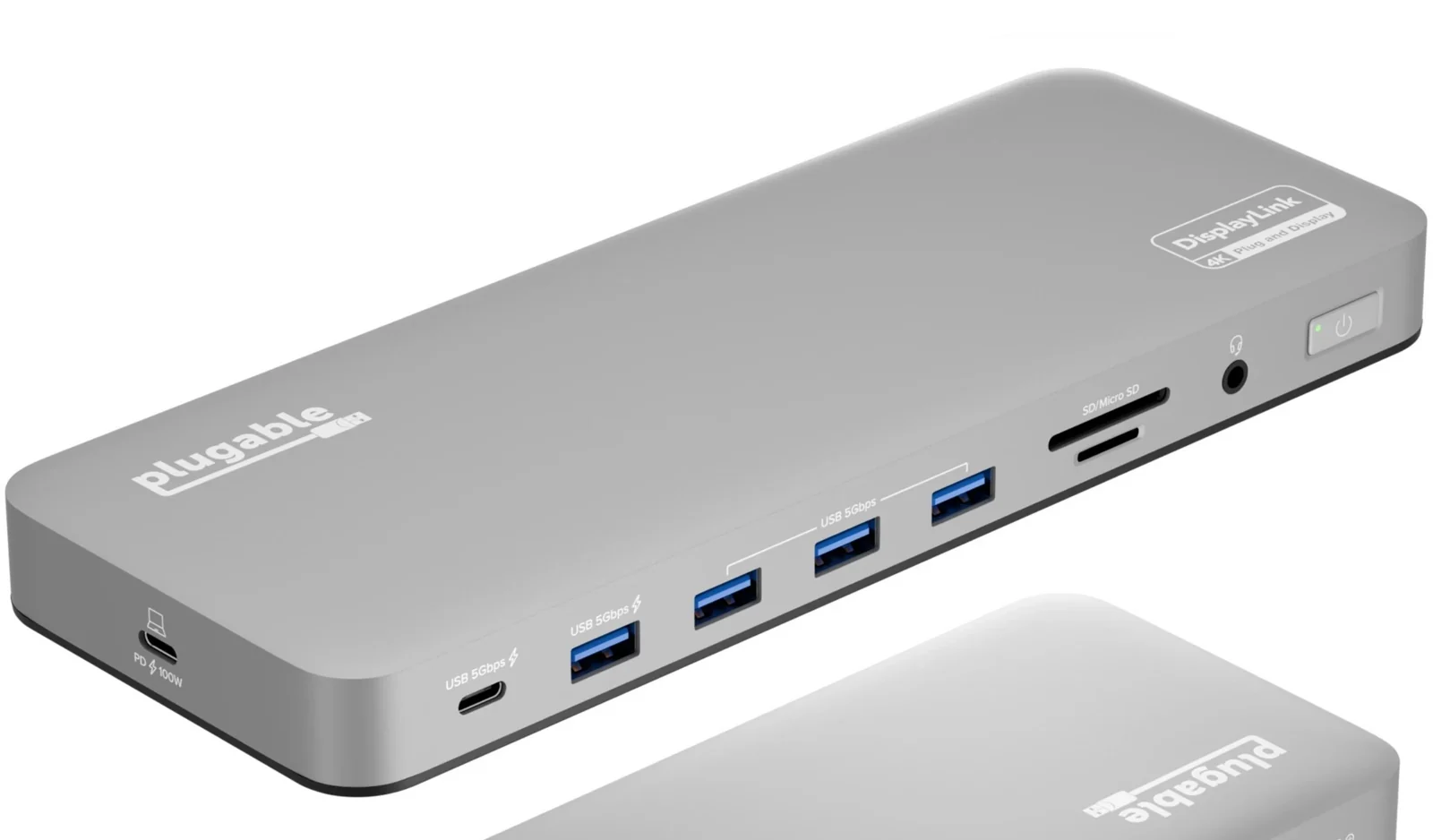
If you only need two screens on a base M1 or M2 MacBook, the UD-6950PDH does it with DisplayLink at 4K 60Hz each, charges at up to 100W and costs less than the triple-screen model. The same driver and HDCP limits apply.
How they compare
| Dock | Most screens | How | Mac support |
|---|---|---|---|
| Plugable TBT4-UDZ | Four on Windows TB4 or USB4 | Thunderbolt, no driver | Two on M3 lid closed, M4, M5, Pro or Max |
| Dell UD22 | Four 4K with DisplayLink | DisplayLink plus DP Alt Mode | Not covered in the Dell guide |
| Plugable UD-ULTC4K | Three 4K | DisplayLink plus Alt Mode | Yes, with driver |
| Plugable UD-6950PDH | Two 4K | DisplayLink | Yes, with driver |
Which dock to buy
On a Windows Thunderbolt 4 or USB4 laptop, buy the TBT4-UDZ and skip drivers. For a shared desk used by different laptops, the UD22 is built for that. On a Mac, the UD-ULTC4K is the way to three screens and the UD-6950PDH to two. See also our MacBook dock guide.
Sources
- Plugable, Plugable Thunderbolt 4 16-in-1 Docking Station
- Dell, Dell Universal Dock UD22 User Guide
- Plugable, Plugable USB-C Triple 4K Monitor Docking Station
- Plugable, Plugable USB-C Docking Station for Mac, Dual 4K Monitors
- TESmart, USB-C KVM Switch Dual Monitor for 2 Laptops
All sources were checked on October 5, 2026.