Display support
Two 4K 60Hz screens on M1 through M5 Macs, including base models, using DisplayLink. Requires driver installation; HDCP content will not play on macOS while connected.
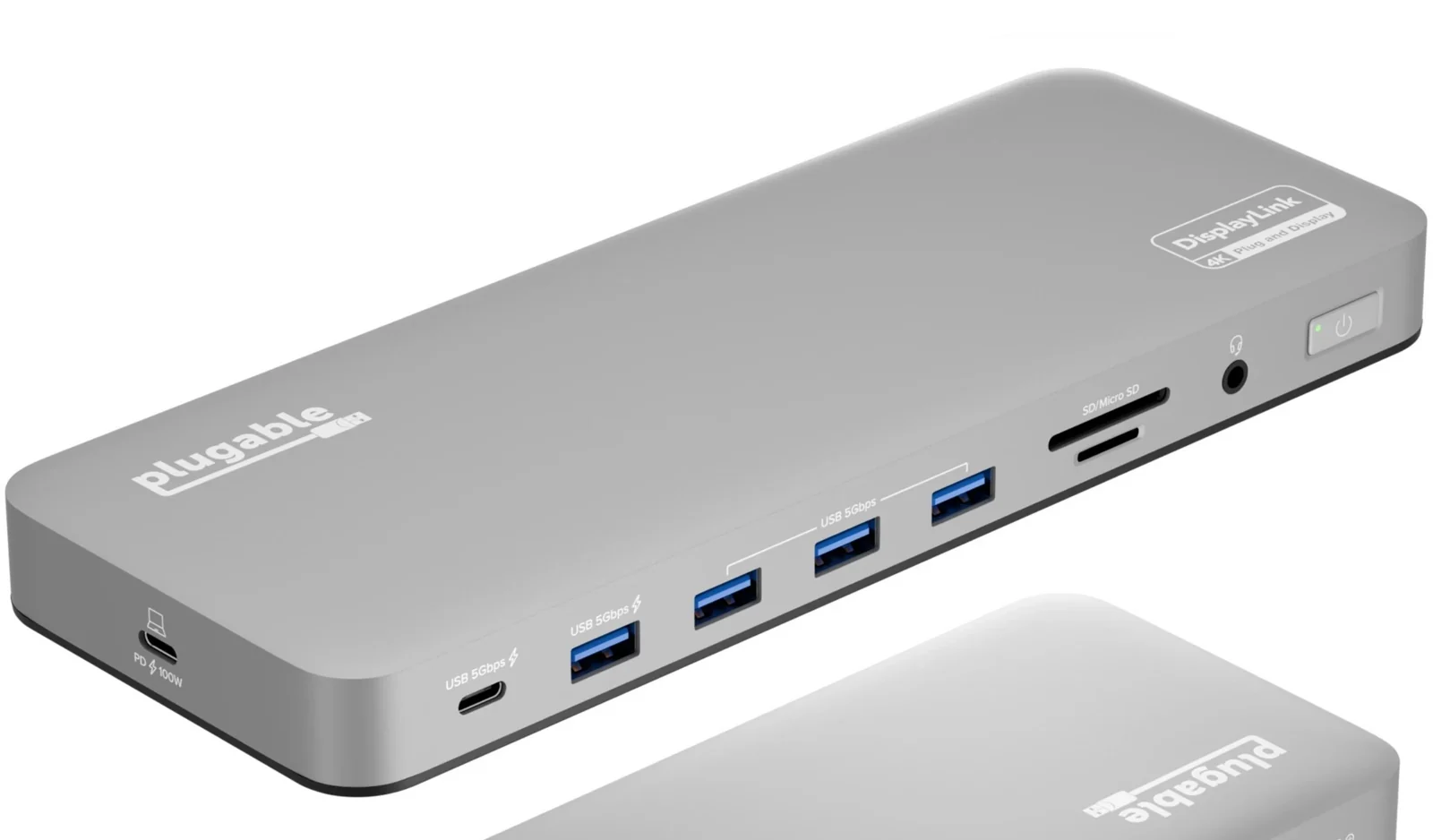
A DisplayLink dock that adds two 4K screens even to Macs limited to one external display. It needs a driver and cannot show copy-protected video.
We may earn a commission.Two 4K 60Hz screens on M1 through M5 Macs, including base models, using DisplayLink. Requires driver installation; HDCP content will not play on macOS while connected.
Up to 100W to the laptop. Front USB-C and USB-A ports provide up to 7.5W.
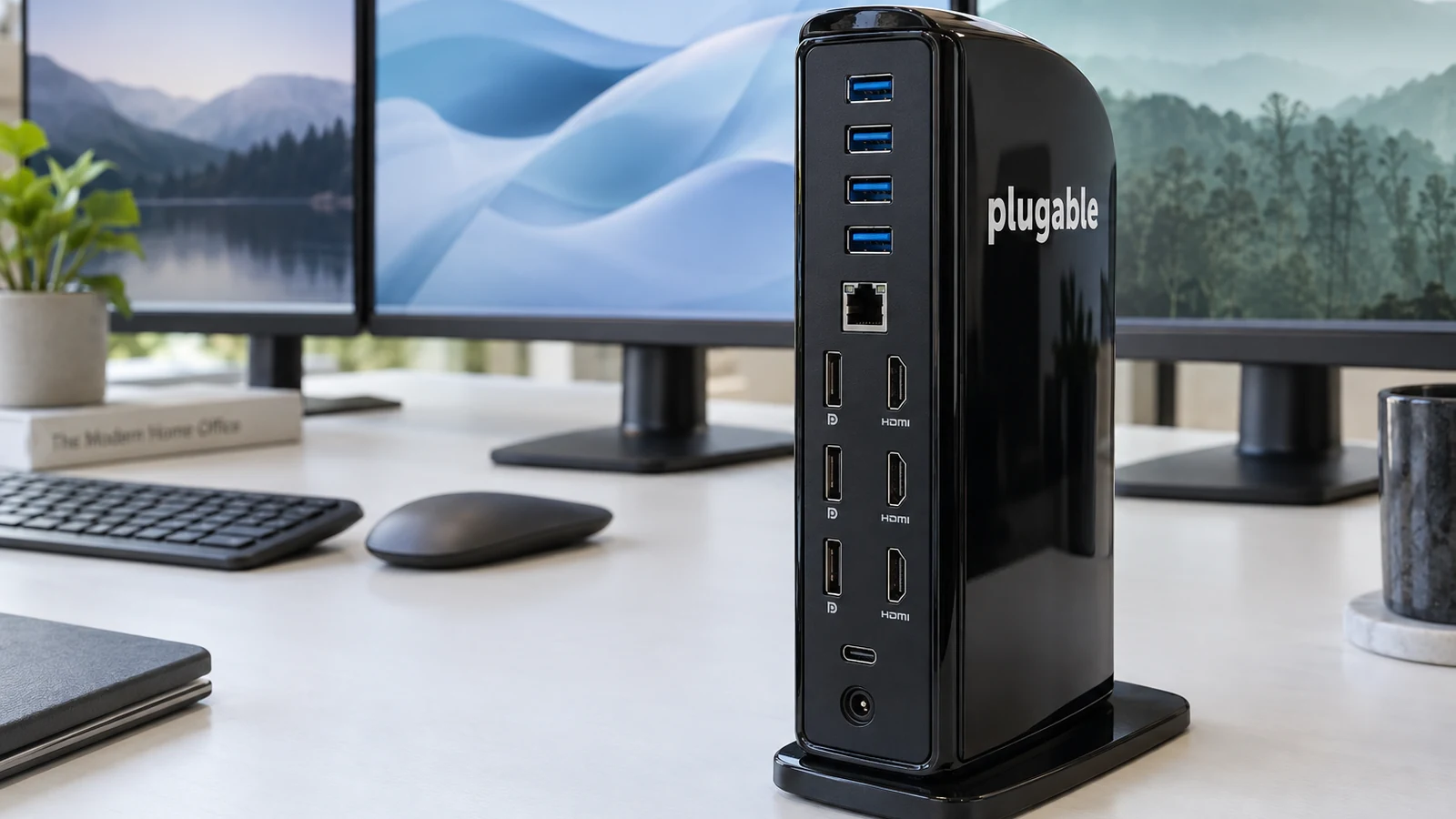
HDMI and DisplayPort outputs, USB-C and USB-A ports, SD and microSD readers, Ethernet and a headset jack.
We have not found documented sleep and wake results for a specific laptop.
Four laptop docks for Mac and Windows, chosen by the thing that decides most setups, how many external screens your laptop can drive.
Base M1 and M2 MacBooks drive one external screen, M3 can drive two with the lid closed, and newer Macs do more. Pick a dock that matches your Mac.
How Thunderbolt, MST and DisplayLink docks reach three or four screens, and four docks that do it on Windows and Mac.