An external drive on a PS5 is a storage shelf, not a place to play from. Sony's USB extended storage page says PS5 games cannot be played directly from USB storage. You copy them back to the console before you play. PS4 games are different, and can run straight from the drive.
If that fits how you play, these three drives work well:
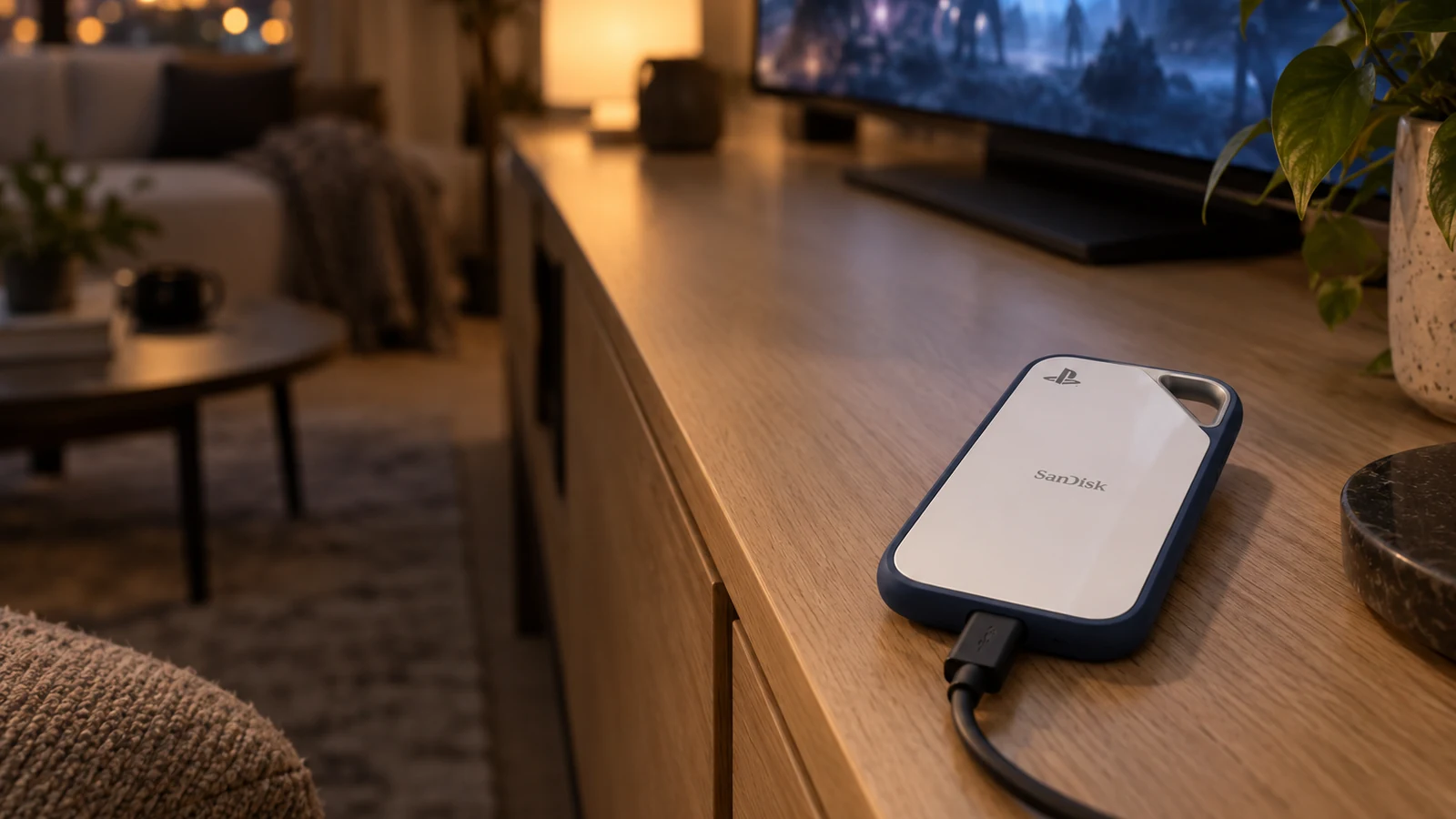
- SanDisk Extreme Portable SSD for PS5, an officially licensed SSD.
- WD_BLACK P10 Game Drive for PlayStation, a hard drive with more space.
- Samsung T7 Shield, a general-purpose SSD you can also use with a computer.
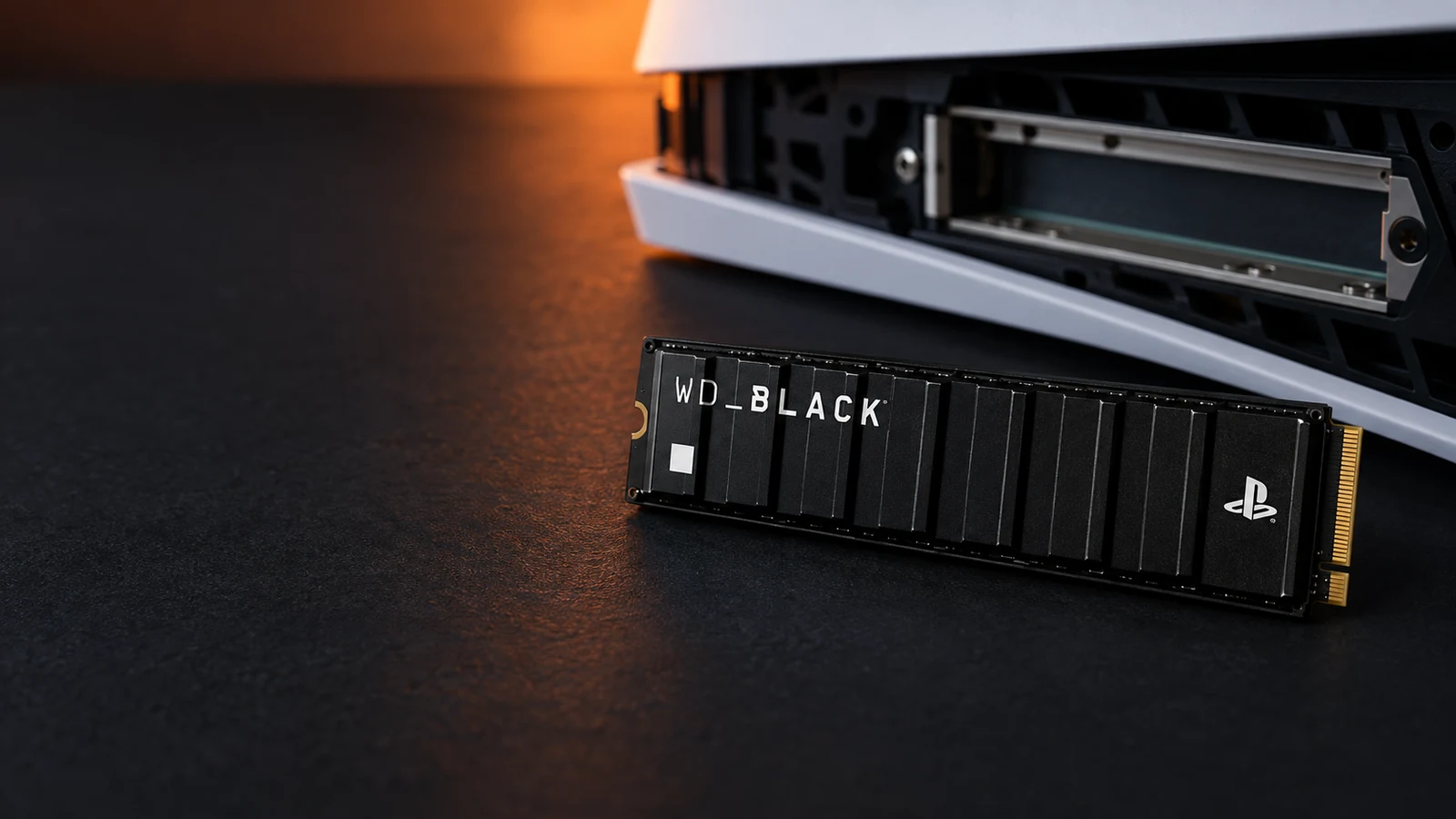
If you want more space for PS5 games you can play right away, skip USB and read our guide to PS5 M.2 SSDs instead.
This guide is AI-generated from Sony's support documentation and manufacturer specifications. GearExplained did not test these drives on a PS5. The product cards at the end link to Amazon, and GearExplained may earn a commission. That does not decide which drives appear here.
Sony's rules for USB storage
Sony lists these requirements:
- SuperSpeed USB 5Gbps or faster.
- Between 250GB and 8TB.
- Plugged straight into the console, never through a USB hub.
- Only one USB extended storage drive in use at a time.
Sony also says not every drive is guaranteed to work. To set one up, connect it to one of the console's 10Gbps USB-C or USB-A ports and choose Format as USB Extended Storage under Settings, then Storage. Formatting erases the drive.
The 8TB limit matters if you are tempted by a large desktop drive. Sony's maximum is 8TB, so buy within it.
SSD or hard drive
Because PS5 games must be copied back before you play, the drive's speed decides how long you wait. The SanDisk SSD reads at up to 1,000MB/s. The WD_BLACK P10 hard drive reads at up to 130MB/s. Both are manufacturer ratings, so treat the gap as a guide, not a timing.
A hard drive still makes sense if you mostly archive finished games, or you play a lot of PS4 games from the drive. It offers more capacity in a small box.
1. SanDisk Extreme Portable SSD for PS5: the licensed SSD
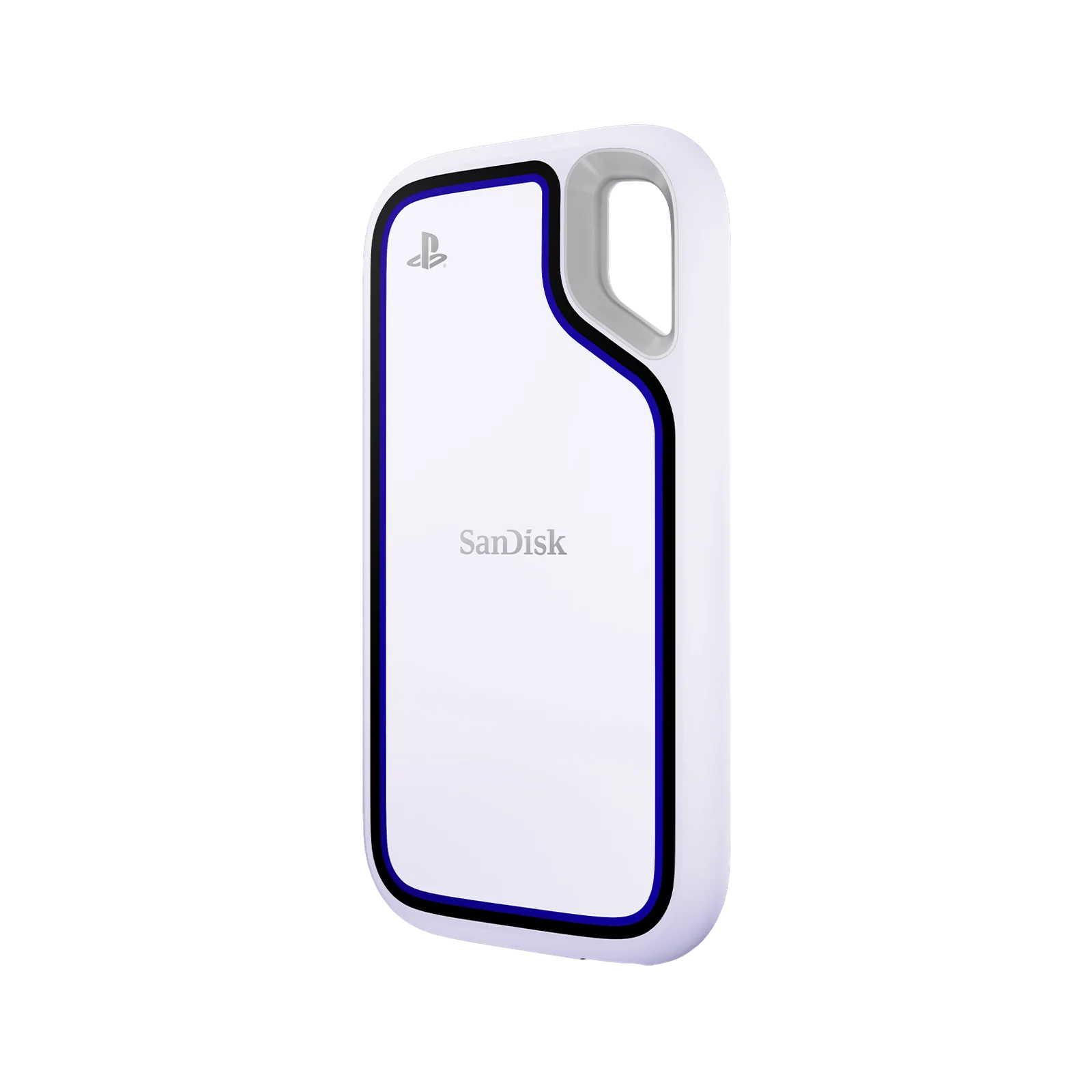
This drive is officially licensed, and Sandisk says it is tested and approved for PS5. It connects over USB 3.2 Gen 2 and reads at up to 1,000MB/s, which Sandisk positions for moving archived games back to internal storage quickly.
It comes in 1TB and 2TB. Sandisk rates it IP65 for water and dust resistance and says it survives drops of up to 3 meters, based on its own testing. It also works with Windows, macOS and many USB-C devices.
Choose it if you rotate PS5 games in and out often and want the shortest wait.
2. WD_BLACK P10 Game Drive for PlayStation: the most space
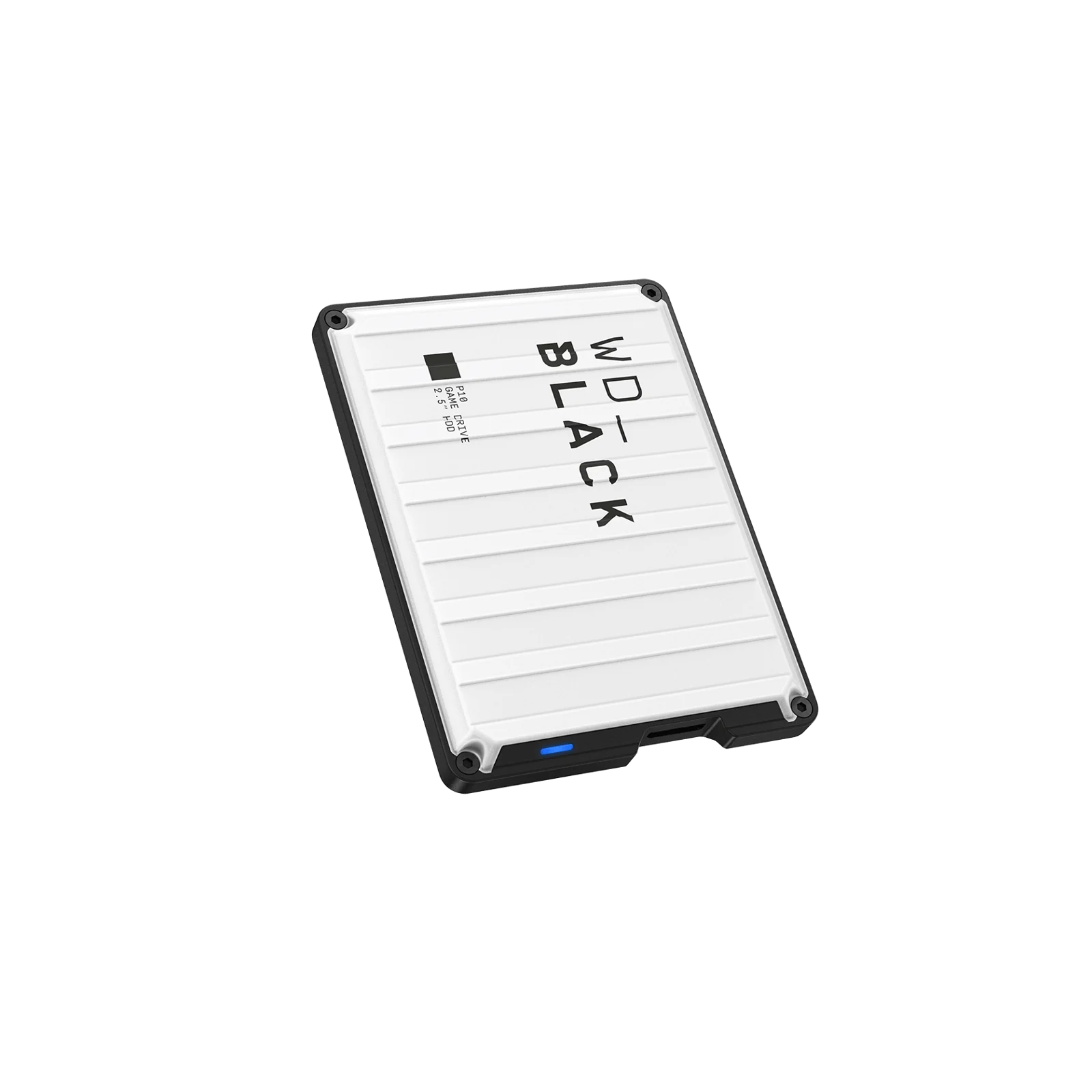
The P10 for PlayStation is a portable hard drive in 2TB, 5TB and 6TB. Western Digital describes its PS5 support plainly: play PS4 games, store PS5 games. It connects over USB 3.2 Gen 1 at up to 5Gbps, which meets Sony's minimum, and reads at up to 130MB/s.
It is powered over USB and comes with a USB-A to Micro-B cable. Choose it for a large PS4 library you want to play from the drive, or a long list of finished PS5 games you want off the console.
3. Samsung T7 Shield: a rugged SSD for console and computer
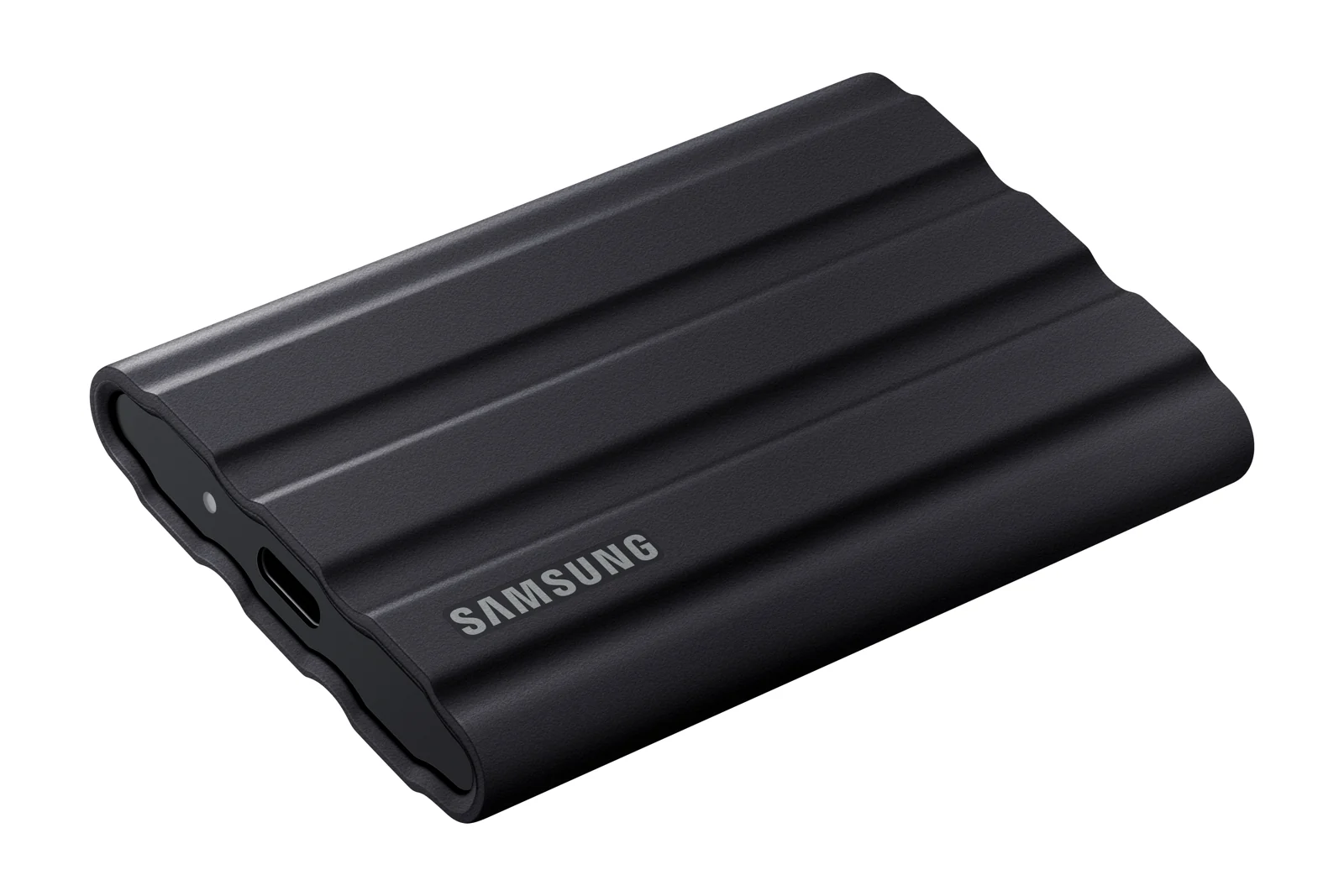
The T7 Shield is a general-purpose USB 3.2 Gen 2 SSD rated at up to 1,050MB/s reads and 1,000MB/s writes. Samsung rates it IP65 and says it survives drops of up to 3 meters. It ships with both USB-C to C and USB-C to A cables.
It is not a licensed PlayStation product. Samsung lists game consoles among compatible devices but does not name PS5 testing, so we have not marked its PS5 support as confirmed. Its speed and capacity meet Sony's published requirements. Choose it if you also want a fast drive for a laptop and are comfortable with that gap.
How they compare
| Drive | Type | Connection | Rated read | Sizes | PS5 license |
|---|---|---|---|---|---|
| SanDisk Extreme Portable SSD for PS5 | SSD | USB 3.2 Gen 2 | 1,000MB/s | 1TB, 2TB | Yes |
| WD_BLACK P10 for PlayStation | Hard drive | USB 3.2 Gen 1 | 130MB/s | 2TB, 5TB, 6TB | No, but sold for PlayStation |
| Samsung T7 Shield | SSD | USB 3.2 Gen 2 | 1,050MB/s | 1TB, 2TB at launch | No |
Which drive to buy
Buy the SanDisk SSD if you swap PS5 games often. Buy the WD_BLACK P10 if you want the most space, or you play PS4 games from the drive. Buy the T7 Shield if the drive will also travel with a laptop. And if you want to play PS5 games without copying them, an internal M.2 SSD is the upgrade you need.
Sources
- PlayStation, USB extended storage on PS5 consoles
- Sandisk, Extreme Portable SSD for PS5
- Western Digital, WD_BLACK P10 Game Drive for PlayStation
- Samsung Newsroom, T7 Shield announcement
All sources were checked on October 5, 2026.