The PS5 takes a PCIe Gen4 x4 NVMe M.2 SSD between 250GB and 8TB, and it needs a heatsink. Sony recommends 5,500MB/s reads or faster. Most buyers should get a drive that comes with a heatsink already fitted, because the heatsink is the part most likely not to fit.
All four drives below come with a heatsink and sell themselves as PS5 compatible:
- WD_BLACK SN850P for PS5, the officially licensed option.
- Samsung 990 PRO with Heatsink, the fastest on paper.
- Crucial T500 with heatsink, a slightly slower alternative.
- Corsair MP600 PRO LPX, with a low-profile heatsink.
This guide is AI-generated from Sony's support documentation and manufacturer specifications. GearExplained did not install or benchmark these drives. The product cards at the end link to Amazon, and GearExplained may earn a commission. That does not decide which drives appear here.
What Sony requires
Sony's M.2 SSD support page sets out the rules. Update the console's system software before you install anything.
| Requirement | What Sony lists |
|---|---|
| Interface | PCI-Express Gen4 x4 M.2 NVMe SSD, Key M |
| Capacity | 250GB to 8TB |
| Length | 2230, 2242, 2260, 2280 or 22110 |
| Width with cooling | Up to 25mm |
| Thickness with cooling | Up to 11.25mm total, up to 8mm above the board and 2.45mm below it |
| Read speed | 5,500MB/s or faster recommended |
Three details catch people out. M.2 SATA drives are not supported. The console does not support Host Memory Buffer, so drives that rely on it may run slower than expected. And Sony says that even a drive faster than 5,500MB/s may not match the internal SSD in every game.
Sony also says not to fit an extra heatsink on a drive that already has one, because it can make the built-in cooling less effective.
1. WD_BLACK SN850P for PS5: the licensed choice
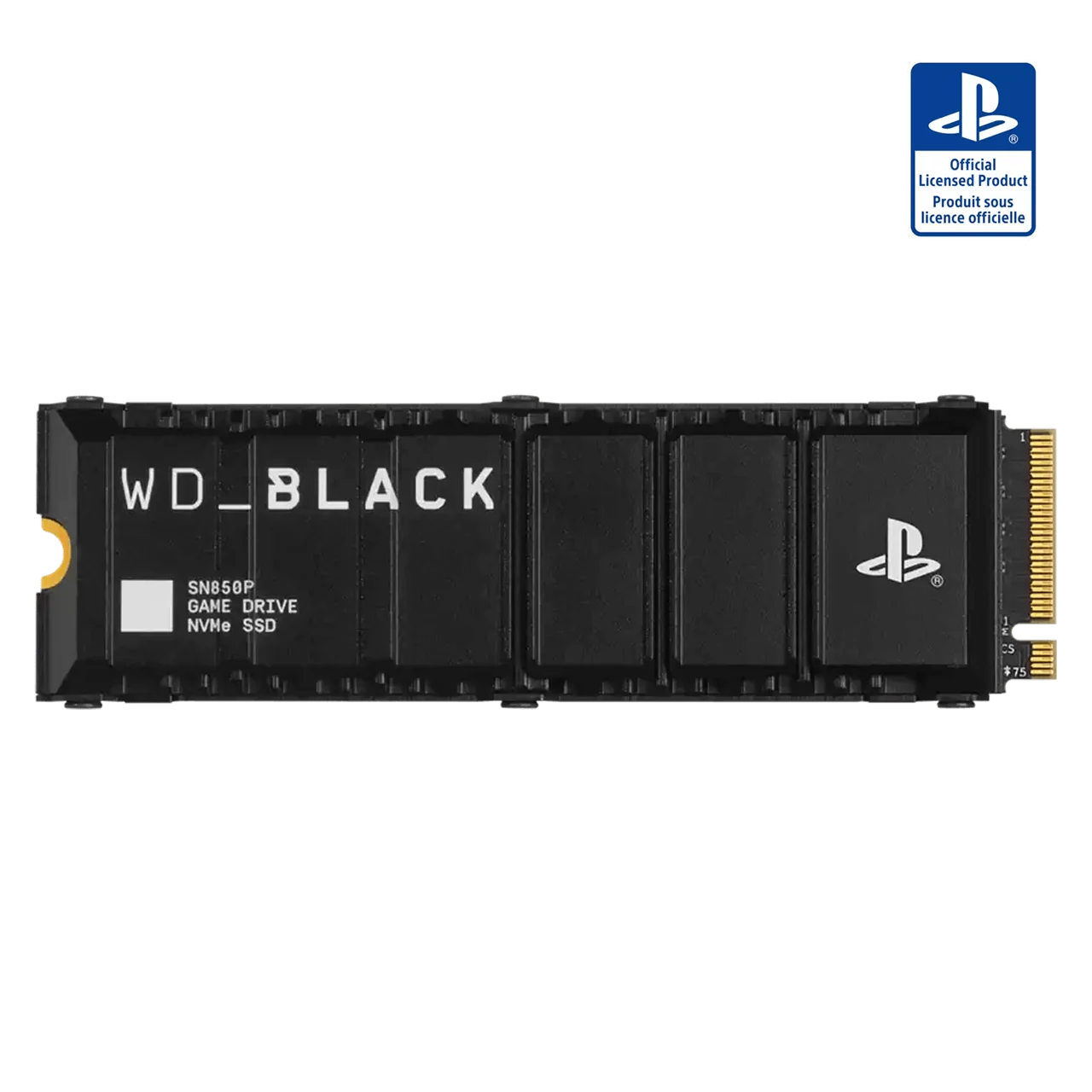
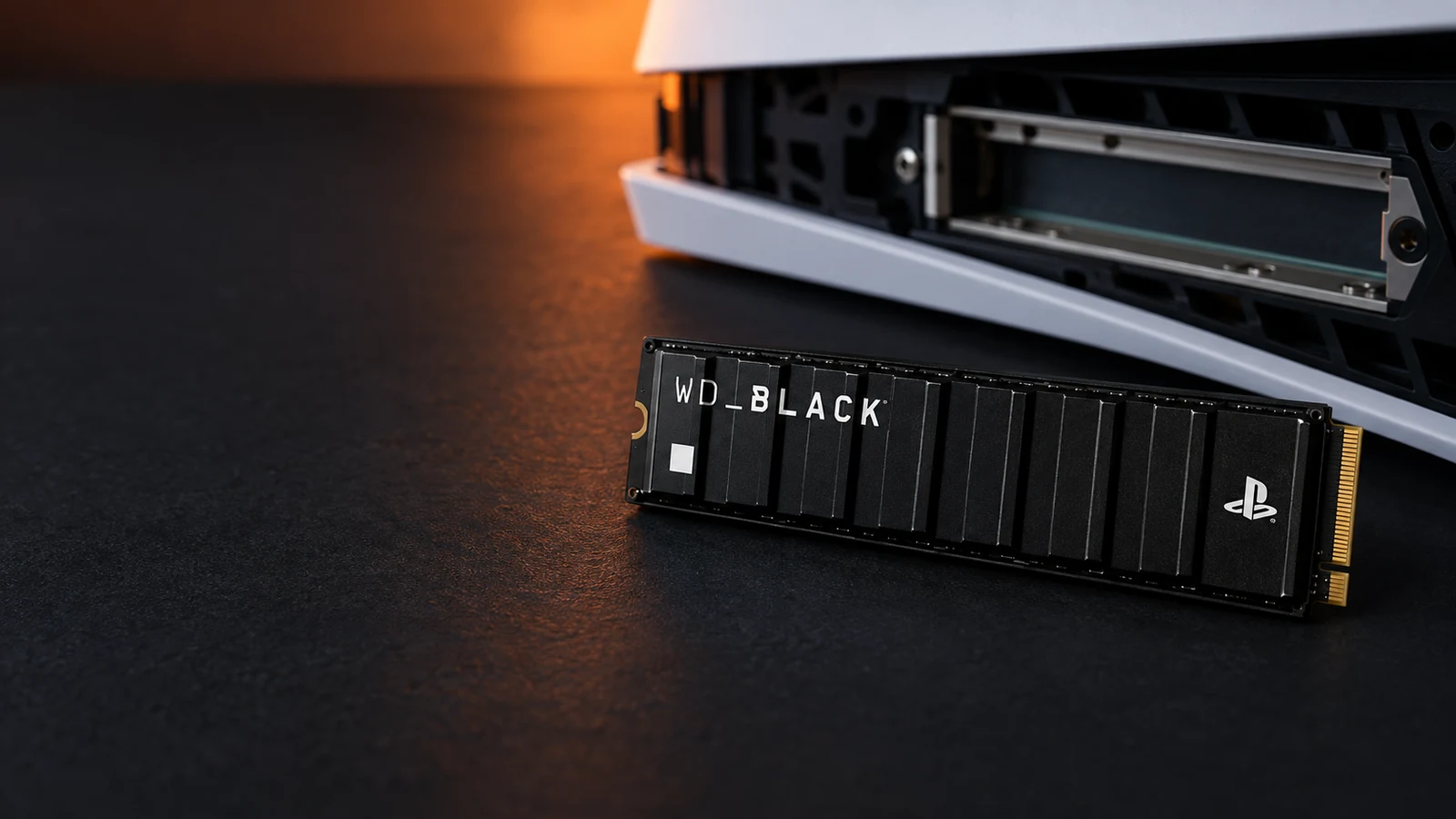
If you want the least doubt about fit, buy this one. It is officially licensed for PS5, and Sandisk says it is certified and tested for the console. The heatsink is shaped for the PS5 slot and carries the PlayStation logo.
Sandisk lists up to 7,300MB/s reads for the 1TB model, well above Sony's recommendation. It comes in 1TB, 2TB, 4TB and 8TB. Sandisk gives the 1TB model's dimensions as 3.15 by 0.96 by 0.39 inches, which works out to about 9.9mm thick, under Sony's 11.25mm limit.
You may see it under a new name. Sandisk's product page says the WD_BLACK SN850P is now sold as the Sandisk Optimus GX PRO 850P.
2. Samsung 990 PRO with Heatsink: the fastest on paper
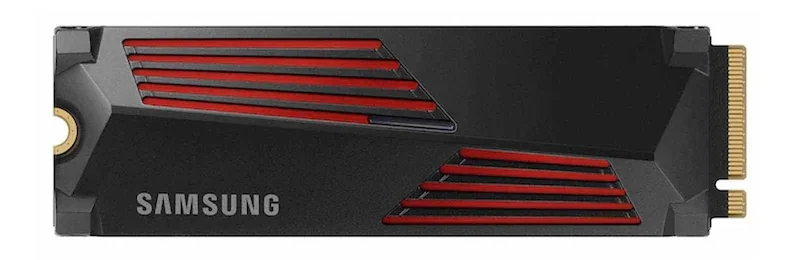
Samsung rates the 990 PRO with Heatsink at up to 7,450MB/s reads and 6,900MB/s writes, the highest figures in this group. Samsung markets it as PS5 compatible and says the slim heatsink is built to the PCI-SIG D8 height of 8.8mm.
Buy the heatsink version, model numbers ending in CW. The plain 990 PRO has no heatsink, so you would need to add one yourself and check its size against Sony's limits.
Speed ratings are manufacturer figures from sequential tests. They are a fair way to confirm a drive clears Sony's 5,500MB/s bar, but they do not tell you how much faster a particular game will load.
3. Crucial T500 with heatsink: a close alternative
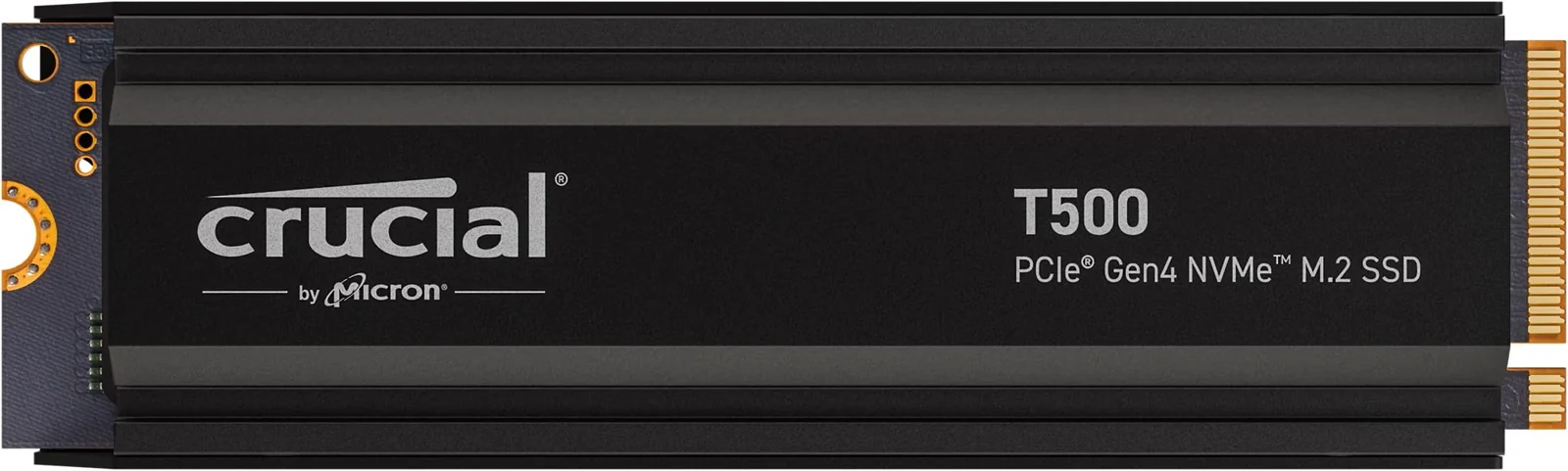
Crucial sells a heatsink version of the T500 that it describes as PS5 console-ready, and it cites 7,400MB/s sequential reads. Crucial advertises up to 4TB for PS5 use. The 2TB heatsink model is CT2000T500SSD5. Make sure you pick the heatsink option, because Crucial also sells the T500 without one.
The gap: we did not find a published height for the heatsink on Crucial's product page. Crucial's PS5 claim covers fit, but you cannot check it against Sony's 11.25mm limit yourself the way you can with the SN850P or the 990 PRO.
4. Corsair MP600 PRO LPX: a low-profile heatsink
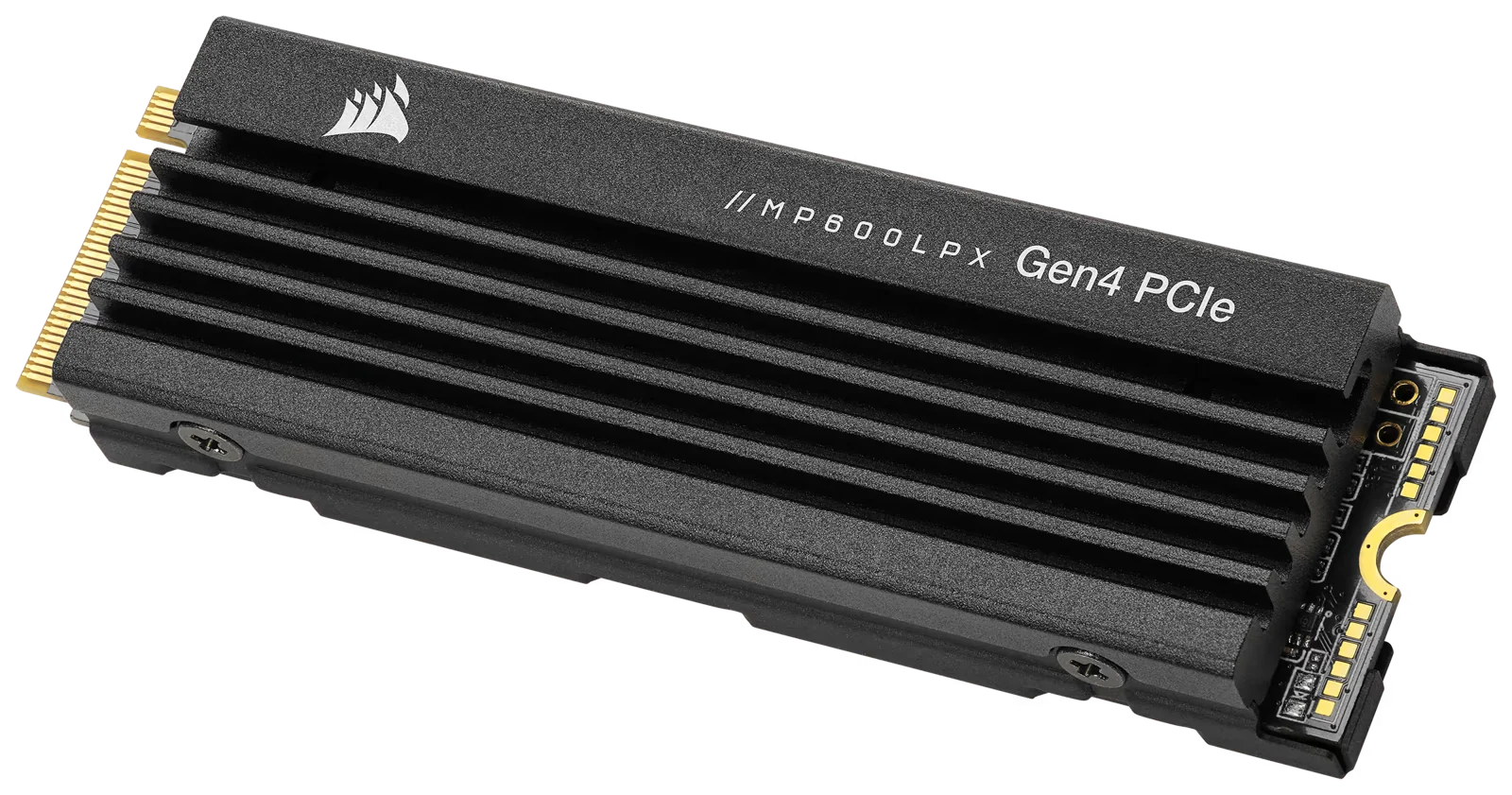
Corsair lists the MP600 PRO LPX as optimized for PS5, with a finned low-profile heatsink and up to 7,100MB/s reads and 6,800MB/s writes. It is the slowest of the four on paper, still well above Sony's recommendation.
As with the Crucial, the product page we checked did not give a heatsink height, so you are relying on Corsair's PS5 claim.
Installing it
Sony's installation steps differ between the original PS5, CFI-1000, and the CFI-2000 and CFI-7000 groups, so check your model number first. You need a #1 Phillips screwdriver. Touch grounded metal before handling the drive, move the spacer to match the drive's length and make sure the board sits flush.
If the expansion slot cover will not close, Sony says the cooling structure is probably too large. After you power on, the console walks you through formatting, which erases the drive.
Which one to buy
Buy the WD_BLACK SN850P if you want Sony's license behind the purchase. Buy the Samsung 990 PRO with Heatsink if you want the highest rated speed and a published heatsink height. The Crucial and Corsair drives are reasonable alternatives when they cost less, but neither page we checked confirmed the heatsink height.
Capacity matters more than the last few hundred MB/s. Sony allows up to 8TB, and the SN850P is sold in an 8TB version if you want to fill the slot once.
Sources
- PlayStation, How to add an M.2 SSD to a PS5 console
- Sandisk, WD_BLACK SN850P NVMe SSD for PS5 consoles
- Samsung, 990 PRO with Heatsink 1TB
- Crucial, T500 2TB with heatsink
- Corsair, MP600 PRO LPX 2TB
All sources were checked on October 5, 2026.