Buy the biggest A2-rated UHS-I microSDXC card you can afford from a known brand, and ignore the headline read speed. Valve lists the Steam Deck's slot as UHS-I, and the fastest standard UHS-I mode tops out at 104MB/s. A card sold as 180MB/s or 205MB/s will not run that fast in a Deck.
Any of these three is a sound choice:
- Samsung PRO Plus 512GB, with a 10-year limited warranty.
- SanDisk Extreme 512GB, sold up to 2TB.
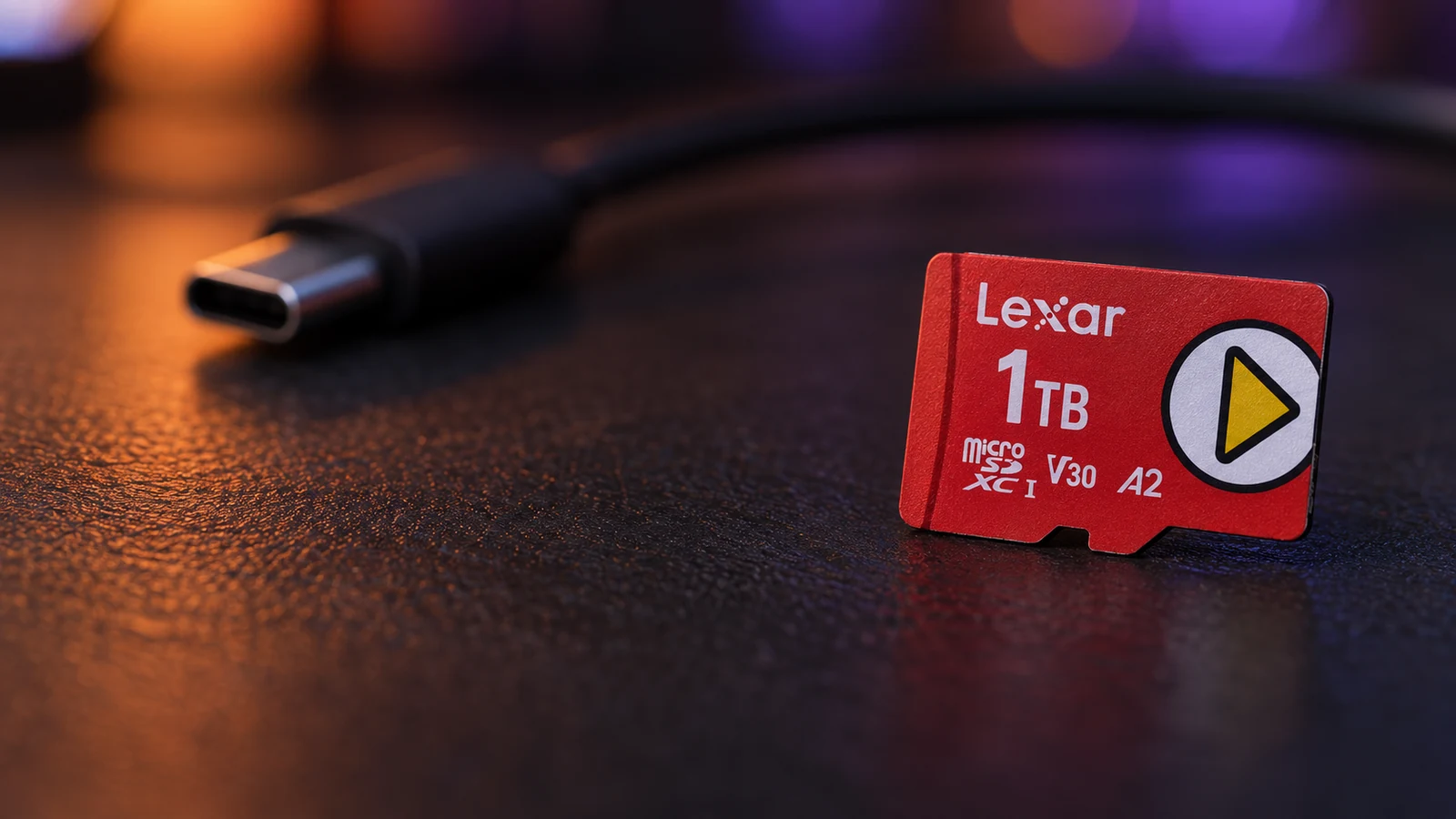
- Lexar PLAY 1TB, marketed for handheld gaming.
This guide is AI-generated from Valve, SD Association and manufacturer documentation. GearExplained did not test these cards in a Steam Deck. The product cards at the end link to Amazon, and GearExplained may earn a commission. That does not decide which cards appear here.
Why the speed on the box does not apply
The SD Association's bus speed table lists UHS-I at up to 104MB/s in its fastest standard mode, SDR104. Faster ratings on UHS-I cards come from proprietary modes that only work with each brand's own reader.
The card makers say so in their footnotes:
- Samsung's PRO Plus data sheet lists SDR104 as the standard bus mode and a faster DDR200 mode only with a Samsung reader.
- Sandisk's Extreme page says speeds beyond UHS-I's 104MB/s need compatible devices.
- Lexar's PLAY page says full read speed is achieved only with its RW310x reader.
So a 205MB/s card and a 180MB/s card share the same ceiling in a Steam Deck. The fast rating still helps when you copy files on a computer with the matching reader. It just does not make games load faster on the Deck.
What to look for instead
Valve says the slot supports SD, SDHC and SDXC cards, and all three picks are SDXC. These are the markings that matter:
- A2 is the app performance class. All three picks carry it.
- U3 and V30 are sustained write ratings for video. They also indicate a card built for steady writes.
- Capacity decides how many games you keep installed. That is the real difference between these cards.
Skip microSD Express cards for a Steam Deck. Valve lists only UHS-I, so you would be paying for speed the slot cannot use.
1. Samsung PRO Plus 512GB: the long warranty
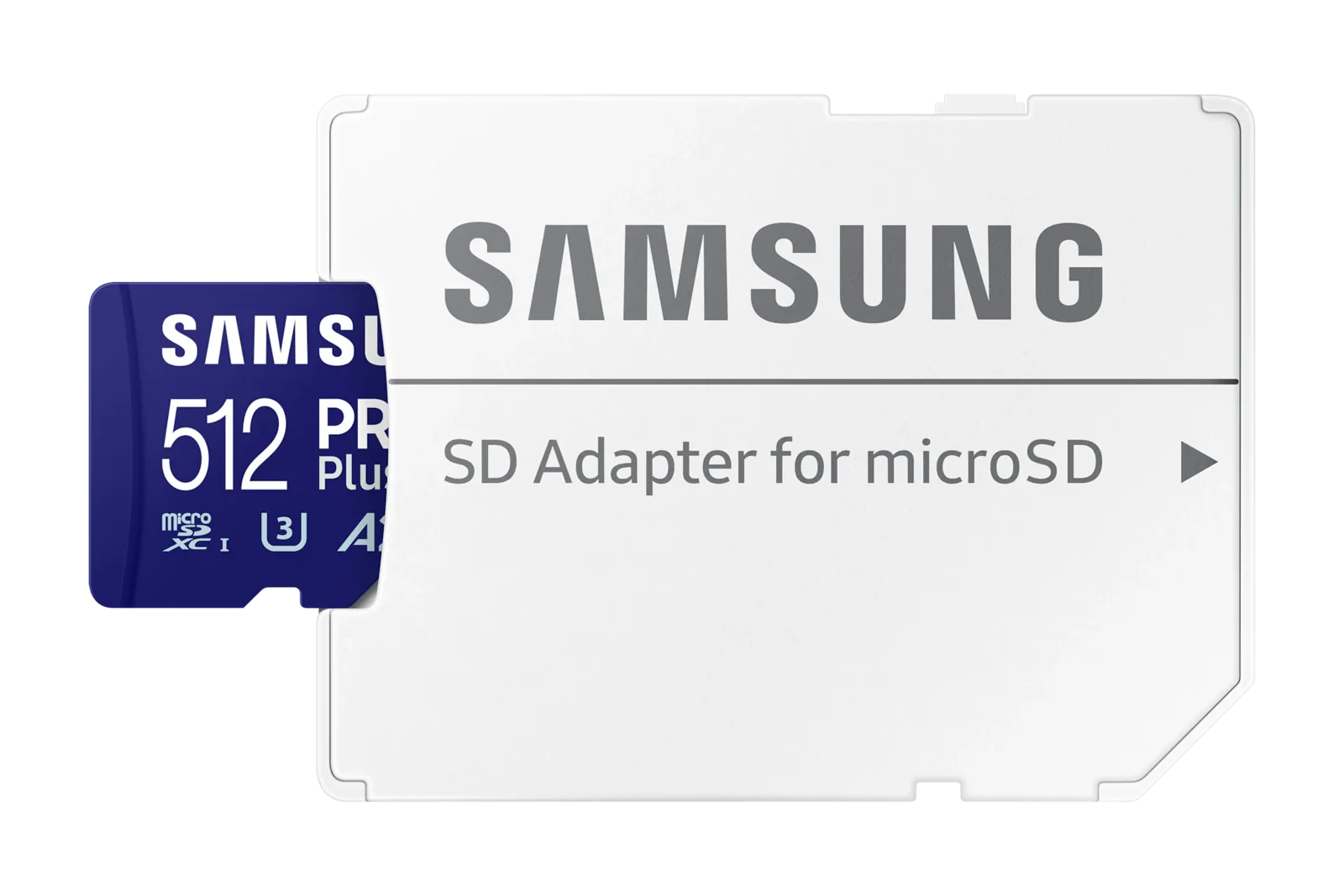
The PRO Plus is a U3, V30, A2 card, and Samsung lists game consoles among its uses. The 512GB version, MB-MD512SA/AM, comes with an SD adapter.
Samsung backs it with a 10-year limited warranty, the longest of the three here. The warranty excludes write-heavy uses such as dash cams and security cameras, which a game card is not.
2. SanDisk Extreme 512GB: the easiest to find
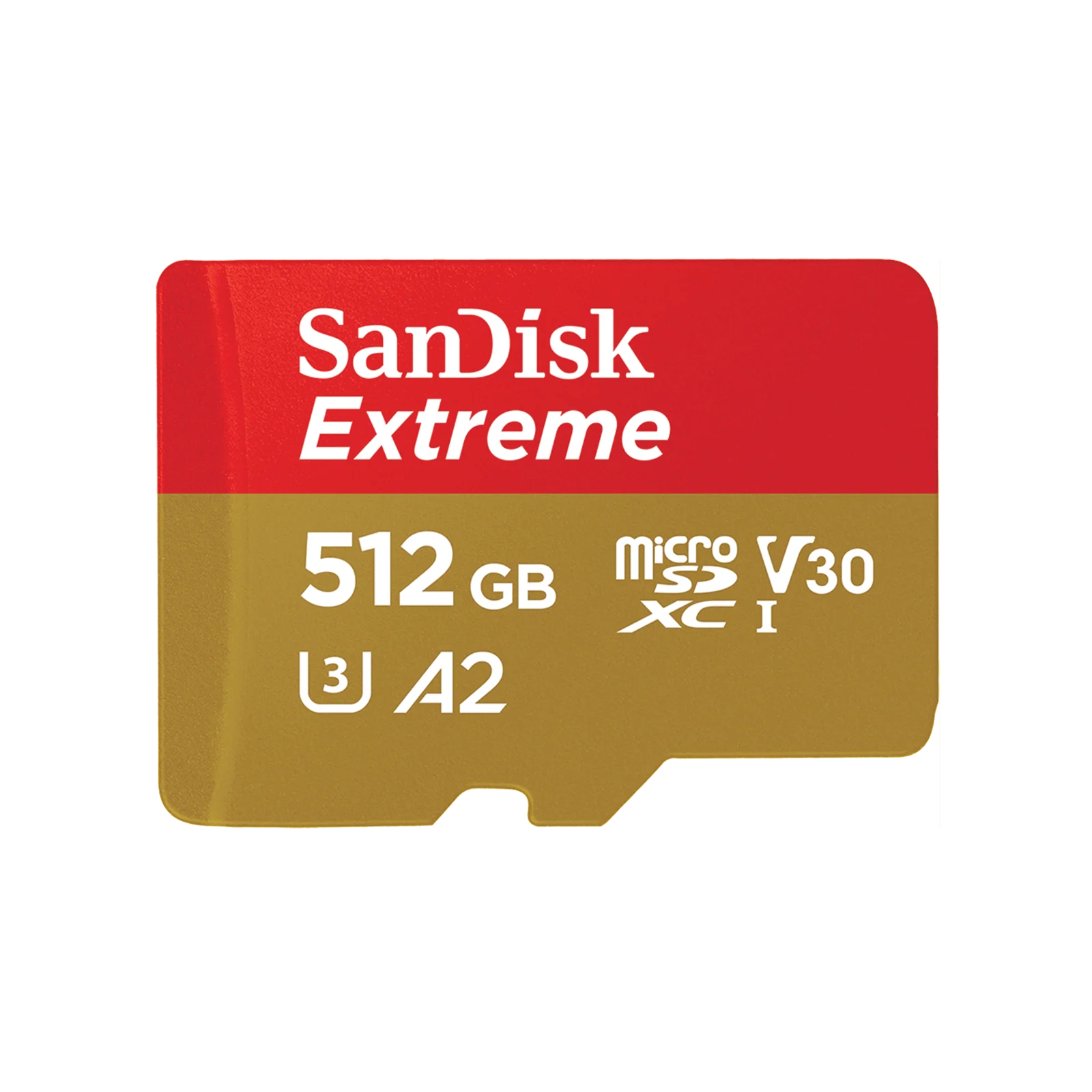
The SanDisk Extreme is a UHS-I card marked U3, V30 and A2. At 512GB, Sandisk lists up to 190MB/s reads and 130MB/s writes, but in a Deck it runs at UHS-I speeds like the others.
Sandisk sells it all the way up to 2TB. Choose it if you want a larger card than the other two offer.
3. Lexar PLAY 1TB: made for handhelds
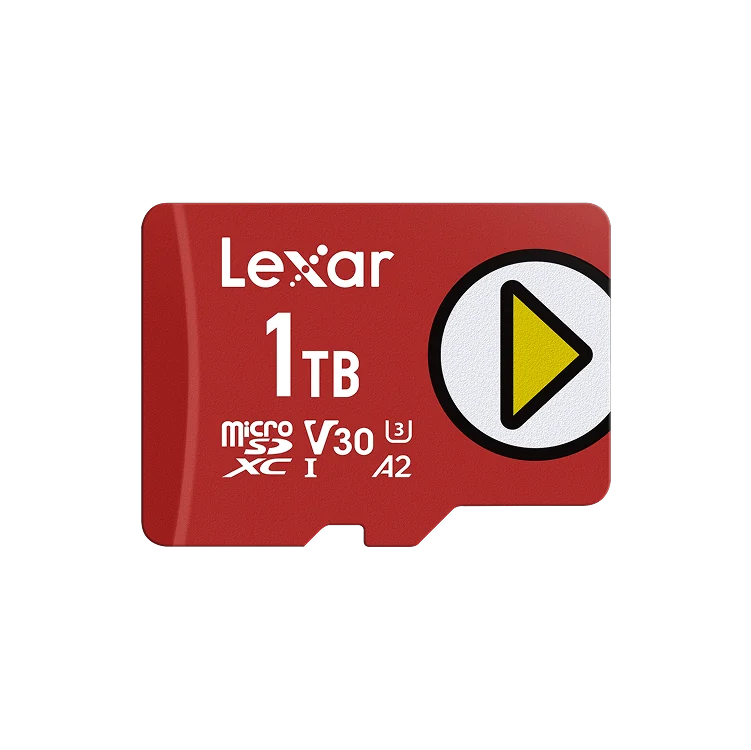
Lexar markets the PLAY for portable gaming devices, smartphones and tablets. It is a V30, A2 UHS-I card sold in 128GB, 256GB, 512GB and 1TB, with a five-year limited warranty.
The 205MB/s rating needs Lexar's RW310x reader, so treat it the same as the others inside a Deck. Pick it for the 1TB size.
How they compare
| Card | Rated read | Speed in a Steam Deck slot | Ratings | Sizes |
|---|---|---|---|---|
| Samsung PRO Plus | 180MB/s with Samsung reader | UHS-I, up to 104MB/s bus | U3, V30, A2 | Up to 1TB |
| SanDisk Extreme | 190MB/s at 512GB | UHS-I, up to 104MB/s bus | U3, V30, A2 | Up to 2TB |
| Lexar PLAY | 205MB/s with Lexar reader | UHS-I, up to 104MB/s bus | V30, A2 | 128GB to 1TB |
Which card to buy
Pick the size first. Then buy whichever of these three costs least at that size. The speed rating on the box is not a reason to pay more for a Steam Deck card.
Sources
- Valve, Steam Deck tech specs
- SD Association, Bus speed
- Samsung, PRO Plus 512GB and PRO Plus data sheet
- Sandisk, Extreme microSDXC
- Lexar, PLAY microSDXC
All sources were checked on October 5, 2026.