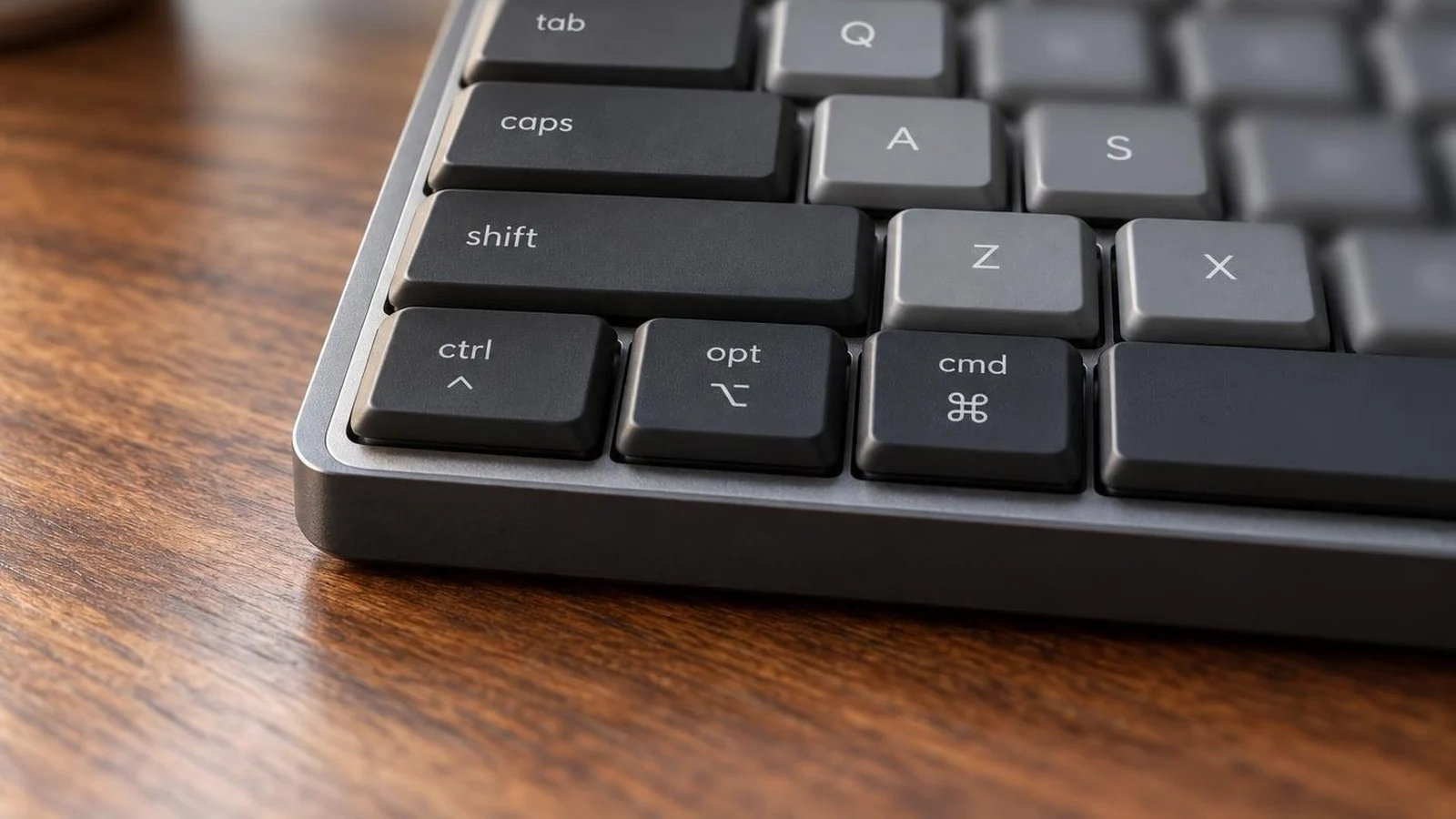
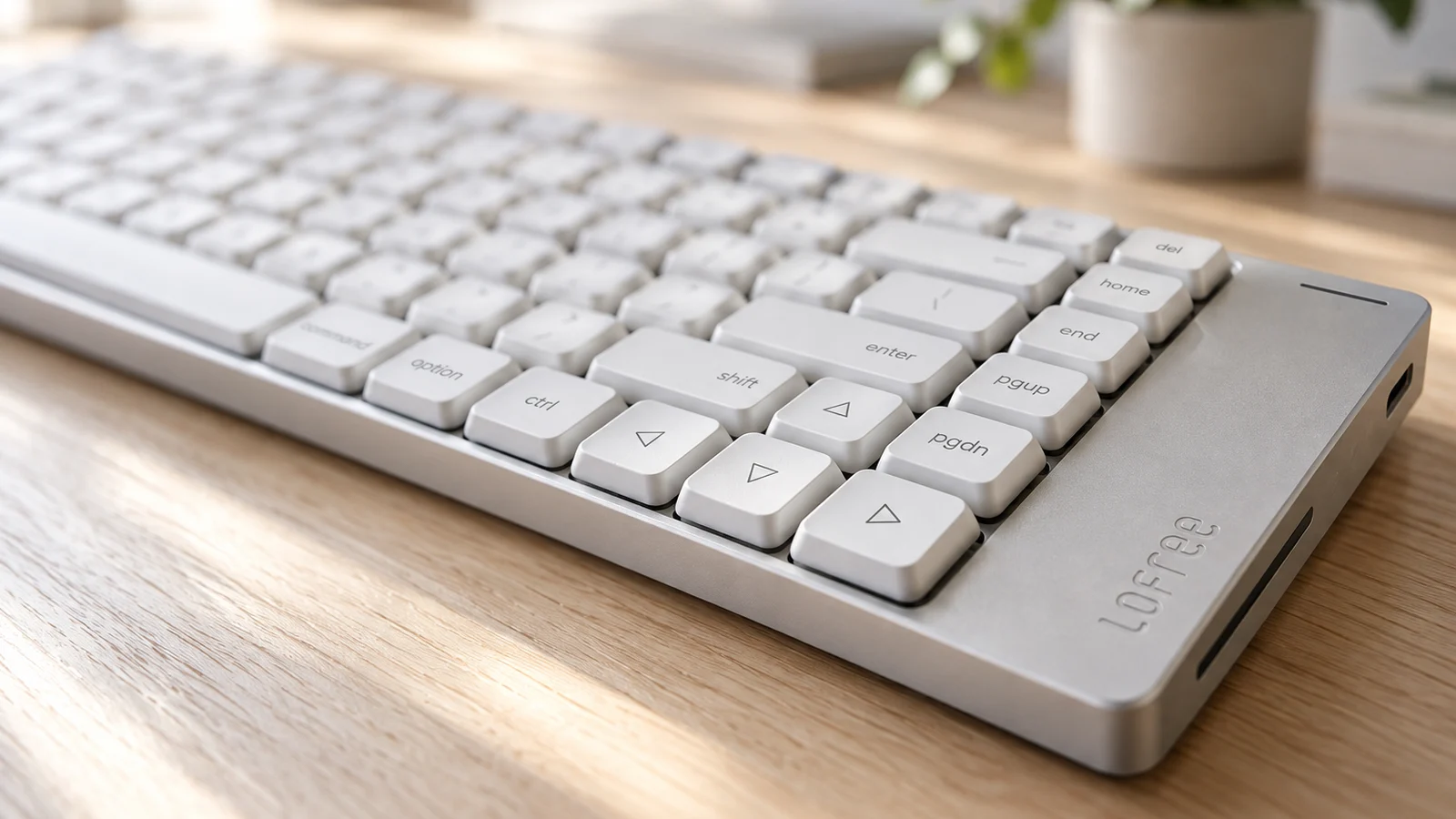
Typing
Forbes reviewer Brad Moon found it comfortable to type on, with flip-out feet to raise the angle, and wished for a clicky switch option, since the Mac version comes with Tactile Quiet switches.
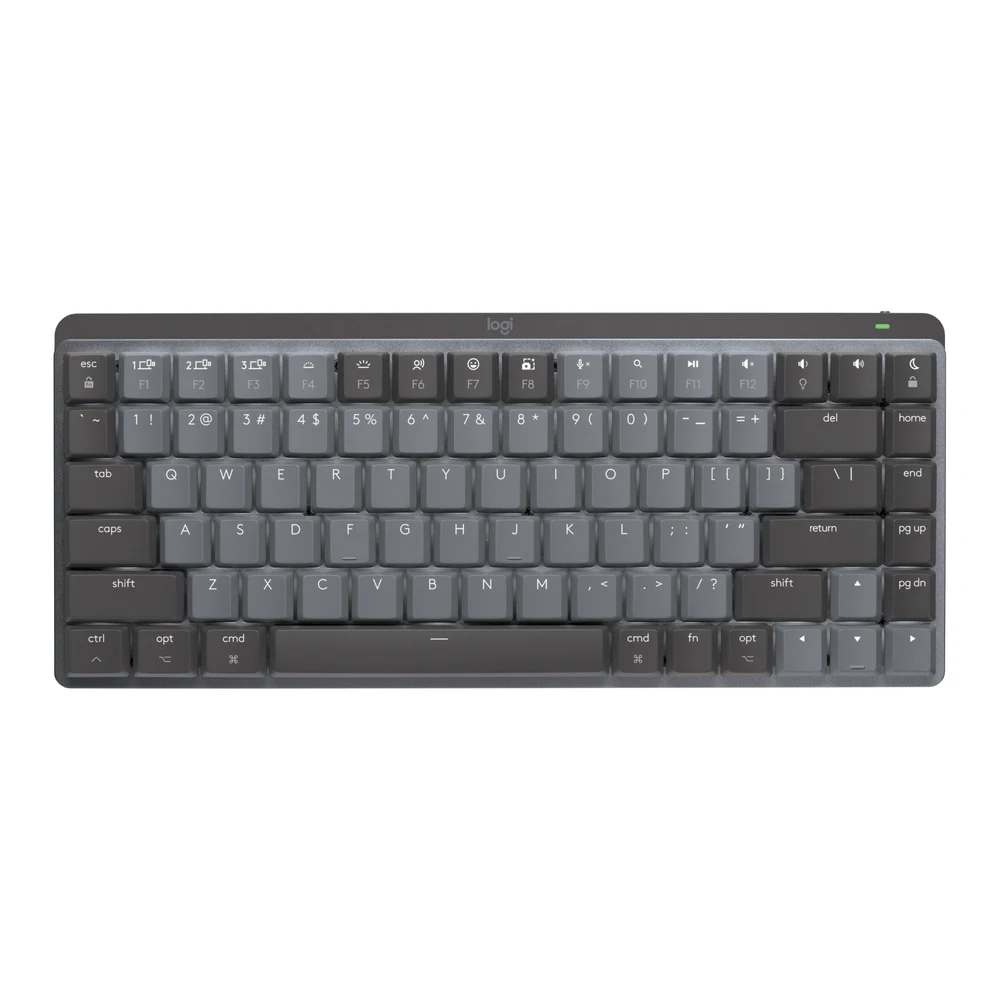
A compact, low-profile mechanical keyboard printed for Mac, with backlit keys, three Bluetooth slots and Logi Options+ on macOS. It works over Bluetooth or a separately sold Logi Bolt receiver; its cable only charges it.
We may earn a commission.Forbes reviewer Brad Moon found it comfortable to type on, with flip-out feet to raise the angle, and wished for a clicky switch option, since the Mac version comes with Tactile Quiet switches.
Logitech lists Bluetooth Low Energy with Easy-Switch keys for three devices, and compatibility with the Logi Bolt receiver only, not included. Its setup guide says the USB-C cable is for charging only. Logitech warns that with FileVault on, a Bluetooth keyboard may not let you enter your password at startup, and suggests the built-in keyboard or a Bolt receiver. Battery is rated at up to 15 days with backlighting or 10 months without.
The keys are printed in a Mac layout. Logitech says its keyboards do not send the Fn/Globe keycode in a way that works with Apple's shortcuts, so functions such as window tiling that rely on the Fn/Globe key are not supported.
Logi Options+ on macOS changes Fn key functions, shows battery level, selects backlight effects and sets app-specific profiles and Smart Actions. Logitech Flow lets the keyboard follow a Flow-enabled Logitech mouse between computers.
Four mechanical keyboards for iPad Pro, how each one connects, and the iPadOS setting that gives a third-party keyboard a Globe key.
Four mechanical keyboards with Mac keycaps, and the macOS limits their makers list for the fn key, FileVault logins, USB-A receivers and setup apps.