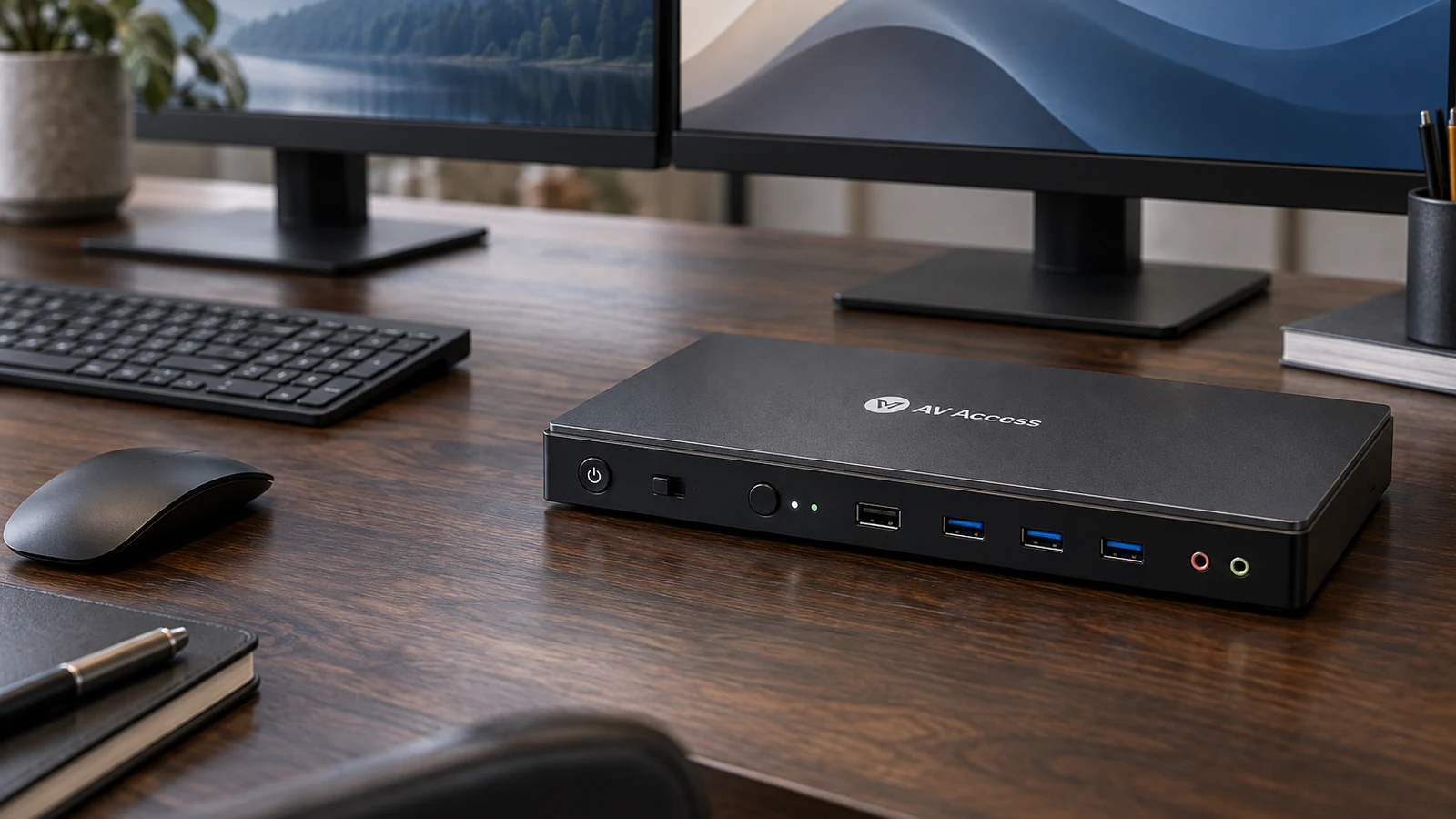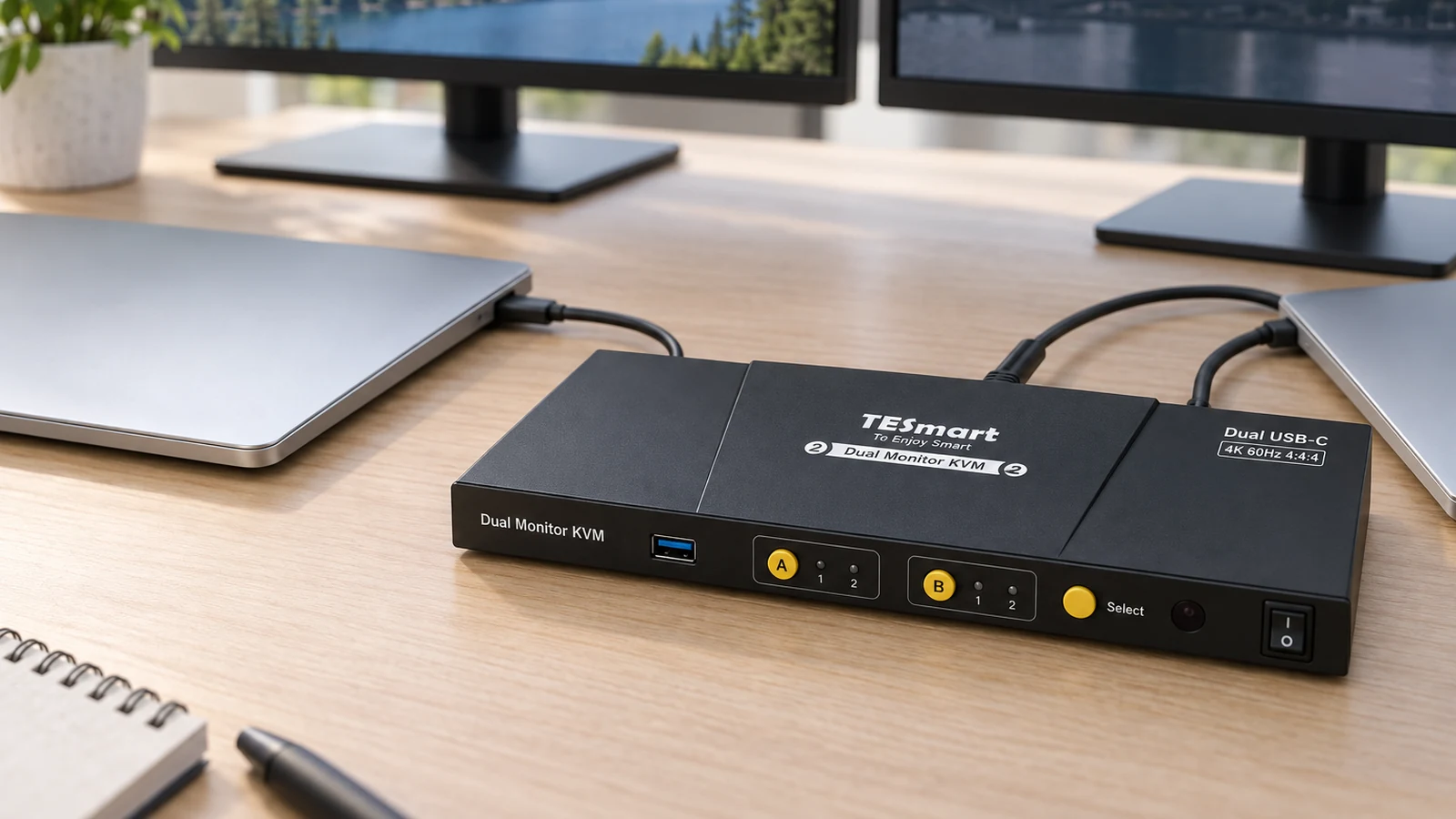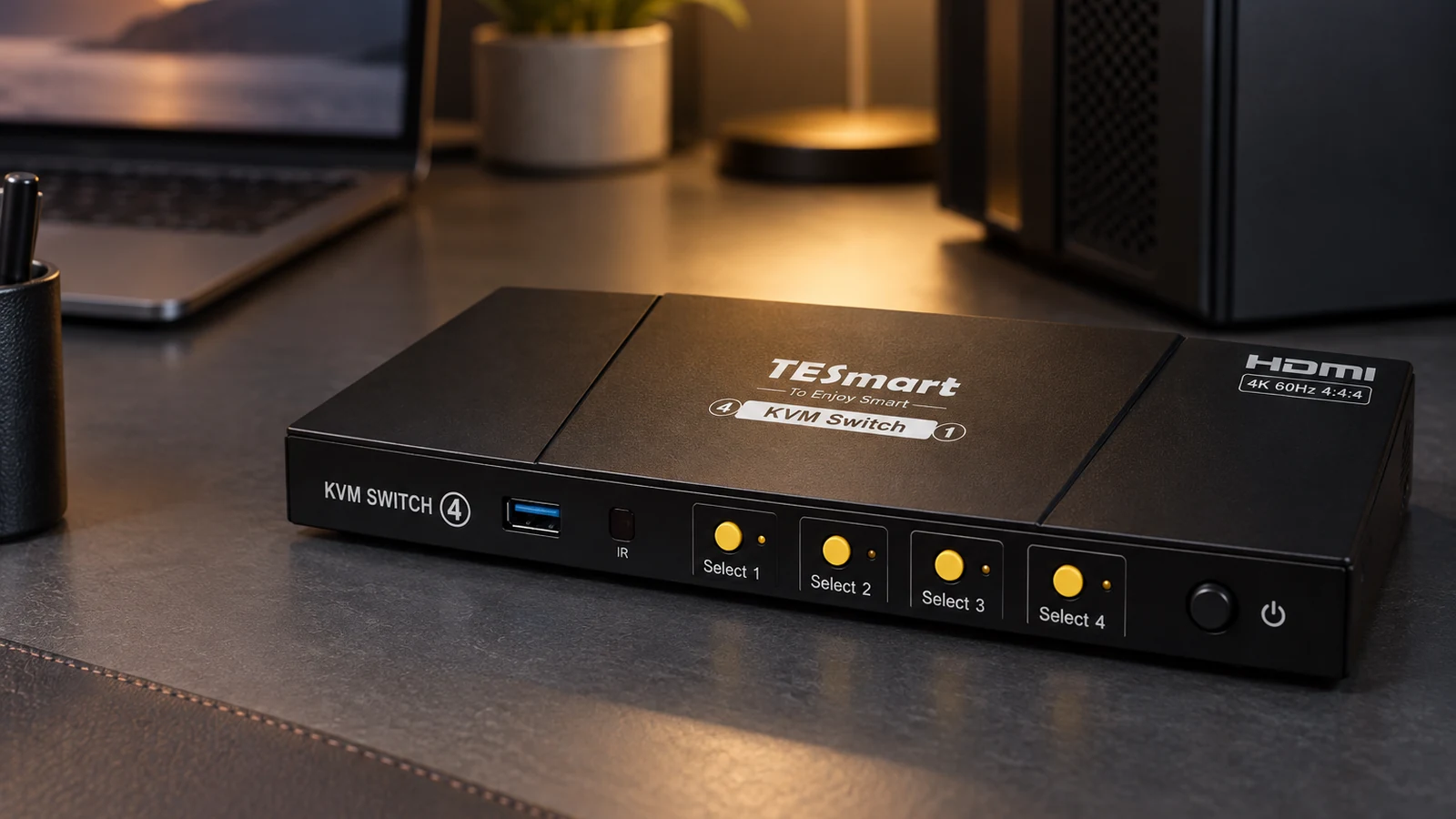
The best KVM switch is the one that matches three numbers: how many computers, how many monitors, and which video port each computer has. Get those right and most of the remaining differences are refresh rate, USB speed and whether the switch emulates EDID.
- AV Access 4KSW21-DM for most two-computer, two-monitor desks.
- TESmart HKS202-M24 for high-refresh 4K gaming over HDMI 2.1.
- AV Access 8KSW21DP-DM for DisplayPort graphics cards.
- TESmart CKS202-P23 for two USB-C laptops with charging.
- TESmart HKS401-P23 for four computers on one monitor.
New to KVM switches? Start with what a KVM switch is and what it can't do.
This guide is AI-generated from manufacturer documentation. GearExplained did not test these products. The product cards at the end link to Amazon, and GearExplained may earn a commission. That does not decide which products appear here.
Why EDID emulation matters
When a switch cuts a computer's video, the computer may think the monitor was unplugged and rearrange your windows. EDID emulation keeps the monitor's details available to every computer. TESmart's HKS401-P23 page describes the difference: without it, icons shift, windows resize and screens flicker after a switch. Four of the five picks here have it.
1. AV Access 4KSW21-DM: best for most desks
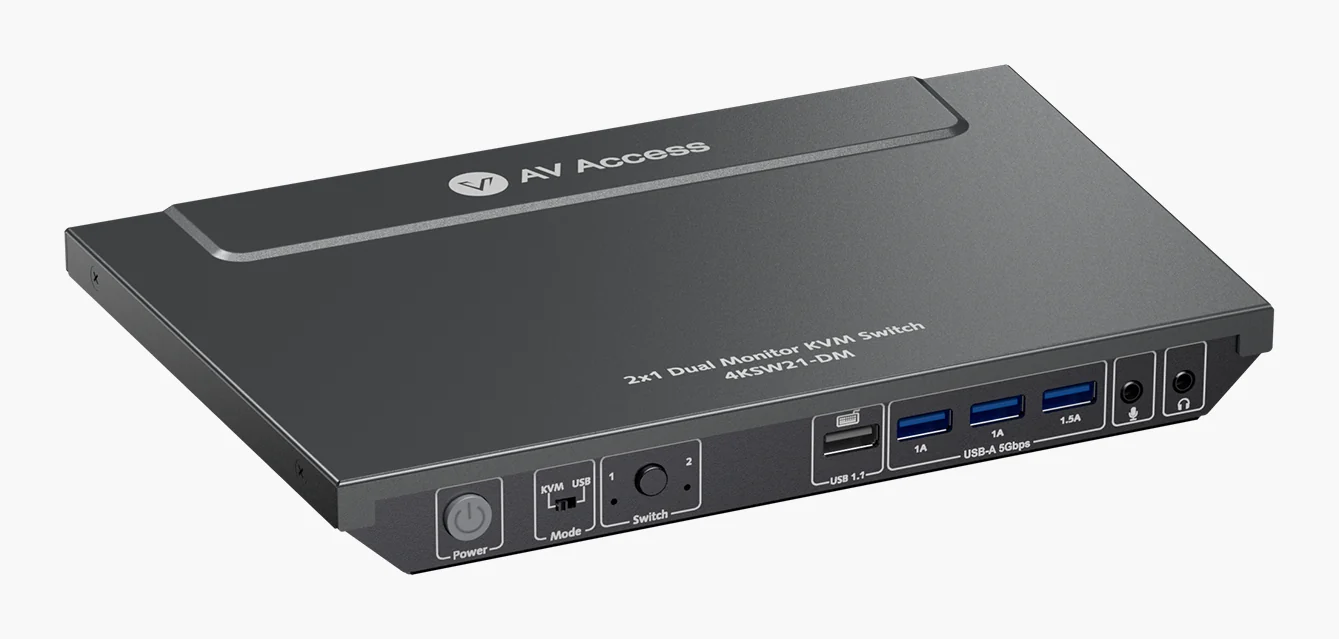
The 4KSW21-DM handles two computers and two HDMI monitors at up to 4K 60Hz, 2560x1440 at 144Hz or 1080p at 240Hz. It has EDID emulation, shares three USB 3.0 ports and wakes a sleeping computer when you switch, according to AV Access. Each computer needs two HDMI outputs, and HDMI cables are not in the box.
2. TESmart HKS202-M24: best for high-refresh gaming
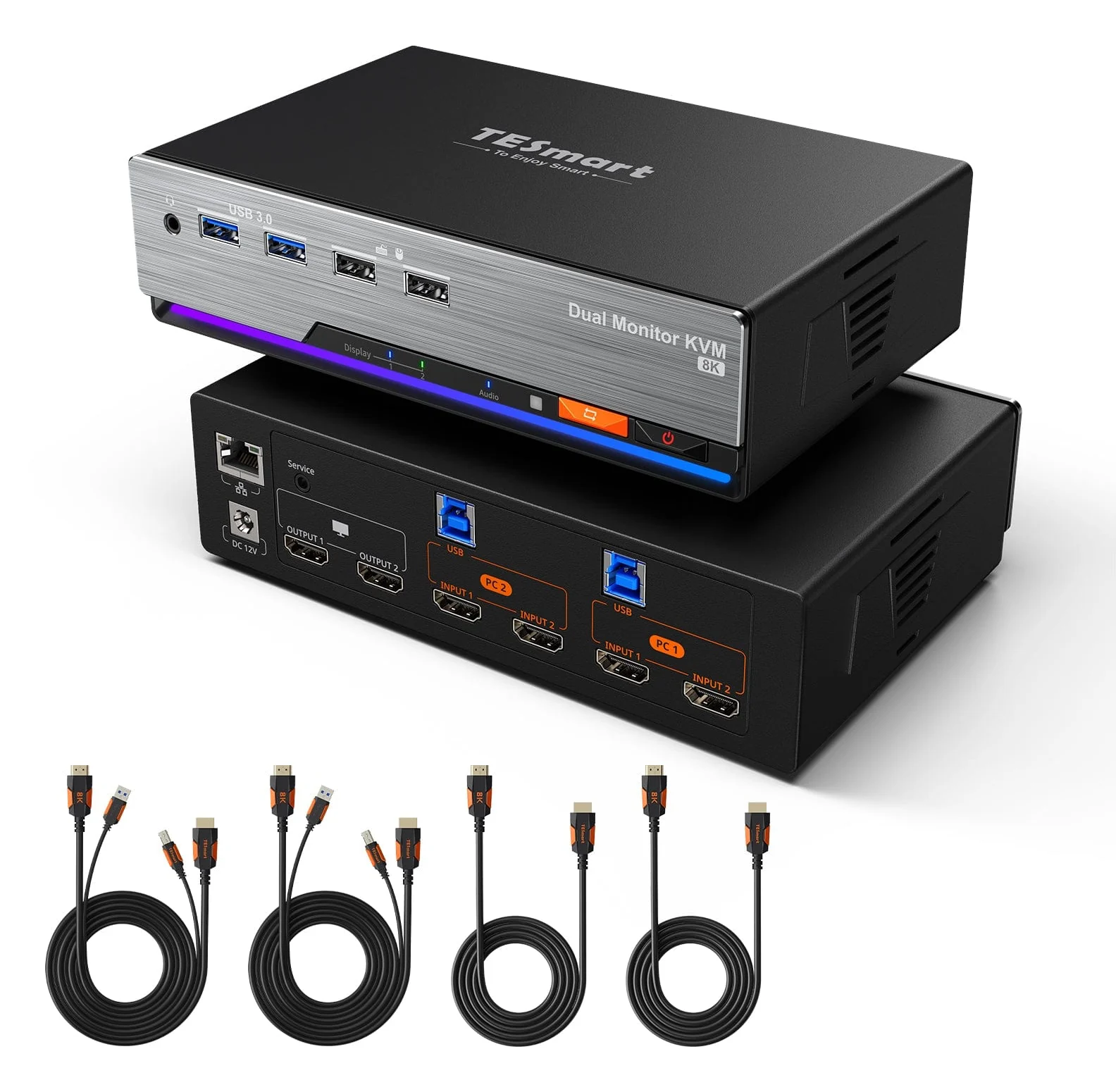
The HKS202-M24 is HDMI 2.1, rated for 4K at up to 144Hz with VRR and EDID emulation. It also shares Gigabit Ethernet and USB 3.2 Gen 1, and switches by button, remote, hotkey or mouse wheel.
3. AV Access 8KSW21DP-DM: best for DisplayPort
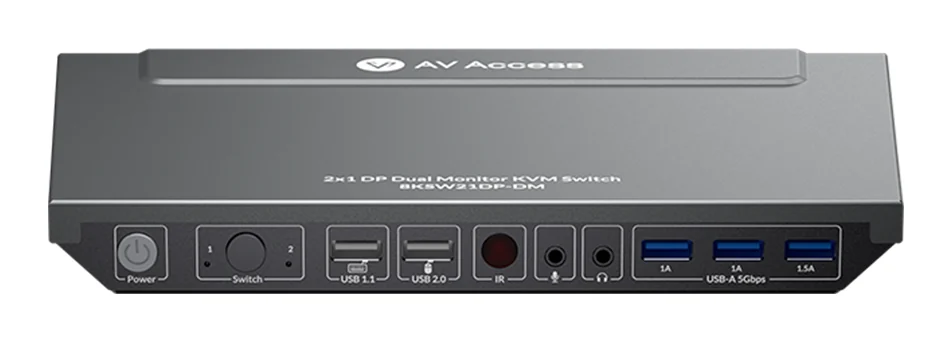
For graphics cards with DisplayPort outputs, the 8KSW21DP-DM reaches 4K 165Hz and includes six DisplayPort cables and an IR remote. AV Access says it does not support EDID emulation at present, the one gap in this list.
4. TESmart CKS202-P23: best for two laptops
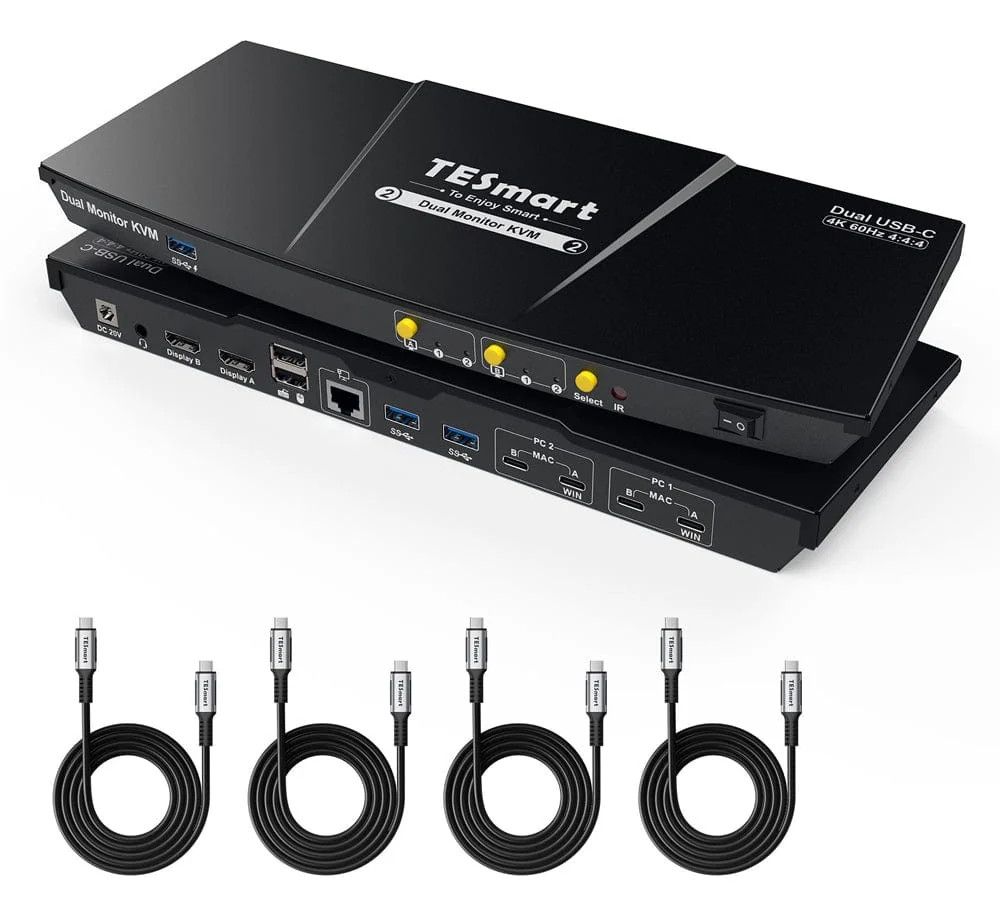
The CKS202-P23 connects two USB-C laptops, charges each at up to 60W and drives two HDMI monitors at 4K 60Hz. On Windows laptops with MST, one cable carries both screens. TESmart says Macs need two cables and may be limited on a single path.
5. TESmart HKS401-P23: best for four computers
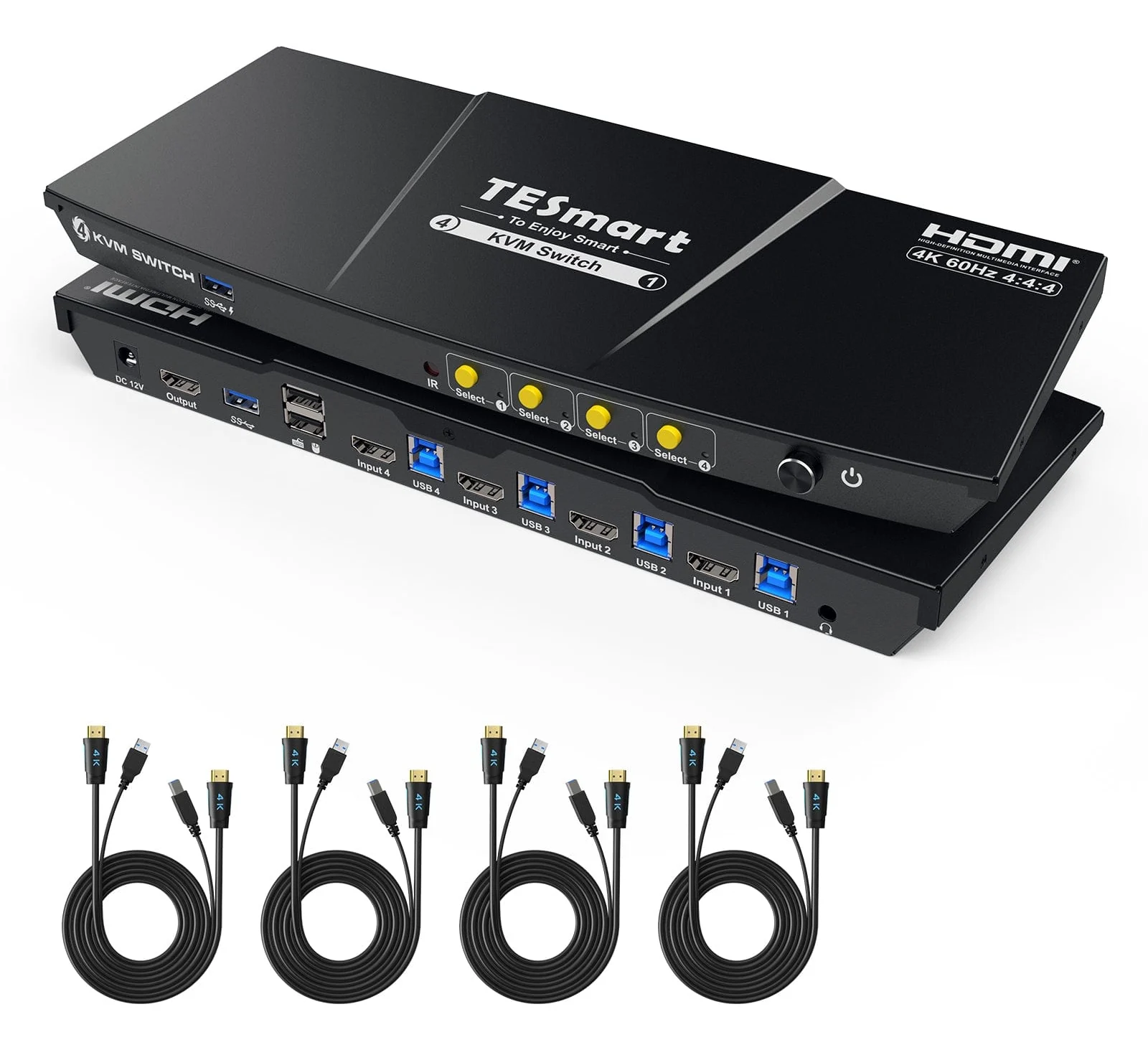
The HKS401-P23 switches four computers on one HDMI monitor at up to 4K 60Hz, 2560x1440 at 120Hz or 1080p at 240Hz, with EDID emulation and USB 3.0. Four HDMI and USB combo cables come in the box. TESmart says it does not support 5120x1440 monitors.
How they compare
| Switch | Computers | Monitors | Video | EDID emulation |
|---|---|---|---|---|
| AV Access 4KSW21-DM | 2 | 2 | HDMI 2.0, 4K 60Hz | Yes |
| TESmart HKS202-M24 | 2 | 2 | HDMI 2.1, 4K 144Hz | Yes |
| AV Access 8KSW21DP-DM | 2 | 2 | DisplayPort 1.4a, 4K 165Hz | No |
| TESmart CKS202-P23 | 2 laptops | 2 | USB-C to HDMI, 4K 60Hz | Yes |
| TESmart HKS401-P23 | 4 | 1 | HDMI 2.0, 4K 60Hz | Yes |
Which switch to buy
Most people sharing a desk between a work laptop and a personal desktop should start with the 4KSW21-DM, or the CKS202-P23 if both machines are laptops. Gamers who need high refresh should pick the HKS202-M24 or, on DisplayPort, the 8KSW21DP-DM. For two-monitor setups in more depth, see our dual-monitor KVM guide.
Sources
- AV Access, 4K Dual Monitor KVM Switch, 2-Port HDMI
- TESmart, HDMI 2.1 Dual 4K144Hz KVM Switch for 2 PCs and 2 Monitors
- AV Access, 8K DisplayPort KVM Switch for Two Computers
- TESmart, USB-C KVM Switch Dual Monitor for 2 Laptops
- TESmart, 4-Port HDMI KVM Switch with USB 3.0, 4 PCs 1 Monitor
All sources were checked on October 5, 2026.