A KVM switch lets two or more computers share one keyboard, one mouse and one set of monitors. KVM stands for keyboard, video and mouse. Press a button or a keyboard shortcut and your screens, keyboard and mouse move to the other computer. It suits anyone with a work laptop and a personal desktop on the same desk.
This guide is AI-generated from manufacturer documentation. GearExplained did not test these products. The product cards at the end link to Amazon, and GearExplained may earn a commission. That does not decide which products appear here.
What a KVM switch does
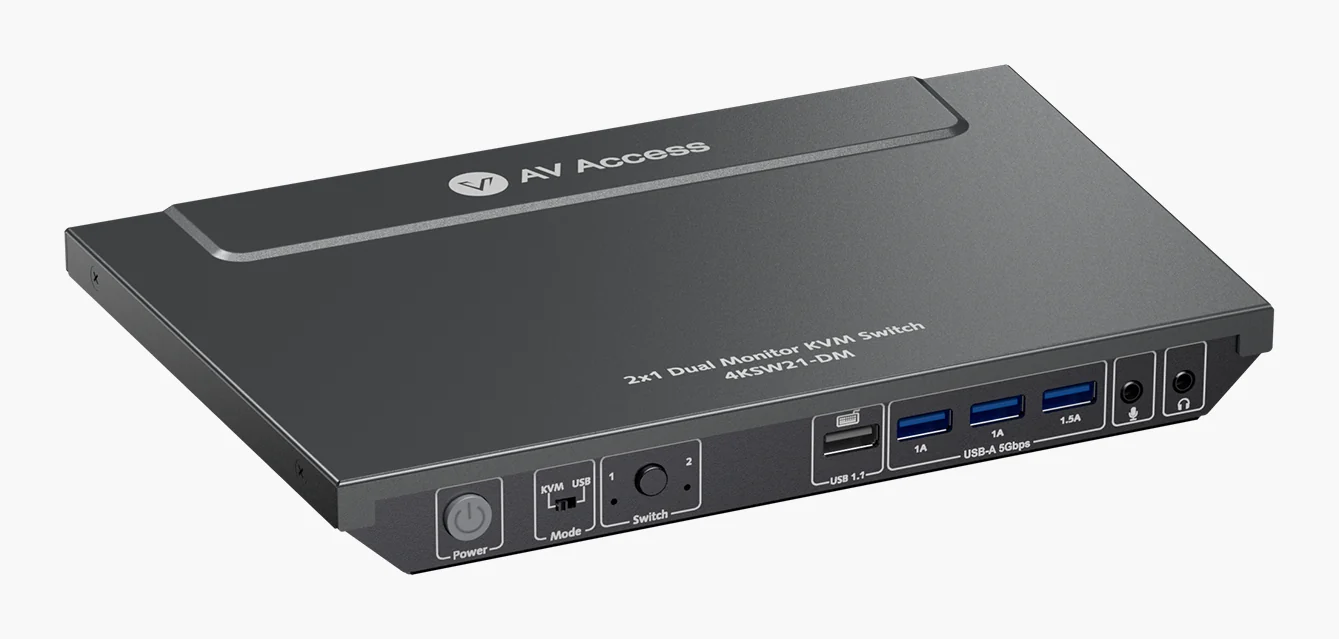
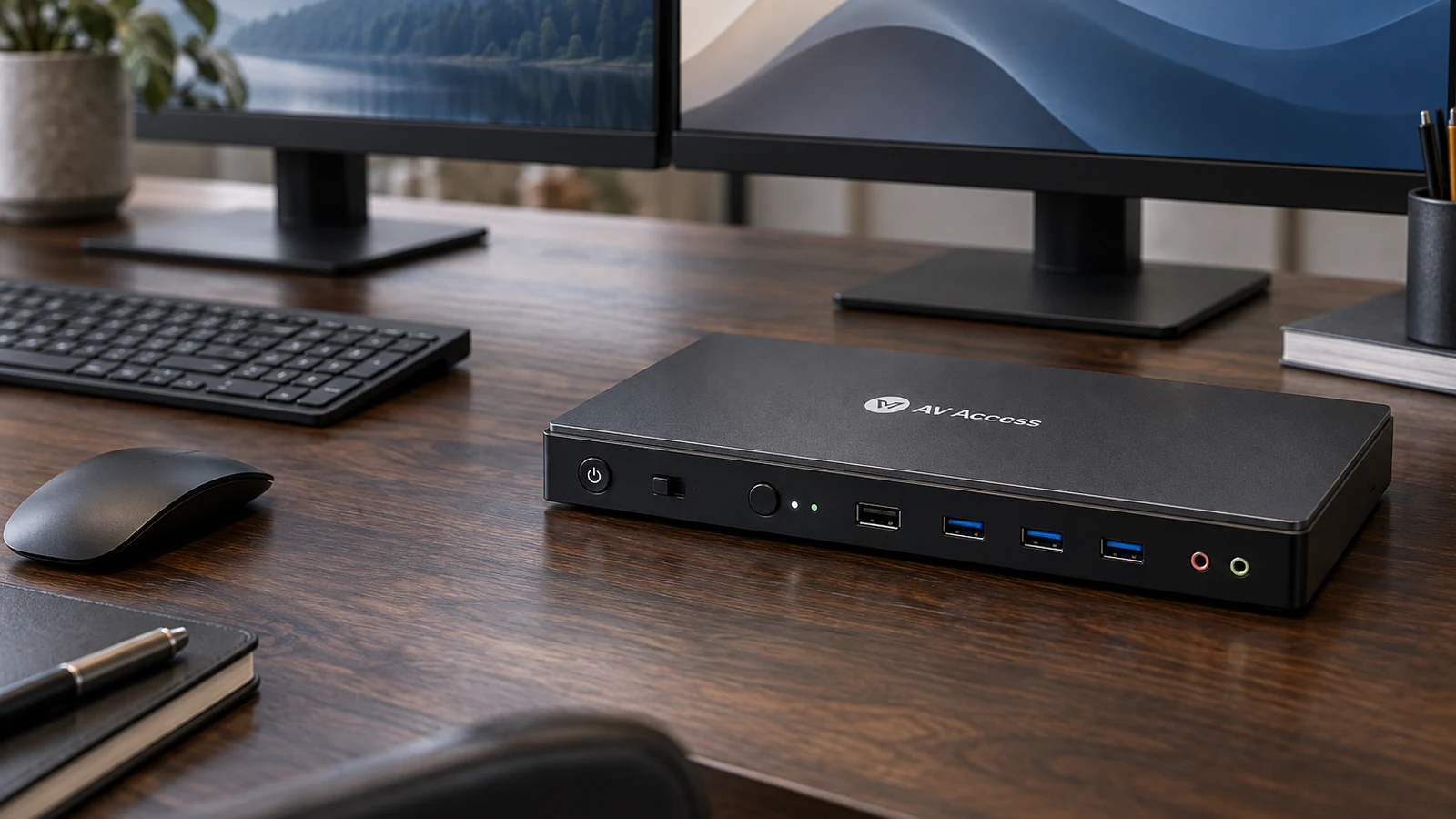
Each computer connects to the switch with video cables and a USB cable. Your monitors, keyboard and mouse connect to the switch. Most also pass through other USB devices, such as a webcam or a drive. The AV Access 4KSW21-DM, for example, shares three USB 3.0 ports and switches video, audio, keyboard, mouse and USB at the same time.
What it does not do
A KVM does not let both computers use the screens at once in the usual setup; you see one computer at a time. Some switches offer a split mode: AV Access lists a USB mode that sends each computer to its own monitor while you switch only the keyboard and mouse. A KVM also does not add ports a computer lacks. A dual-monitor switch usually needs two video outputs from every computer.
Four things to check
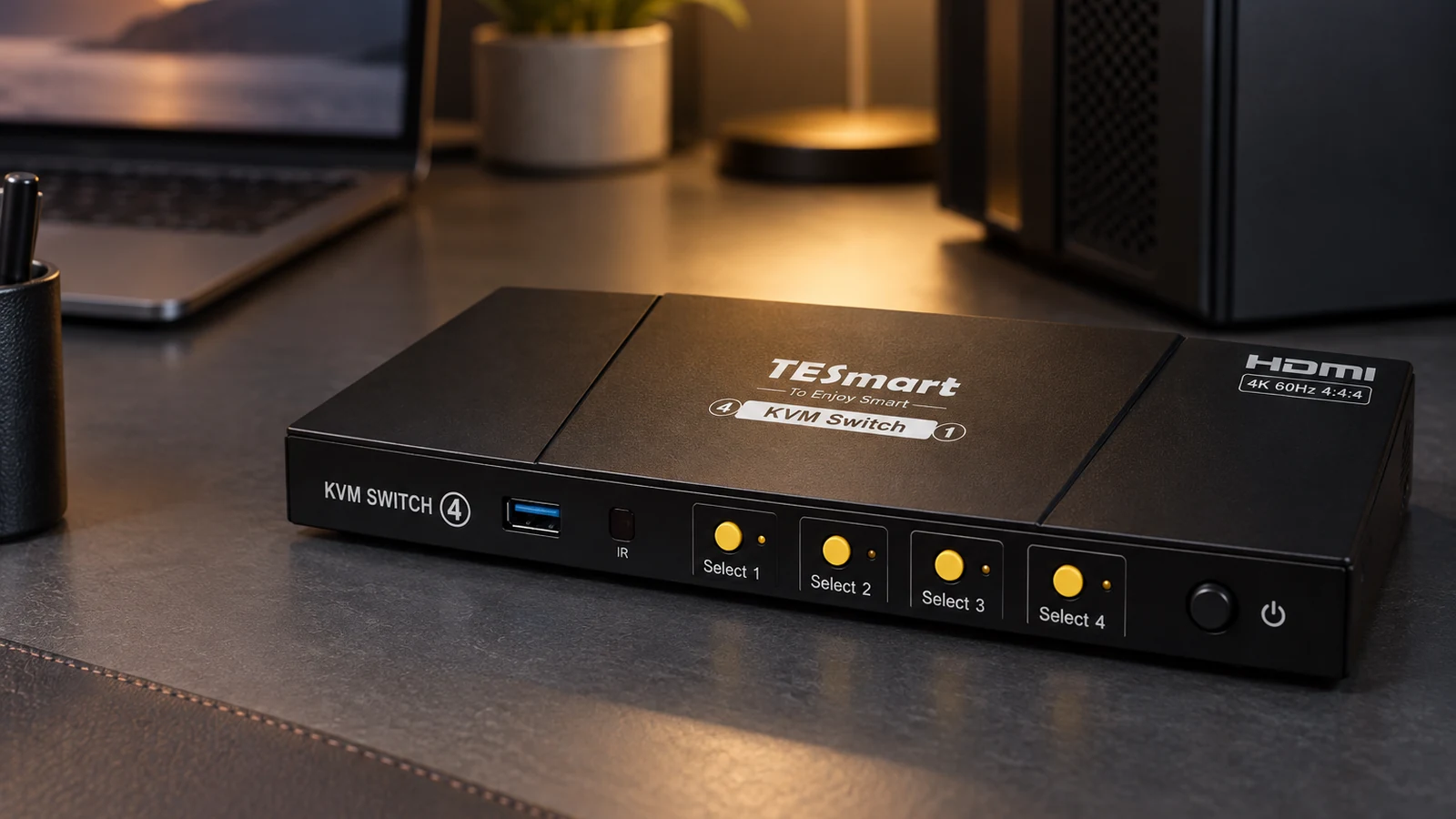
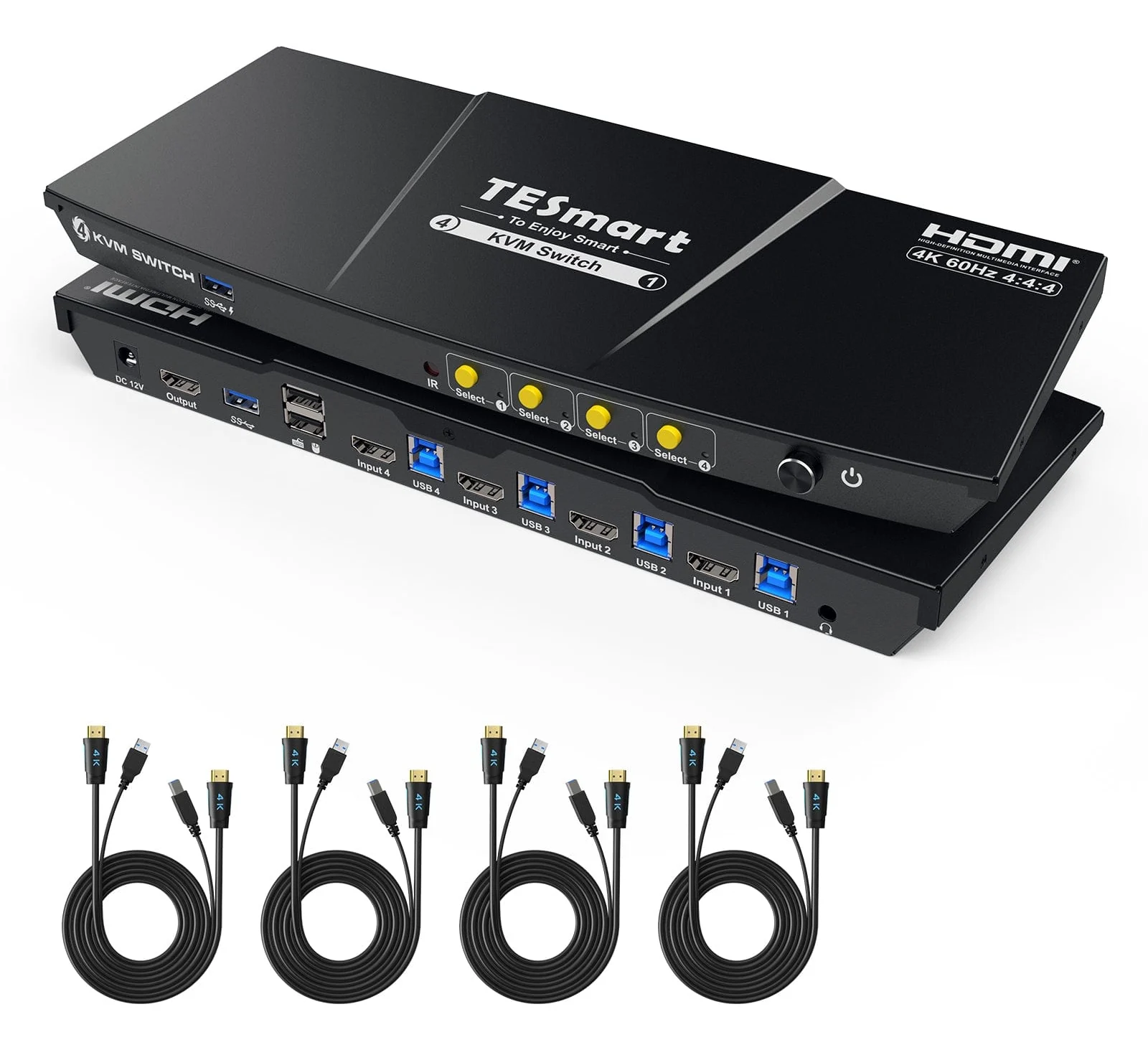
- Computers. Two is most common. The TESmart HKS401-P23 handles four.
- Monitors. Single-monitor and dual-monitor switches are different products.
- Video port. HDMI, DisplayPort or USB-C, matched to what each computer has.
- EDID emulation. TESmart explains that without it, icons shift and windows resize after a switch. With it, the computers keep seeing the monitors.
KVM switch vs docking station
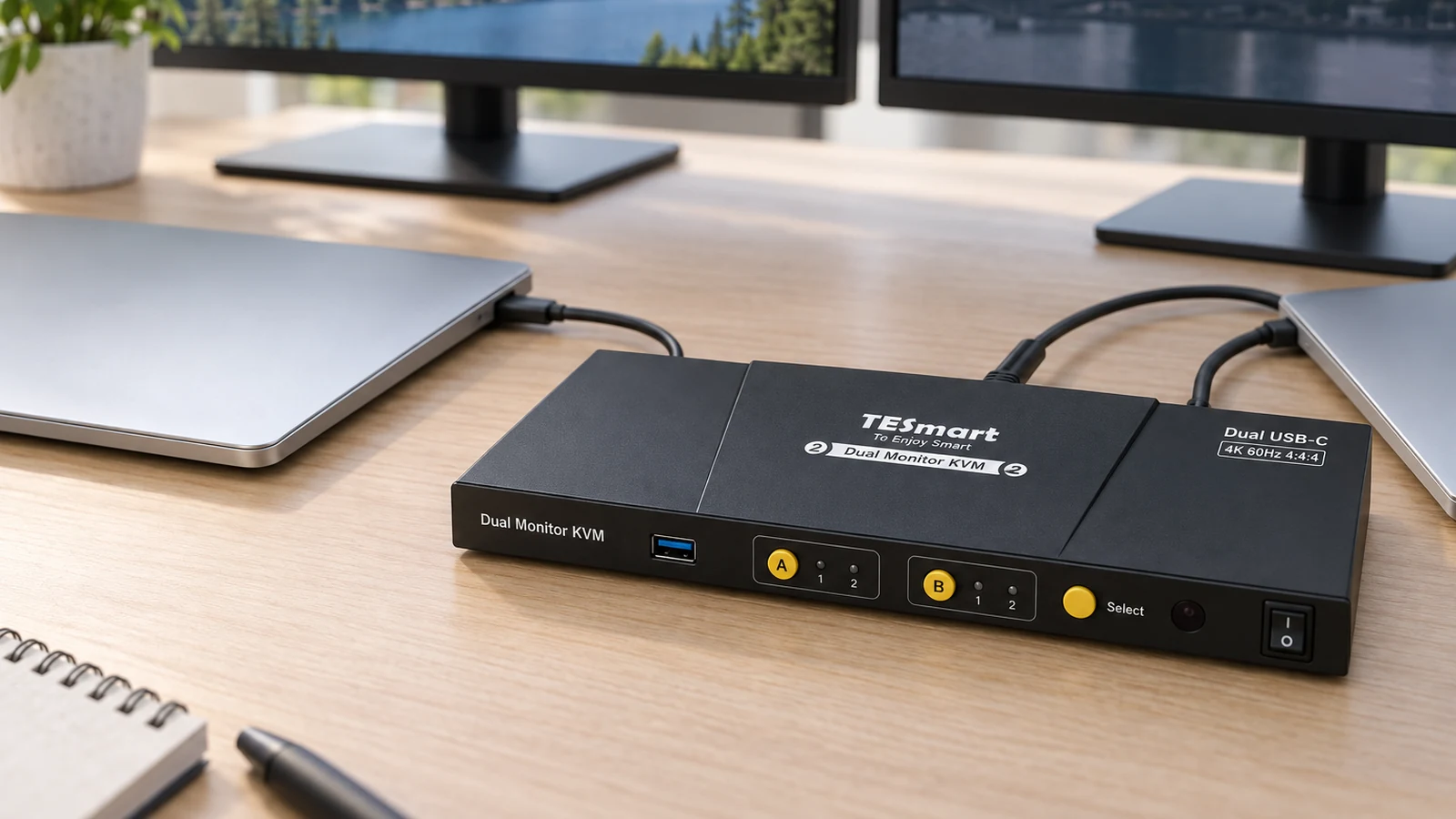
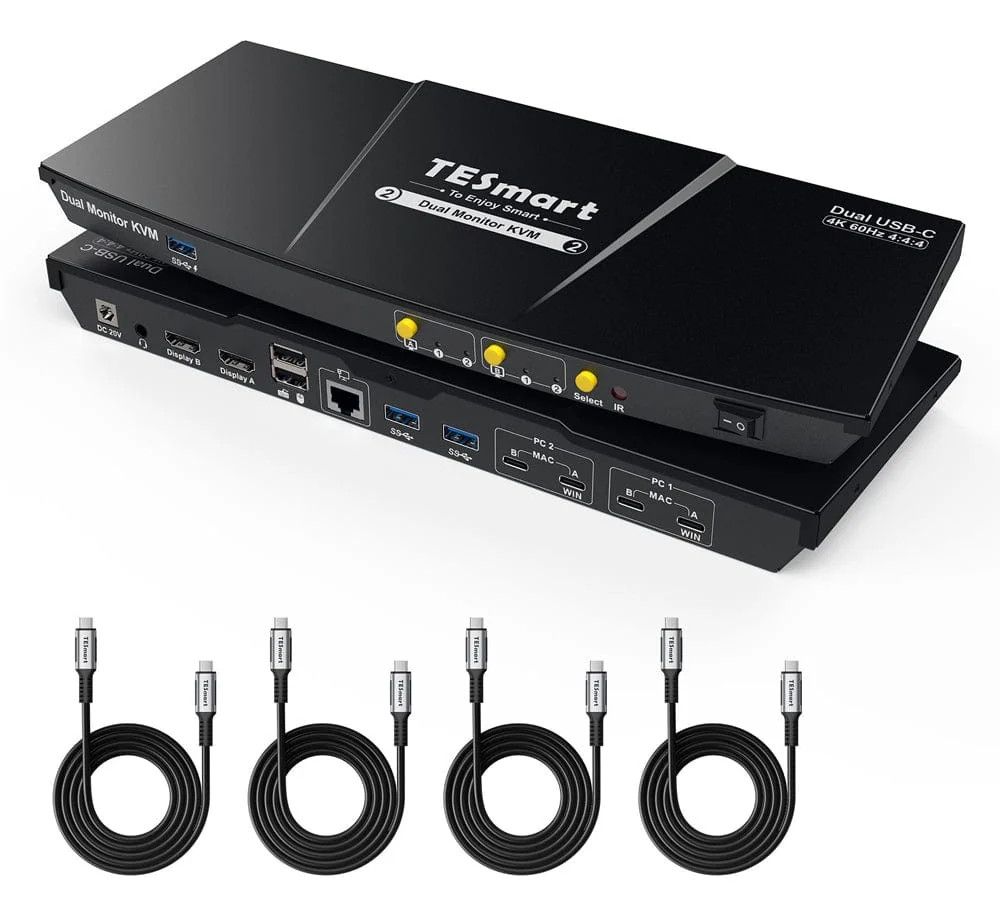
A dock connects one laptop to your monitors and accessories. A KVM shares them between several computers. USB-C KVMs blur the line: the TESmart CKS202-P23 connects two laptops by USB-C, charges each at up to 60W and shares Ethernet. TESmart notes that macOS does not support MST, so Macs need two cables for two screens.
Where to go next
For specific picks, see the best KVM switches and our dual-monitor KVM guide.
Sources
- AV Access, 4K Dual Monitor KVM Switch, 2-Port HDMI
- TESmart, 4-Port HDMI KVM Switch with USB 3.0, 4 PCs 1 Monitor
- TESmart, USB-C KVM Switch Dual Monitor for 2 Laptops
All sources were checked on October 5, 2026.