Computer switching
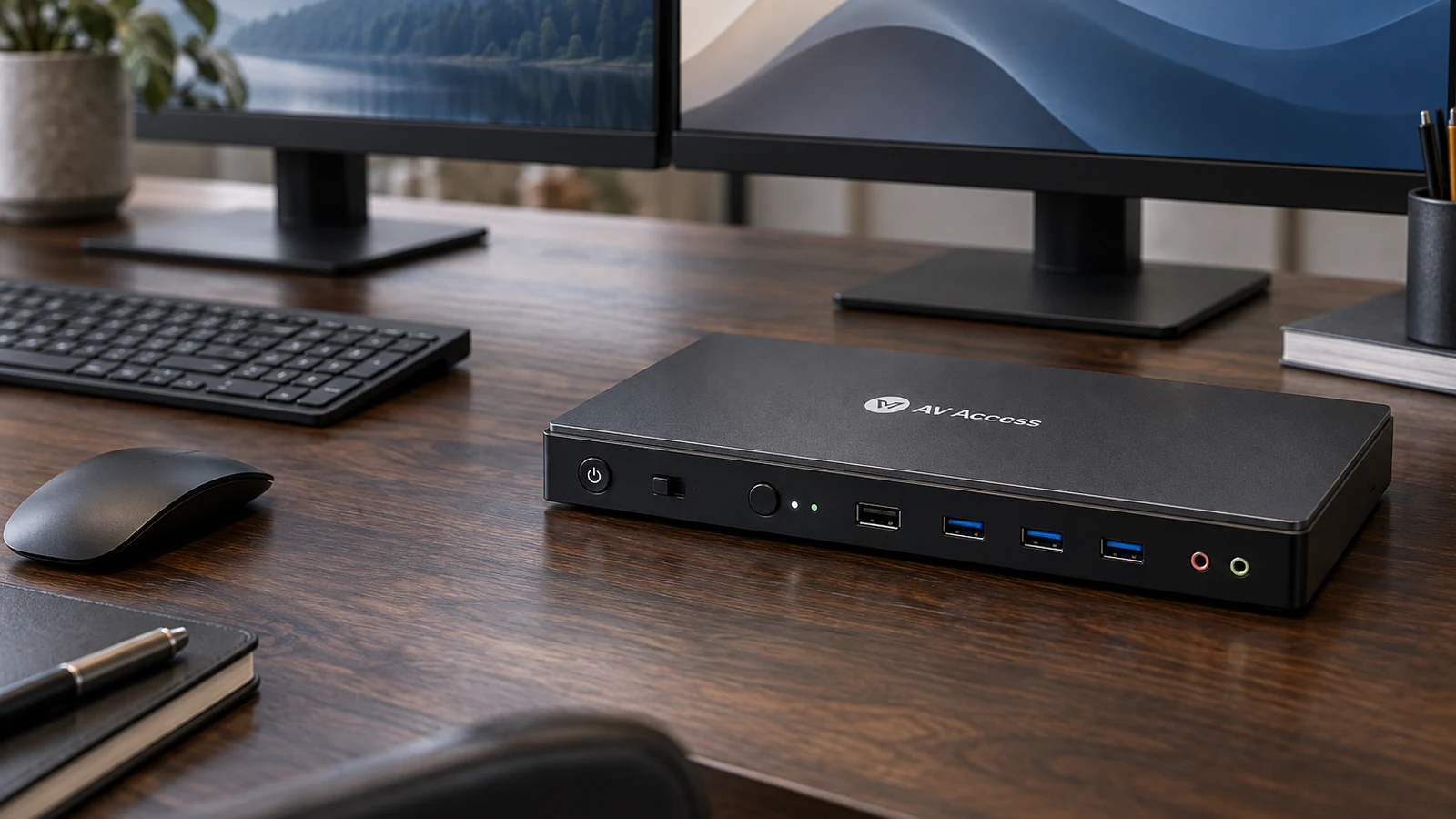
Switches with the front button or a keyboard hotkey. Hotkeys need the keyboard on the dedicated USB 1.1 port.
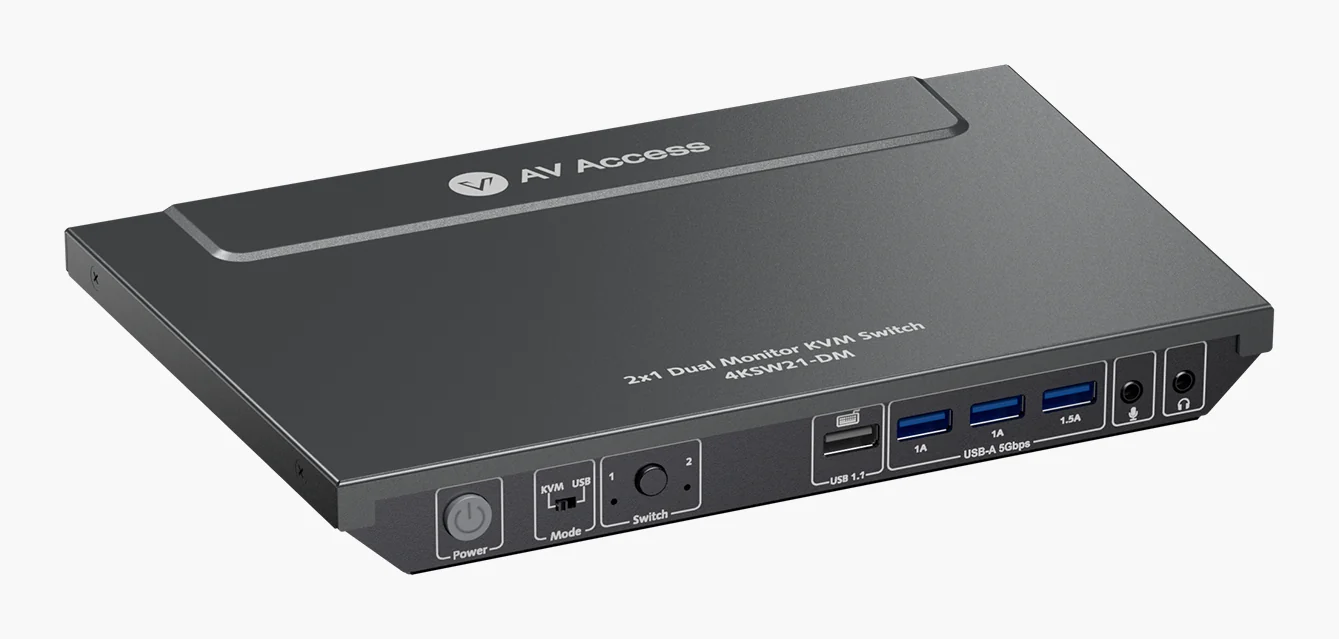
A two-computer, two-monitor HDMI 2.0 KVM switch with a USB 3.0 hub, EDID emulation and automatic wake.
We may earn a commission.Switches with the front button or a keyboard hotkey. Hotkeys need the keyboard on the dedicated USB 1.1 port.
Each computer connects two HDMI cables. Up to 4K 60Hz 4:4:4, 2560x1440 at 144Hz and 1080p at 240Hz, with EDID emulation.
Three USB 3.0 ports shared between the two computers, plus microphone and headphone jacks.
AV Access says it wakes a sleeping computer automatically when you switch to it.
Four dual-monitor KVM switches for HDMI, DisplayPort and USB-C, and the cabling each one needs from both computers.
Five KVM switches for two to four computers, chosen by how many monitors you use and how each computer connects.
A KVM switch lets two or more computers share one keyboard, mouse and set of monitors. Here is what it does, what it does not, and what to check.