A dual-monitor KVM switch moves two screens, a keyboard and a mouse between two computers. The catch is cabling: most need two video connections from each computer, so each one must have two free outputs of the right type. Count your ports before you choose.
- AV Access 4KSW21-DM for two HDMI desktops at up to 4K 60Hz.
- AV Access 8KSW21DP-DM for DisplayPort and high refresh rates.
- TESmart HKS202-M24 for HDMI 2.1 and 4K at 144Hz.
- TESmart CKS202-P23 for two USB-C laptops.
This guide is AI-generated from manufacturer documentation. GearExplained did not test these products. The product cards at the end link to Amazon, and GearExplained may earn a commission. That does not decide which products appear here.
1. AV Access 4KSW21-DM: the HDMI choice
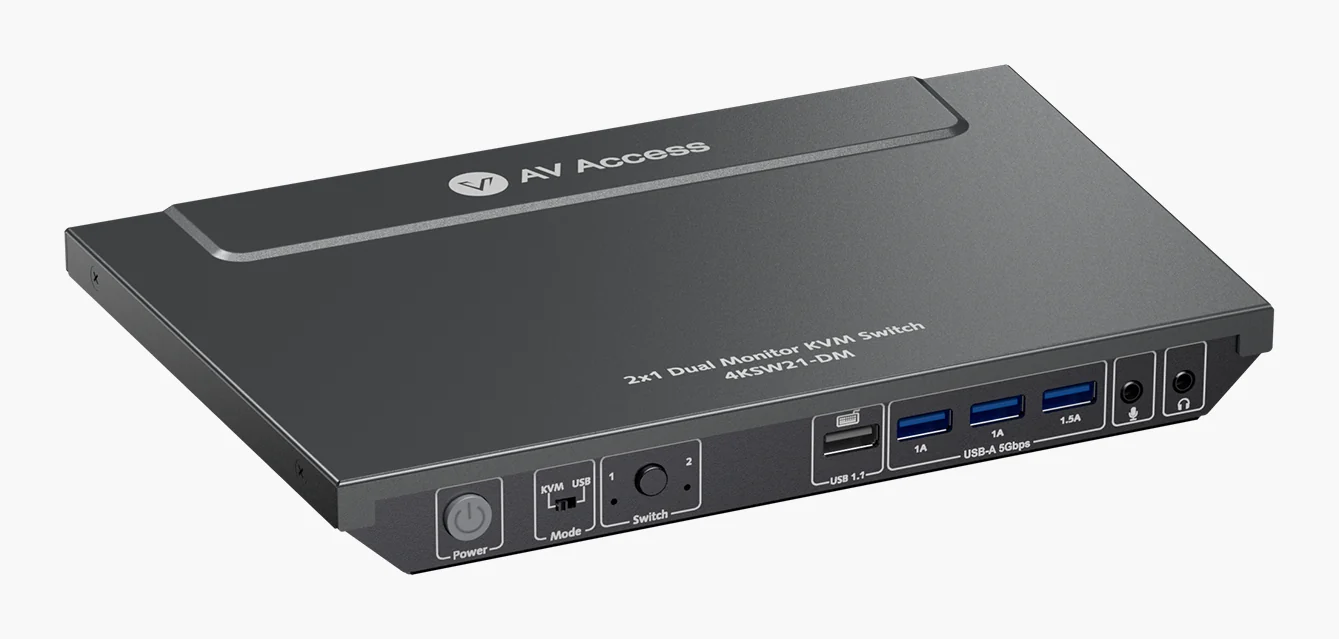
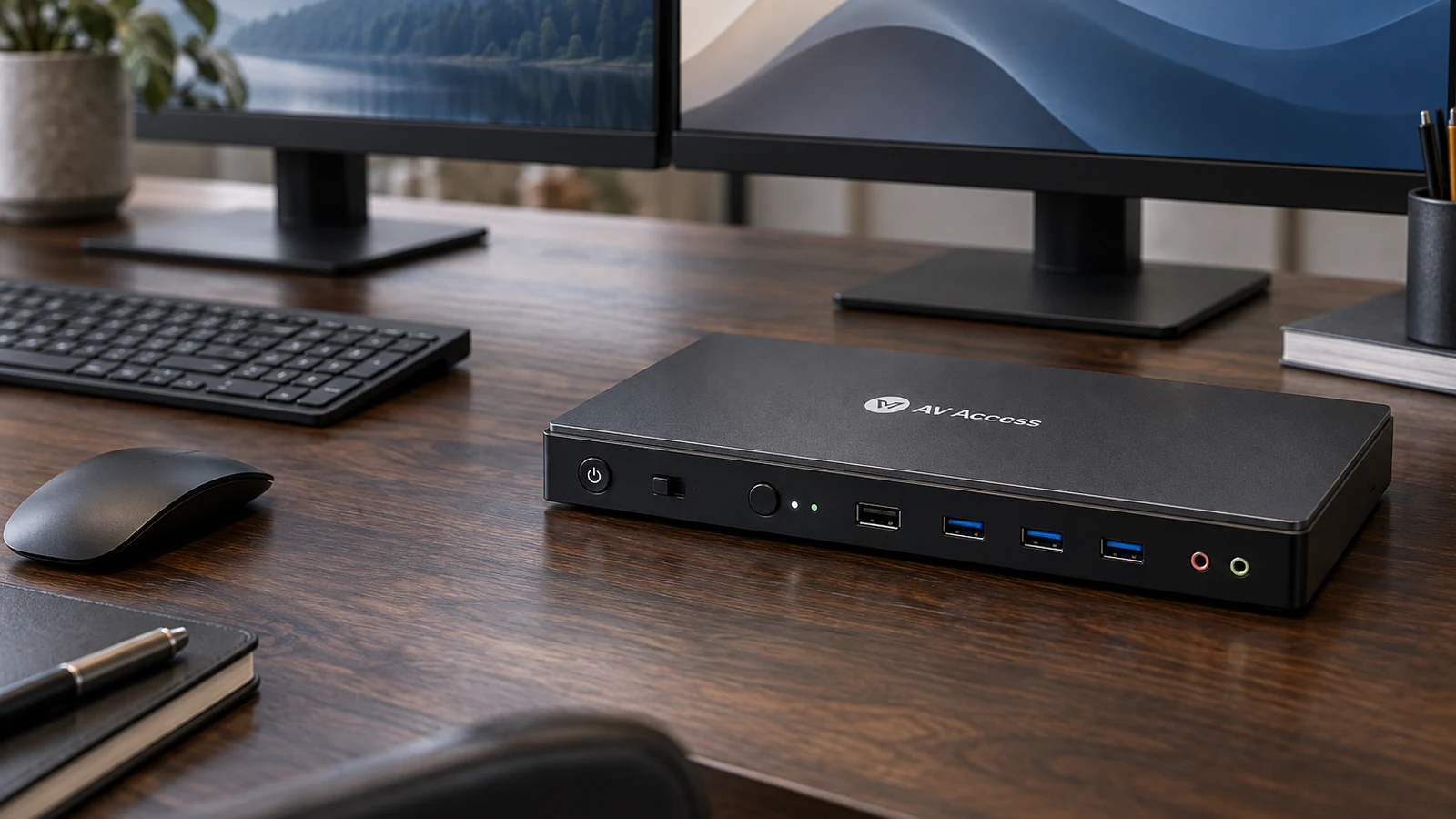
The 4KSW21-DM takes two HDMI inputs from each computer and drives two HDMI monitors at up to 4K 60Hz, 2560x1440 at 144Hz or 1080p at 240Hz. It has EDID emulation, so windows are less likely to rearrange when you switch, and AV Access says it wakes a sleeping computer automatically.
Three USB 3.0 ports are shared between the two computers. Switch with the front button or a keyboard hotkey; hotkeys need the keyboard on the dedicated USB 1.1 port. AV Access lists two USB cables in the box but no HDMI cables, so you need four.
2. AV Access 8KSW21DP-DM: DisplayPort and high refresh
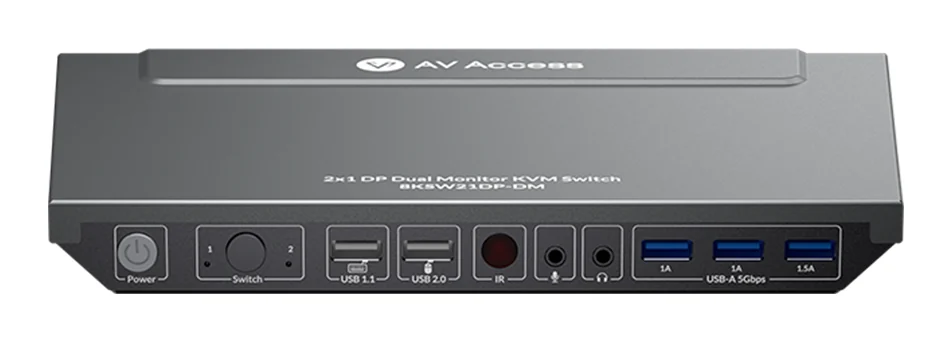
The 8KSW21DP-DM is the DisplayPort version, rated up to 8K 60Hz and 4K 165Hz. It includes six 1.5m DisplayPort cables and an IR remote, so the cabling is covered.
AV Access says it does not support EDID emulation at present. Without it, a computer may treat a switch as a monitor disconnecting, which can shuffle windows. Weigh that against the refresh rate if you switch often during work.
3. TESmart HKS202-M24: HDMI 2.1 for gaming
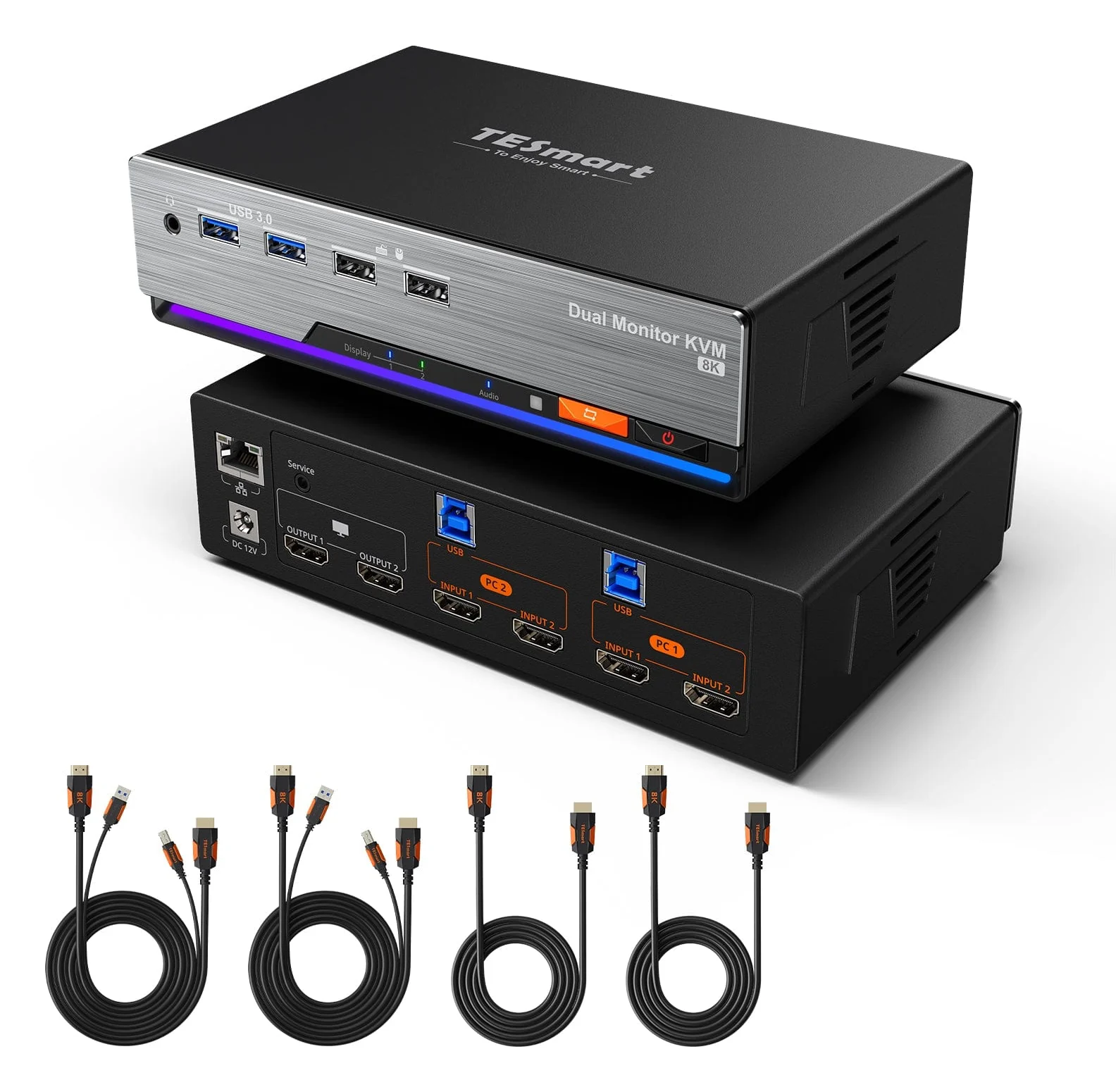
The HKS202-M24 is an HDMI 2.1 switch rated for 4K at 60, 120 or 144Hz and up to 8K 60Hz, with VRR and EDID emulation. It shares USB 3.2 Gen 1 and Gigabit Ethernet between both computers and switches by front panel, IR remote, hotkeys or mouse wheel.
As with the AV Access HDMI model, each computer needs two HDMI outputs. High-refresh 4K also needs HDMI 2.1 cables and monitors.
4. TESmart CKS202-P23: two USB-C laptops
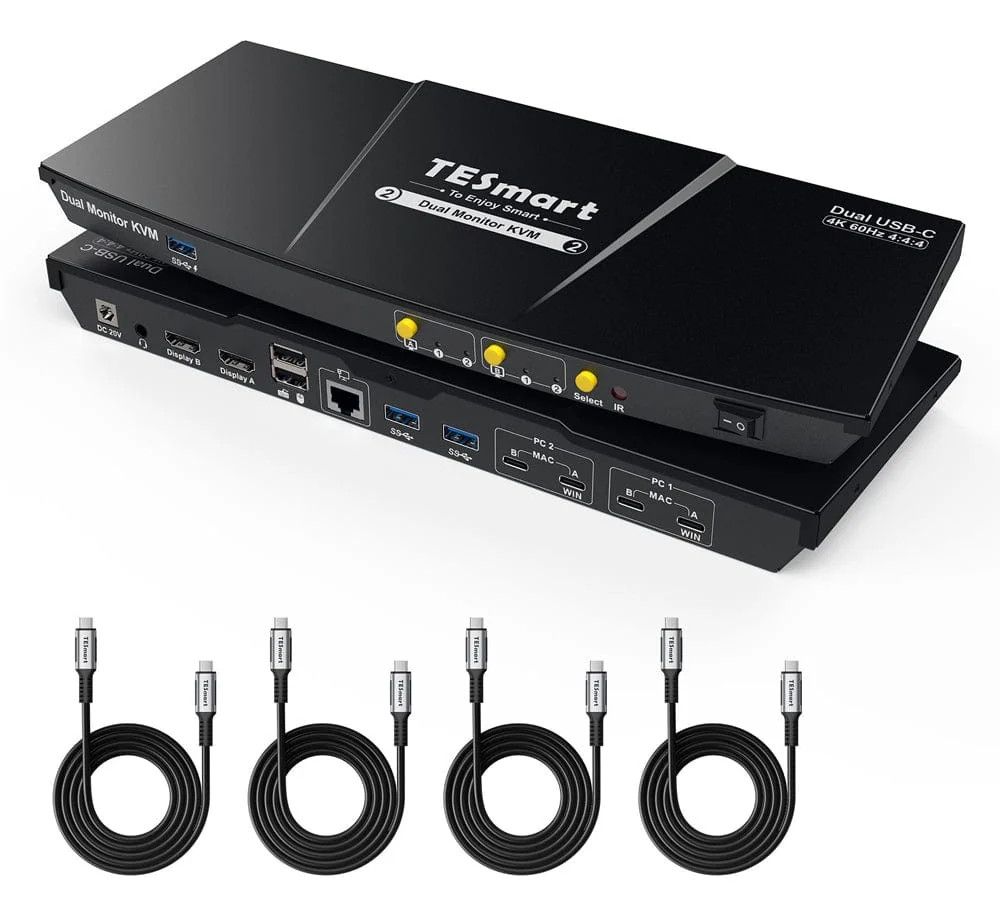
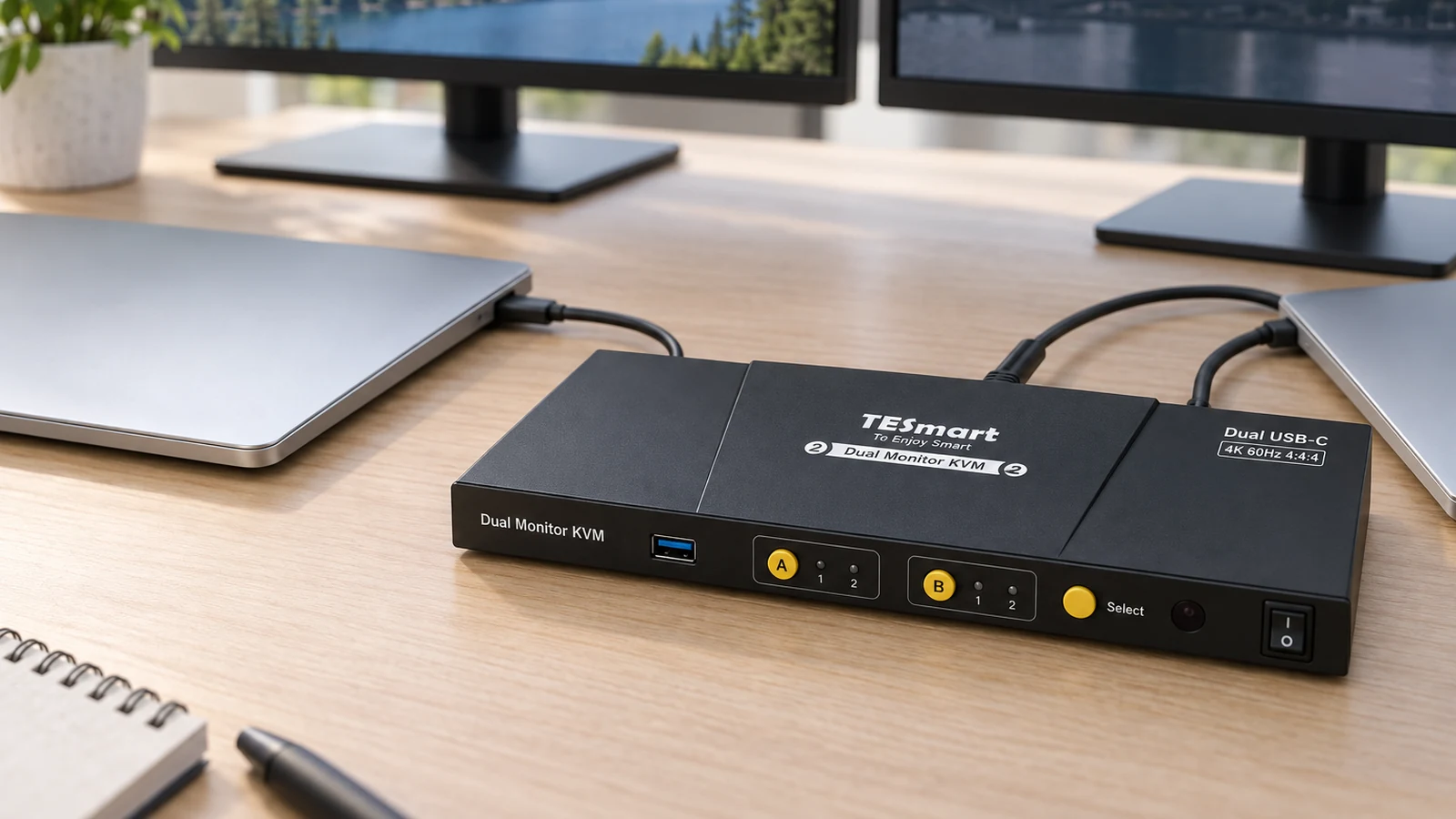
The CKS202-P23 connects two laptops by USB-C, charges each at up to 60W and shares USB 3.0, Gigabit Ethernet and audio. It outputs to two HDMI monitors at up to 4K 60Hz and comes with four USB-C cables.
Read the Mac limit before you buy. One USB-C cable carries two screens only on Windows laptops that support MST. TESmart says macOS does not support MST for independent extended displays, so a Mac uses two cables, and a single path may be limited to mirroring or one extended screen. Laptops that do not negotiate 20V get basic charging only.
How they compare
| Switch | Video | Max refresh at 4K | EDID emulation | Cables from each computer |
|---|---|---|---|---|
| AV Access 4KSW21-DM | HDMI 2.0 | 60Hz | Yes | 2 HDMI, 1 USB |
| AV Access 8KSW21DP-DM | DisplayPort 1.4a | 165Hz | No | 2 DisplayPort, 1 USB |
| TESmart HKS202-M24 | HDMI 2.1 | 144Hz | Yes | 2 HDMI, 1 USB |
| TESmart CKS202-P23 | USB-C to HDMI | 60Hz | Yes | 1 USB-C on Windows with MST, 2 on Mac |
Which switch to buy
Match the switch to the outputs your computers already have. For two HDMI desktops, the 4KSW21-DM covers most work setups and the HKS202-M24 covers high-refresh gaming. For DisplayPort cards, the 8KSW21DP-DM is the pick if you can live without EDID emulation. For two laptops, the CKS202-P23 replaces a dock as well as a switch. For a broader list, see the best KVM switches.
Sources
- AV Access, 4K Dual Monitor KVM Switch, 2-Port HDMI
- AV Access, 8K DisplayPort KVM Switch for Two Computers
- TESmart, HDMI 2.1 Dual 4K144Hz KVM Switch for 2 PCs and 2 Monitors
- TESmart, USB-C KVM Switch Dual Monitor for 2 Laptops
All sources were checked on October 5, 2026.