Start with which Switch you own, because Nintendo's docks do not cross generations. Nintendo's support page says the original Switch dock is not compatible with the Switch 2, and Nintendo Life reports that Nintendo's Japanese store listing says the Switch 2 dock does not work with the original Switch, Switch Lite or Switch OLED. The original Switch and OLED docks are interchangeable, and the Switch Lite is built for handheld play only.
- Nintendo Switch 2 Dock Set for a second TV with every TV-mode feature, including VRR.
- JSAUX OmniCentro if your household has a Switch 2 and an older Switch.
- Genki Covert Dock 3 for a pocket-sized travel dock that doubles as a 65W charger.
- Antank S3 MAX for a low stand that holds the Switch 2 upright, if you already own a USB-C charger.
This guide is AI-generated from Nintendo and manufacturer documentation, plus reviews from Nintendo Life and The Verge that are credited where they are used. GearExplained did not test these docks. The product cards at the end link to Amazon, and GearExplained may earn a commission. That does not decide which docks appear here.
What a Switch 2 dock has to do
Nintendo lists the Switch 2's TV output as up to 4K at 60fps, with 120fps at 1080p or 1440p, and HDR10. Several third-party docks advertise 4K 120Hz. The console still stops at 4K 60fps, so that rating does not buy you anything on a Switch 2.
Power matters more than it did on the first Switch. Nintendo says the original Switch AC adapter cannot power the Switch 2 dock, and that a replacement adapter needs at least 54W. The Switch 2 adapter works with both generations, according to Nintendo's accessory comparison. Use the HDMI cable that came with the Switch 2. Nintendo says the one from the original Switch is not compatible.
The bigger risk with a third-party Switch 2 dock is software. Nintendo Switch 2 update 21.0.0 stopped some third-party docks from working with the console, according to Nintendo Life's November 2025 coverage. Nintendo told outlets it "does not have any intention to hinder or invalidate legal third-party dock compatibility." Some dock makers shipped firmware fixes. Before you buy, check whether the maker offers firmware updates for the dock.
VRR is the newest gap. Nintendo of Canada says TV-mode VRR arrived in a September 10, 2026 system update. The same day, The Verge found the VRR setting missing on the JSAUX OmniCentro, though the dock still worked after the update.
1. Nintendo Switch 2 Dock Set: the full TV-mode feature set
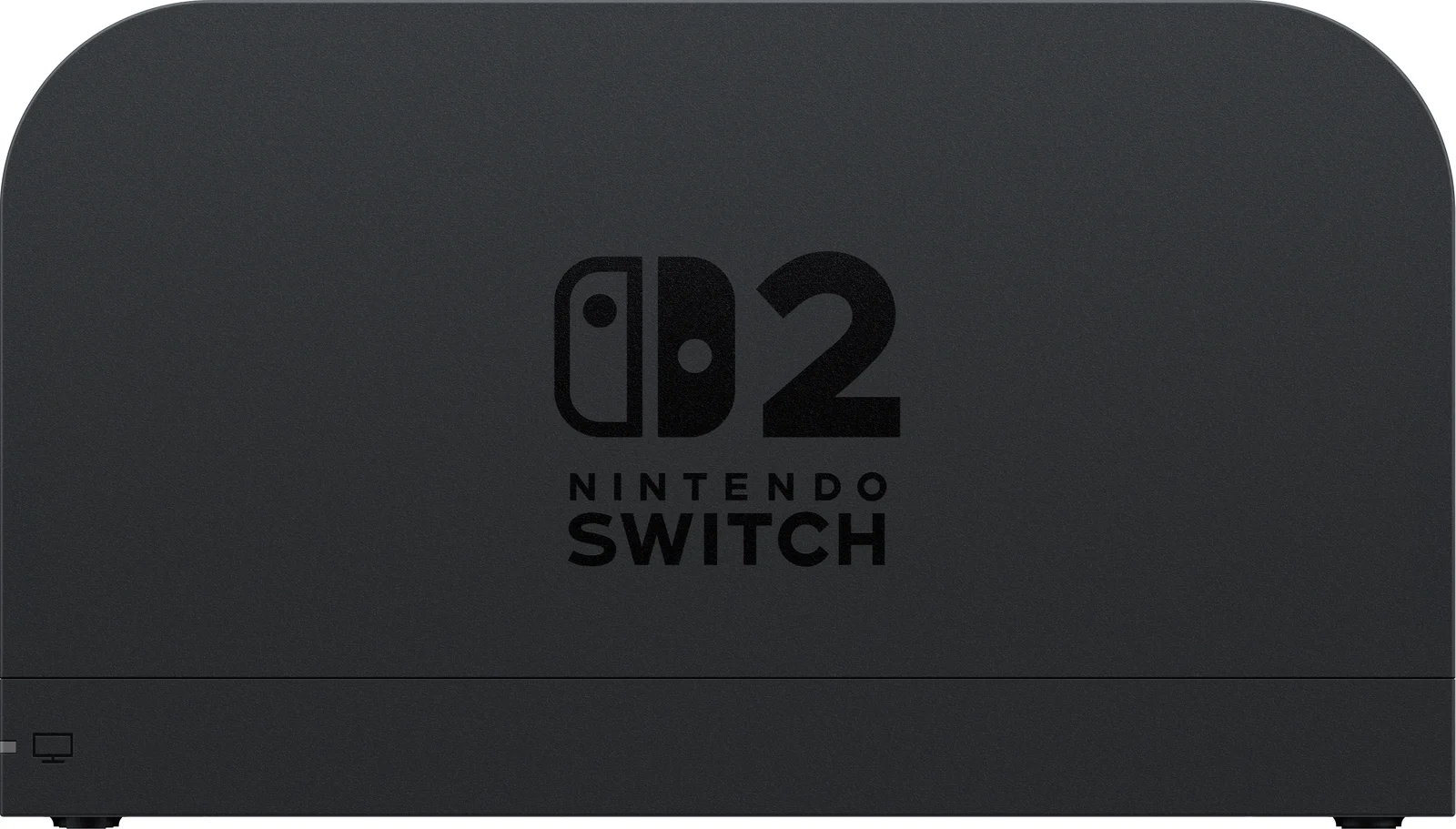
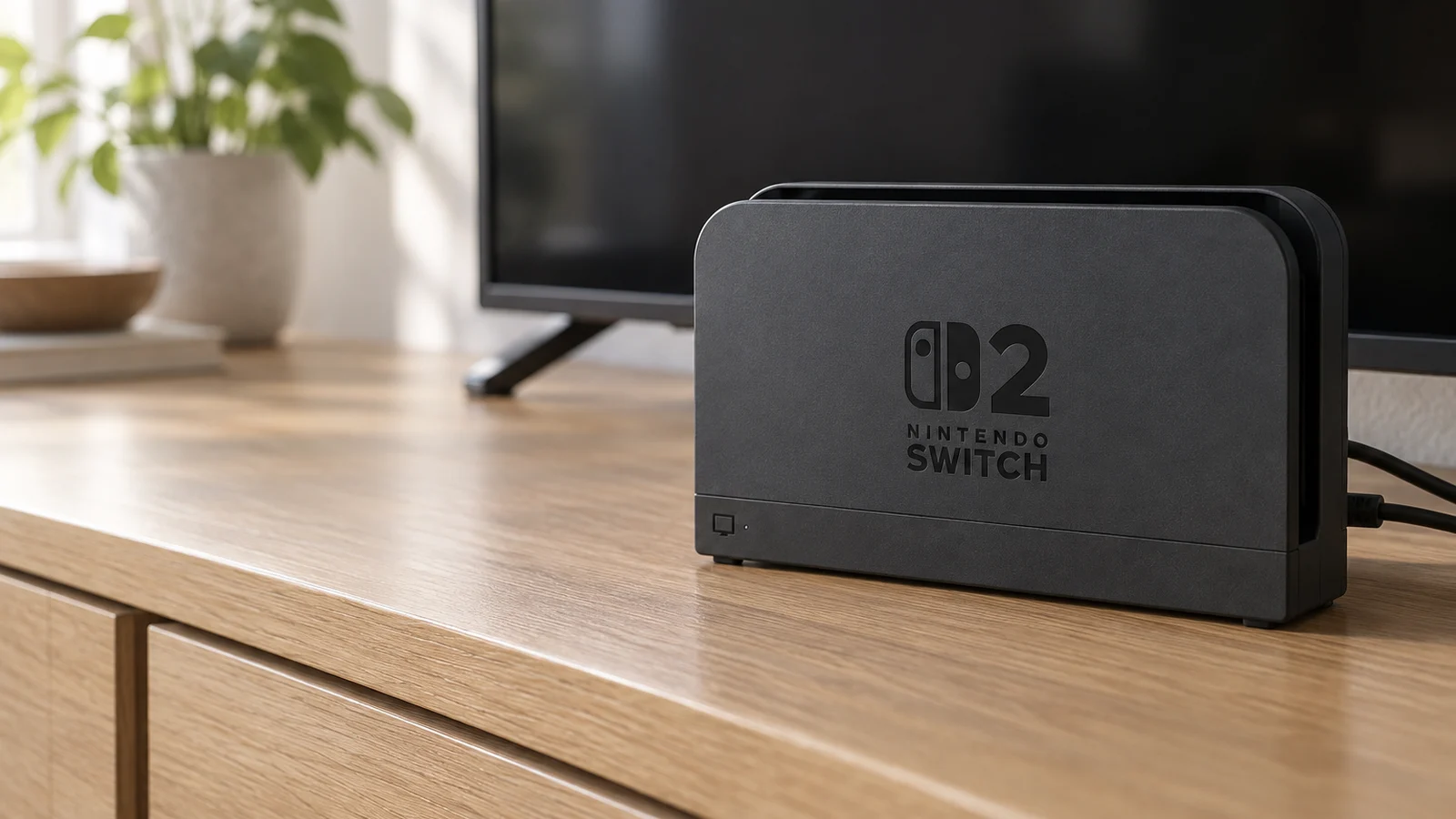
The Dock Set, SKU 123791, includes the dock, a Switch 2 AC adapter, a USB-C charging cable and an Ultra High Speed HDMI cable. You do not need anything else for a second TV.
It is the only dock here with confirmed TV-mode VRR. Nintendo also says the dock has a built-in fan to help keep performance stable. Its diagram shows USB 2.0 ports, HDMI and a LAN port, so you can run Ethernet without an adapter.
The tradeoff is size. It is a full-size console dock, and it works only with the Switch 2.
2. JSAUX OmniCentro HC6502: one dock for both generations
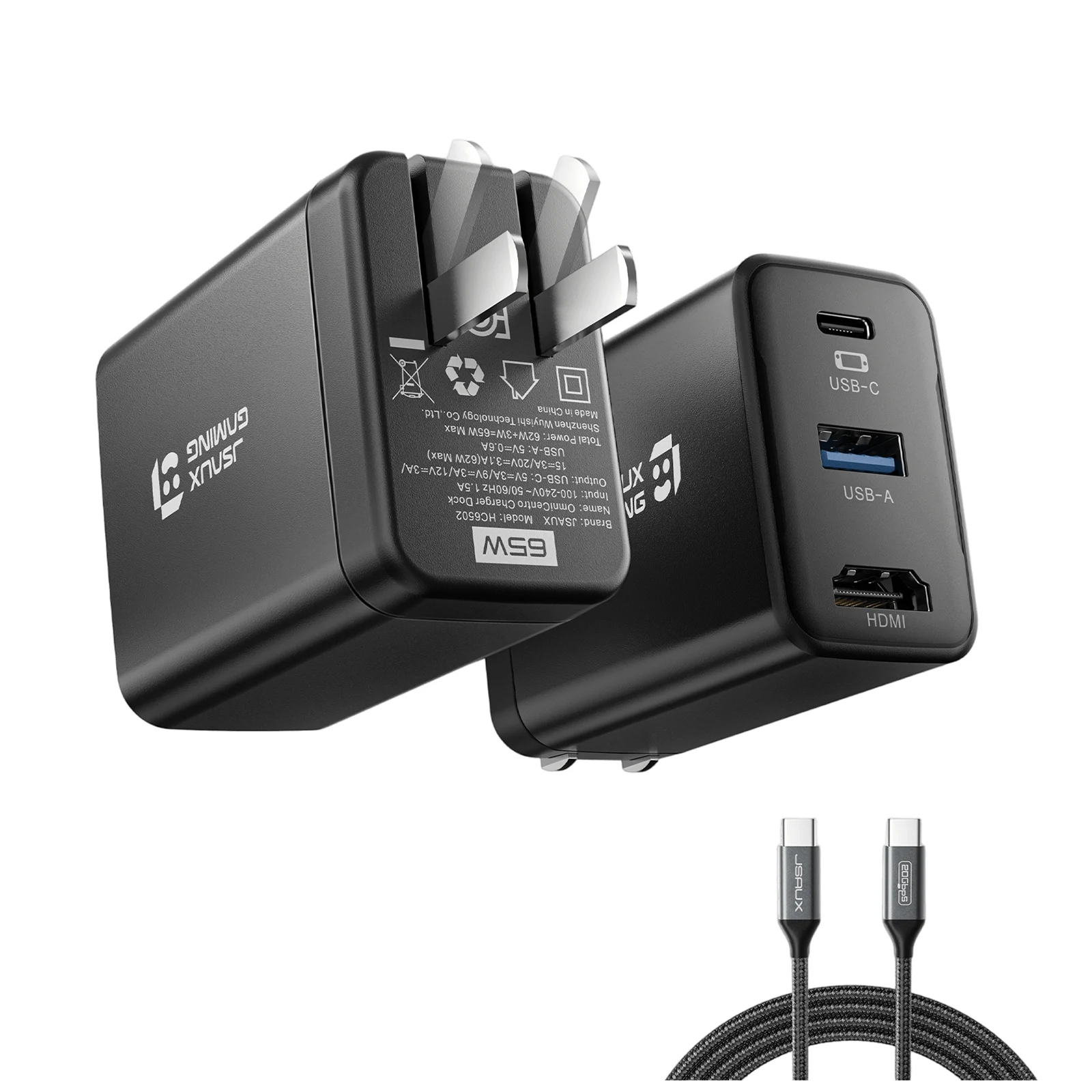
The OmniCentro is a 65W USB-C wall charger with an HDMI port and one USB-A 2.0 port. You plug it into the wall, run the included USB-C cable to the console and an HDMI cable to the TV.
JSAUX lists the Switch 2, the original Switch and the Switch OLED. It gives 4K 60Hz on a Switch 2 and 1080p 60Hz on the older models, which matches the original Switch's 1080p TV limit. It is the only pick here whose maker documents both generations.
JSAUX says the dock does not support VRR, and a firmware update cannot add it. JSAUX also says not to update it with Nintendo's official dock firmware. The single USB-A port runs at USB 2.0 speed, and there is no Ethernet.
3. Genki Covert Dock 3: a travel charger with a dock built in
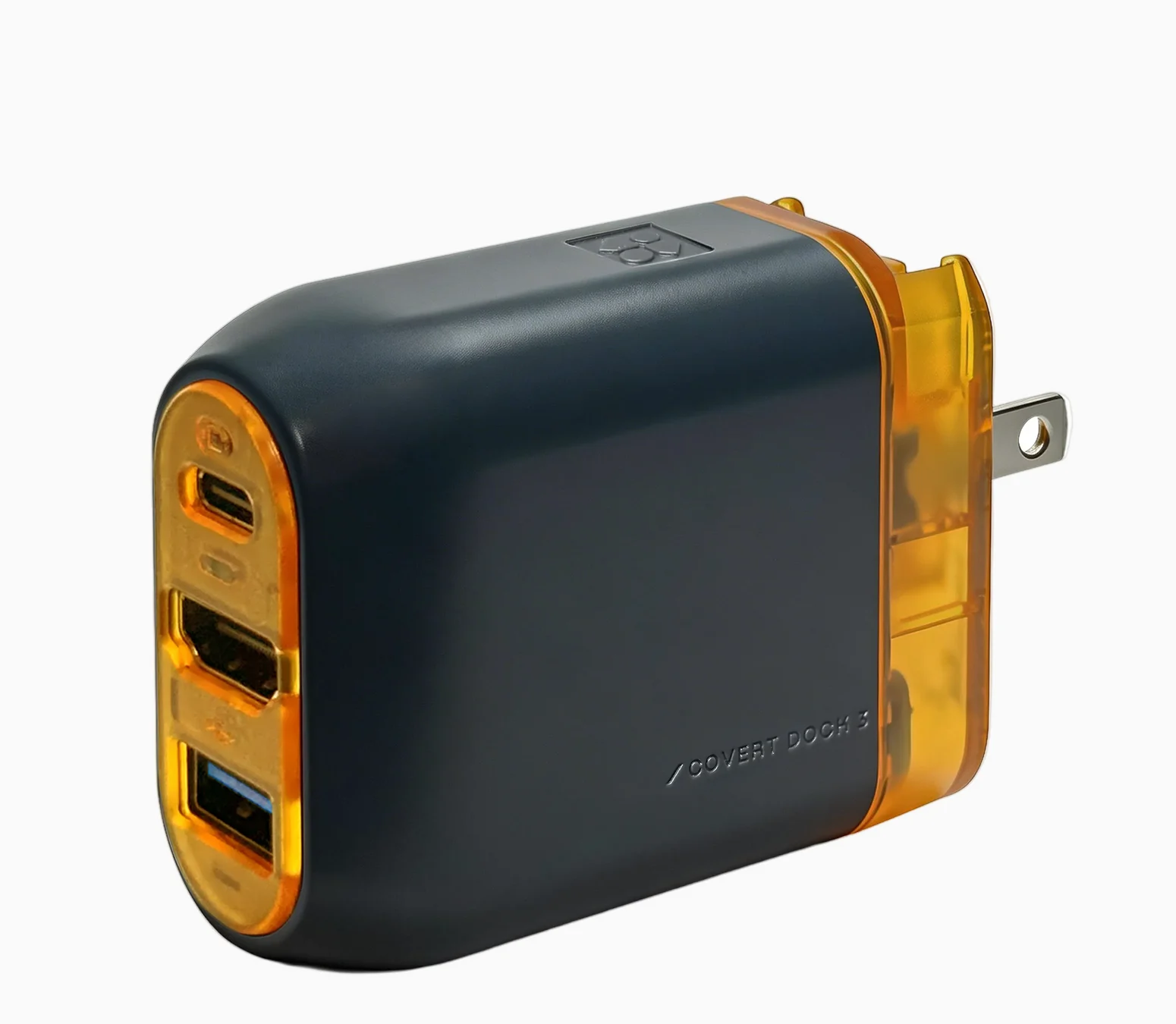
The Covert Dock 3 works like the OmniCentro. It is a 65W GaN charger with USB-C, HDMI and USB-A ports and folding prongs. The Verge's hands-on with both docks describes HDR support and a spare USB-A port for accessories.
Genki lists HDR and VRR. The Verge's VRR check covered only the JSAUX dock, so Genki's VRR claim has no independent confirmation yet. Genki told Nintendo Life the dock can take firmware updates and that it would provide them if a Switch 2 update interfered.
Pick it over the OmniCentro if you want a chance at VRR on the road. Genki's page does not say whether it works with the original Switch, so buy the OmniCentro if you need that.
4. Antank S3 MAX: a stand dock for your own charger
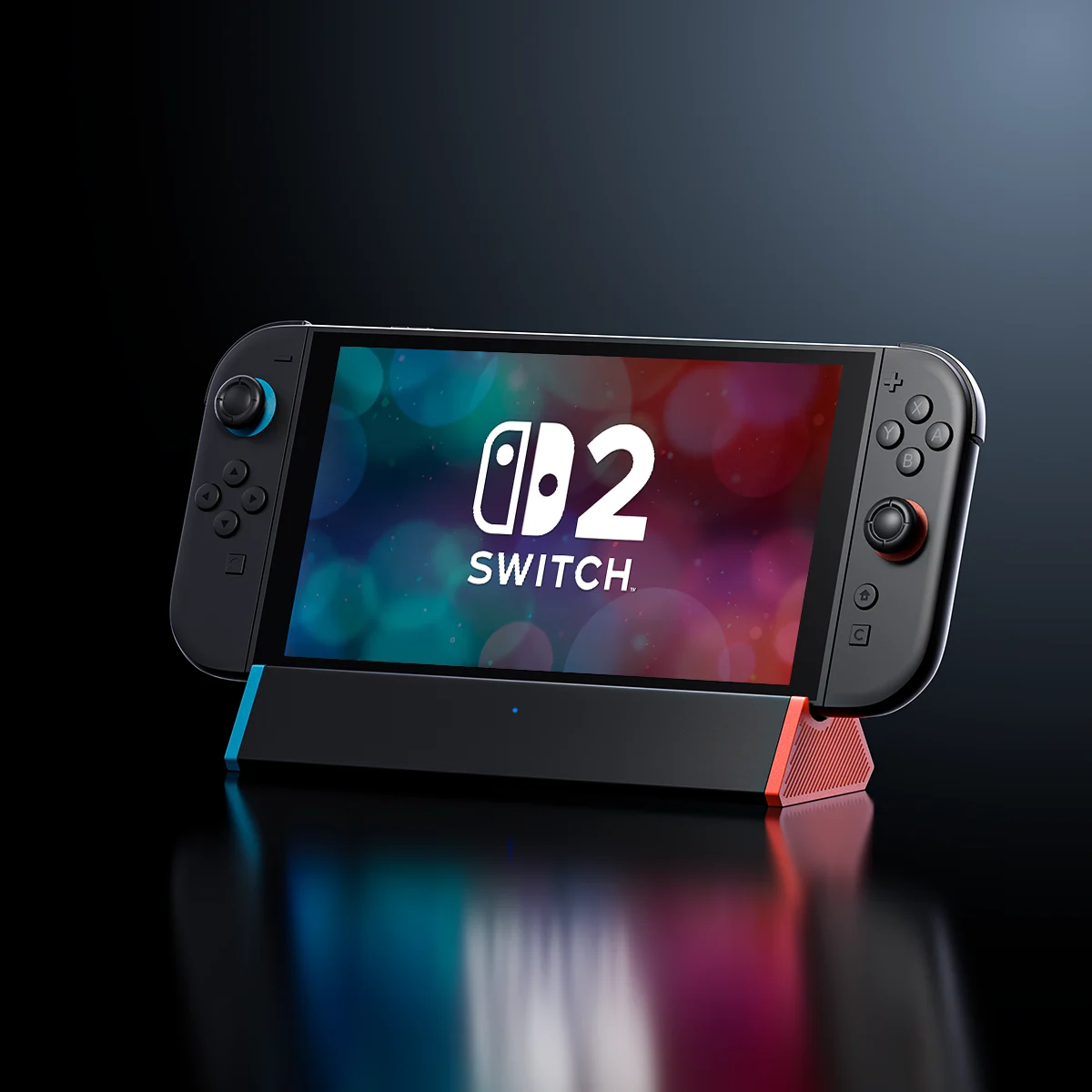
The S3 MAX is a low stand that holds the Switch 2 upright. It has HDMI, two USB-A ports and a USB-C input with up to 100W PD passthrough. Antank sells a separate S3 MAX + LAN model with Gigabit Ethernet. No charger or HDMI cable comes in the box, and it works only with the Switch 2.
Nintendo Life's review found the picture on a 55-inch LG OLED TV indistinguishable from the official dock, with HDR working. The reviewer had to reconnect the console a couple of times until a firmware update fixed it. The review also notes that the dock blocks the air intakes along the console's bottom edge.
Antank offers firmware updates for the S3 MAX. In a quick test after update 21.0.0, Nintendo Life found its S3 MAX working normally.
How they compare
| Dock | Consoles | Switch 2 output | TV-mode VRR | Charger | Ethernet |
|---|---|---|---|---|---|
| Nintendo Switch 2 Dock Set | Switch 2 | 4K 60fps, 120fps at 1080p or 1440p | Yes, since September 2026 | Included | Yes |
| JSAUX OmniCentro | Switch 2, Switch, Switch OLED | 4K 60Hz | No, per JSAUX | Built in, 65W | No |
| Genki Covert Dock 3 | Switch 2 | HDMI with HDR | Listed by Genki, unconfirmed | Built in, 65W | No |
| Antank S3 MAX | Switch 2 | HDMI with HDR | Not stated | Not included | LAN model only |
Which dock to buy
For a second TV at home, buy Nintendo's Dock Set. It is the only option with every TV-mode feature Nintendo has shipped so far.
If you travel or move between rooms, pick by console. The JSAUX OmniCentro covers a Switch 2 and an older Switch with one plug. The Genki Covert Dock 3 is the Switch 2 travel choice if you want a chance at VRR. The Antank S3 MAX suits a desk or nightstand where you already have a USB-C charger.
For an original Switch or Switch OLED alone, the official dock from either model works with both. Of the docks here, only the JSAUX OmniCentro lists the older consoles.
Sources
- Nintendo, Switch 2 tech specs, Switch 2 features, Switch 2 Dock Set, Switch FAQ and Switch tech specs
- Nintendo Support, Compatibility of Nintendo Switch with Nintendo Switch 2, USB ports not working on the Switch 2 dock, Switch 2 dock diagram and Differences between Switch 2 and Switch accessories
- Nintendo Life, Switch 2 dock and the original Switch, Nintendo's statement on third-party docks, update 21.0.0 dock poll, Covert Dock 3 review and Antank S3 MAX review
- The Verge, Switch 2 USB-C dock hands-on and VRR on third-party docks
- JSAUX, OmniCentro Charger Dock
- Genki, Covert Dock 3
- Antank, S3 MAX TV Dock Station
All sources were checked on October 8, 2026.