Decide which games you want to play from the new drive. Xbox Support says games Optimized for Xbox Series X|S must be installed on the console's internal SSD or a Storage Expansion Card to play. A USB drive can hold them in storage, but you have to move them back before you can play.
That leaves two kinds of storage to buy:
- A Storage Expansion Card, such as the WD_BLACK C50 or the Seagate Storage Expansion Card, if you want more room for current games.
- A USB drive, such as the Seagate Game Drive for Xbox, if you want to keep games you are not playing or run Xbox One and older games.
This guide is AI-generated from Xbox and Seagate support pages, the drive makers' specifications and Windows Central's and StorageReview's testing. GearExplained did not test these drives. The product cards at the end link to Amazon, and GearExplained may earn a commission. That does not decide which drives appear here.
What each kind of drive can do on a Series S
The Series S has a 512GB or 1TB internal SSD, depending on the model, plus an expansion card slot and three USB 3.1 Gen 1 ports.
| Where the game is installed | Series X|S optimized games | Xbox One, Xbox 360 and original Xbox games |
|---|---|---|
| Internal SSD | Play | Play |
| Storage Expansion Card | Play | Play, and Xbox says thousands of older titles load faster from it |
| USB drive, 128GB or larger on USB 3.0 or later | Store only | Play |
The USB rules come from Seagate's Xbox support article. Seagate says a drive that misses the size or USB requirement can only hold media. Xbox Support says the expansion card performs identically to the internal SSD and improves load times for thousands of older titles.
Back up anything on a USB drive before you connect it. Xbox Support warns that the console reformats the drive when you set it up for games.
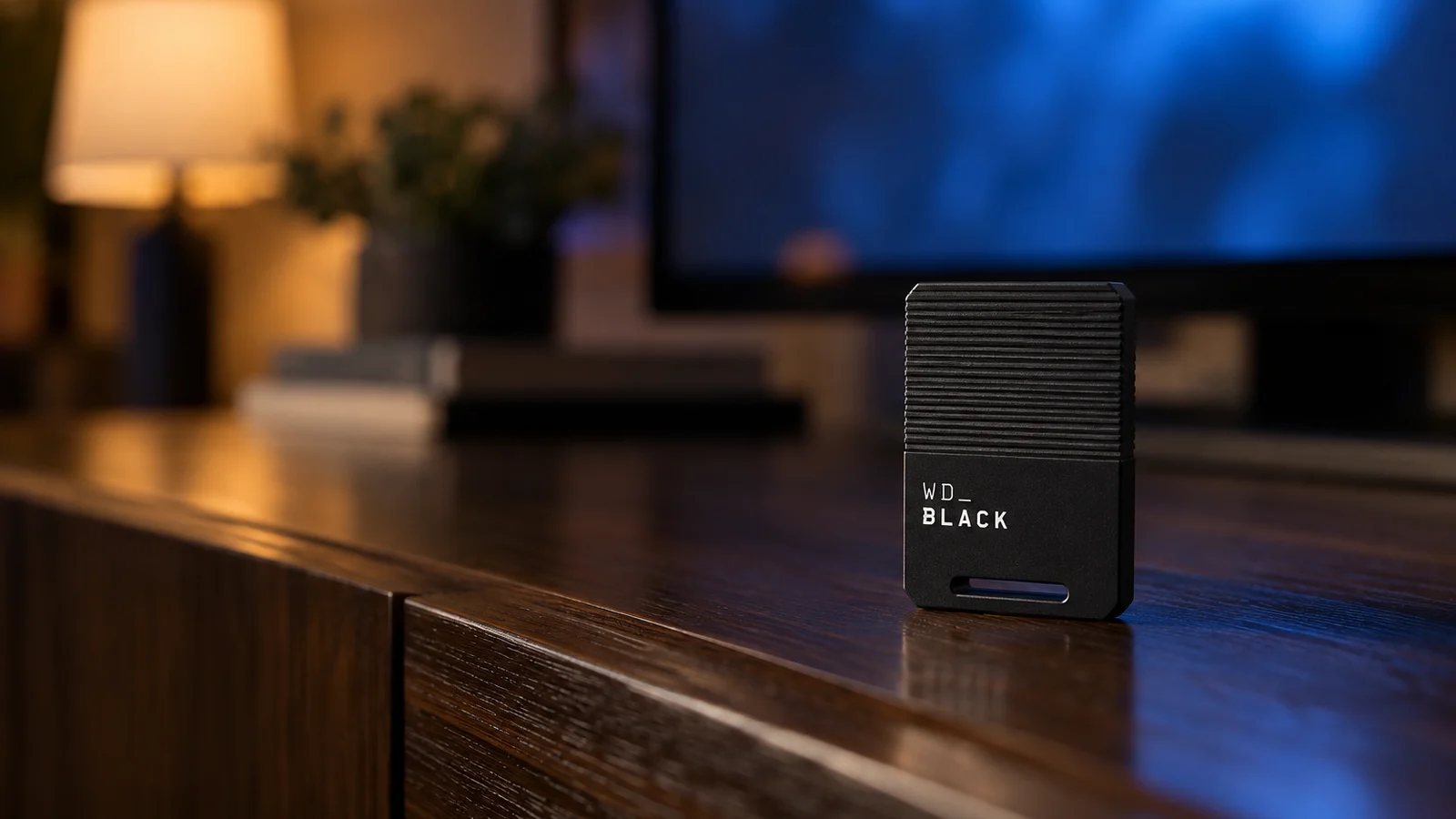
1. WD_BLACK C50 1TB: the expansion card for most people
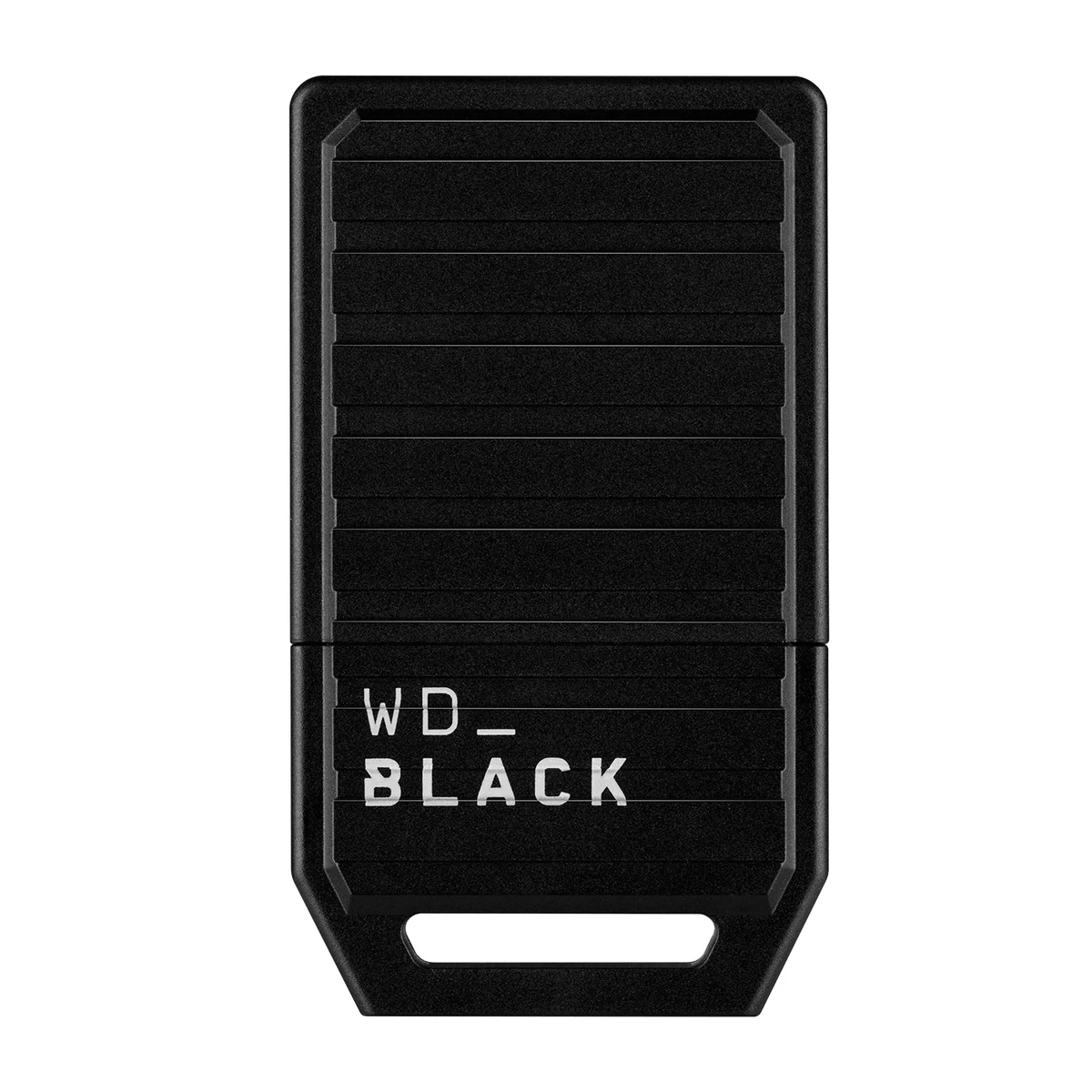
The C50 is officially licensed for Xbox Series X|S and plugs into the slot on the back of the console. It comes in 512GB, 1TB and 2TB.
Windows Central's reviewer moved and played games from it and noticed no difference in load or transfer times between the C50, the internal SSD and the Seagate card. The review recommended the C50 for most people because it usually cost a little less than Seagate's card. It also has a five-year limited warranty, two years longer than Seagate's, according to the review.
That November 2023 review said the C50 had no 2TB version. Sandisk now lists one.
2. Seagate Storage Expansion Card 1TB: the other licensed card
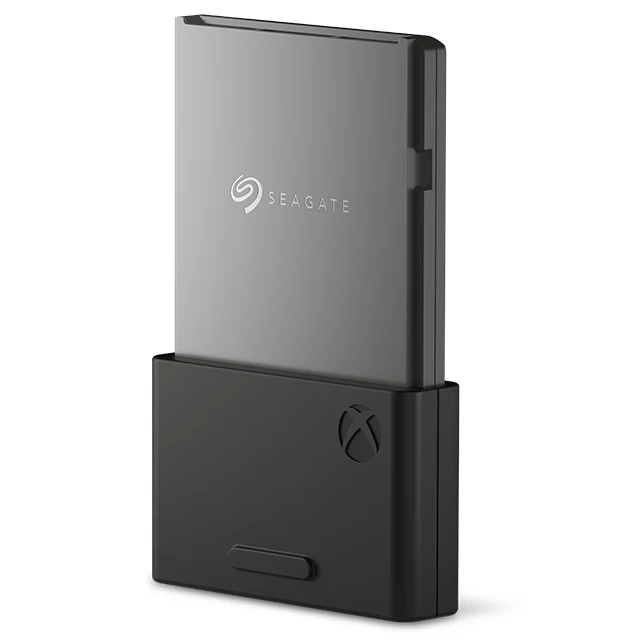
Seagate's card came first. StorageReview's launch review called it the only expansion card at the time and found no real difference between loading games from the card and from the internal drive. Xbox now lists it in 1TB, 2TB and 4TB sizes.
StorageReview's 1TB card showed up as 920GB of usable space, which is worth knowing when you count how many games will fit. Buy the Seagate card when it costs less than the C50 at the same size, or when you want more than 2TB.
3. Seagate Game Drive for Xbox 2TB: storage for the rest of your library
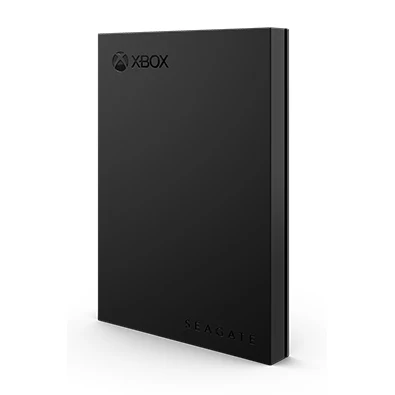
The Game Drive for Xbox is a USB-powered portable hard drive in 2TB, 4TB and 5TB. Seagate says you can play Xbox One and older games directly from it, but Series X|S games can only be archived there.
That makes it a vault. Move a Series X|S game you are not playing onto it, then move it back to the internal SSD or an expansion card when you want to play again. Seagate does not list a transfer speed for this drive. Its Xbox storage page says SSDs are faster, while hard drives generally give you more capacity for less money.
How they compare
| Drive | Connects to | Plays Series X|S games | Sizes | Warranty |
|---|---|---|---|---|
| WD_BLACK C50 | Expansion slot | Yes | 512GB, 1TB, 2TB | 5 years |
| Seagate Storage Expansion Card | Expansion slot | Yes | 1TB, 2TB, 4TB | 3 years, per Windows Central |
| Seagate Game Drive for Xbox | USB | Store only | 2TB, 4TB, 5TB | Not checked |
Which drive to buy
If the games you play now no longer fit, buy an expansion card. The two cards performed the same in the reviews cited here, so pick the cheaper one at the size you need.
If you only need somewhere to park games, or you mostly play older Xbox titles, a USB drive is enough. Windows Central's main complaint about the expansion cards was their price next to ordinary SSDs. You may end up with both: a card for the games you are playing and a USB drive for the rest.
Sources
- Xbox, Xbox Series S tech specs and Seagate Storage Expansion Card
- Xbox Support, Manage storage, Use the Storage Expansion Card and Troubleshoot external storage detection
- Seagate Support, Using an external USB drive with an Xbox Series X or S
- Sandisk, WD_BLACK C50 Storage Expansion Card
- Seagate, Game Drive for Xbox and Xbox external hard drives and SSDs
- Windows Central, WD_BLACK C50 review
- StorageReview, Seagate Storage Expansion Card review
All sources were checked on October 9, 2026.