Check which Switch you own before you buy a card. Switch 2 only saves and plays games from microSD Express cards, which carry an EX mark. The original Switch, Switch OLED and Switch Lite take ordinary microSDXC cards, and an Express card gives them no extra speed.
For Switch 2, buy one of these:
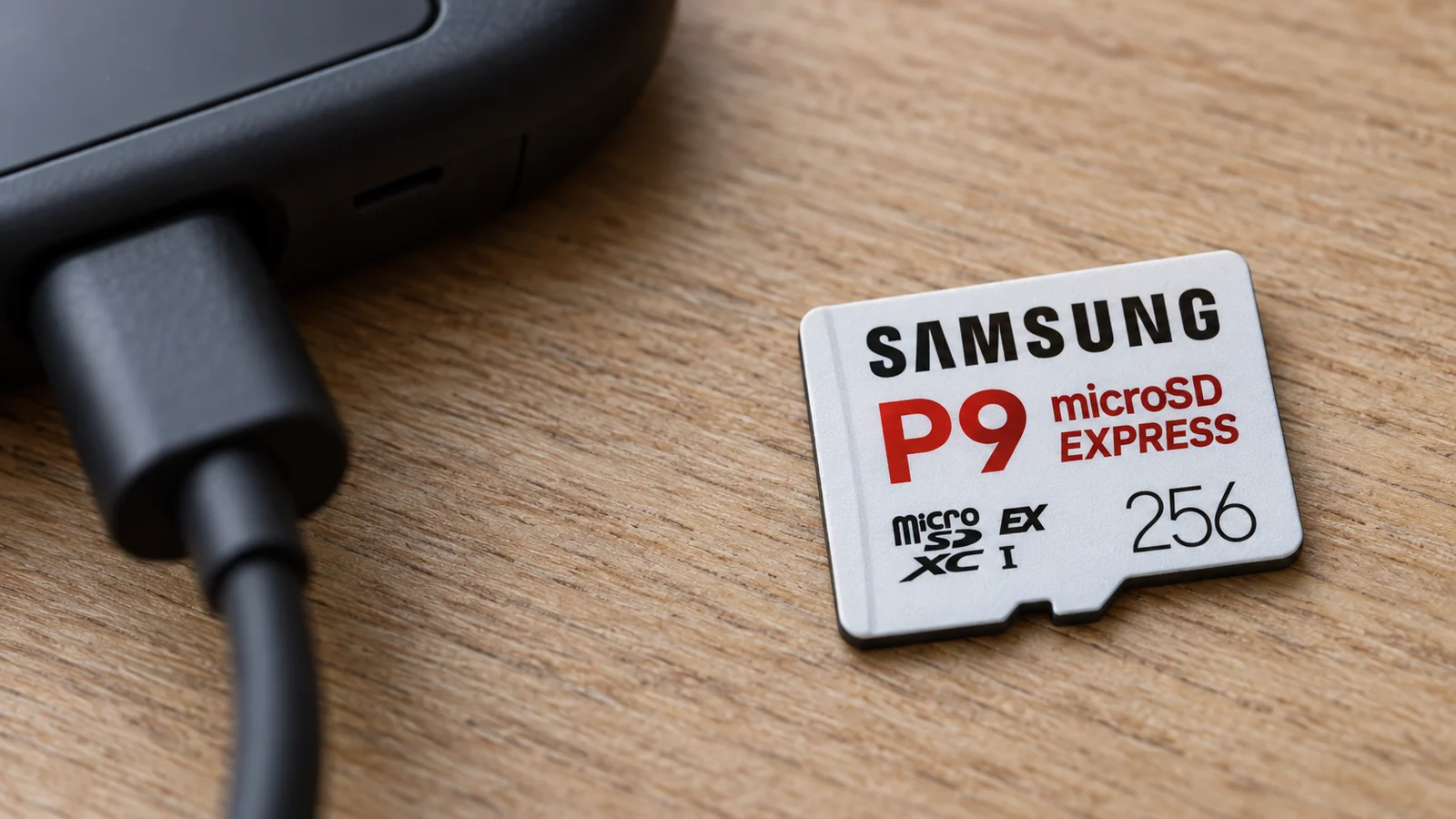
- Samsung P9 Express 256GB, in 256GB or 512GB.
- SanDisk microSD Express for Nintendo Switch 2, 256GB, the Nintendo-licensed card.
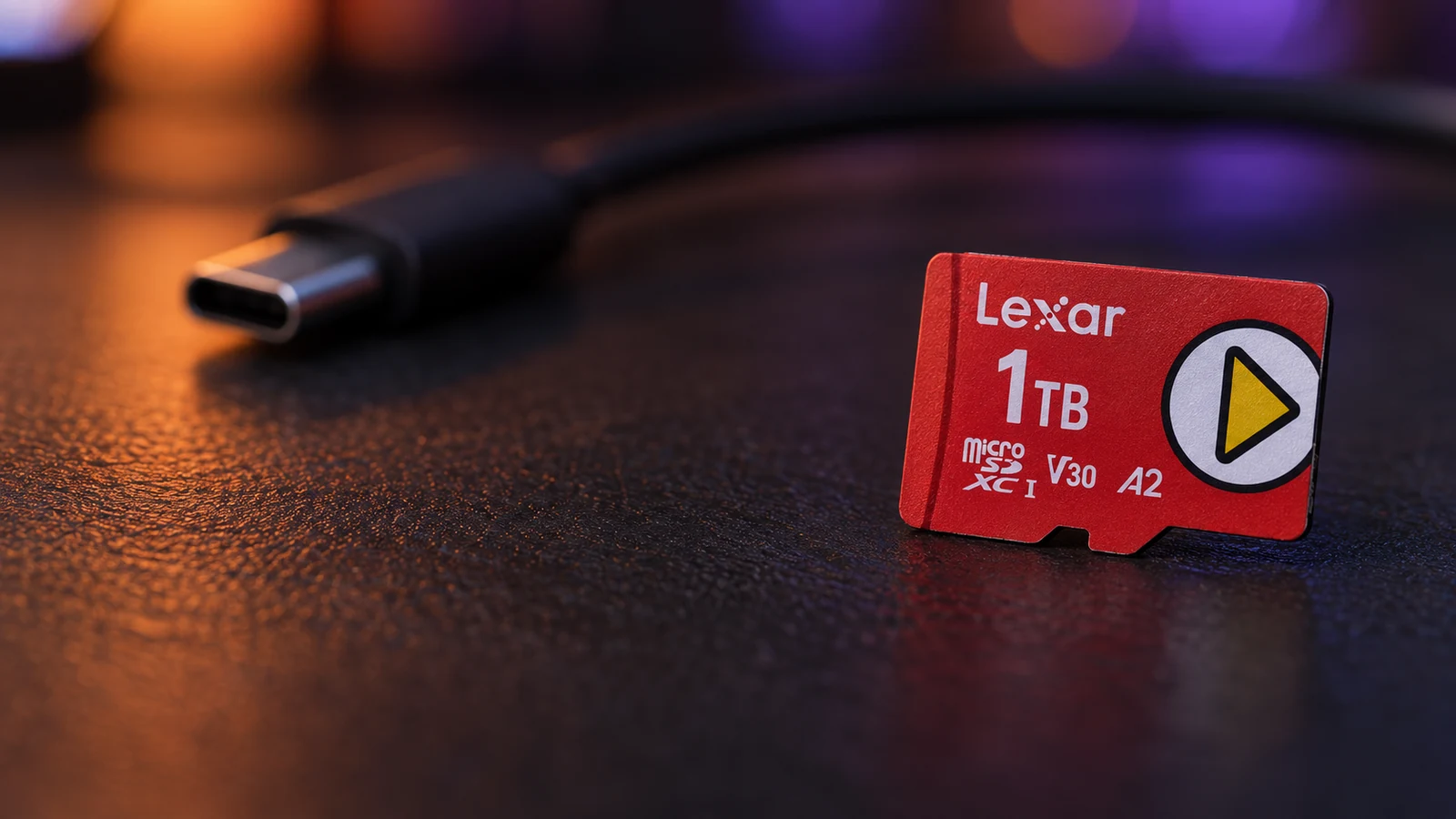
- Lexar PLAY PRO 1TB, for a large library.
For an original Switch, OLED or Lite, the Samsung PRO Plus or SanDisk Extreme UHS-I cards are enough.
This guide is AI-generated from Nintendo's support pages, the card makers' specifications and Engadget's and TechRadar's Switch 2 testing. GearExplained did not test these cards. The product cards at the end link to Amazon, and GearExplained may earn a commission. That does not decide which cards appear here.
Which card works in which console
Nintendo's compatibility page sets out both directions:
| Card | Nintendo Switch 2 | Switch, Switch OLED, Switch Lite |
|---|---|---|
| Ordinary microSD, microSDHC or microSDXC | No games or save data. It can only load screenshots and videos captured on a Switch. | Yes, up to 2TB |
| microSD Express | Yes, up to 2TB, after a one-time system update over the internet | Yes, but it reads and writes at ordinary microSD speed |
So the card from your old Switch will not hold Switch 2 games. Nintendo says inserting a card used on a Switch into a Switch 2 will not let you save or load digital games or save data. The licensed SanDisk card Nintendo sells for the original Switch carries the same warning: Nintendo's store page says it is not compatible with Switch 2.
Switch 2 comes with 256GB of internal storage, part of which the system reserves. The original Switch has 32GB, and Nintendo lists microSDXC support up to 2TB for the Switch, OLED and Lite on its specs page.
How much speed matters on Switch 2
Less than the box suggests. Engadget timed Express cards in Switch 2 games and found the gaps hard to notice without a stopwatch. All five cards in its main test loaded Mario Kart World in 18 to 20 seconds. Loading a save in a heavy area of Cyberpunk 2077 took 26 to 29 seconds depending on the card.
The bigger gap was the console itself. The same Cyberpunk load took about 22.5 seconds from internal storage. Keep the game you play most on the console and put the rest on the card.
Card speed shows up most when you move games between the console and the card. Engadget found those transfer times varied more than load times did.
1. Samsung P9 Express 256GB: for most Switch 2 owners
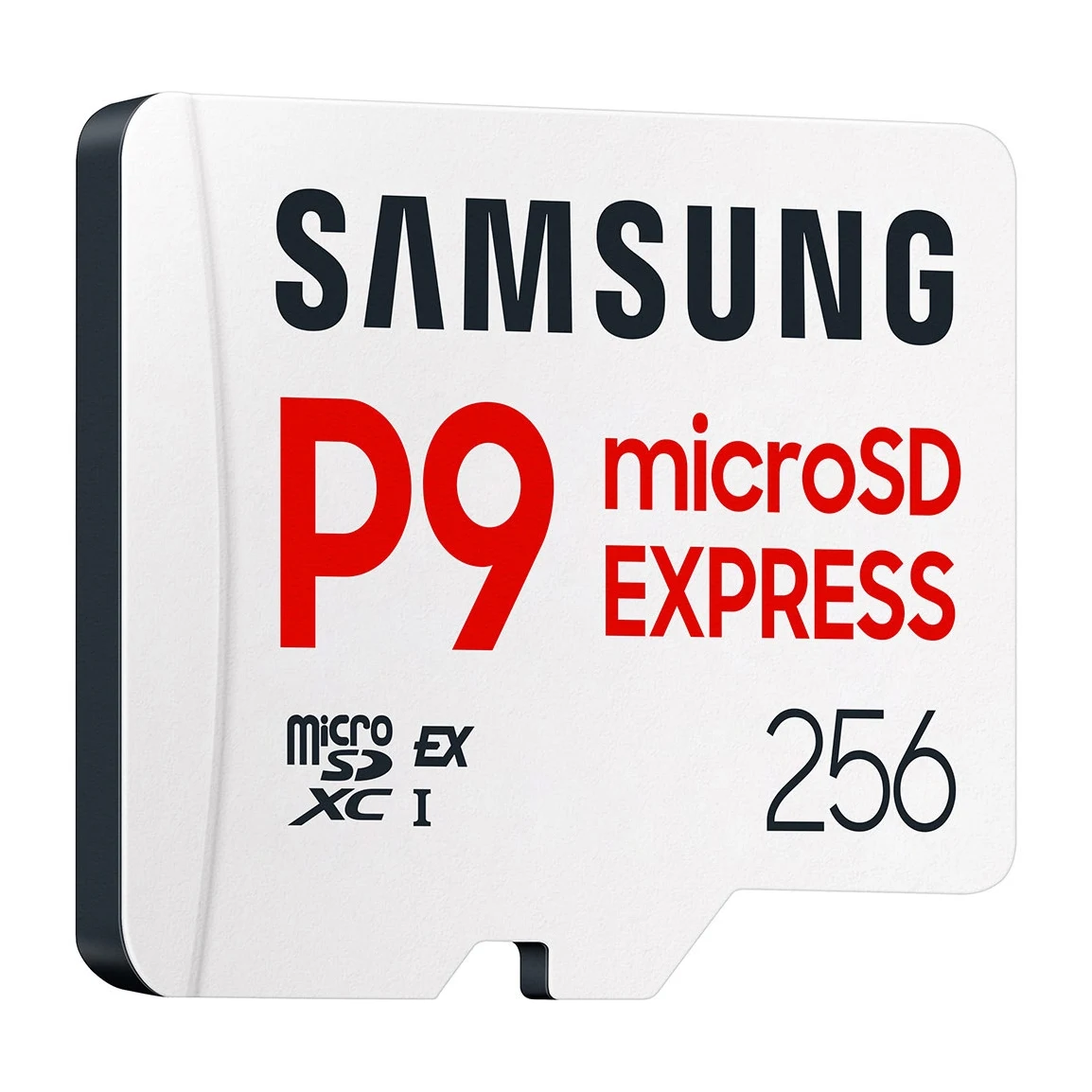
Samsung lists the P9 Express at up to 800MB/s reads in SD Express mode and 90MB/s in UHS-I mode. It comes in 256GB and 512GB.
Engadget added it to its Switch 2 tests in December 2025 and kept the same advice: buy whichever Express card is cheapest at the size you want. The tradeoff is size. Samsung does not sell a 1TB P9 Express.
2. SanDisk microSD Express for Nintendo Switch 2: the licensed card
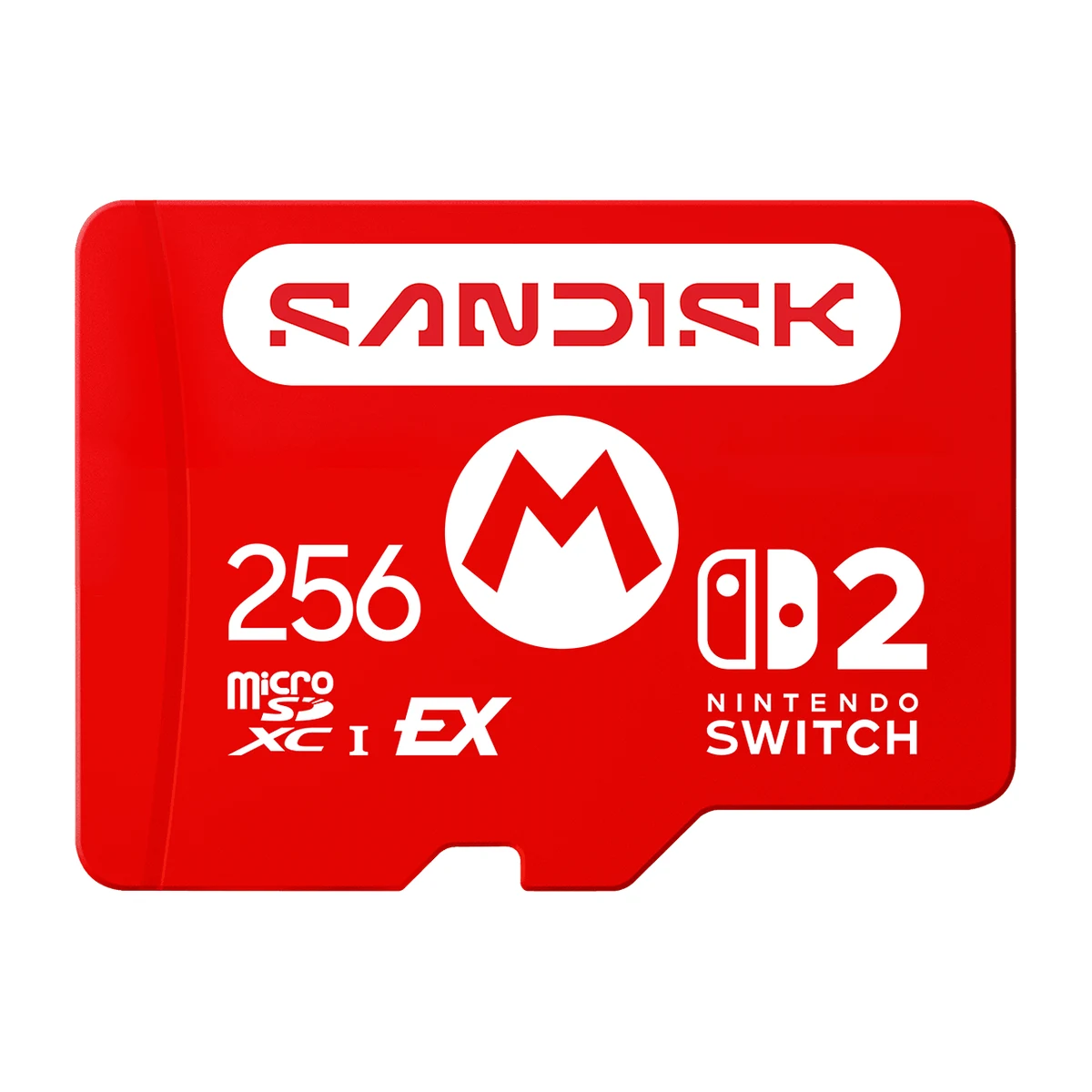
Sandisk says this Mario-branded card is officially licensed and approved for Switch 2. At 256GB it is rated for up to 880MB/s reads, 650MB/s writes and a 210MB/s minimum sustained write. It also comes in 512GB and 1TB, and Sandisk estimates about nine Switch 2 games fit on the 256GB card.
Engadget's testing covered Sandisk's standard microSD Express card, not this Nintendo-branded version. That standard card was second-fastest at copying Mario Kart World onto the card, six seconds behind the Lexar. Choose the licensed card if you want the Nintendo branding. Sandisk lists Switch 2 as its only compatible device.
3. Lexar PLAY PRO 1TB: for a big library
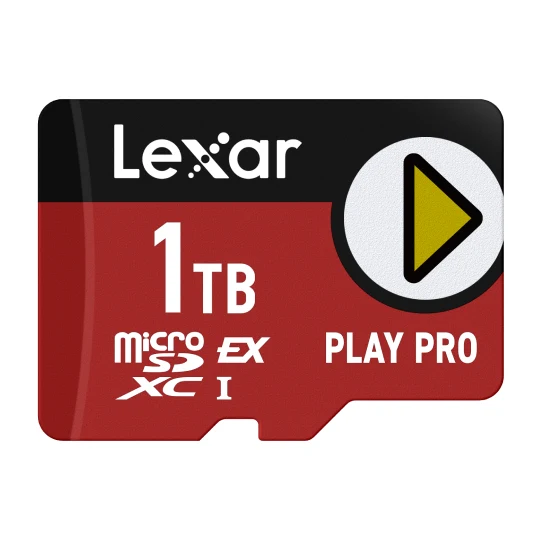
TechRadar calls the PLAY PRO the first 1TB microSD Express model to reach the market, and its reviewer had used it as their Switch 2 card for a few months. Lexar sells it in 256GB, 512GB and 1TB.
Lexar rates it for up to 900MB/s reads and 600MB/s writes, and says the write figure applies when the card is paired with its own microSD Express reader. Lexar also says the card works in older UHS-I and UHS-II devices at UHS-I speed. Pick it when 512GB will not hold the games you want installed.
4. Samsung PRO Plus 512GB: for an original Switch, OLED or Lite
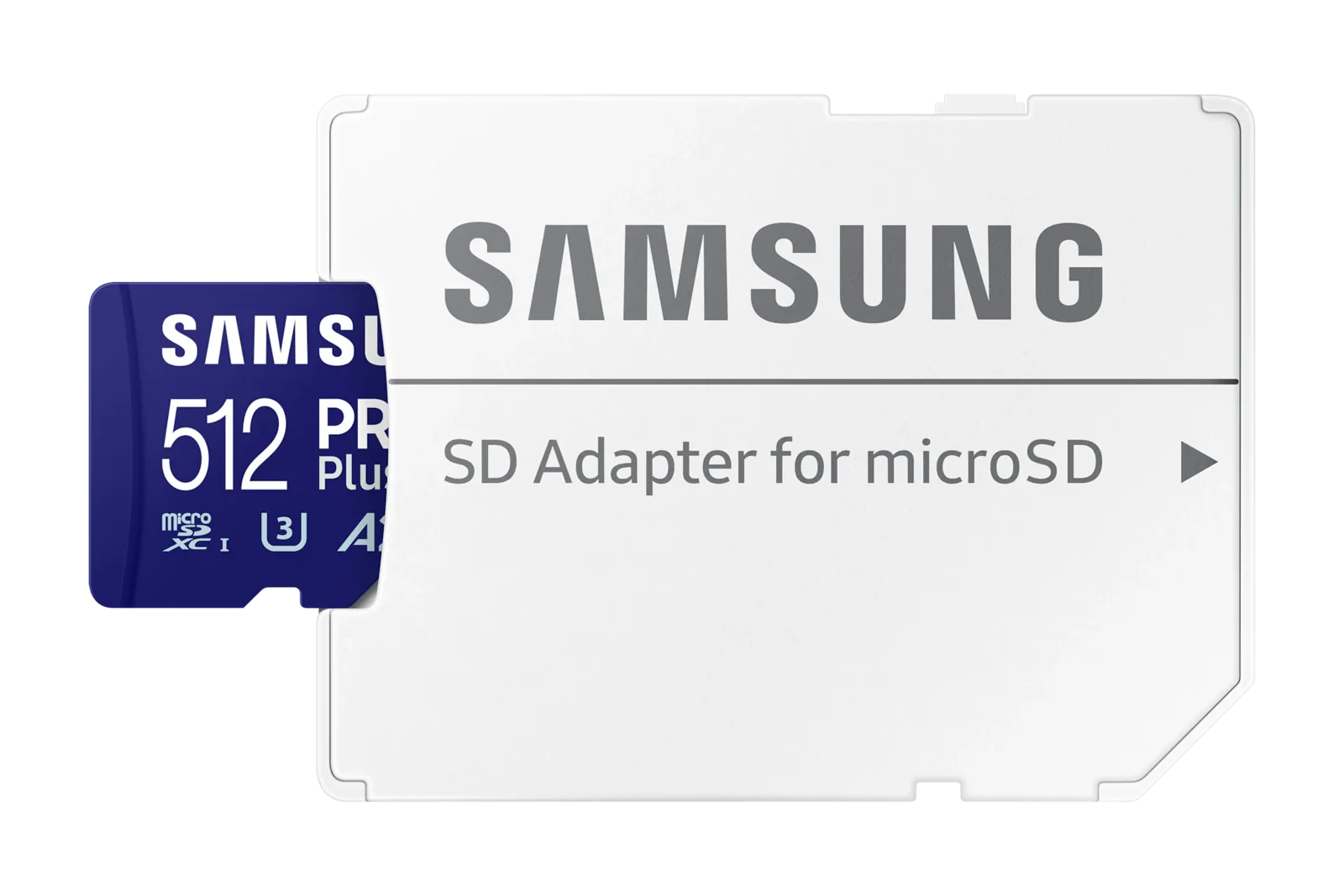
Nintendo recommends a UHS-I card rated for 60 to 95MB/s for the original consoles. The PRO Plus is a UHS-I card marked U3, V30 and A2, and Samsung lists game consoles among its uses.
Samsung rates it up to 180MB/s, but Nintendo's recommendation stops at 95MB/s, so the higher rating is not a reason to pay more. Samsung backs it with a 10-year limited warranty and sells it up to 1TB.
5. SanDisk Extreme 512GB: for an original Switch, up to 2TB
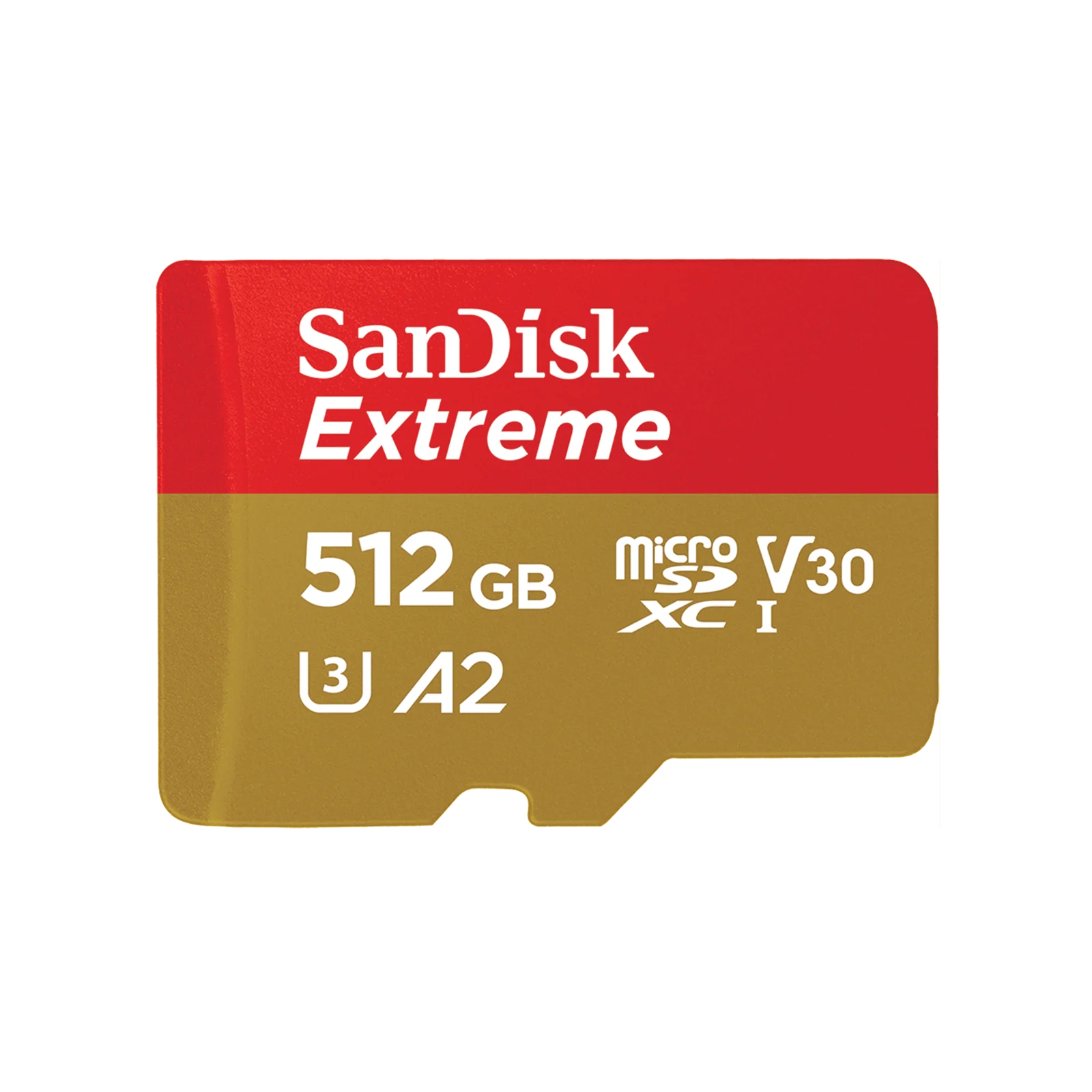
The SanDisk Extreme is a UHS-I card marked U3, V30 and A2. Sandisk says its read ratings above 104MB/s use proprietary technology and need a compatible device.
Sandisk sells it up to 2TB, the most the original Switch supports. Choose it over the PRO Plus if you want more than 1TB.
How they compare
| Card | For | Type | Rated read | Sizes |
|---|---|---|---|---|
| Samsung P9 Express | Switch 2 | microSD Express | 800MB/s | 256GB, 512GB |
| SanDisk microSD Express for Switch 2 | Switch 2 | microSD Express | 880MB/s | 256GB to 1TB |
| Lexar PLAY PRO | Switch 2 | microSD Express | 900MB/s | 256GB to 1TB |
| Samsung PRO Plus | Switch, OLED, Lite | UHS-I | 180MB/s | Up to 1TB |
| SanDisk Extreme | Switch, OLED, Lite | UHS-I | 190MB/s at 512GB with a compatible device | Up to 2TB |
Which card to buy
On Switch 2, decide on size first, then buy whichever of the three Express cards costs least at that size. Engadget's load times give little reason to pay more for a faster rating.
If you have an original Switch and plan to move to Switch 2, an Express card works in both. Nintendo says it runs at ordinary microSD speed in the older console. If you are staying on the original Switch, a UHS-I card such as the PRO Plus or Extreme does the job for less.
Sources
- Nintendo Support, microSD and microSD Express compatibility and microSD card FAQ
- Nintendo, Switch 2 tech specs, Switch tech specs and microSDXC cards for Nintendo Switch
- Engadget, The best microSD cards for the Nintendo Switch 2
- TechRadar, Lexar Play Pro microSD Express Card review
- Samsung, P9 Express 256GB and PRO Plus 512GB
- Sandisk, microSD Express Card for Nintendo Switch 2 and Extreme microSDXC
- Lexar, PLAY PRO microSDXC Express
All sources were checked on October 9, 2026.